Steam Workshop Downloader

Pull Workshop mods without Steam, logins or waiting queues

Beginner
Screenshot of Steam Workshop Downloader, Pull Workshop mods without Steam, logins or waiting queues

What is Steam Workshop Downloader?

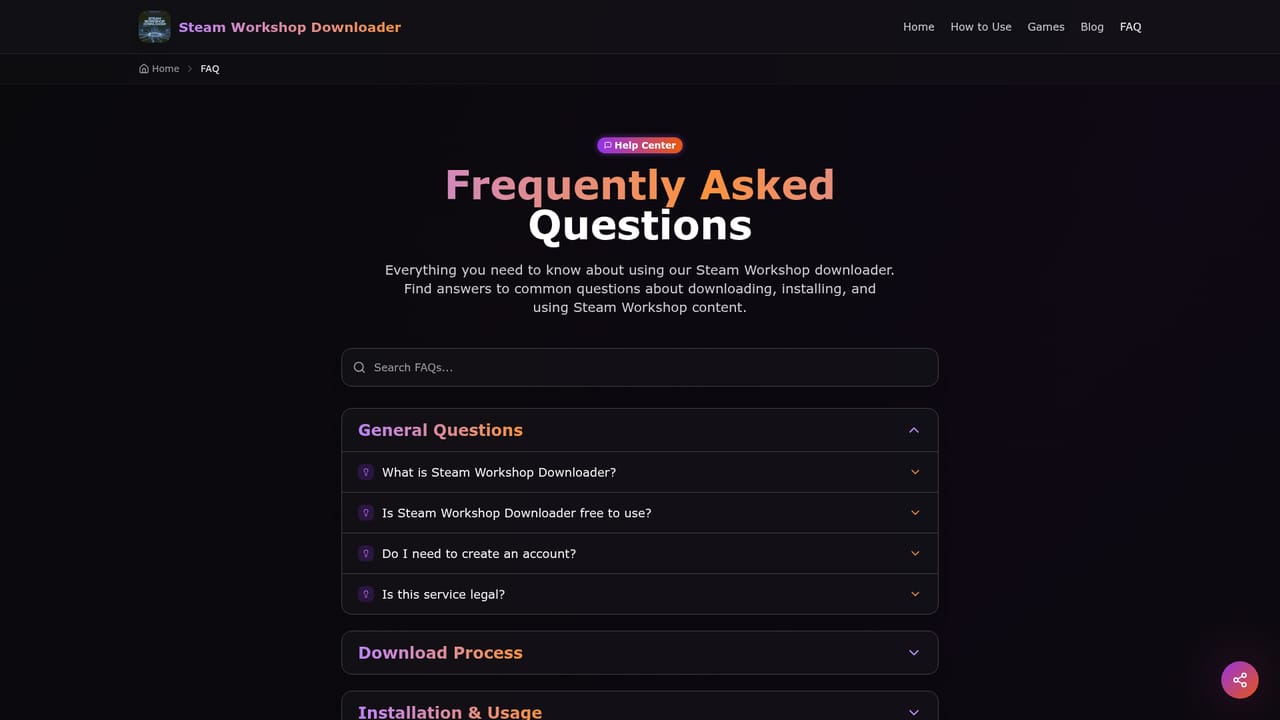
Steam Workshop Downloader is a game modding tool. A free web tool that turns a Steam Workshop item URL into a direct download, with no Steam account, client or software install required. It reads Steam's public APIs, lists file size and update details, and serves files through a global CDN.

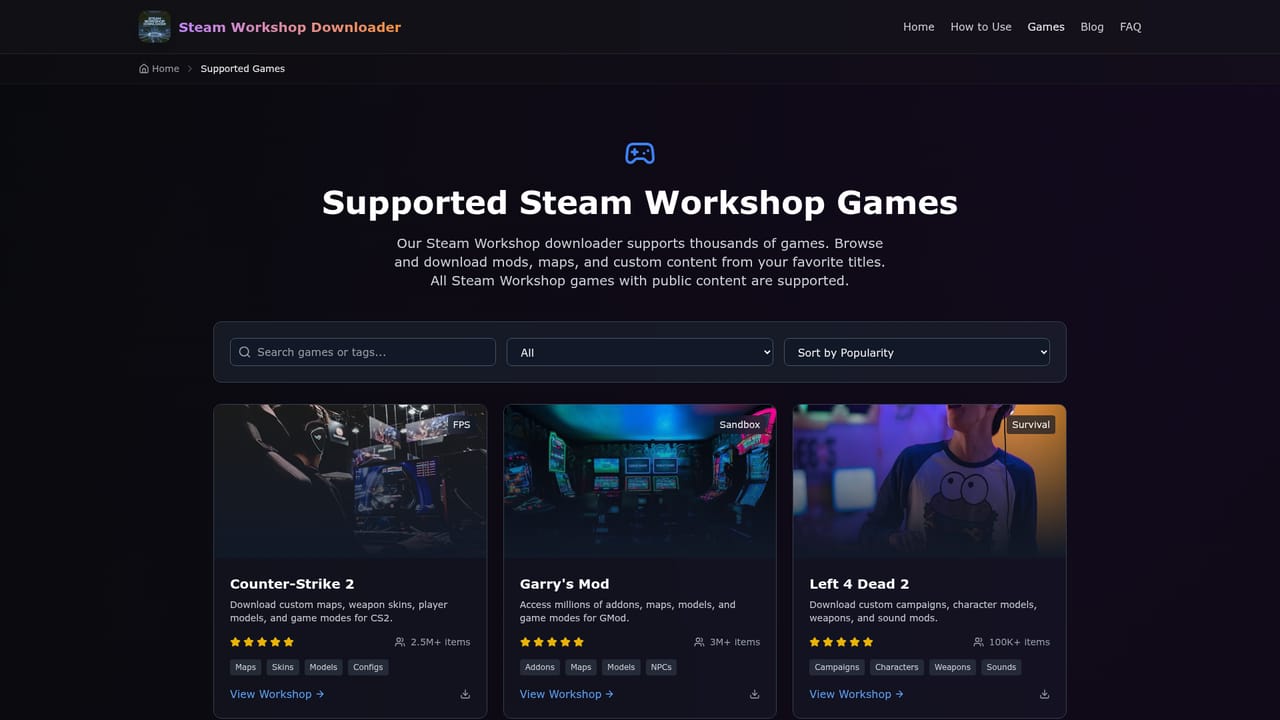
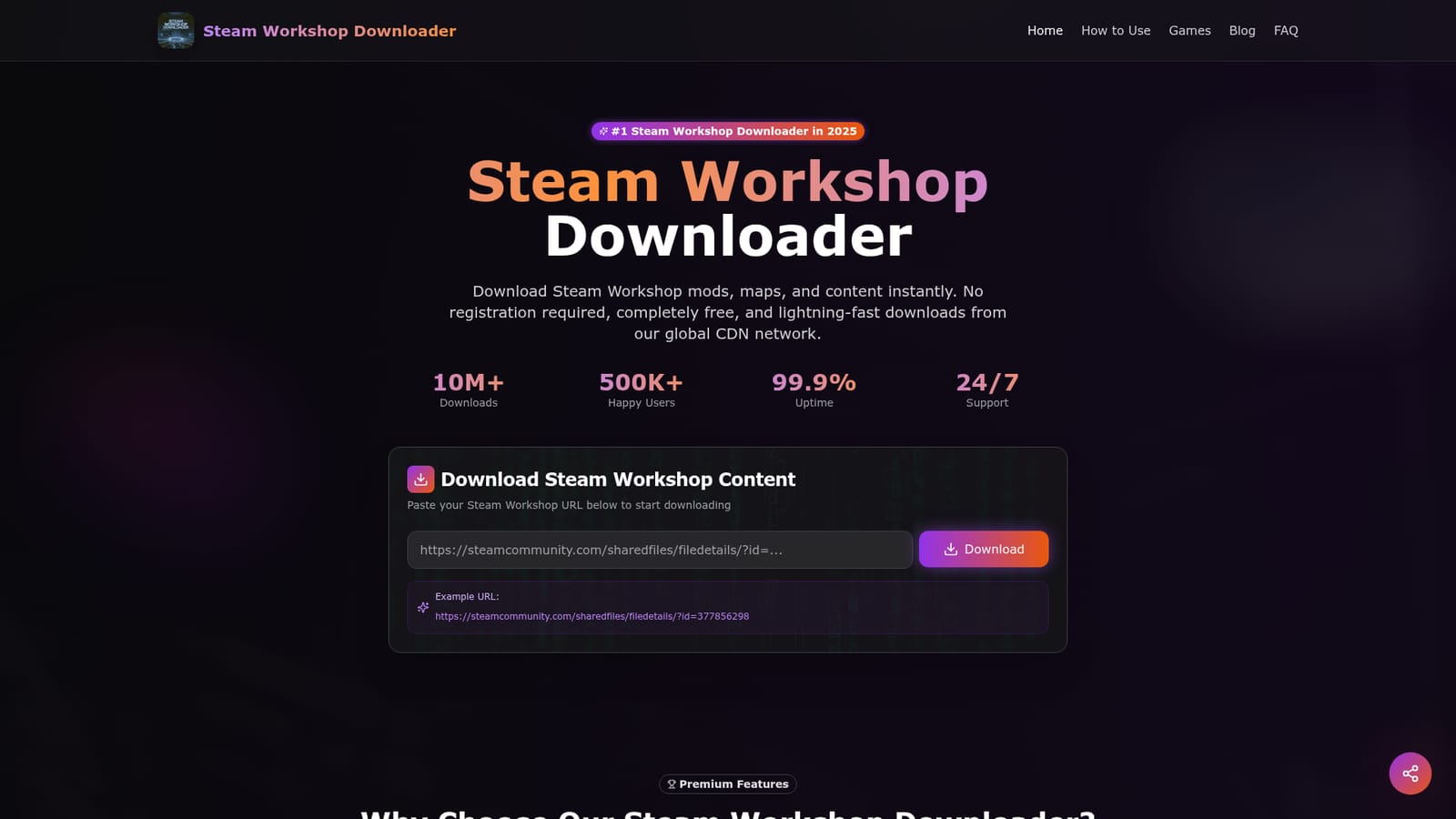
Steam Workshop Downloader is a browser based service that fetches items from the Steam Workshop and hands them back as direct downloads. You paste the URL of a Workshop item (a mod, map, skin, model, scenario or similar upload) into the box on the homepage, the service queries Steam's public APIs, and it returns download links along with details such as file size, last update and subscriber count. Nothing is installed on your machine and you do not need to own the game or be signed into Steam to start the lookup. It is aimed at two broad groups. The first is modders and tinkerers who want to back up a collection, test an item before subscribing in the client, or install content manually on a machine that does not have Steam running. The second is players who cannot reach the Workshop in the usual way: different storefronts, offline setups, shared computers, or friends who simply want a file rather than a subscription. The workflow is the same for both: copy the item URL, paste it, click download, then unpack the archive and place the files per the game's instructions. In practice, the service leans on a global CDN for transfer speed and states that files are scanned for malware before being served. The homepage also mentions batch downloads and automatic file extraction. Whether a downloaded mod will actually run depends on the game, since some titles accept manual installation and others still expect Steam integration. The support list spans all games with Workshop integration, with Counter-Strike 2, Garry's Mod, Left 4 Dead 2, Cities: Skylines, Skyrim, Civilization VI, Euro Truck Simulator 2, RimWorld, Terraria and Stellaris called out as common cases. Among competing Workshop rippers, the pitch is a plain one: no account, no redirects or CAPTCHA walls, and no throttling. Treat it as a utility rather than a platform. It does not host mods itself, so it is only as good as the public Steam endpoints it reads from, and it will not manage load orders, resolve conflicts or update your installed mods for you.

How do you use Steam Workshop Downloader?

  1. 1Find the Workshop item you want
    Open the item's page on the Steam Workshop in your browser and confirm it is the mod, map or asset you need. The page URL is the only input the tool requires.
    Steam Workshop Downloader — Find the Workshop item you want
  2. 2Copy the item URL
    Copy the full address from the browser bar. The homepage shows an example URL in the sharedfiles/filedetails format, which is the shape the tool expects.
  3. 3Paste and analyze
    Paste the URL into the download field on the homepage and click the download button. The service queries Steam and returns the item's metadata and download options.
  4. 4Download and extract
    Grabbing the file delivers an archive, which the site says can be extracted automatically. Unpack it before moving anything into the game's folder.
  5. 5Check the game's install path
    Some games accept manually placed mod files, others expect Steam to manage them. The FAQ covers this distinction, so confirm the rules for your title before installing.
    Steam Workshop Downloader — Check the game's install path
  6. 6Confirm game support
    If a lookup fails, check the supported games list to see whether your title and item type are covered before trying again.
    Steam Workshop Downloader — Confirm game support

Pros and cons

Pros

  • No Steam account, client or registration needed to fetch an itemAI
  • Direct download links with file size, last update and subscriber countAI
  • Global CDN aimed at consistent speeds regardless of regionAI
  • Homepage states files are scanned before deliveryAI
  • Batch downloads and automatic extraction are advertisedAI

Cons

  • Workshop lookups depend on Steam's public APIs, which can change or rate limit accessAI
  • Many games still require Steam integration, so manual installs will not always workAI
  • No mod manager features: no load order handling, conflict detection or update trackingAI
  • Speed and uptime claims are marketing figures with no independent verification on the siteAI
  • No stated policy for restoring removed or delisted Workshop items beyond the general pitchAI

How much does Steam Workshop Downloader cost?

Pricing

The homepage states the downloader is completely free with no hidden costs and no premium tier. There is no account, subscription or payment step described anywhere on the page, so the tool appears to be funded outside of user charges.

Learn more

Support

The homepage advertises 24/7 support as a headline figure but does not describe a help desk, email address or ticketing channel. Self-serve answers are available in the FAQ and the supported games list.

Learn more

Features

Core capability is URL to file conversion for Workshop items, backed by a global CDN and Steam's public APIs. The site advertises malware scanning, direct links with no redirects or waiting times, batch downloads, automatic file extraction, and metadata per item such as file size, last update and subscriber count. Coverage extends to games with Workshop integration.

Frequently asked questions about Steam Workshop Downloader

  • How much does Steam Workshop Downloader cost?
    The homepage states the downloader is completely free with no hidden costs and no premium tier. There is no account, subscription or payment step described anywhere on the page, so the tool appears to be funded outside of user charges.
  • How do you use Steam Workshop Downloader?
    The walkthrough on this page covers 6 steps: 1. Find the Workshop item you want 2. Copy the item URL 3. Paste and analyze 4. Download and extract 5. Check the game's install path 6. Confirm game support.
  • What platforms does Steam Workshop Downloader support?
    Steam Workshop Downloader is available on Web App.
  • What are the limitations of Steam Workshop Downloader?
    Workshop lookups depend on Steam's public APIs, which can change or rate limit access. Many games still require Steam integration, so manual installs will not always work. No mod manager features: no load order handling, conflict detection or update tracking.

Status

StatusActive
Views0
Outbound clicks0
Added11/3/2026

Platforms

Web App

Pricing

Free