Support
The vendor advertises 7x24 customer support with email responses within 24 hours, and a 60-day money-back guarantee on purchases.
One-click Windows cleanup, privacy erasure and optimization in a single desktop tool
Own WMaster Cleanup? Verify ownership to get a dofollow link

WMaster Cleanup is a file organizer tool. A Windows cleaner and optimizer that scans for junk files, clears cache and browser traces, removes stubborn apps, finds duplicates and large files, and adds a game booster, registry cleaner and RAM cleaner, all from one dashboard.
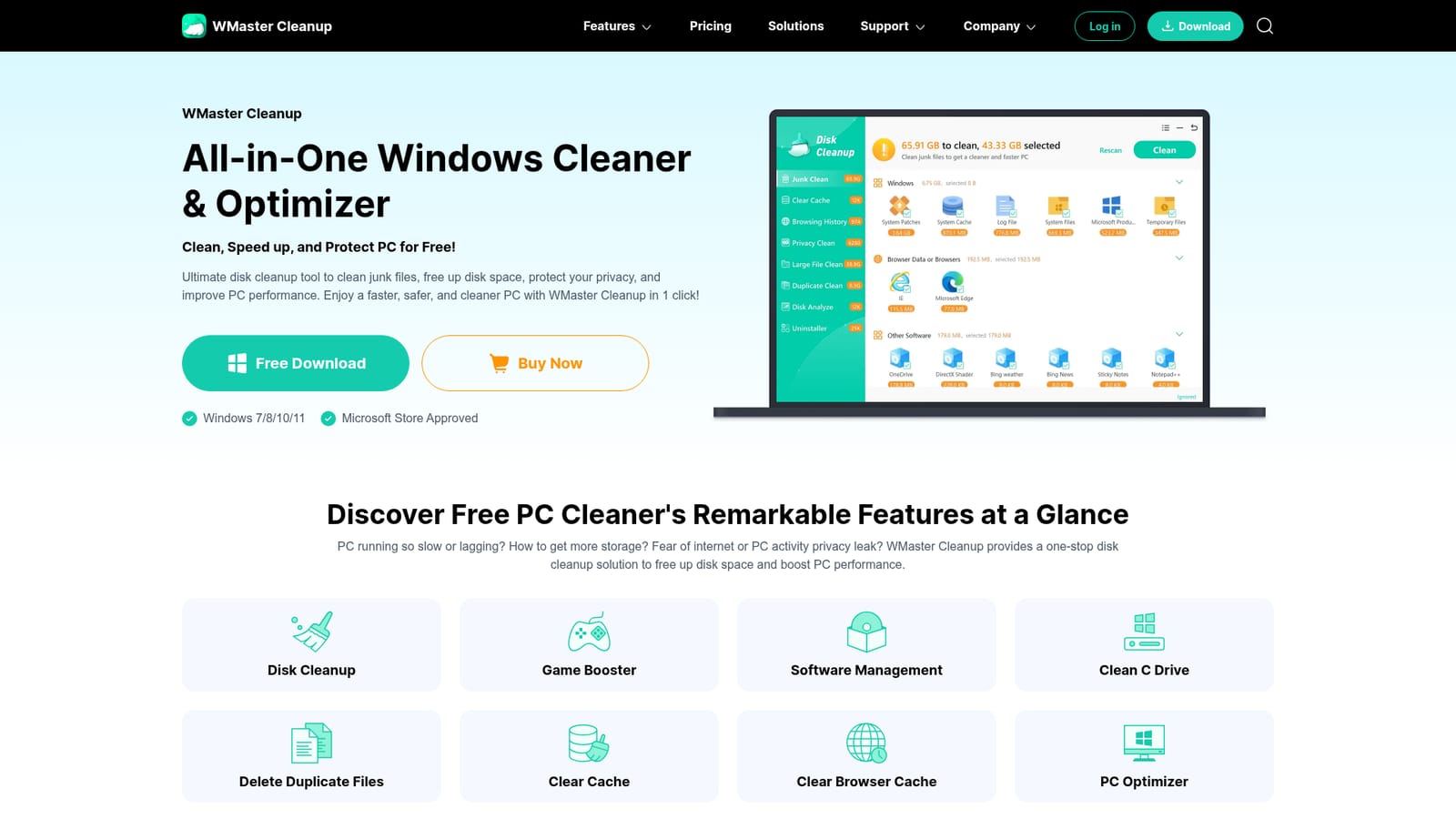
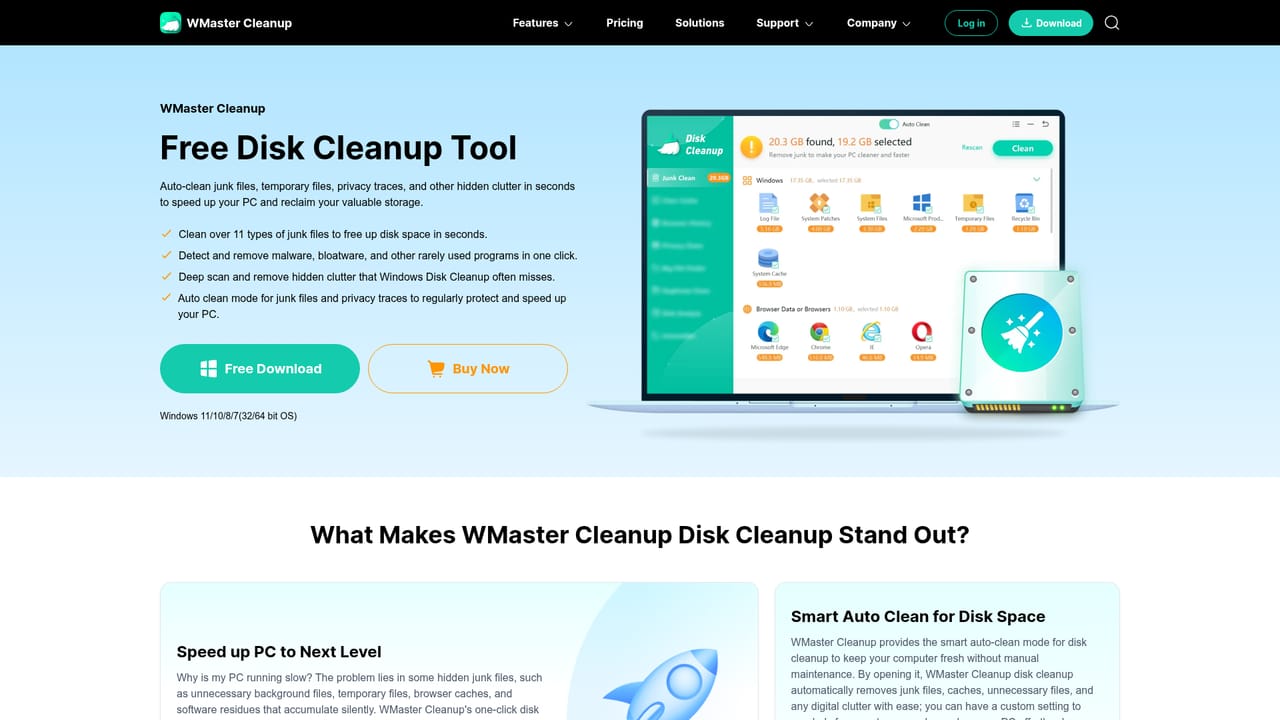
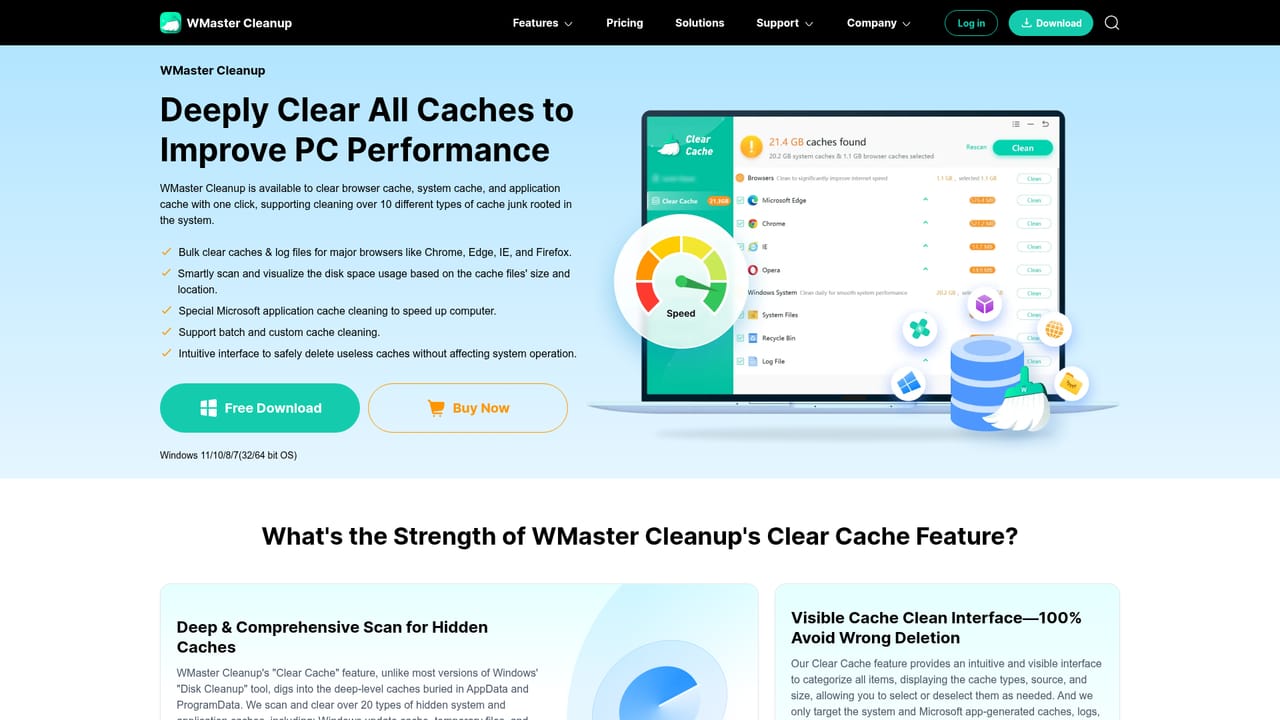
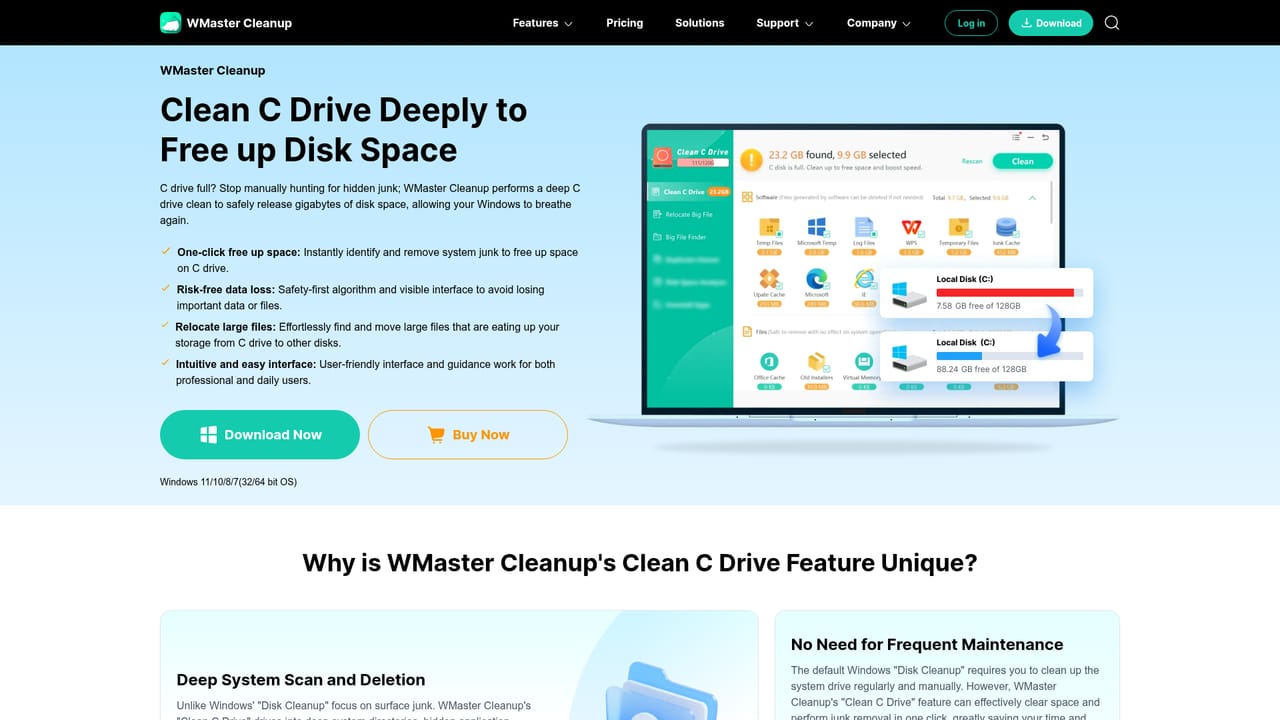
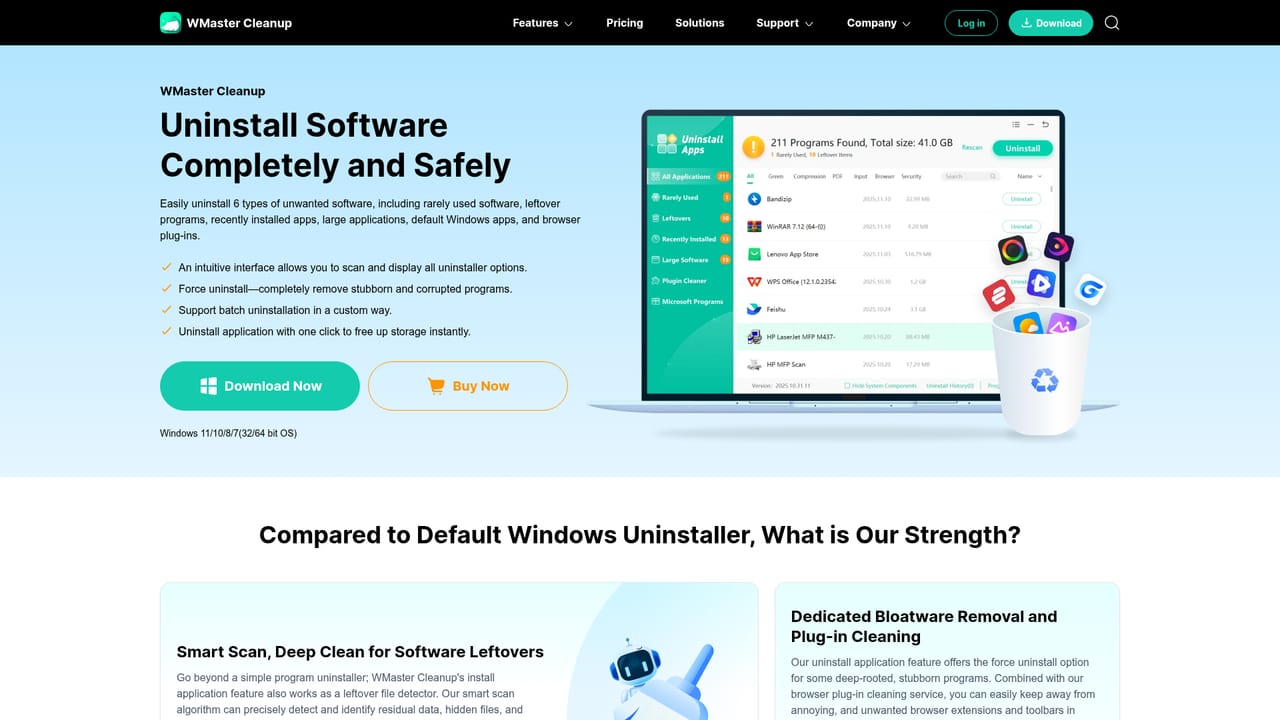
WMaster Cleanup is a Windows utility that bundles disk cleanup, cache clearing, application removal and privacy erasure into one dashboard. The pitch is simple: instead of chasing temporary folders, leftover installers and stale browser data by hand, you let the app scan the machine and decide what is safe to remove. It scans for over 22 types of junk files, corrupted system files and potentially unwanted programs, and it uses an MD5 message-digest check to identify duplicate content safely. Windows 7, 8, 10 and 11 are supported, and the download is distributed through the Microsoft Store as well as the vendor site. The tool is aimed at everyday Windows users rather than system administrators: people whose C drive keeps filling up, whose laptop lags after months of installs, or who want browsing traces and saved passwords wiped before handing a machine to someone else. In practice a session looks like this: run the deep disk scan, review what it found, clear system and browser cache, then move to the uninstaller to strip large or rarely used programs with their leftover registry entries. Extra modules cover duplicate photo and video removal, a disk space analyzer that visualizes what is eating storage, a file shredder for unrecoverable deletion, registry cleaning, RAM cleaning and a game booster that claims frame rate gains of up to 30 percent. Compared with the disk cleanup utility built into Windows, WMaster goes further on C drive scanning, application leftovers and privacy traces, which the built-in tool does not touch. Compared with broader tune-up suites, it stays narrow: no driver updates, no antivirus engine, no backup. The vendor states there are no ads and no hidden costs, and offers a 60-day money-back guarantee on paid purchases.
The vendor advertises 7x24 customer support with email responses within 24 hours, and a 60-day money-back guarantee on purchases.
Modules include deep disk cleanup, cache clearing, C drive cleanup, application uninstaller with force uninstall and batch plugin removal, duplicate file remover, large file finder, disk space analyzer, browser history clearing, file shredder, disk defrag, registry cleaner, RAM cleaner, privacy eraser with over 15 erasure types, PC optimizer and a game booster.
Learn more AI Angels400+ customizable AI girlfriends for NSFW chat, voice calls, and roleplay
 Candy AIExperience the future of companionship with AI friends who chat, role-play, and connect with you on a human level.
 ourdream.aiA vast AI roleplay platform with millions of characters for chat, images, video and voiceAI Angels400+ customizable AI girlfriends for NSFW chat, voice calls, and roleplayCandy AIExperience the future of companionship with AI friends who chat, role-play, and connect with you on a human level.ourdream.aiA vast AI roleplay platform with millions of characters for chat, images, video and voice


