Free trial
A dedicated free trial page exists on the site, but the homepage does not state its length, limits or what features the trial includes.
Learn moreInteractive 3D product visuals, configurators and AR for ecommerce teams

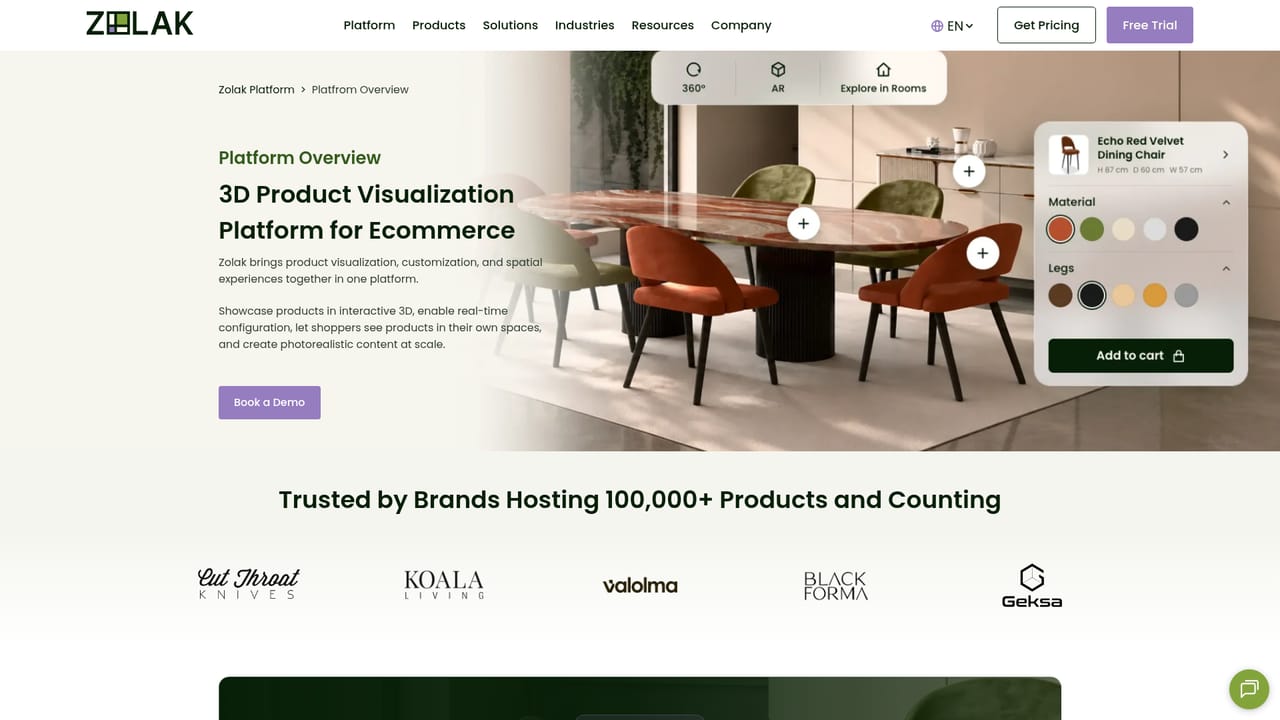
Zolak is a 3D product visualization platform for ecommerce brands. It pairs a 3D asset CMS with an interactive viewer, configurator, AR and virtual showroom, plus rendering and AI product photography tools for product page imagery. Professional services cover modeling, setup and integration work.
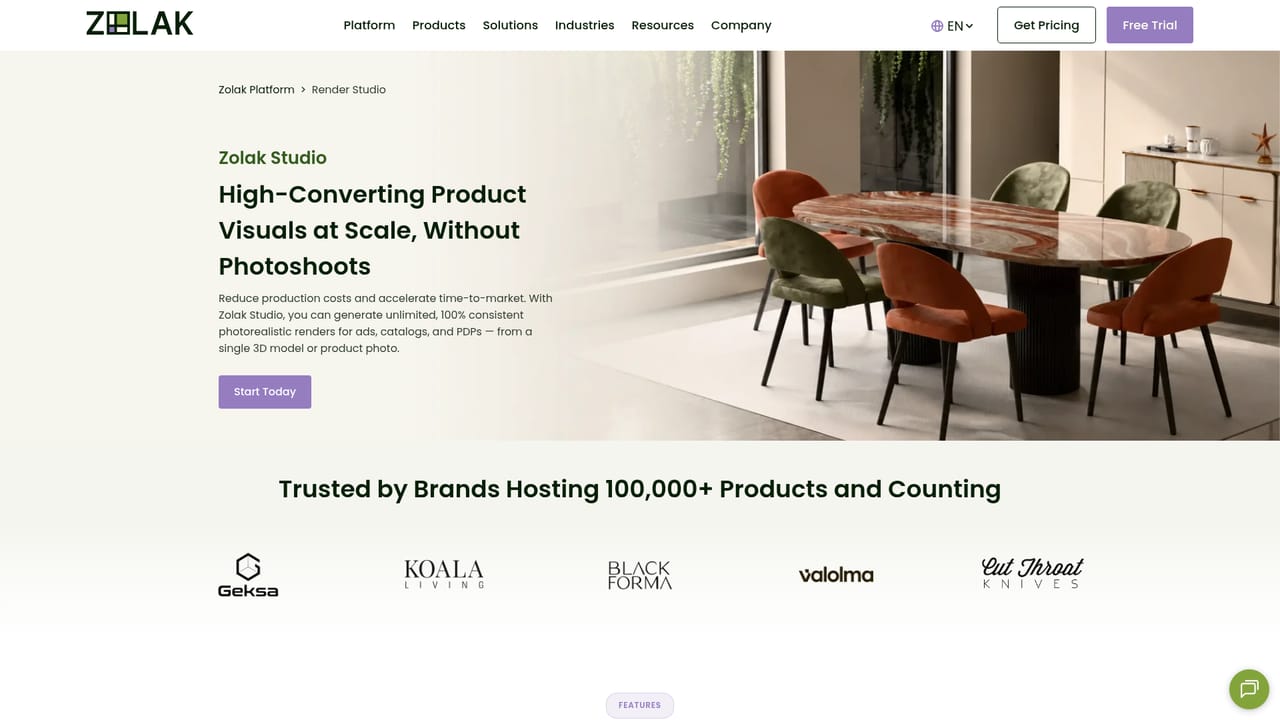
Zolak is a 3D product visualization platform built for ecommerce and furniture brands that want more than a fixed set of studio photos on the product page. It combines a content management system for 3D models, materials and product variations with several front-end experiences: an interactive 3D and 360 viewer, a product configurator, augmented reality placement, and a virtual showroom. Teams can also produce catalog and campaign imagery through Zolak Studio, choosing between server-side photorealistic rendering from 3D models and a self-service AI product photography tool that generates product page content, including AI-written product descriptions, without needing a 3D model at all. The practical workflow starts in the CMS, where models, reusable materials, variations and pricing logic are stored. From there, brands activate only the modules they need and expand as the catalog grows. The viewer renders lighting, materials and reflections live on a real 3D model rather than cycling through pre-rendered frames, and the configurator applies rules so shoppers can only build valid combinations, with prices updating dynamically where a pricing integration is in place. AR launches from the viewer or configurator on mobile, or through a QR code from desktop, letting customers check size and proportions in their own space. The showroom goes further, letting shoppers combine products across categories inside preset interiors, or upload a photo of their own room and place catalog items into it. The platform suits mid-market and enterprise retailers with visual or configurable catalogs: furniture, curtains, jewelry, wall art and similar categories. Zolak also sells professional services, covering 3D modeling, catalog and showroom setup, technical integration and render packages, which matters for teams without in-house 3D staff. Compared with 3D commerce vendors that charge primarily for platform access, Zolak leans on a combined software plus services model, so buyers should expect scoping conversations rather than pure self-serve signup. A free trial page exists and store integrations are documented for Shopify, WooCommerce, Magento and several other platforms.
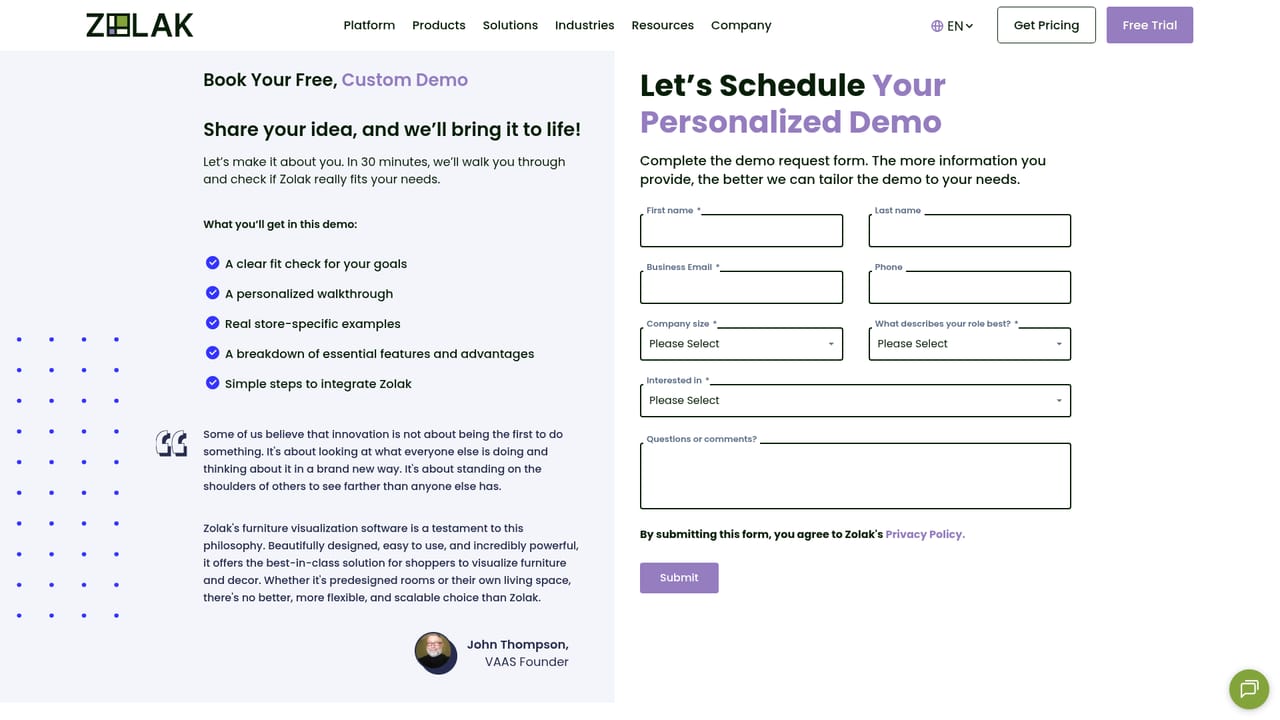
A dedicated free trial page exists on the site, but the homepage does not state its length, limits or what features the trial includes.
Learn moreSupport runs through a contact page and booked demos, with professional services covering modeling, catalog setup, showroom scenes and technical integration. No public help centre is referenced on the homepage.
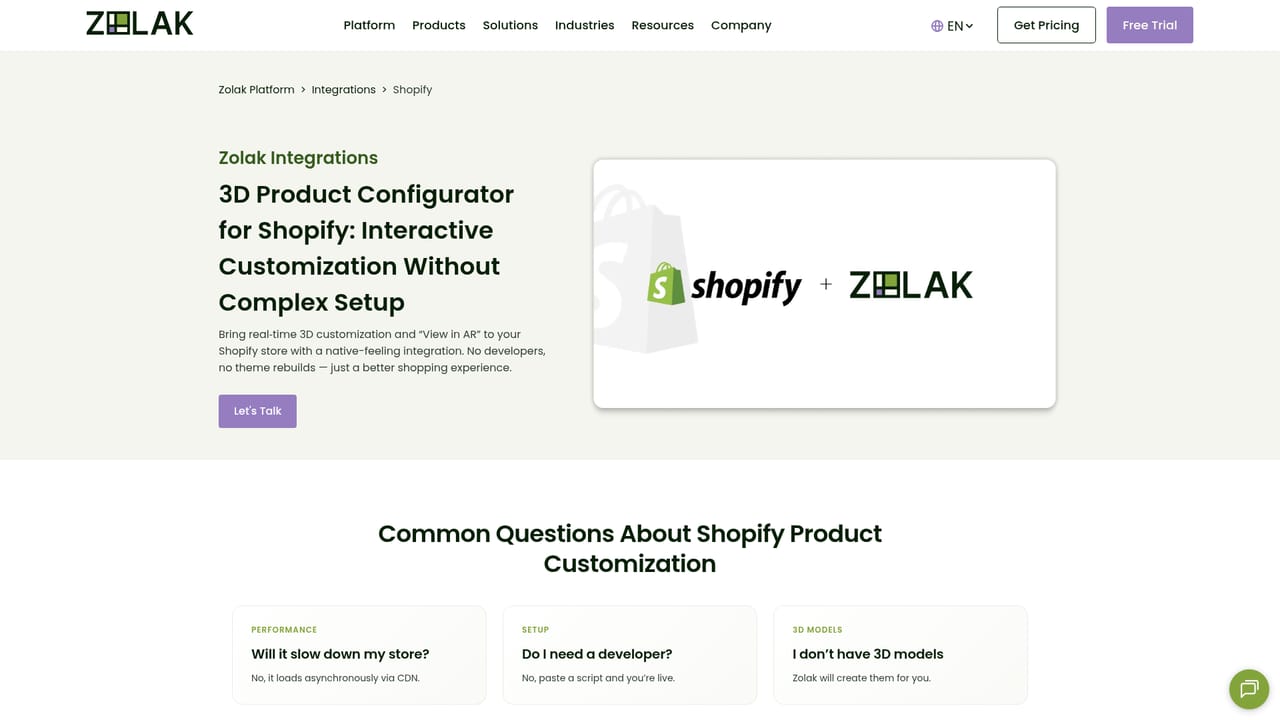
Learn moreDedicated integration pages exist for Shopify, WooCommerce, Magento, PrestaShop, BigCommerce, Wix, Shopware and Salesforce. API synchronization for catalog, inventory, pricing and ERP or CRM data is offered as a service.
Learn moreCore modules include a 3D asset CMS with reusable materials and variations, an interactive 3D and 360 viewer with PBR rendering and 4K zoom, a rules-based product configurator with dynamic pricing, AR product placement, and a virtual showroom with preset interiors. Zolak Studio adds photorealistic rendering and AI product photography for product page content.
Learn more AI Angels400+ customizable AI girlfriends for NSFW chat, voice calls, and roleplay
 Candy AIExperience the future of companionship with AI friends who chat, role-play, and connect with you on a human level.
 ourdream.aiA vast AI roleplay platform with millions of characters for chat, images, video and voiceAI Angels400+ customizable AI girlfriends for NSFW chat, voice calls, and roleplayCandy AIExperience the future of companionship with AI friends who chat, role-play, and connect with you on a human level.ourdream.aiA vast AI roleplay platform with millions of characters for chat, images, video and voice