Free trial
The homepage invites visitors to try the platform free, but does not state a trial length or which features are included.
Learn moreLogo maker plus brand kit that keeps every asset on brand

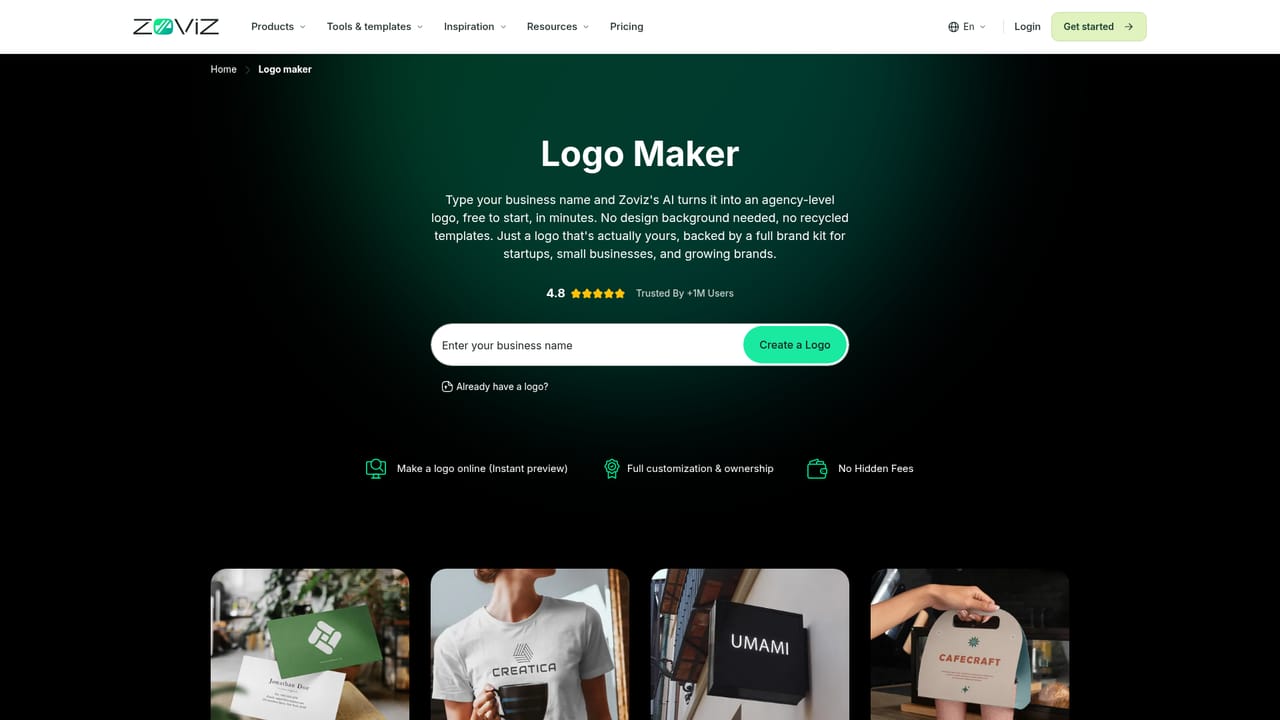
Zoviz is an image into logo tool. AI-assisted branding platform that generates editable vector logos, then carries the same colors, fonts and assets into business cards, social posts, video ads, websites and brand books, with a guided Studio and an open Canvas workflow for custom projects.
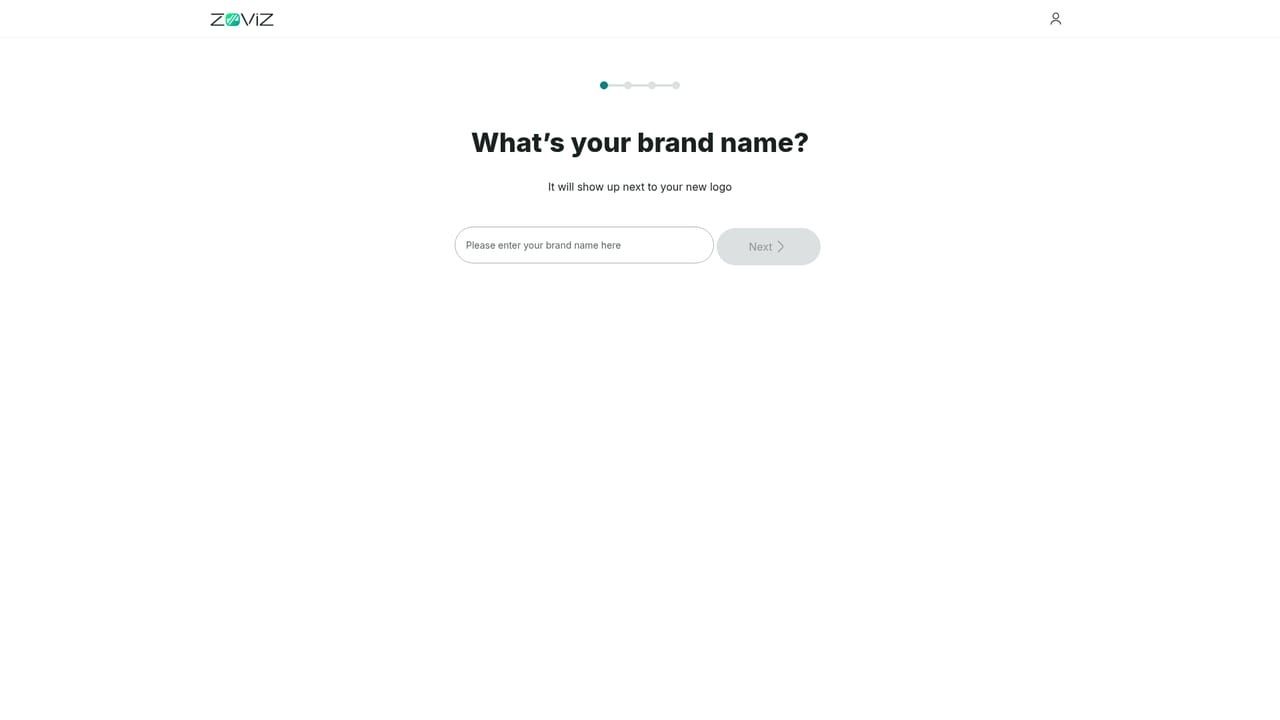
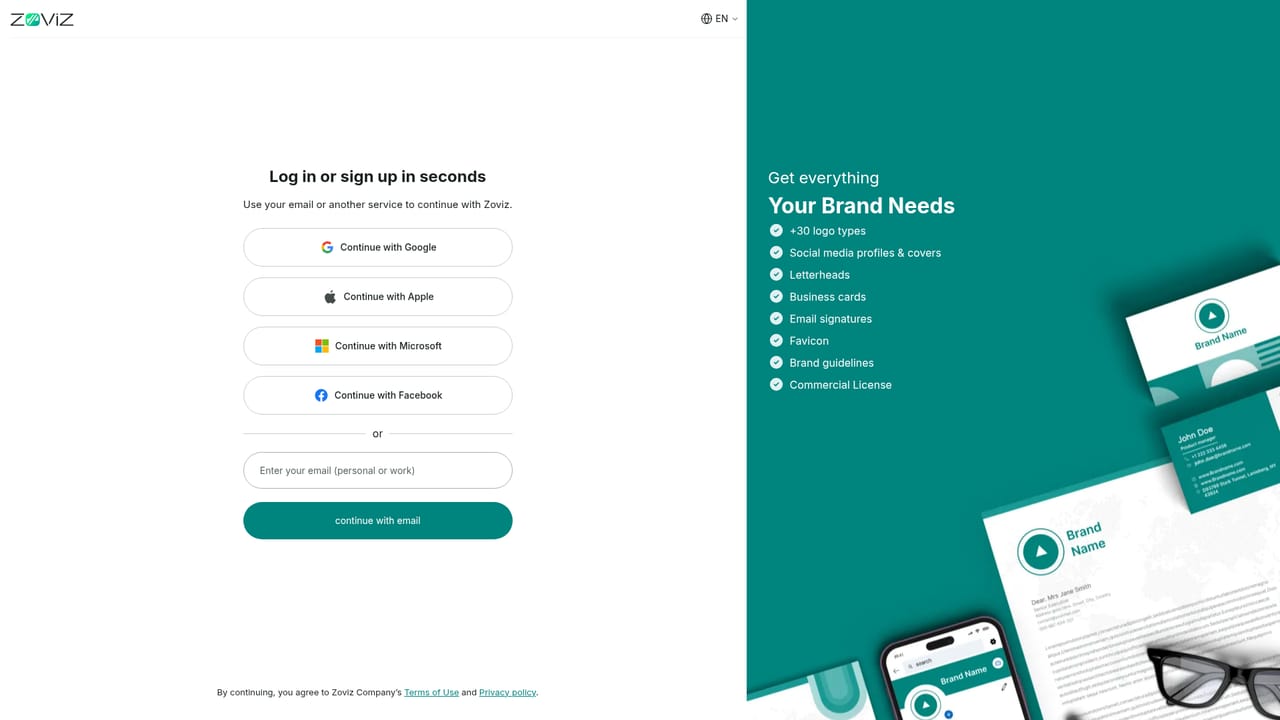
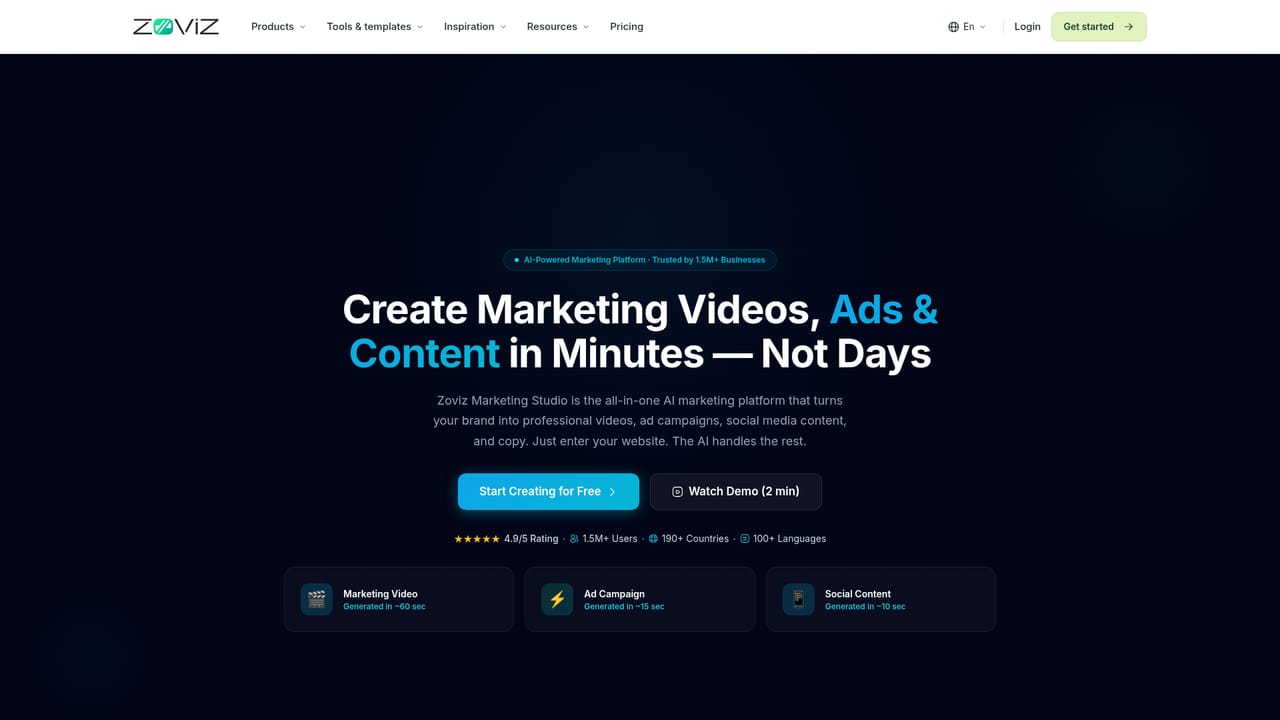
Zoviz is a branding and content platform built around a single idea: settle your identity once, then produce everything else from it. The entry point is the logo wizard, which pairs human-designed marks with AI customization and returns editable vector files. From there the platform generates a brand kit with primary, monochrome, reversed and transparent logo versions in SVG, PNG and JPG, plus palettes, fonts and a brand book. The product splits into four workspaces. Branding handles logos, business cards, letterheads and email signatures. Studio guides you through step-by-step creation of social posts, Reels, product video ads and images. Canvas is an open node-style workspace where you wire prompts, product photos and video tools into reusable workflows. Websites publishes business sites, link-in-bio pages and digital business cards without code. A Brand Profile stores what the business does, who it serves and how it sounds, and each new creation draws on those details; later edits to the profile affect future work only, leaving published content untouched. The tool suits solo founders, small marketing teams and independent creatives who need consistent output without a designer on retainer. Anyone starting from an existing logo can upload it and skip generation. A content plan feature proposes a month of post ideas from business details, and there are dedicated tools for posters, thumbnails, background removal, upscaling, sketch-to-image and AI presentations. It competes with dedicated logo makers on one side and all-in-one design suites on the other. Zoviz leans on the continuity between them: the mark you generate is the same asset that feeds your cards, ads, videos and website. Developers can reach the same capabilities through an API and an MCP connection.
The homepage invites visitors to try the platform free, but does not state a trial length or which features are included.
Learn moreDeveloper access is offered through an API and an MCP connection that brings Zoviz tools into AI workflows. No third party app integrations are named on the homepage.
Learn moreLogo generation with editable vector outputs, full brand kits and brand books, a guided Studio for posts, video ads and images, an open Canvas for custom image and video workflows, a code-free website builder with link-in-bio and digital business card pages, plus image generation, sketch-to-image, background removal, object removal, upscaling, poster and thumbnail makers, and AI presentations.
Learn more AI Angels400+ customizable AI girlfriends for NSFW chat, voice calls, and roleplay
 Candy AIExperience the future of companionship with AI friends who chat, role-play, and connect with you on a human level.
 ourdream.aiA vast AI roleplay platform with millions of characters for chat, images, video and voiceAI Angels400+ customizable AI girlfriends for NSFW chat, voice calls, and roleplayCandy AIExperience the future of companionship with AI friends who chat, role-play, and connect with you on a human level.ourdream.aiA vast AI roleplay platform with millions of characters for chat, images, video and voice


