Support
Support is offered through a single email address listed in the site footer. No help centre, documentation or live chat is referenced on the homepage.
Generate custom vector logos, icons and illustrations from a text prompt.

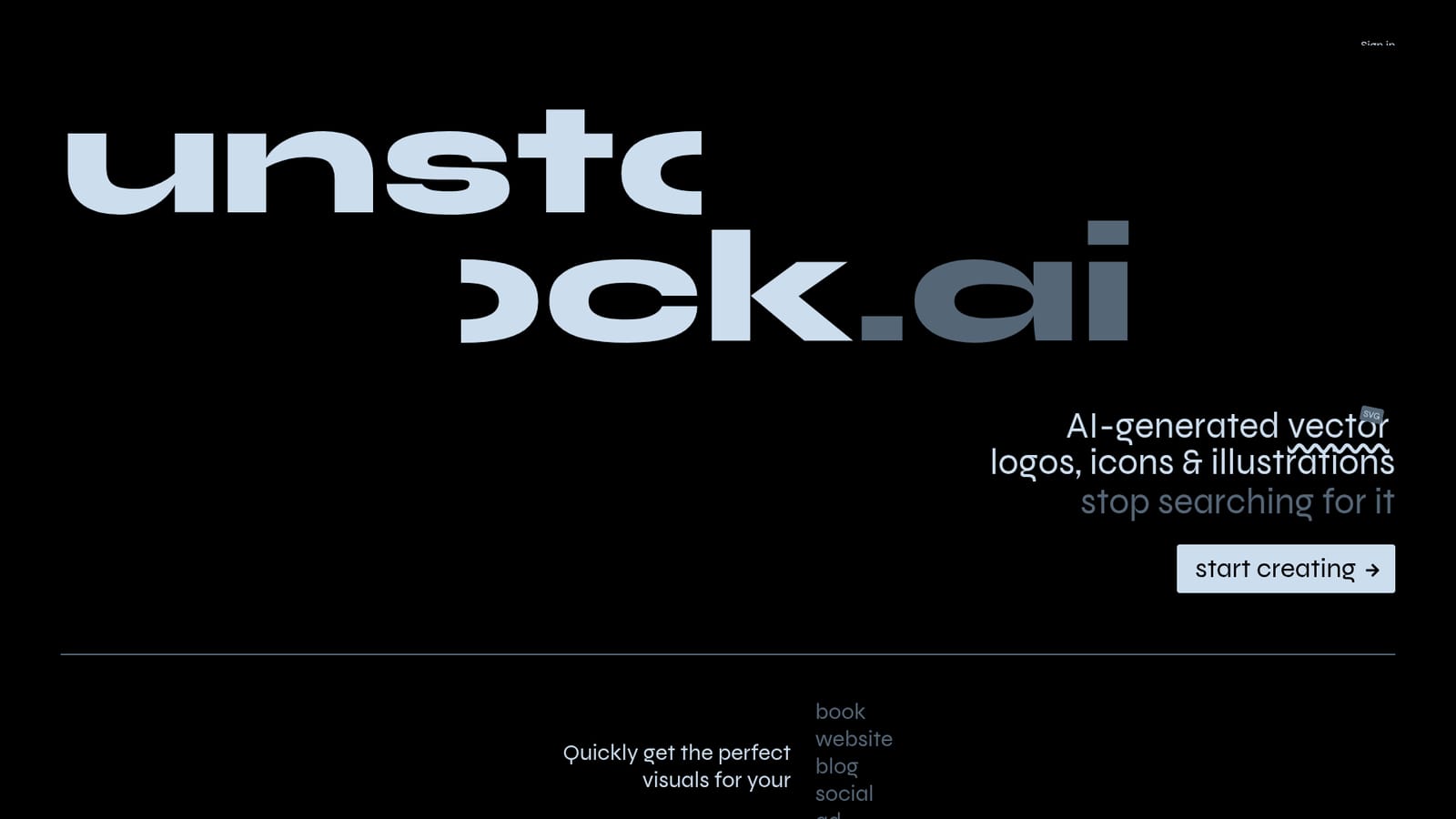
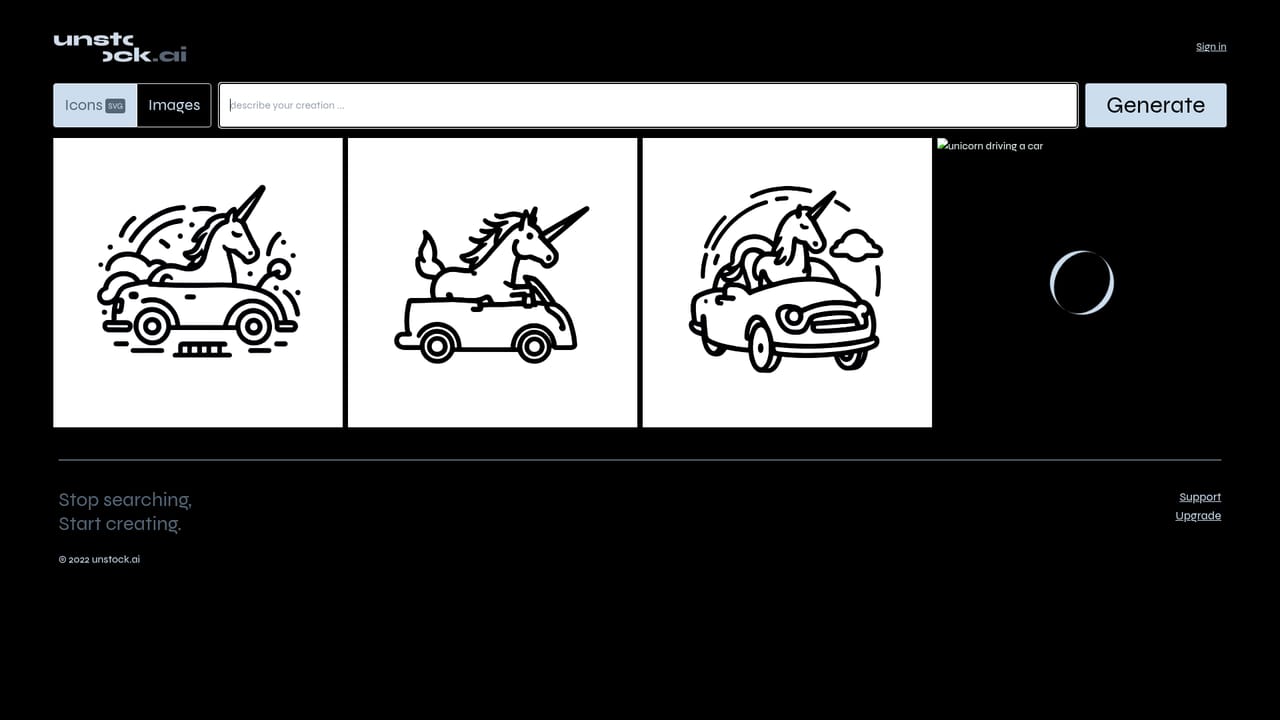
Unstock is an icon generator tool that generates custom vector logos, icons and illustrations from a text prompt. A prompt-driven generator for custom vector SVG logos, icons and illustrations, aimed at book, web, blog, social and ad visuals. Recent creations show character art, mascots and minimalist scenes, with sign in required to create.
Unstock is a web tool for producing custom visuals on demand, with a stated focus on vector SVG output: logos, icons and illustrations. The pitch is a direct replacement for stock hunting. Instead of scrolling through libraries and settling for something close enough, you describe the image you want and the service renders it using a set of creative image generation models. The homepage positions the output for books, websites, blogs, social posts and ads, which covers most of the everyday asset requests a small team runs into. The visible evidence of how it behaves is a public gallery of recent creations. Those samples show the range the tool is aimed at: a stylised sports shield tied to a lion mascot, a minimalist interior scene, cute character art, a shop sign concept, and prompts written in Spanish as well as English. That mix suggests it is meant for concepting and one-off asset production rather than strict brand system work, and the presence of SVG in the headline matters for anyone who needs art that scales cleanly in a layout. In practice the workflow is prompt first. You sign in, open the create page, describe the visual, and review what comes back. Files are served from the site's own attachment storage, so downloads are handled inside the product rather than through a separate asset manager. There is no public detail on model choice, resolution options, licensing terms or how edits to a generated result are made, so those questions need checking before committing to a paid plan. Unstock sits in the same space as general AI image generators, but narrows the claim to vector-friendly design assets. That makes it a reasonable first stop for logo drafts, icon sets and editorial illustrations, while teams needing photographic imagery, layered source files or team-wide brand libraries will likely keep a broader generator or a designer in the loop.
Support is offered through a single email address listed in the site footer. No help centre, documentation or live chat is referenced on the homepage.
Prompt based generation of vector SVG design assets: logos, icons and illustrations. Output is positioned for books, websites, blogs, social posts and ads. A public gallery of recent creations shows the style range, and the create page is the single workspace for entering prompts.
Learn more AI Angels400+ customizable AI girlfriends for NSFW chat, voice calls, and roleplay
 Candy AIExperience the future of companionship with AI friends who chat, role-play, and connect with you on a human level.
 ourdream.aiA vast AI roleplay platform with millions of characters for chat, images, video and voiceAI Angels400+ customizable AI girlfriends for NSFW chat, voice calls, and roleplayCandy AIExperience the future of companionship with AI friends who chat, role-play, and connect with you on a human level.ourdream.aiA vast AI roleplay platform with millions of characters for chat, images, video and voice