Integrations
Agenda Hero supports email forwarding: users can send emails to magic@agendahero.com to create calendar events. No other integrations are mentioned on the homepage.
Learn moreTurn any text, image or PDF into calendar events.

Agenda Hero is an image reader tool that turns any text, image or PDF into calendar events. Agenda Hero converts text, images and PDFs into calendar events. Paste or upload content, and the tool extracts event details and lets you add them to your calendar.
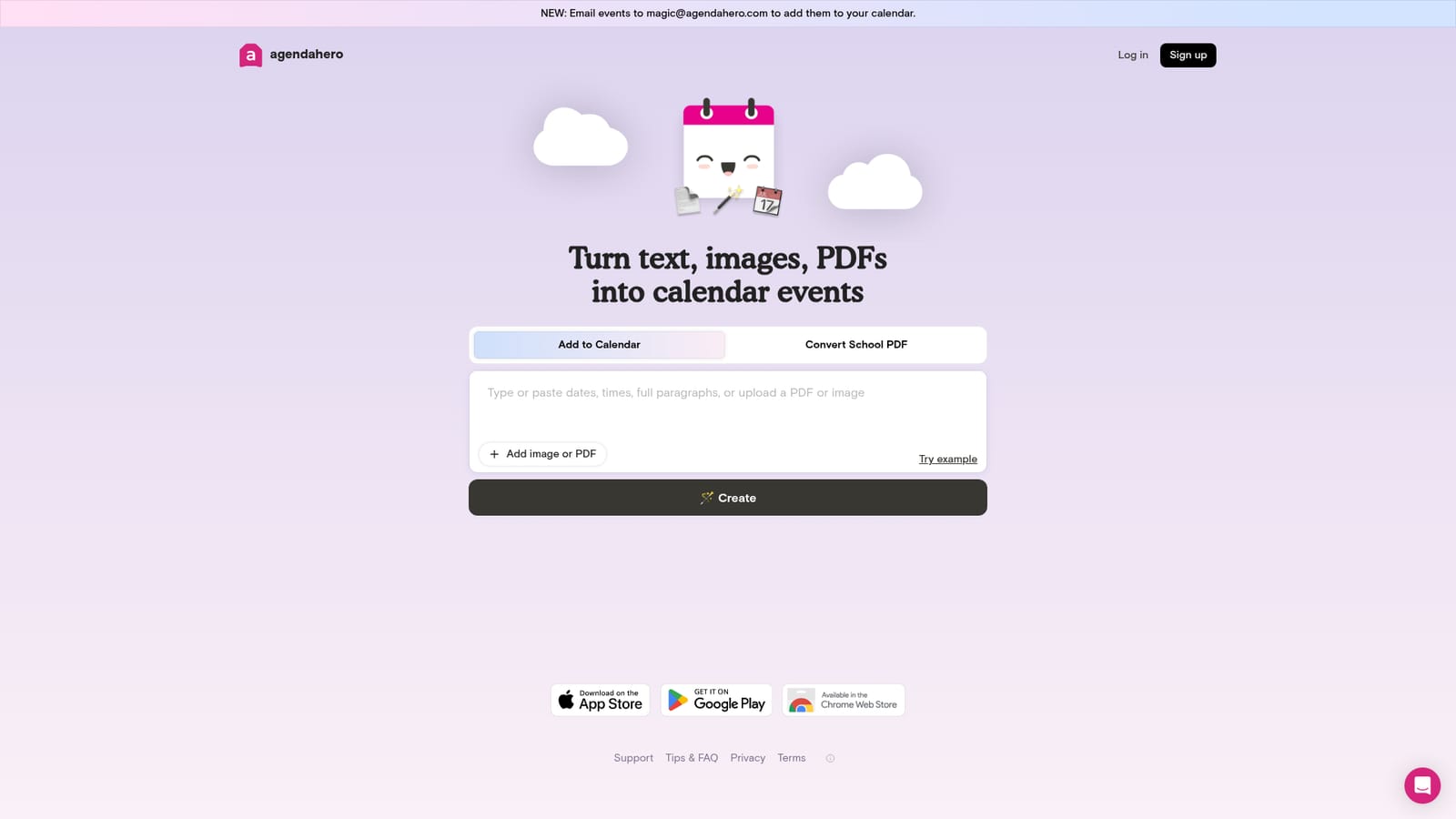
Agenda Hero is a tool for converting unstructured text, images and PDFs into calendar events. The core feature is a text box where you paste or type details such as dates, times and descriptions, and the tool parses them into a structured event. It also accepts image and PDF uploads, so screenshots of invitations or school schedules can be read and turned into events. An example button demonstrates the conversion. Once generated, the event can be sent to the user's calendar. The tool is aimed at anyone who regularly deals with event information scattered across emails, flyers or documents. That includes busy professionals, parents managing school schedules, and event planners. The workflow is straightforward: open the site, paste text or upload a file, review the parsed event, and add it to the calendar. For email-based inputs, a dedicated email address (magic@agendahero.com) allows users to forward emails and have them turned into events. Agenda Hero sits in the productivity space alongside calendar assistants and scheduling tools. Its focus is on the initial capture step: getting information from a messy source into a calendar without manual entry. It does not claim to manage availability or team scheduling, so it complements rather than replaces full scheduling suites. The interface is minimal and task-focused, which suits quick, occasional use. Pricing details are not stated on the homepage. The service appears to require an account (log in and sign up links are present), but no plan information is given. Users should check the site for current pricing and availability.
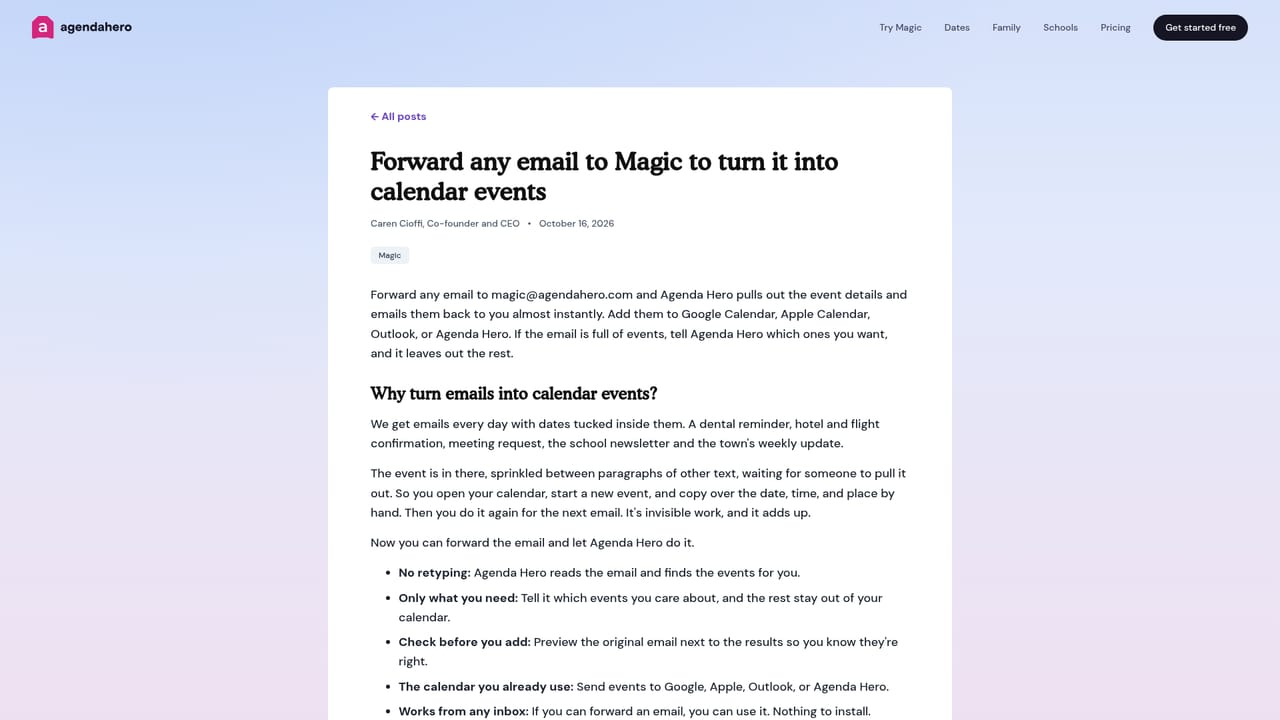
Agenda Hero supports email forwarding: users can send emails to magic@agendahero.com to create calendar events. No other integrations are mentioned on the homepage.
Learn moreAgenda Hero converts text, images and PDFs into calendar events. It includes a text input for pasting details, file upload for images and PDFs, an example for demonstration, and a button to add the generated event to the calendar. Email forwarding to a dedicated address is also supported.
Learn more AI Angels400+ customizable AI girlfriends for NSFW chat, voice calls, and roleplay
 Candy AIExperience the future of companionship with AI friends who chat, role-play, and connect with you on a human level.
 ourdream.aiA vast AI roleplay platform with millions of characters for chat, images, video and voiceAI Angels400+ customizable AI girlfriends for NSFW chat, voice calls, and roleplayCandy AIExperience the future of companionship with AI friends who chat, role-play, and connect with you on a human level.ourdream.aiA vast AI roleplay platform with millions of characters for chat, images, video and voice


