Free trial
The FAQ states that a free registration unlocks a trial of the image to video feature, letting new members turn pictures into videos before committing. No trial length or usage cap is given.
Learn moreTurn still photos into short animated clips with a text prompt
Own AI Image To Video Generator? Verify ownership to get a dofollow link

AI Image To Video Generator is an image to video tool that turns still photos into short animated clips with a text prompt. A web tool that animates a still image into a short video from an uploaded photo plus a text prompt, with preset motion styles and an intensity control.
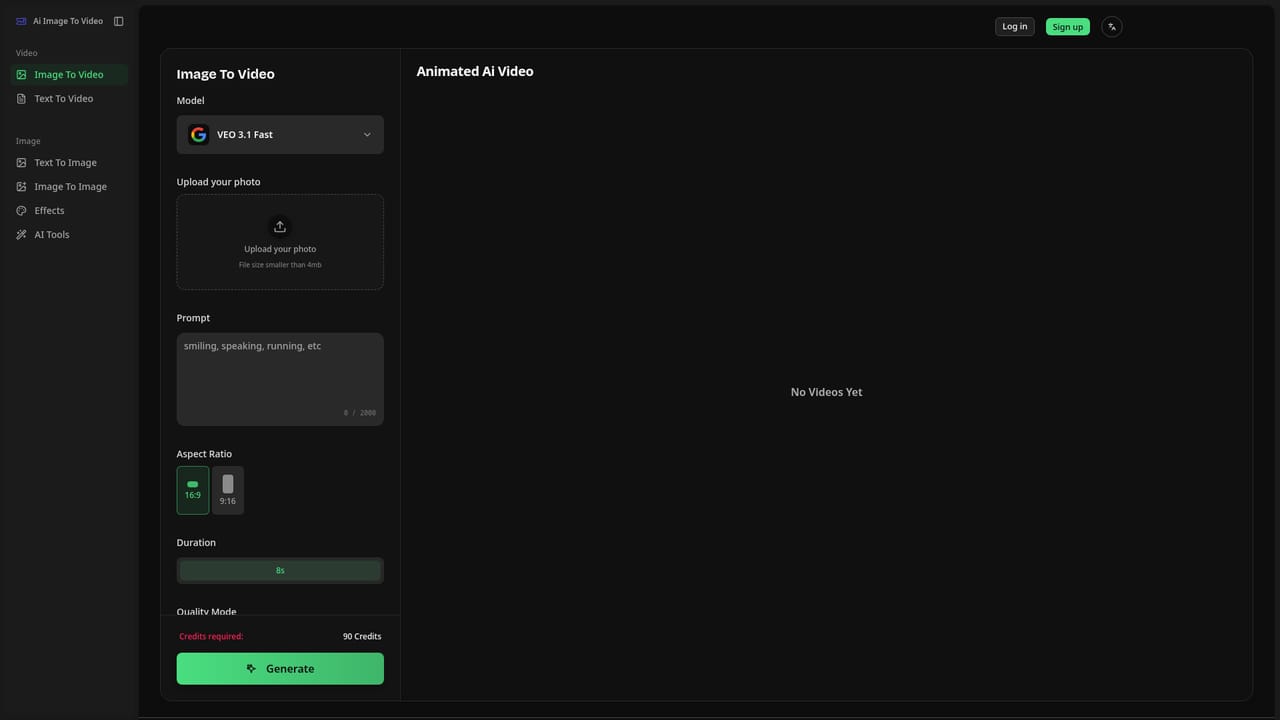
AI Image To Video is a browser based generator that animates a single still image into a short moving clip. You upload a photo, write a prompt describing the motion or atmosphere you want, and the service renders a video. The site shows this pattern across several subject types: portraits, animals, landscapes, fire, and nostalgic family photos, each paired with an example prompt such as a cinematic shot of an ox in a field with wind moving through its hair. Control sits in two places. Preset animation styles cover natural motion, cinematic camera moves and dynamic rhythms, switchable in one click, and a motion intensity slider runs from subtle breathing or blinking up to pronounced movement, with the system suggesting settings while leaving the final choice to the user. The pitch is squarely at people without editing skills: upload an image, add a prompt, press generate, and the clip appears in seconds ready to download from the site. Social media, marketing and classroom use are the stated scenarios, and the gallery leans heavily on viral formats like dancing babies, pet clips and twerk animations. The tool is not only an animator. The same account opens a text to image generator, an image upscaler, a background remover, a photo restoration tool and an image translator, so a common workflow is to generate or clean up a still first and then animate it. That bundling is the main argument against picking a single purpose animator. There is a separate baby dancing page for that one format, which suggests the team treats trending templates as first class features rather than one-off demos. Access requires registration: the FAQ says you must log in or sign up as a member, and that a free account unlocks a trial of the image to video feature. Output length, resolution, watermark policy and paid tiers are not published on the homepage, so pricing has to be checked inside the product before committing.
The FAQ states that a free registration unlocks a trial of the image to video feature, letting new members turn pictures into videos before committing. No trial length or usage cap is given.
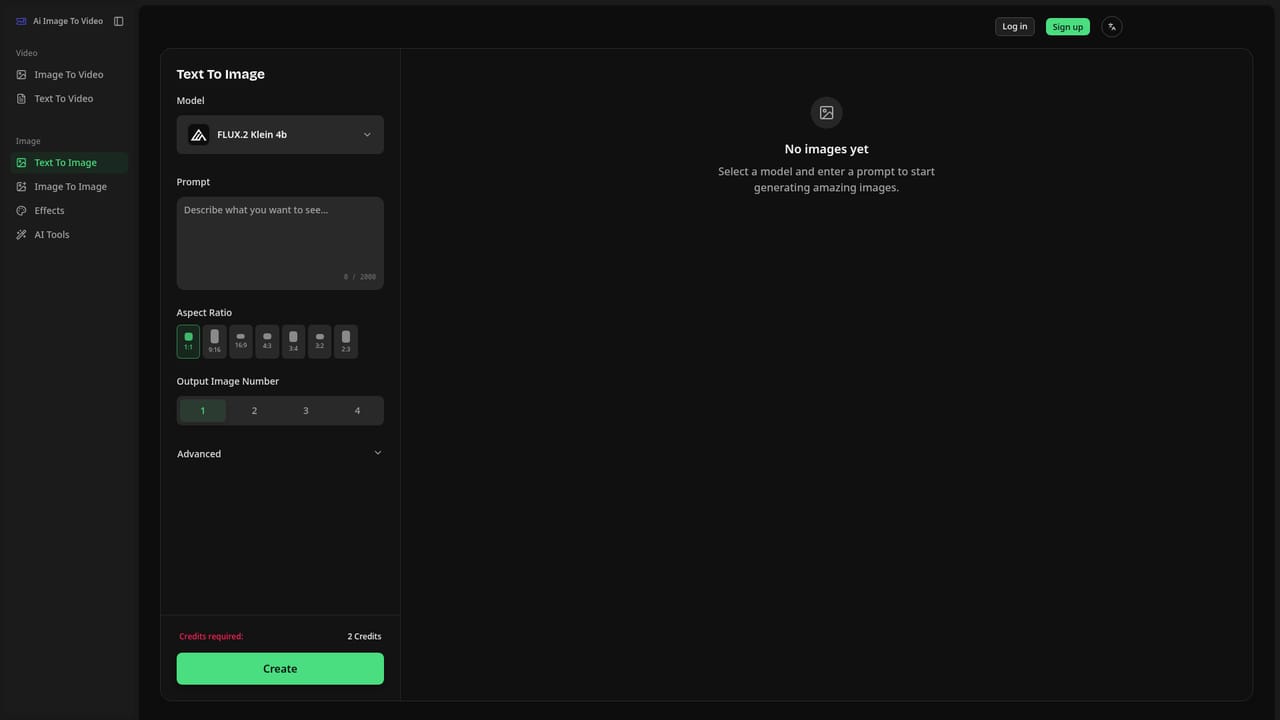
Learn moreCore features are image to video animation with prompt control, preset motion styles (natural, cinematic, rhythmic) and a motion intensity slider. The same account also holds text to image, an image upscaler, a background remover, old photo restoration, an image translator and a dedicated AI baby dancing tool.
Learn more AI Angels400+ customizable AI girlfriends for NSFW chat, voice calls, and roleplay
 Candy AIExperience the future of companionship with AI friends who chat, role-play, and connect with you on a human level.
 ourdream.aiA vast AI roleplay platform with millions of characters for chat, images, video and voiceAI Angels400+ customizable AI girlfriends for NSFW chat, voice calls, and roleplayCandy AIExperience the future of companionship with AI friends who chat, role-play, and connect with you on a human level.ourdream.aiA vast AI roleplay platform with millions of characters for chat, images, video and voice


