Free trial
A free tier provides 20 daily credits with no watermark. At 10 credits per image, that covers about two translations per day before a plan or credit pack is needed.
Learn moreTranslate text inside images without rebuilding the layout
Own AI Image Translator.org? Verify ownership to get a dofollow link

AI Image Translator.org is an erase text from GIF tool that translates text inside images without rebuilding the layout. An online translator that detects text inside images, swaps it for a target language and rebuilds the background so layouts, fonts and branding survive the process.
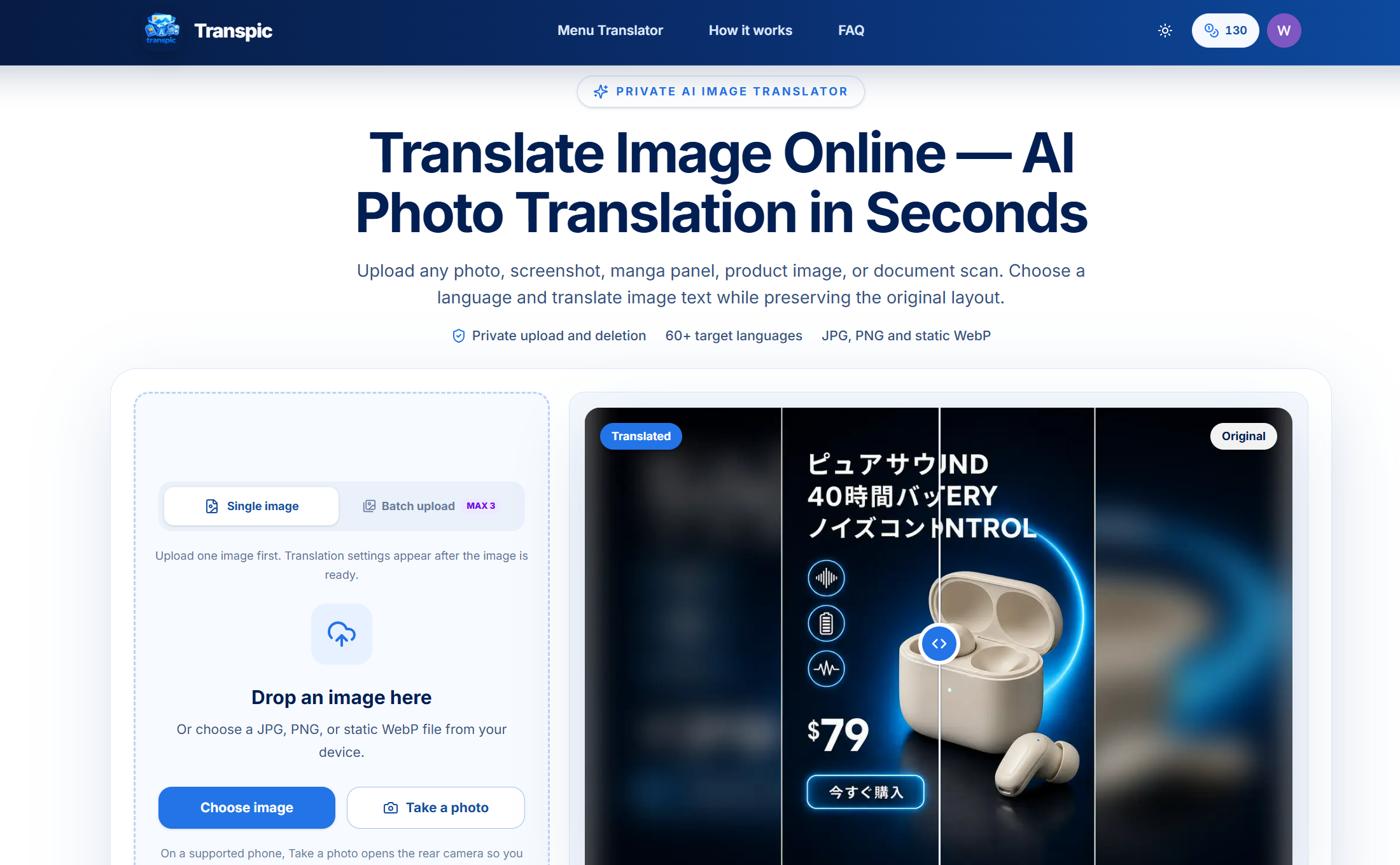
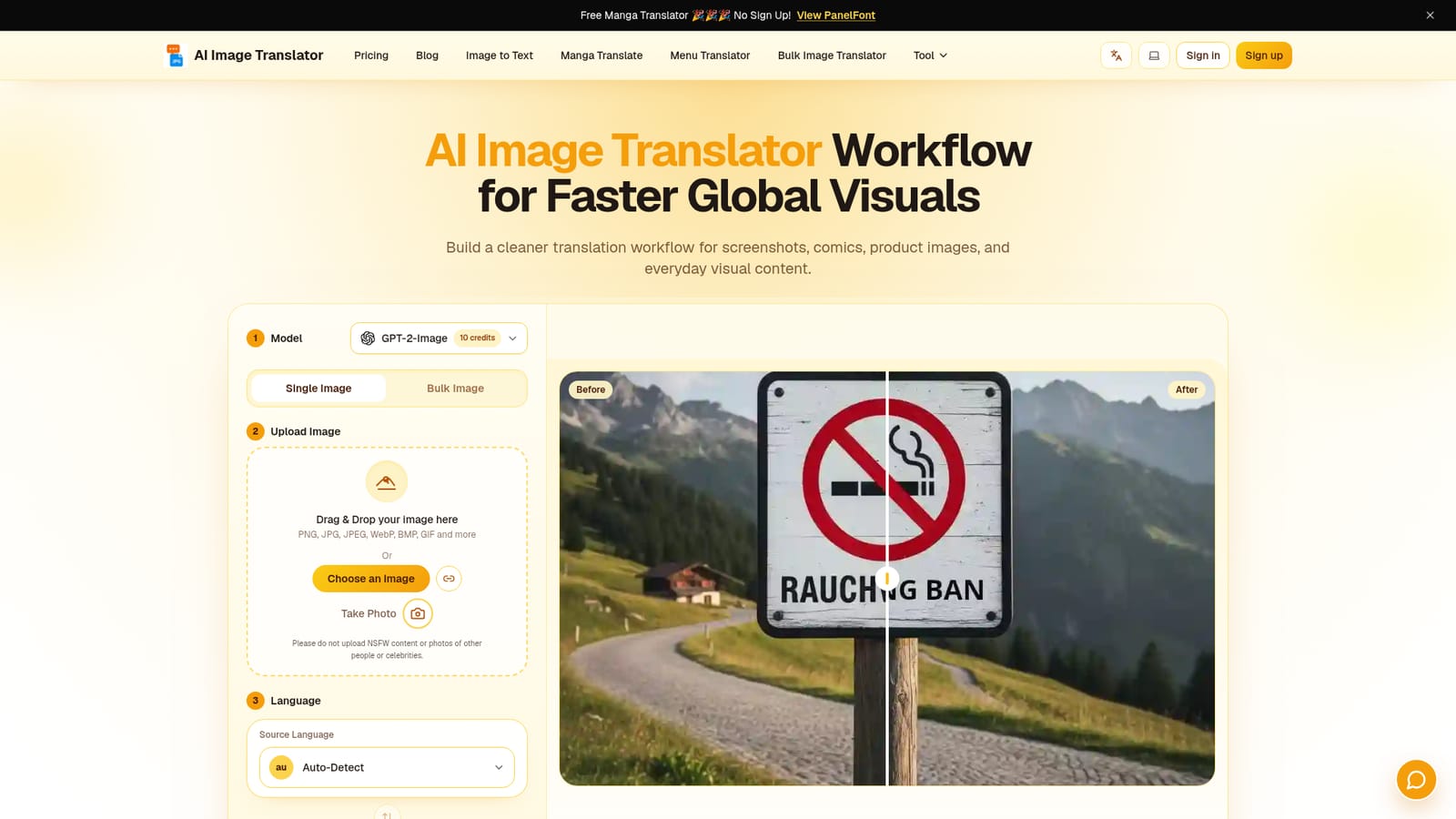
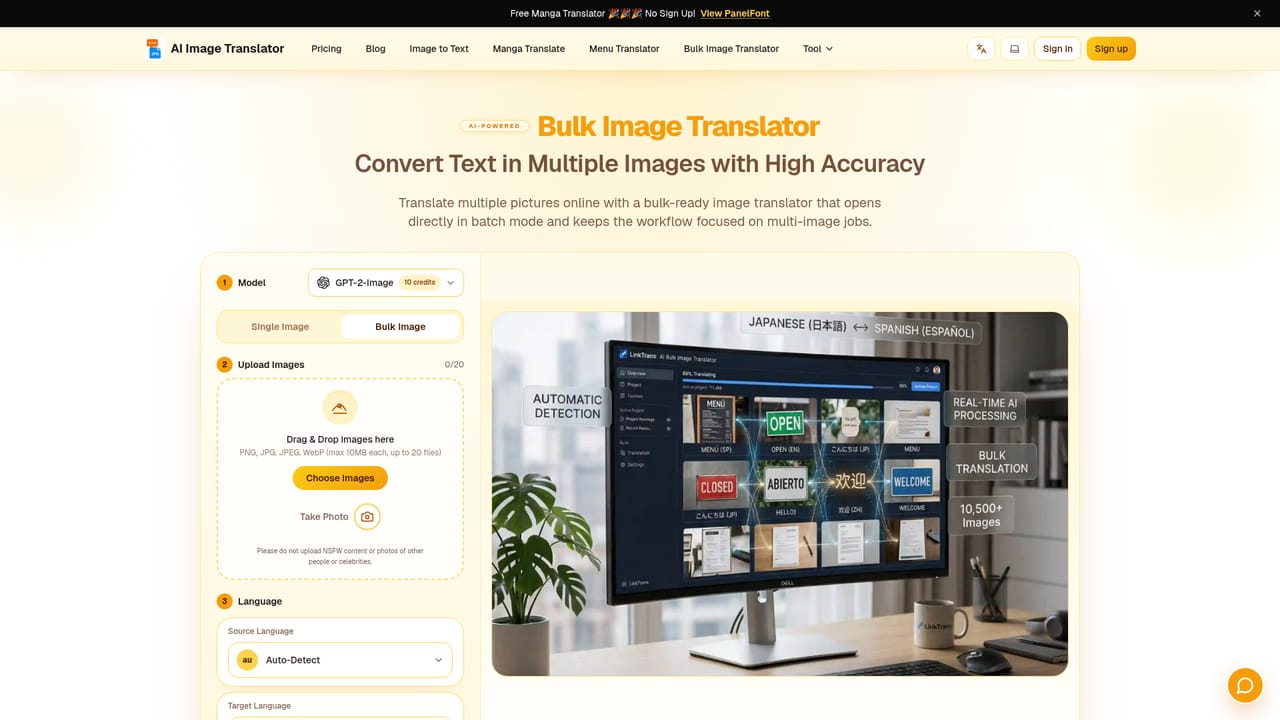
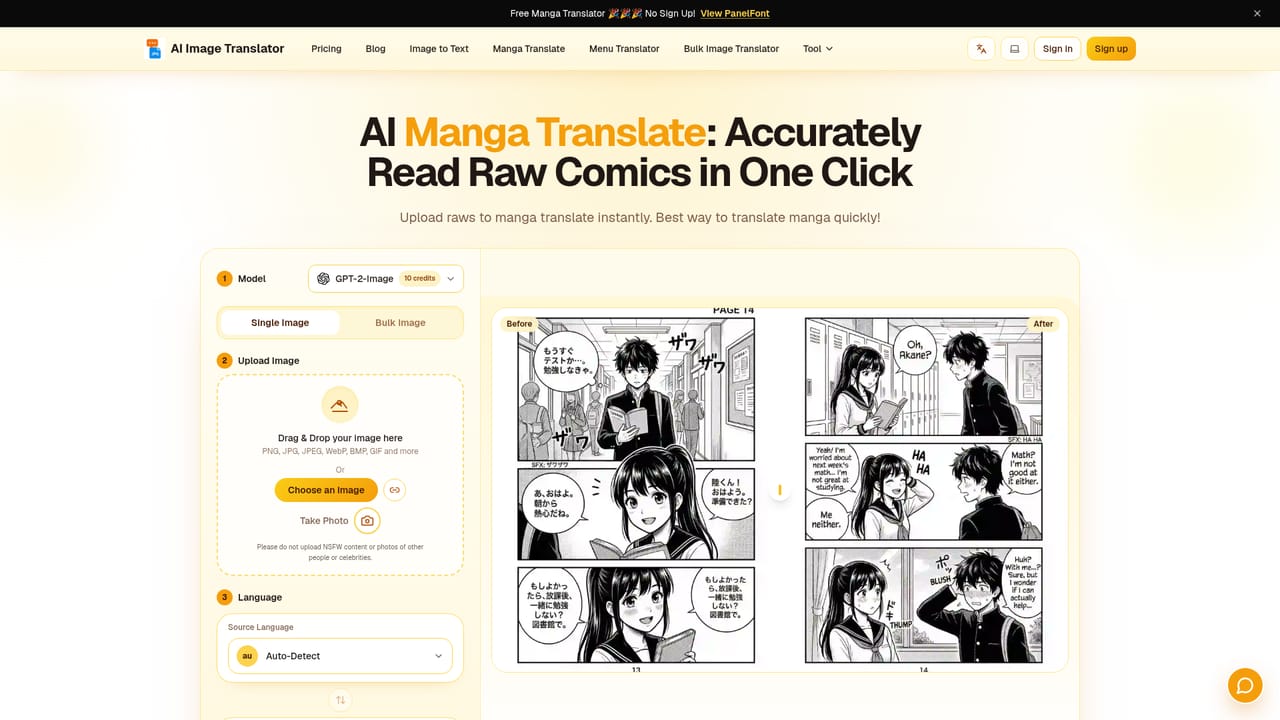
AI Image Translator is a browser based tool that reads the text inside a picture and replaces it with a translation into a target language, keeping the surrounding design intact. Rather than exporting text, running it through a translator and rebuilding the graphic by hand, the tool detects the copy, removes it from the canvas, reconstructs the background behind it, and typeset the new wording so the font, placement and overall composition still look like the original. It accepts PNG, JPG, JPEG, WebP, BMP and GIF files, and can also pull source text automatically when the origin language is unknown. It is built for people whose work crosses language borders: e-commerce teams localizing product banners and packaging callouts, marketers adapting campaign visuals, comic and manga readers working through untranslated panels, game developers handling in-game screens, researchers deciphering diagrams, and travelers photographing menus. The homepage lists more than 130 target languages, with the interface offering common pairs directly and auto detection for the source side. A single image costs 10 credits, and batch mode lets catalog owners push whole product sets through instead of repeating the process file by file. In practice the workflow is short: pick a model and a mode, upload or drag in an image, confirm source and target languages, then translate and download. Output keeps the original layout and carries no watermark on paid and free tier results. Multi-language graphics that mix several languages in one frame are consolidated into a single target language, and a prompt field lets users steer the model on each run. Dedicated entry points cover manga panels, bulk jobs, Chinese source images, restaurant menus and even Morse code images, so narrower tasks do not require setting up the general tool from scratch. Compared with generic image editors or OCR to text converters, the differentiator is the inpainting step that fills the space where original lettering used to be. The trade-off is that translation quality and typographic fit still depend on the selected model and on how dense the image is; the 20 daily free credits cover roughly two images, so anyone beyond light testing will need a paid plan.
A free tier provides 20 daily credits with no watermark. At 10 credits per image, that covers about two translations per day before a plan or credit pack is needed.
Learn moreFree plan: 20 daily credits, 10 credits per image, no watermark, concurrency of 1. One-time packs cost $3.99 for 150 credits and $9.99 for 1,000 credits with no expiration, though they exclude member-exclusive models. Pro is $9.99/month for 4,000 credits and concurrency of 3. Premium is $19.99/month for 10,000 credits and concurrency of 6.
Learn moreText detection and replacement inside images, background reconstruction through inpainting, layout and font preservation, batch processing, multi-language consolidation, automatic source detection, 130+ target languages, accept for PNG, JPG, JPEG, WebP, BMP and GIF, and dedicated modes for manga, menus, Chinese images and Morse code.
 AI Angels400+ customizable AI girlfriends for NSFW chat, voice calls, and roleplay
 Candy AIExperience the future of companionship with AI friends who chat, role-play, and connect with you on a human level.
 ourdream.aiA vast AI roleplay platform with millions of characters for chat, images, video and voiceAI Angels400+ customizable AI girlfriends for NSFW chat, voice calls, and roleplayCandy AIExperience the future of companionship with AI friends who chat, role-play, and connect with you on a human level.ourdream.aiA vast AI roleplay platform with millions of characters for chat, images, video and voice