Free trial
A Free plan lets users claim 10 credits once per month, roughly one try-on image, with watermarked downloads, up to 1K output and no listing video.
Learn moreTurn one jewelry product photo into on-model photos and videos
Own AI Jewelry Model? Verify ownership to get a dofollow link

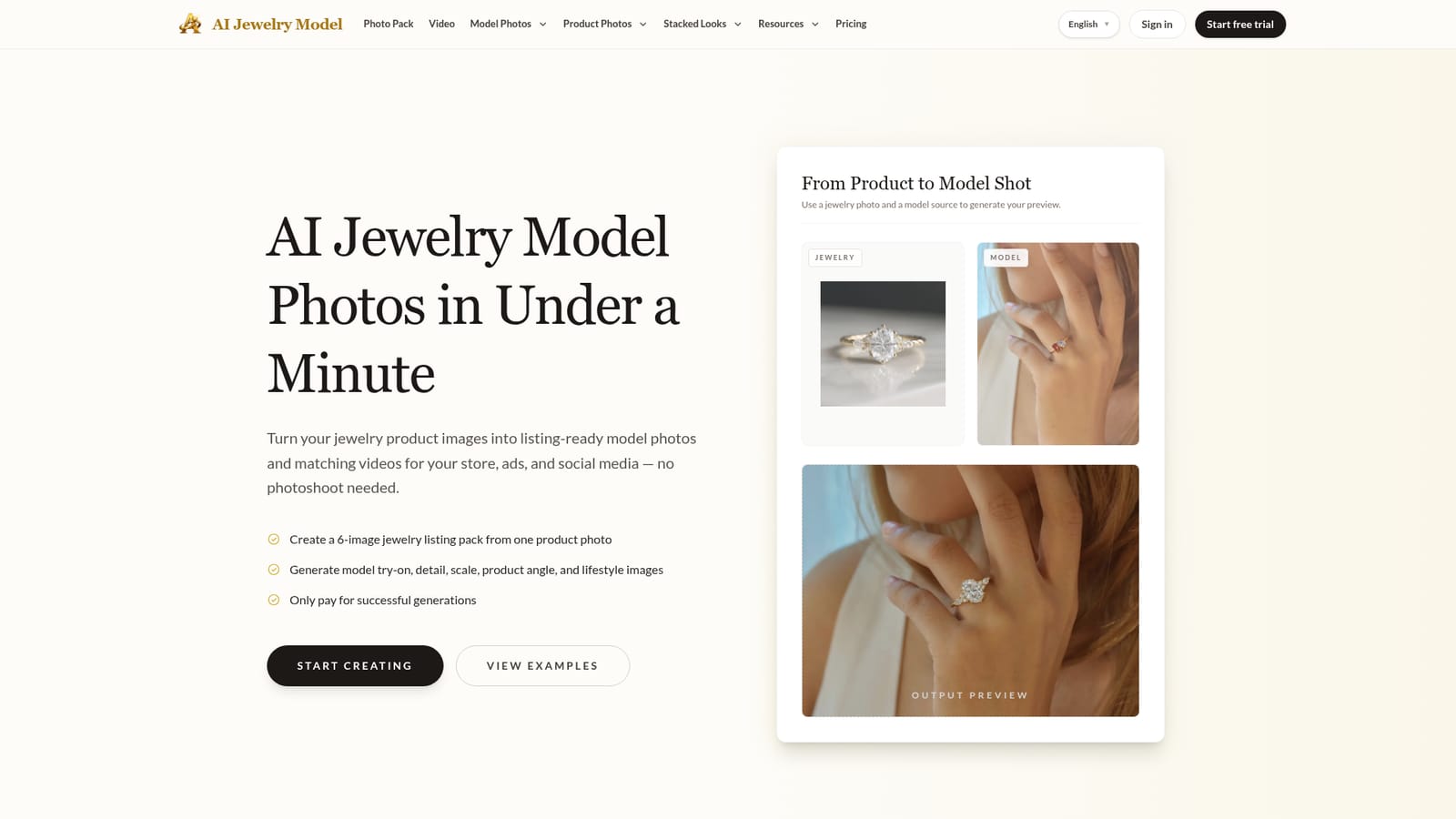
AI Jewelry Model is an image generator tool that turns one jewelry product photo into on-model photos and videos. AI Jewelry Model generates on-model photos, six-image listing packs and short videos for rings, necklaces, earrings and bracelets from a single product photo, with credit-based pricing and no photoshoot required.
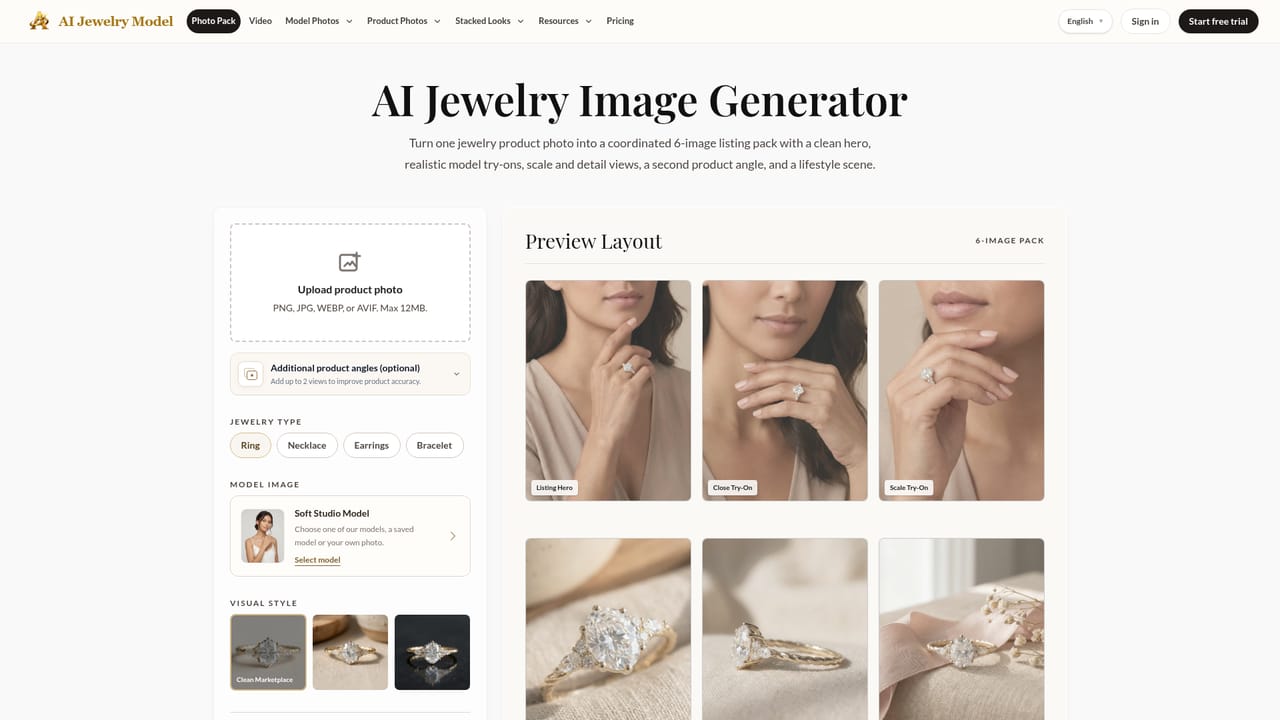
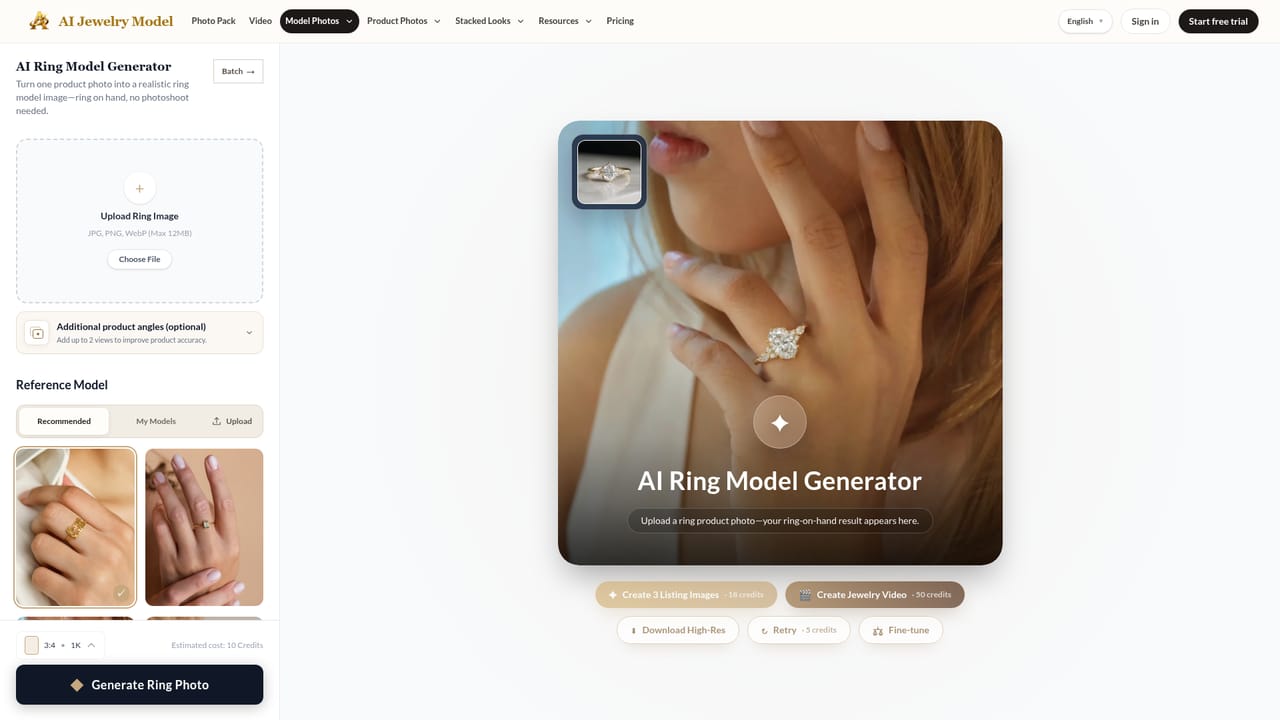
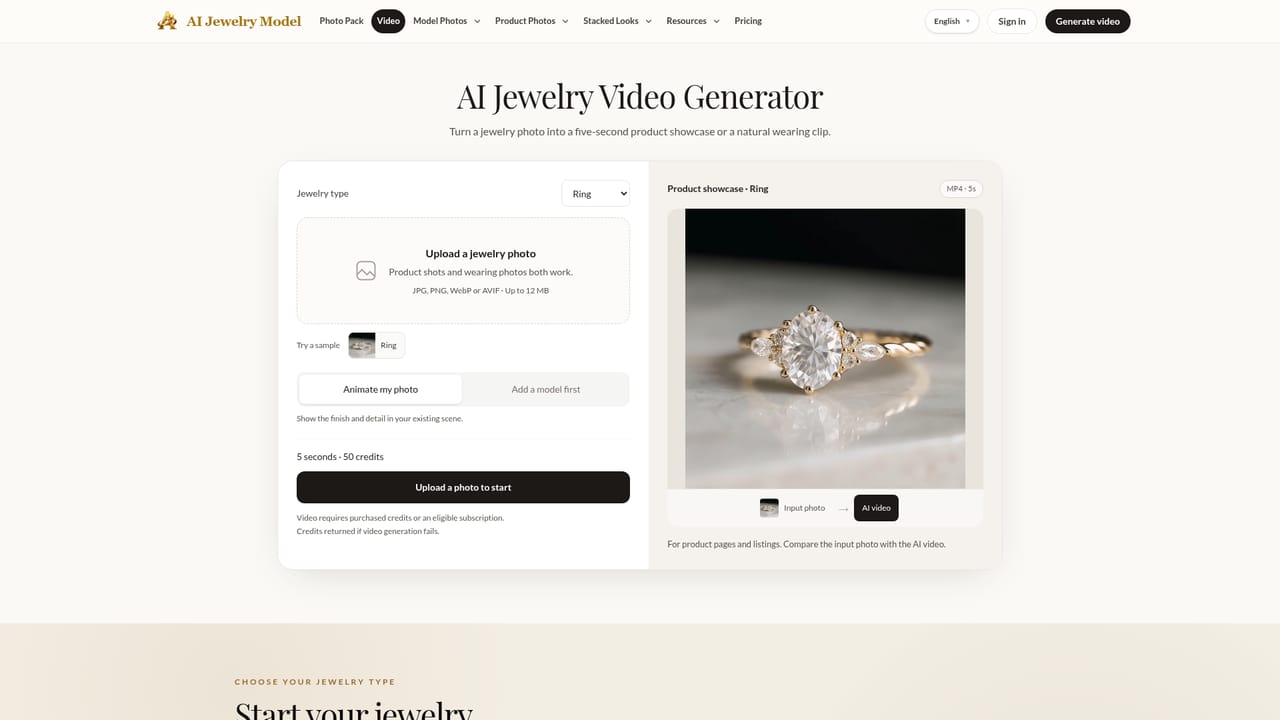
AI Jewelry Model is a web-based generator that converts a plain jewelry product photo into on-model imagery and short videos, aimed at online sellers who want worn-context visuals without booking a model or a studio. It covers four jewelry types: rings on hands, necklaces on necks, earrings on ears and bracelets on wrists, including stacked and layered looks. The central feature is a six-image listing pack built from a single source photo. The set includes a listing hero, a close try-on, a scale try-on, a close-up detail shot, a second product angle and a lifestyle or gift scene. A single generated try-on image can also be expanded into several variations for different layouts, and generated images can be turned into short clips for ads and social posts. Product-only images with controlled backgrounds are available for cases where a model shot is the wrong frame. In practice, the workflow has three stages: upload a clear product photo, choose the jewelry type, model and output style, then generate and refine the results before moving them into a store. The site advises well-lit photos with visible detail and a simple background for the best output. Dedicated pages exist for photos, video, rings, necklaces, earrings and bracelets. Pricing runs on credits. A single model photo costs 10 credits and a complete six-image pack costs 48, and failed generations are not charged. A free tier gives a small monthly credit claim with watermarked downloads, while paid monthly plans raise output resolution, queue priority, batch size and the number of listing videos. Annual billing is offered at a discount. Among alternatives, it sits between general image generators and full product-photography suites. Its narrow focus on jewelry, and on marketplace needs such as Etsy and Shopify galleries, makes it most relevant to small and mid-sized jewelry stores, catalog refreshes and ad creative testing. Sellers needing other product categories or exact photographic fidelity should weigh it against broader tools.
A Free plan lets users claim 10 credits once per month, roughly one try-on image, with watermarked downloads, up to 1K output and no listing video.
Learn moreCredit-based. Free: 10 credits/month. Starter $19/mo (600 credits), Pro $49/mo (2,000), Studio $99/mo (4,000). A single photo costs 10 credits, a six-image pack 48. Annual billing gives 2 months free. Failed generations are not charged.
Learn moreStarter includes email support and Studio adds priority support. No help centre or documentation is mentioned on the homepage.
Six-image listing packs, model try-on, detail, scale, product-angle and lifestyle images, try-on variations, product-only images, short jewelry videos, batch generation on higher plans, and refine tools for rings, necklaces, earrings and bracelets.
Learn more