Free trial
New users receive free credits, according to the site description. The amount is not stated on the homepage.
Learn moreChat-driven AI design agent for ecommerce product images and social graphics

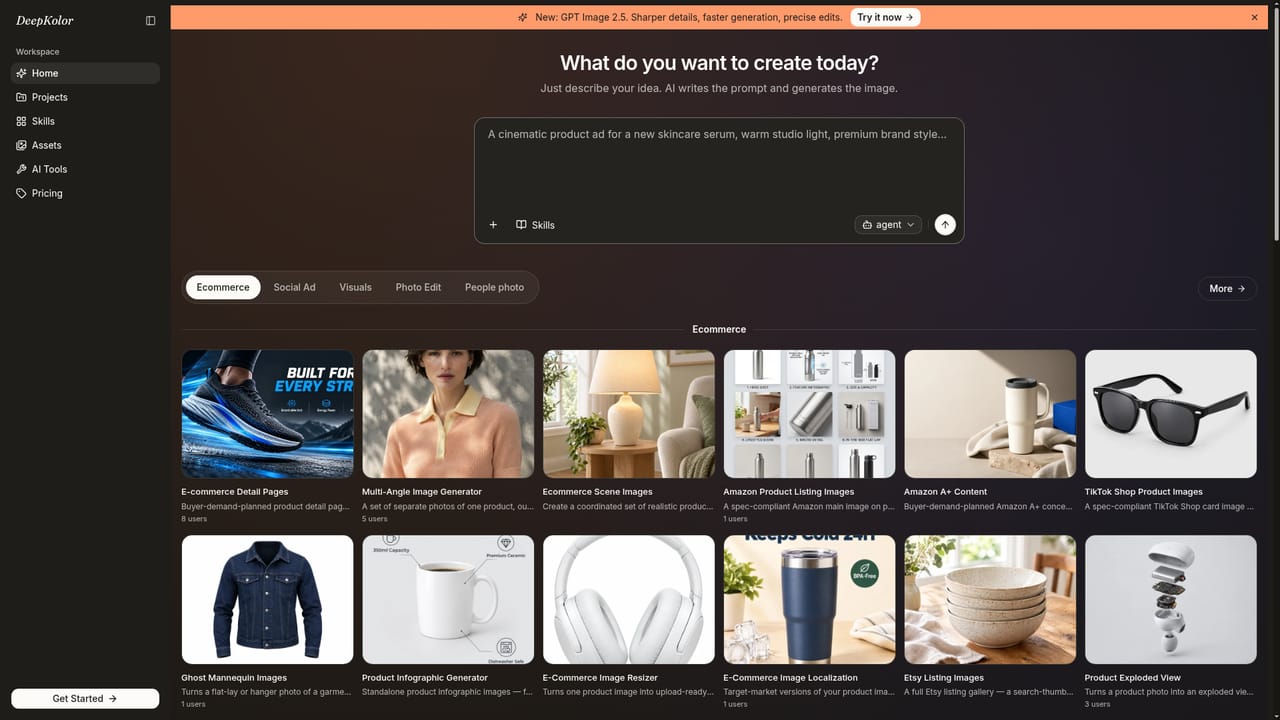
DeepKolor is a chat-based AI design agent that turns one product photo into Amazon listing images, A+ Content, scene shots, detail pages and social graphics, with marketplace-ready sizing and free credits for new users.
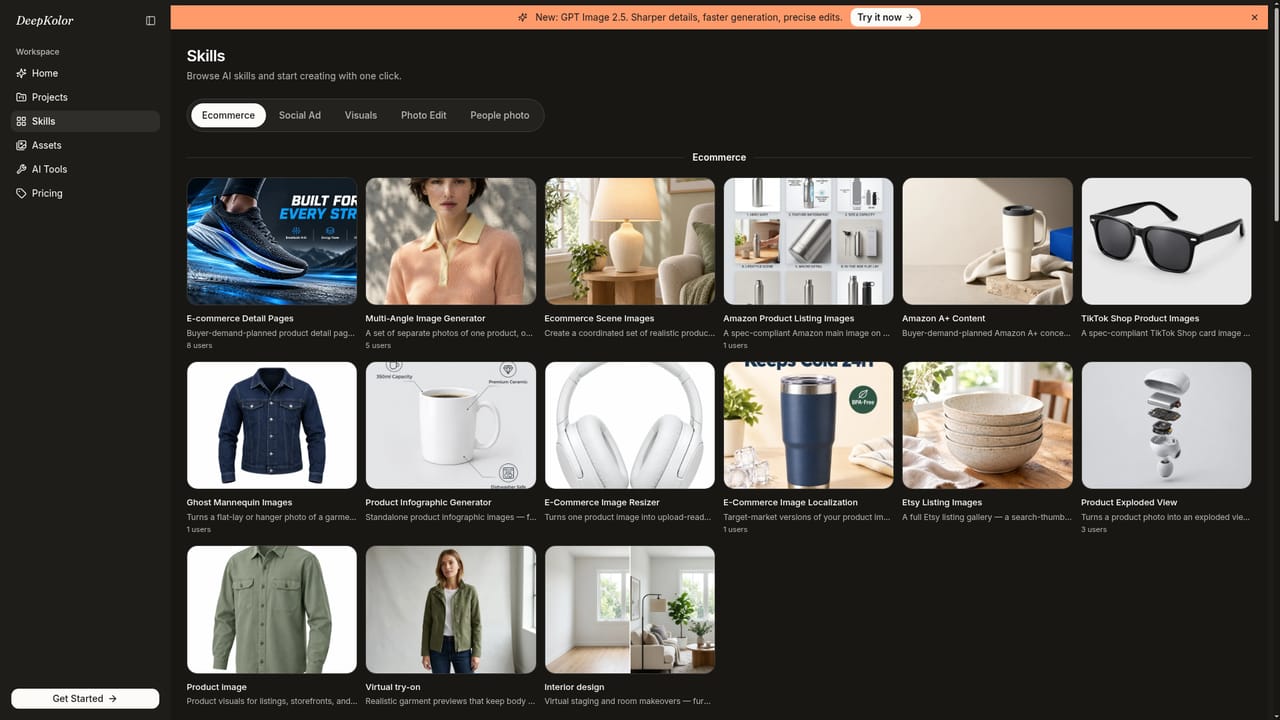
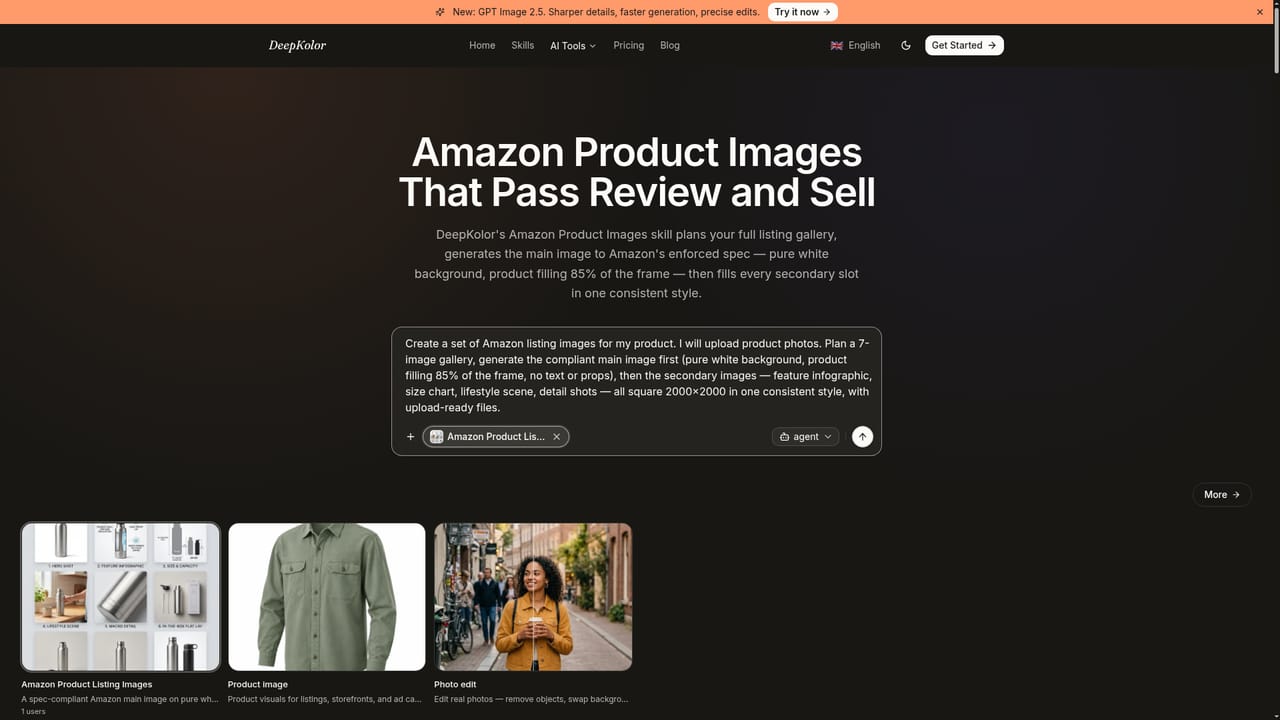
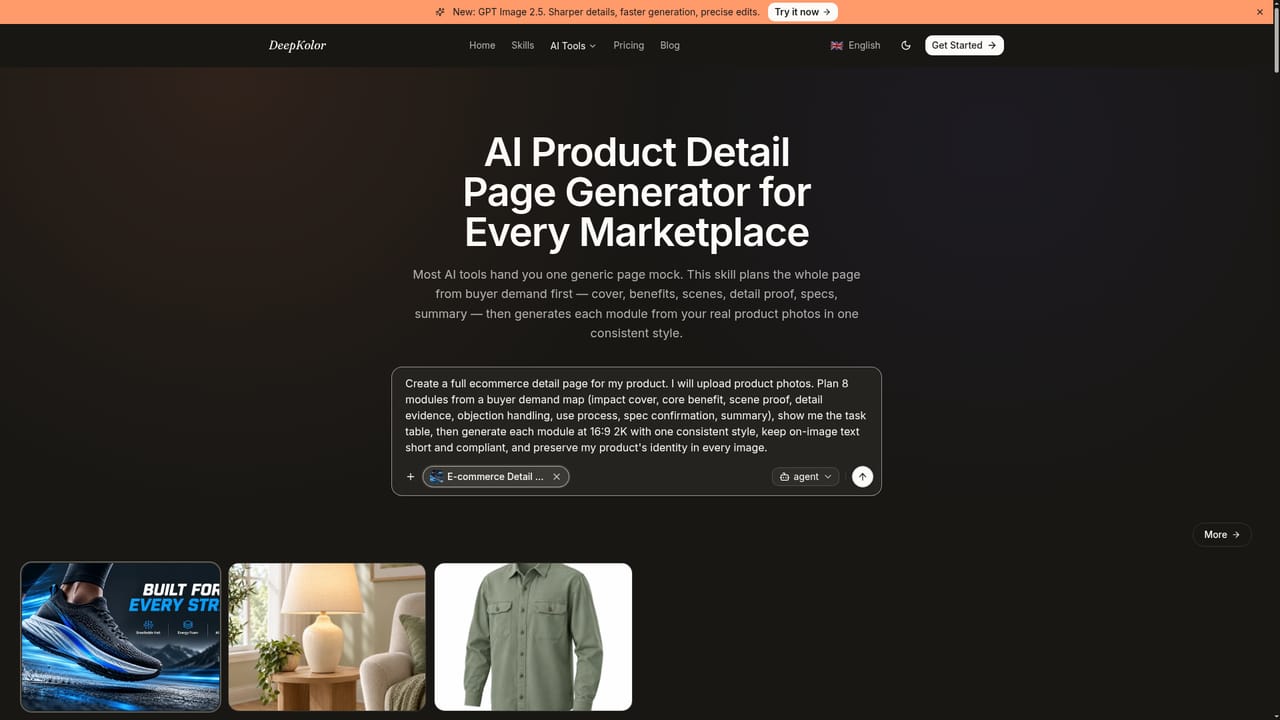
DeepKolor is a web-based AI design agent built around product imagery. Instead of presenting a blank canvas, it asks the user to describe what is needed, such as product photos, scene sets or Amazon A+ Content, then refines the output through conversation and exports files sized for the target platform. A single phone photo of a product is enough to start. The service is organised around "skills", each tuned to a specific deliverable. The ecommerce group is the deepest: detail page images generated module by module in one consistent style, Amazon listing galleries with a pure white main image plus infographics and lifestyle scenes, A+ Content concepts that follow current Seller Central templates, TikTok Shop and Etsy gallery sets, ghost mannequin garment shots, exploded product views, multi-angle shoots, image resizing for several marketplaces, and localization that swaps in-image text for other markets. Virtual try-on and interior staging also sit in this group. Further skills cover social ads and posts for TikTok, Facebook, Instagram and LinkedIn, brand identity and logo work, YouTube thumbnails, comic storyboards, editorial print styles and infographics. In practice, a user picks a skill or simply types a request, supplies source photos, and iterates by chat until the set looks right. The skills emphasise consistency across a gallery and truthful product details, which matters for marketplace sellers who need many matching images rather than one striking picture. Output specifications such as Amazon white backgrounds or 1080 by 1920 story frames are built into the relevant skills. The primary audience is small ecommerce sellers, marketplace operators and social media marketers who lack a photographer or designer. Compared with general image generators, DeepKolor trades open-ended creativity for marketplace-specific templates and compliance. Compared with design suites such as Canva, it is more automated but offers less manual layout control. New users receive free credits to test the workflow.
New users receive free credits, according to the site description. The amount is not stated on the homepage.
Learn moreThe homepage does not list plan prices. It states that new users receive free credits to try the agent.
Learn moreChat-driven design agent with skills for Amazon listing images, A+ Content, detail pages, scene images, ghost mannequin, exploded views, resizing, localization, social posts and ads, logos, thumbnails, storyboards and infographics.
Learn more


