Inkspo

Pick a style, placement and size, and get an artist-briefed tattoo design

Beginner
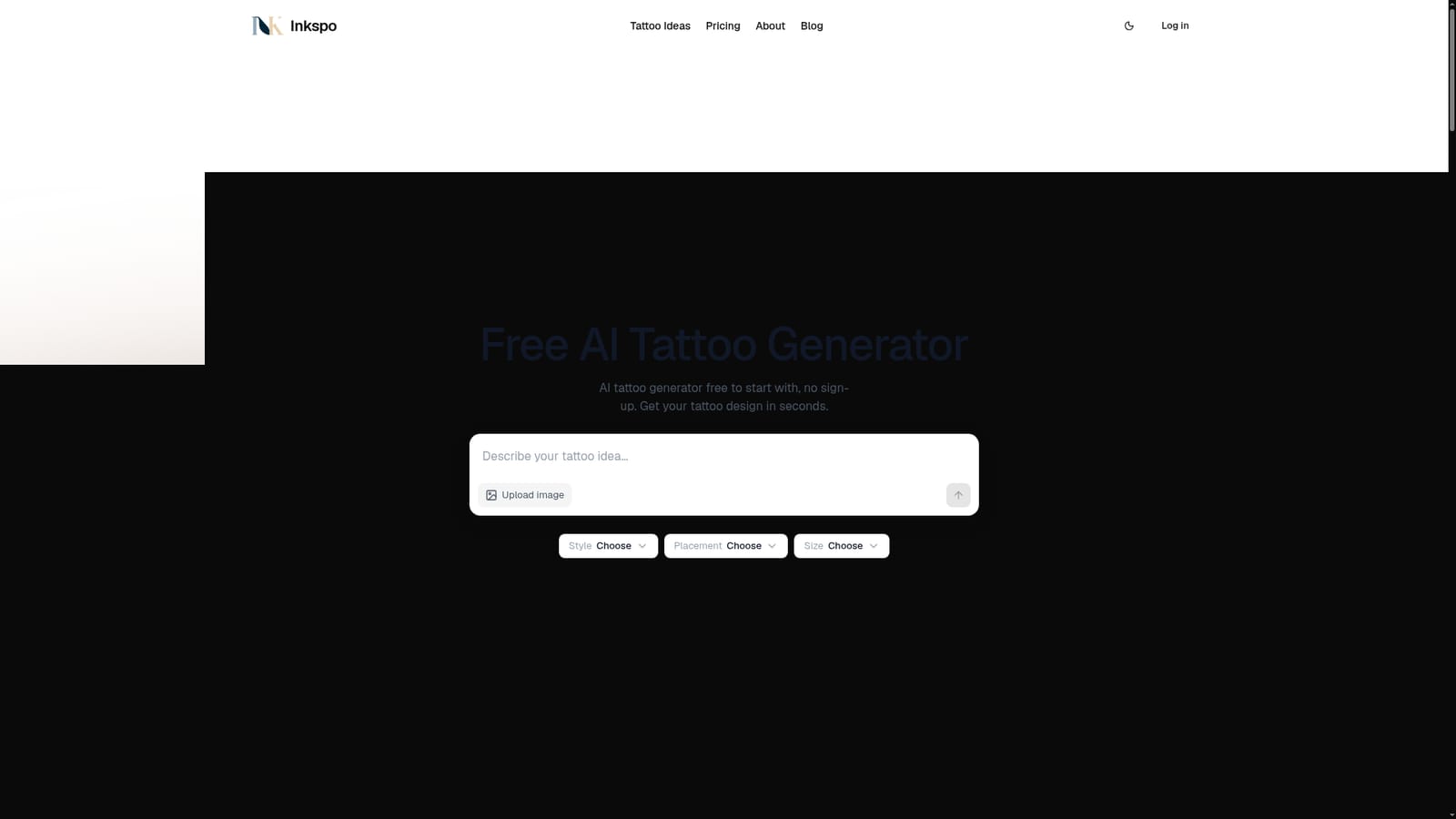
Screenshot of Inkspo, Pick a style, placement and size, and get an artist-briefed tattoo design

What is Inkspo?

Inkspo is a web tattoo generator that turns an idea, a style preset, a placement and a size into a design concept in seconds. It starts free with one design a day and no account, with one-time credit packs for more.

Inkspo is a web-based tattoo design generator built around the way tattoo artists actually brief a piece. Instead of asking users to type style names into a blank prompt box, it offers a list of ready-made style presets, then combines the chosen style with the subject, color preference, body placement and size to build the prompt behind the scenes. The result is a flat design concept delivered in seconds, which can be downloaded as a full-resolution PNG. The audience is mostly people planning a first or next tattoo who want something concrete to show an artist. The style list is broad: fine line, blackwork, minimalist, Japanese and Chinese traditional, realism, watercolor, dotwork, American and neo-traditional, geometric, sketch, tribal, gothic, surrealism, trash polka, Chicano, cyber sigilism, black and grey, illustrative, ornamental and anime (original characters only). According to the site, each preset was reviewed by a working tattoo artist, and the size input exists because fine detail closes up on skin over time, so the generator adjusts detail density to match. In practice, a user describes the primary and secondary subjects in plain words, picks a style, placement and size, and can upload one or more JPG or PNG references (up to 4 MB) to steer the output. That reference route also covers cover-up ideas, where a photo of the old tattoo is uploaded and the new concept is described over it. The site states that users own what they generate, and it positions the output as the start of a conversation with an artist, who adapts the concept to the body. Beyond the generator, the site carries a gallery of example designs, placement guides such as sternum, neck, forearm, chest and sleeve tattoos, and blog posts on prompting and on whether artists accept AI designs. Compared with general image generators, Inkspo trades flexibility for tattoo-specific structure. It is free to start with one design a day and no account, and extra designs come from one-time credit packs rather than a subscription.
How do you use Inkspo?

  1. 1Open the generator
    Go to the Inkspo homepage. The tool works without an account, and the first design each day is free.
    Inkspo — Open the generator
  2. 2Describe your idea
    Write the primary and secondary subjects in plain words, and mention any color preference.
  3. 3Choose style, placement and size
    Select a preset from the style list, then set the real body placement and size so the detail level suits skin.
  4. 4Add a reference image
    Optionally upload one or more JPG or PNG files up to 4 MB to guide the look, or to work on a cover-up idea.
  5. 5Read the prompting guide
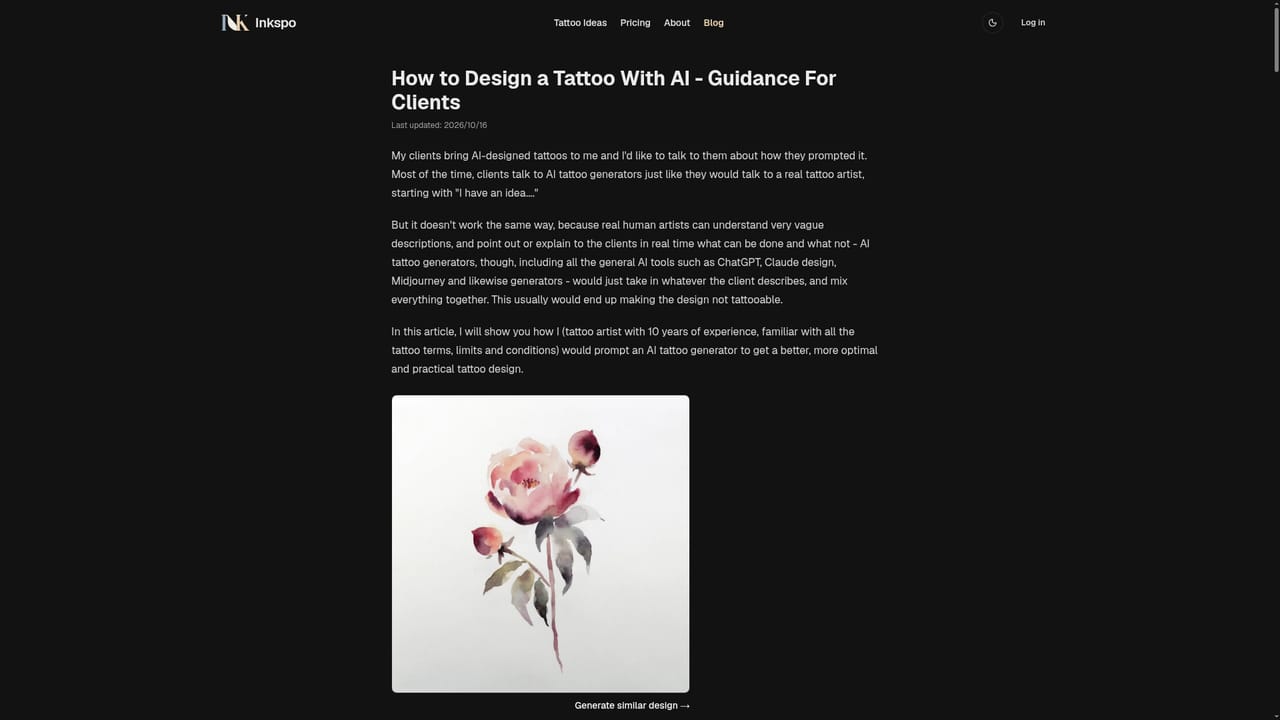
    The blog explains how to word an idea for better results before generating more designs.
    Inkspo — Read the prompting guide
  6. 6Download and take it to your artist
    Save the full-resolution PNG and bring it to a consultation, where the artist decides whether to use it or redraw it.

Pros and cons

Pros

  • Style presets are built the way a tattoo artist would brief a piece, so users do not need to write expert promptsAI
  • Size and placement inputs adjust detail density to what will stay readable on skinAI
  • Free to start with one design a day and no account or card neededAI
  • Reference image upload lets users steer style or explore cover-up ideasAI
  • Full-resolution PNG download makes it easy to bring a concept to a consultationAI

Cons

  • Free tier is limited to one design a day, so iterating on several ideas requires buying credit packsAI
  • Output is a flat design concept, and an artist may need to redraw it to fit the bodyAI
  • Reference uploads are capped at 4 MB and limited to JPG or PNGAI
  • Focused only on tattoos, so it is not useful as a general image generatorAI
  • Pricing for credit packs is not shown on the homepage, so cost per design is unclearAI

How much does Inkspo cost?

Free trial

One free design a day, with no account and no card required.

Learn more

Pricing

Free to start with one design a day and no account. More designs are available through one-time credit packs, and nothing is sold as a subscription. Pack prices are not listed on the homepage.

Learn more

Features

Over 20 artist-reviewed style presets, plus placement and size inputs that tune detail density. Supports reference image upload (JPG or PNG up to 4 MB), full-resolution PNG download, a design gallery, placement guides and blog articles on prompting.

Learn more

Frequently asked questions about Inkspo

  • How much does Inkspo cost?
    Free to start with one design a day and no account. More designs are available through one-time credit packs, and nothing is sold as a subscription. Pack prices are not listed on the homepage.
  • Does Inkspo offer a free trial?
    One free design a day, with no account and no card required.
  • How do you use Inkspo?
    The walkthrough on this page covers 6 steps: 1. Open the generator 2. Describe your idea 3. Choose style, placement and size 4. Add a reference image 5. Read the prompting guide 6. Download and take it to your artist.
  • What platforms does Inkspo support?
    Inkspo is available on Web App.
  • What are the limitations of Inkspo?
    Free tier is limited to one design a day, so iterating on several ideas requires buying credit packs. Output is a flat design concept, and an artist may need to redraw it to fit the body. Reference uploads are capped at 4 MB and limited to JPG or PNG.

Status

StatusActive
Views0
Outbound clicks0
Added10/18/2026

Platforms

Web App

Pricing

FreemiumPaid