Free trial
New users receive free trial credits to try the generator. After they run out, more credits can be bought from the account's Credits page. Free output is limited to personal, non-commercial use.
Learn moreTurn text prompts or photos into clean, print-ready line art

AI Line Art is a generative art tool that turns text prompts or photos into clean, print-ready line art. AI Line Art is a web generator that converts text prompts or uploaded photos into clean line drawings in styles like pencil, woodcut, minimalist and comic.
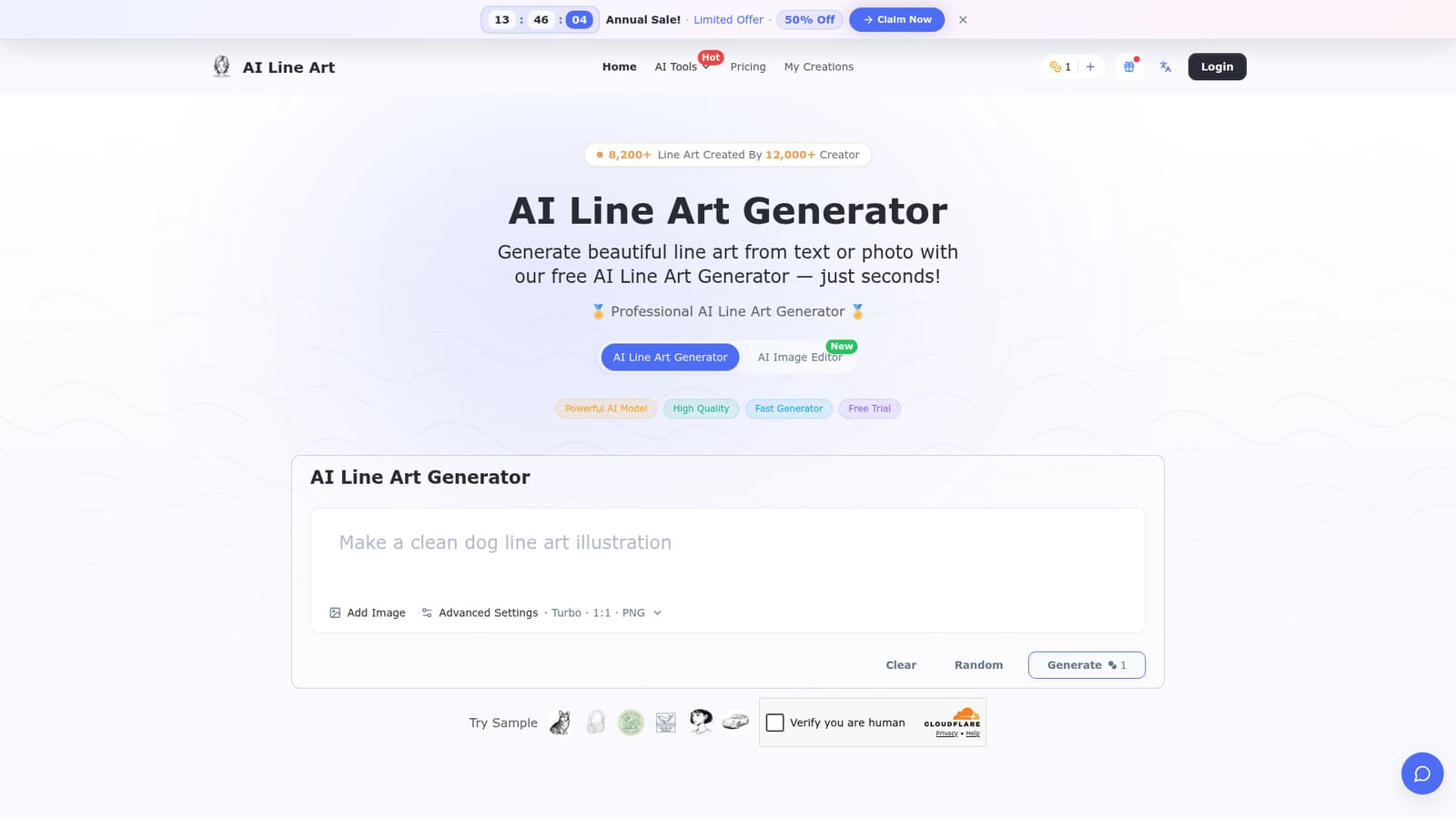
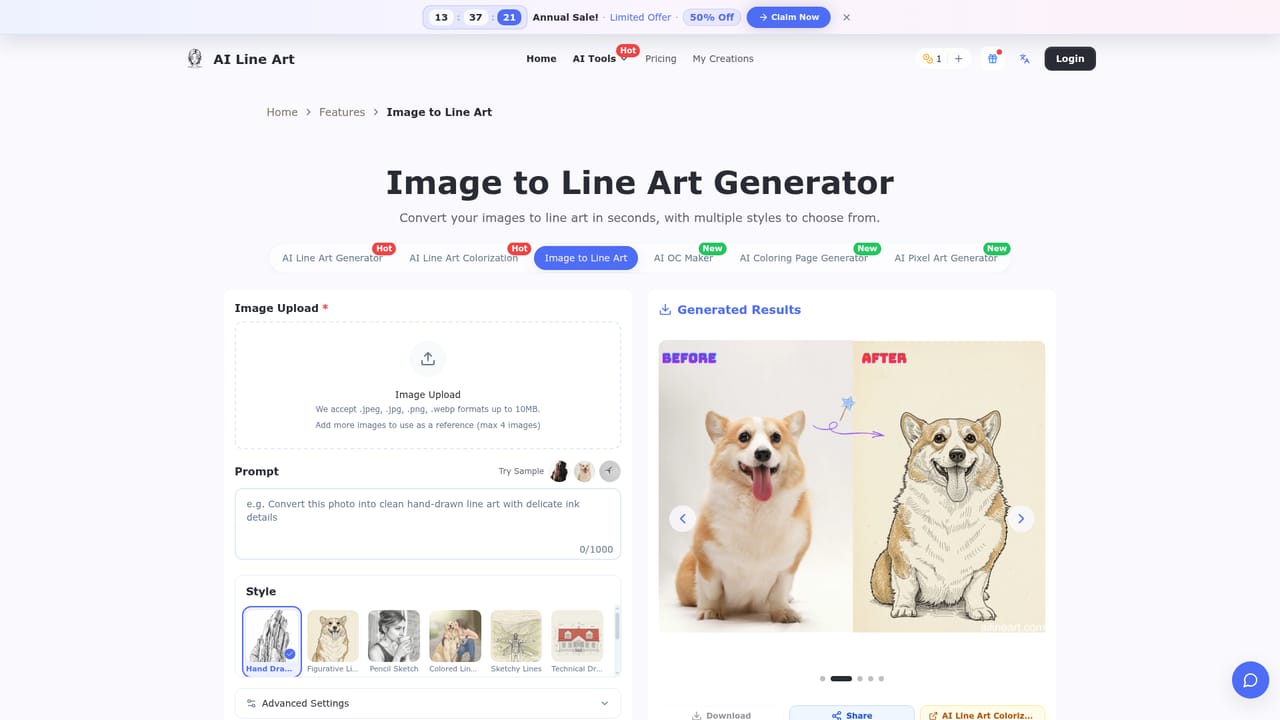
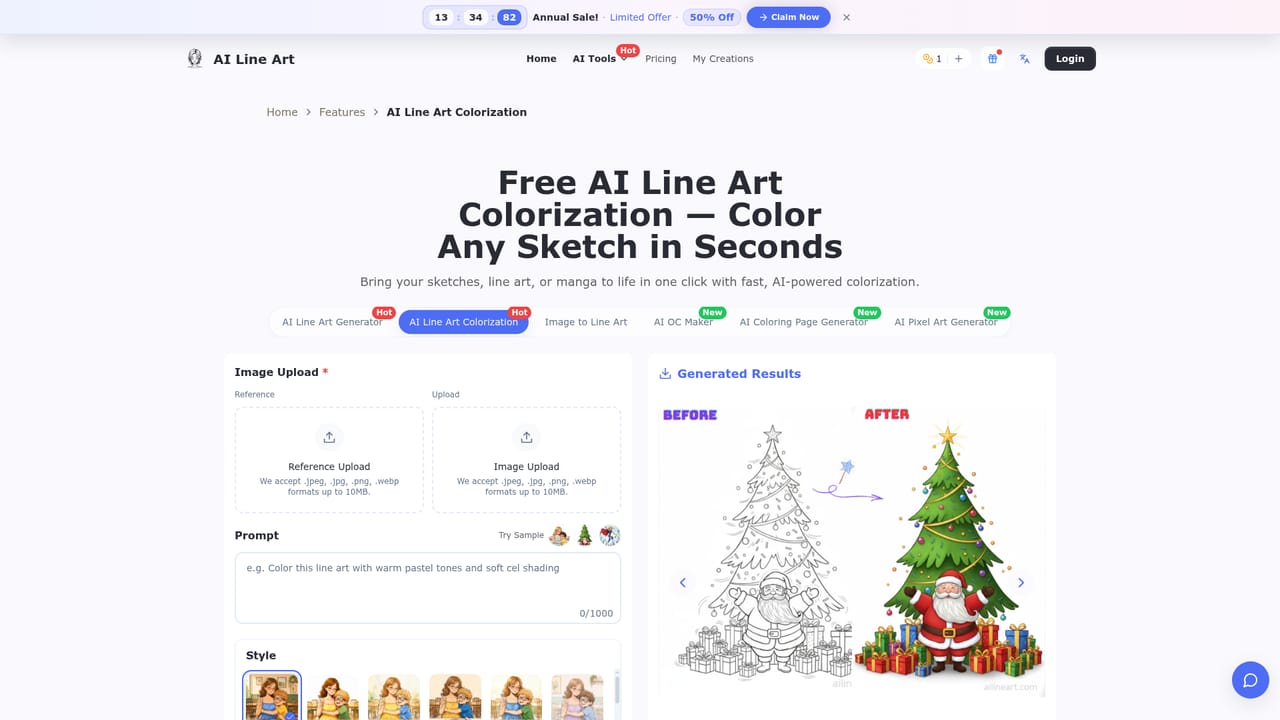
AI Line Art is a browser-based generator that turns a written description or an uploaded photo into line drawings. The core screen is a prompt box with an optional image upload and a small settings strip covering model speed, aspect ratio and output format. Results arrive in seconds, and users can regenerate with adjusted settings until the contours look right. The tool is aimed at people who need outlines rather than finished paintings: logo designers, tattoo artists, fashion and architectural sketchers, illustrators building portfolio pieces, and teachers or crafters who want printable worksheets and coloring pages. No drawing skill is required, since the AI handles edge detection and stroke cleanup. Supported looks include pencil sketch, woodcut, watercolor, minimalist, continuous line, comic, vector, pixel art and 3D line renders. Specific prompts work better than vague ones, so describing subject, style and viewpoint matters. In practice, a user uploads a reference image, optionally types a note about what to change, presses generate and downloads the result. Paid exports come in PNG, JPG, WEBP and SVG, and the output is meant to be high-contrast enough to print, trace, color or edit further. Beyond the main generator, the site runs separate pages for related jobs such as image-to-line-art conversion, line art colorization, sketch simplification, comic strips, coloring pages, an OC maker and layer splitting. Access is credit-based. New accounts get free trial credits, while Basic, Pro and Business subscriptions add monthly credits, larger batch generation, private generation and cloud storage. Commercial rights and privacy are reserved for paying members, which is a meaningful restriction for professional use. Compared with general image generators, AI Line Art is narrower but more focused on clean outlines, and it competes with sketch converters and vectorizing tools more than with full creative suites.
New users receive free trial credits to try the generator. After they run out, more credits can be bought from the account's Credits page. Free output is limited to personal, non-commercial use.
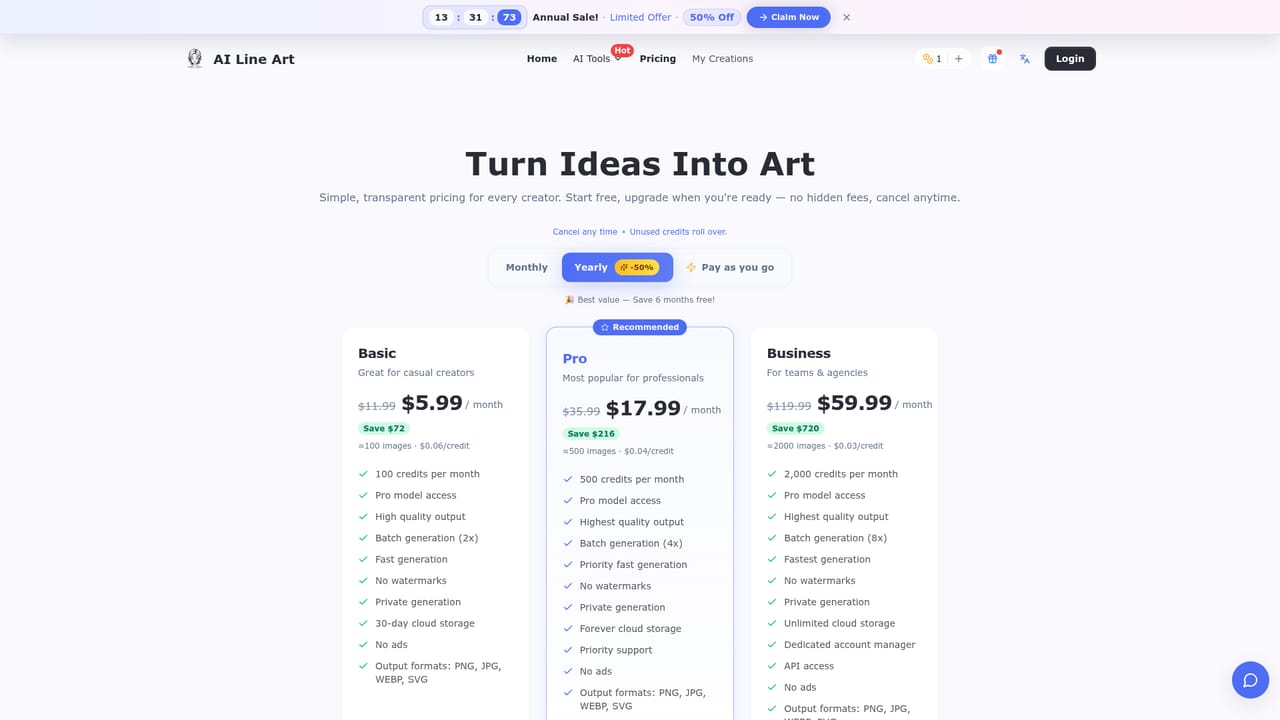
Learn moreCredit-based. Basic is $5.99/month on yearly billing (100 credits), Pro $17.99/month (500 credits) and Business $59.99/month (2,000 credits, API access). Monthly billing costs more, and a pay-as-you-go option exists. A 7-day money-back guarantee applies.
Learn morePriority support is included in the Pro plan, and the Business plan adds a dedicated account manager. A community page showcases user creations.
API access is listed on the Business plan. The homepage names no third-party integrations.
Text-to-line-art and photo-to-line-art generation, multiple art styles, reference image upload, custom prompts, aspect ratio and composition settings, fast generation, batch generation on paid tiers, high-resolution export, and PNG, JPG, WEBP and SVG formats.


