Free trial
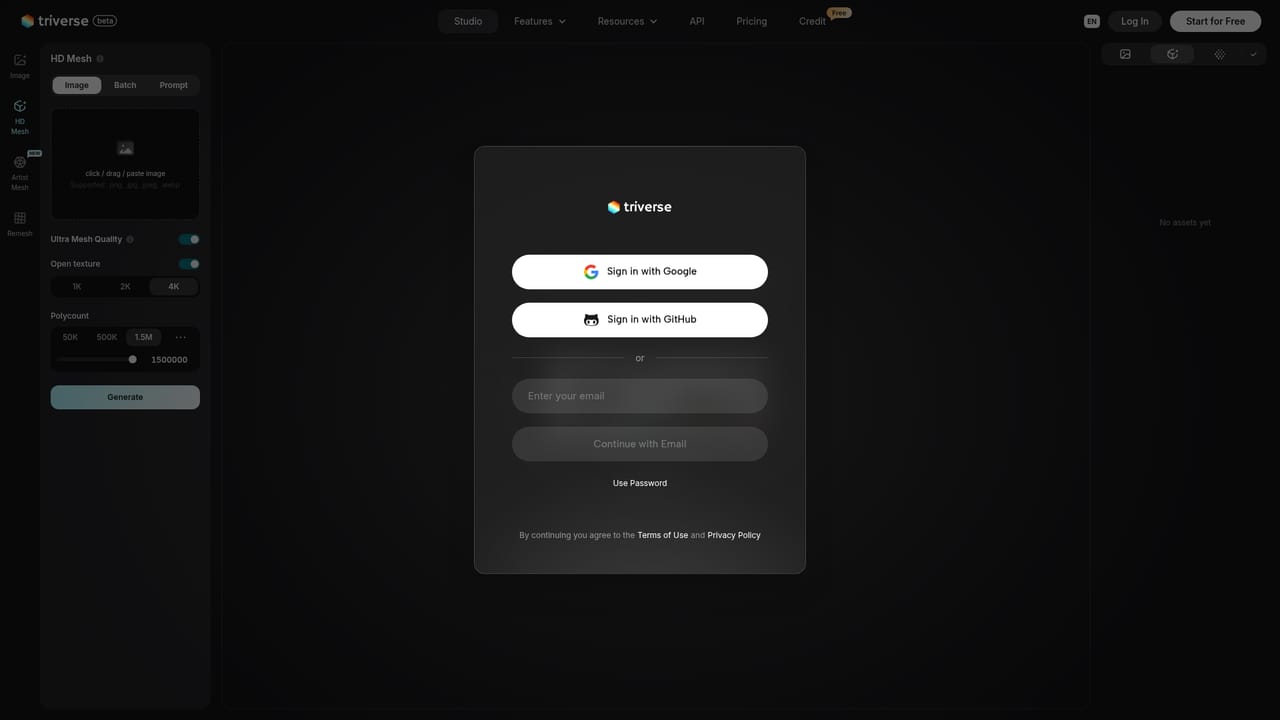
New users can start for free with included credits to generate models. The homepage does not state how many credits are provided.
Learn moreTurn a single image or a text prompt into a textured 3D model

Triverse AI is a design tool that turns a single image or a text prompt into a textured 3D model. Triverse AI generates 3D models from an image or text prompt in the browser, with PBR maps and export to GLB, OBJ and STL for Unity, Unreal, Blender and 3D printing.
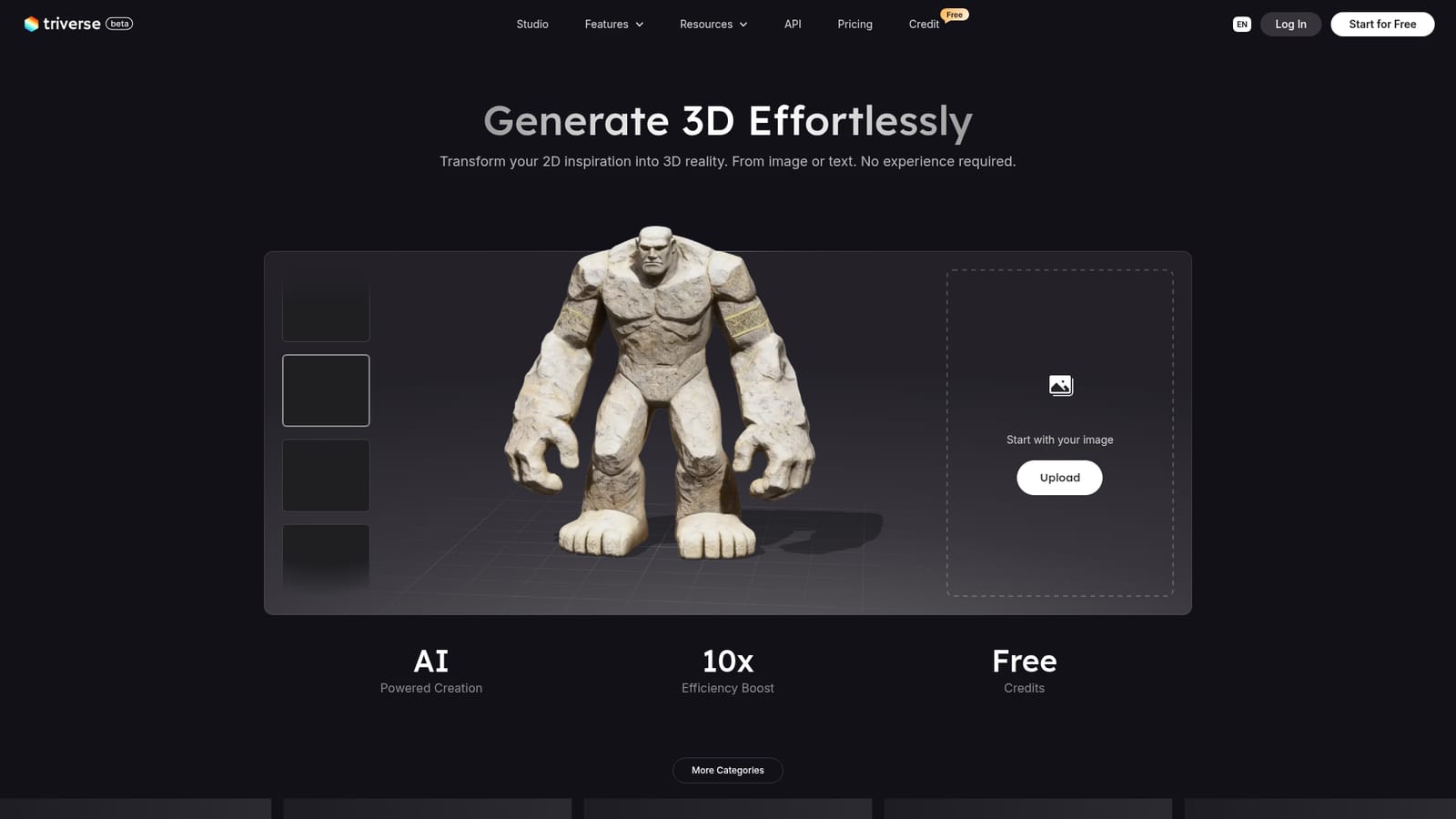
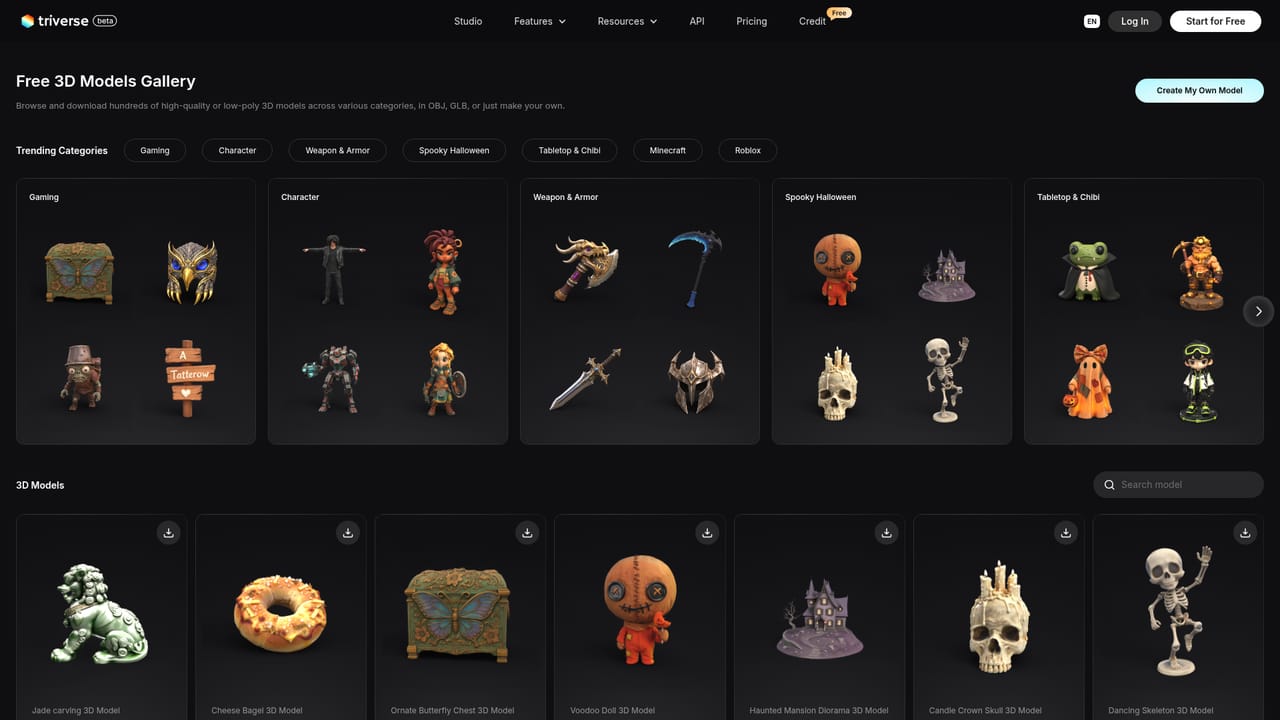
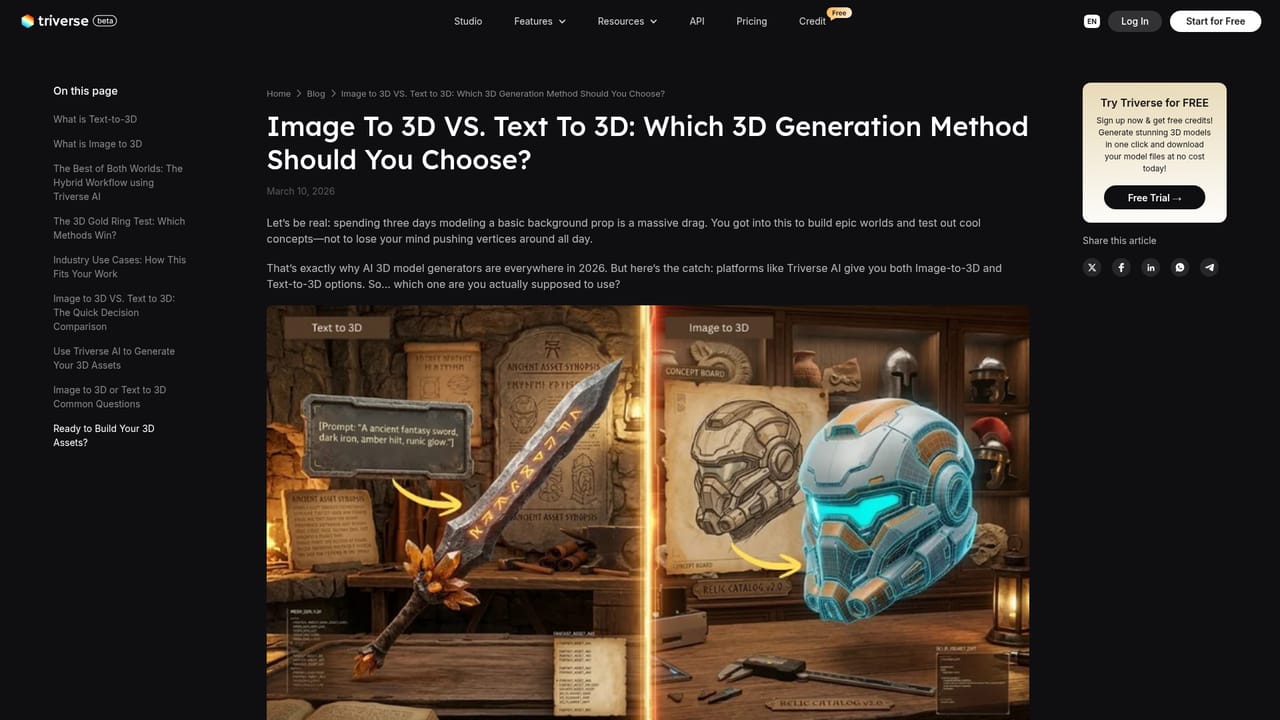
Triverse AI is a browser-based 3D model generator that builds assets from a single reference image or a written prompt. The homepage positions it for people with no modeling background, and the output is aimed at the engines and editors where 3D assets end up: exports include GLB, OBJ and STL, with PBR material maps so the surfaces carry realistic metal, stone, wood or fabric detail. Unity, Unreal and Blender are the destinations named for the files. The workflow is short. A user uploads a picture or types a description, the service generates a model, and the result can be previewed in an interactive viewer before download. A public gallery of finished examples is organized by themes such as 3D printing, animals, architecture, characters, food, furniture and game props. The samples shown lean toward stylized props and fantasy pieces, for instance lanterns, helmets, swords, castles and stone statues, which gives a realistic sense of the subject matter the generator handles. A studio area houses the creation tools, and the site also publishes tutorials and blog guides on image-to-3D versus text-to-3D, indie game development and 3D art. The likely audience is indie game developers, hobbyists, 3D printing users, designers and anyone who needs a quick asset without sculpting it by hand. STL export makes it relevant for printing, while GLB and OBJ cover game engines and general 3D software. The site advertises free credits for new users, which lets people judge output quality before committing to anything. Among alternatives, Triverse AI sits in the crowded image-to-3D and text-to-3D field alongside other generative modeling services. Its pitch rests on ease of entry, material maps included from the start, and broad format support rather than a full modeling suite. Generated meshes from tools in this class usually serve as a starting point that artists refine, retopologize or rig in a dedicated application, and that expectation is reasonable here too, since the homepage promotes speed and accessibility more than fine manual control.
New users can start for free with included credits to generate models. The homepage does not state how many credits are provided.
Learn moreThe homepage advertises free credits and a free start, but it does not list paid plan names, prices or credit allowances.
Learn moreThe site offers a welcome tutorial and a blog with guides on 3D generation topics. The homepage does not mention live chat, email or a help centre.
Learn moreOutput files are intended for Unity, Unreal Engine and Blender through standard formats such as GLB, OBJ and STL. No direct plugins or API integrations are described.
Image-to-3D and text-to-3D generation, PBR material maps, export to GLB, OBJ, STL and more, an interactive model viewer, a categorized public gallery, plus tutorials and blog guides.
Learn more


