AI Perfect Assistant

ChatGPT powered writing help that lives inside Microsoft Word

Beginner
Screenshot of AI Perfect Assistant, ChatGPT powered writing help that lives inside Microsoft Word

What is AI Perfect Assistant?

AI Perfect Assistant is a document formatting tool. A ChatGPT style add-in for Microsoft Word that turns highlighted text into grammar fixes, rewrites, summaries, translations and other prompt based outputs, then inserts the result into the document without switching apps.

AI Perfect Assistant is a Microsoft Word add-in that puts a ChatGPT style writing assistant directly into the document you are already editing. Instead of copying text into a separate chatbot tab and pasting results back, you highlight a passage, pick a prompt template from the assistant panel, and generate a result that can be inserted into the document with one click. The add-in installs in the desktop Word application or in Word Online, and the same vendor ships matching add-ins for Excel, PowerPoint, Teams, Outlook and OneNote. The toolset goes well beyond proofreading. The core content prompts cover grammar and spelling correction, general readability improvement, paraphrasing, summarization and translation, which is the everyday loop for anyone drafting in a second language or tightening a long draft. Around those sit more specific prompts: writing a paragraph, simplifying or shortening text, requesting a definition, generating an SEO title and description, creating an FAQ, and drafting a blog intro or brief. Business prompts add resume and cover letter writing, while chat and mail prompts handle replies, invitations, greetings and customer email scenarios. The practical workflow is deliberately narrow, which is the point. You stay in Word, select the text you want to act on, choose a template from the side panel, generate, review, then insert. That suits writers, marketers, HR and operations staff, consultants and non native English speakers who produce documents all day and do not want a second application in the loop. Competitively, the vendor positions the product against Grammarly and QuillBot, arguing that it reaches more Office applications, bundles more than 60 prompt tools, and covers report and summary generation rather than grammar alone. QuillBot is described as Word only and Grammarly as lacking the wider Office footprint. Teams already paying for a general chatbot may find the overlap unappealing, since the value here is convenience and placement rather than a unique model.

How do you use AI Perfect Assistant?

  1. 1Install the add-in for desktop Word
    Follow the desktop installation guide to add AI Perfect Assistant to the Microsoft Word application on Windows, or run the downloadable installer if the add-in route is blocked.
  2. 2Or install it for Word Online
    If you work in the browser version of Word, use the separate online installation instructions to sideload or add the assistant from the Office add-in store.
    AI Perfect Assistant — Or install it for Word Online
  3. 3Highlight the text you want to change
    Open your document in Word and select the paragraph or sentence you want the assistant to work on. Generation is applied to the current selection.
  4. 4Pick a prompt template and generate
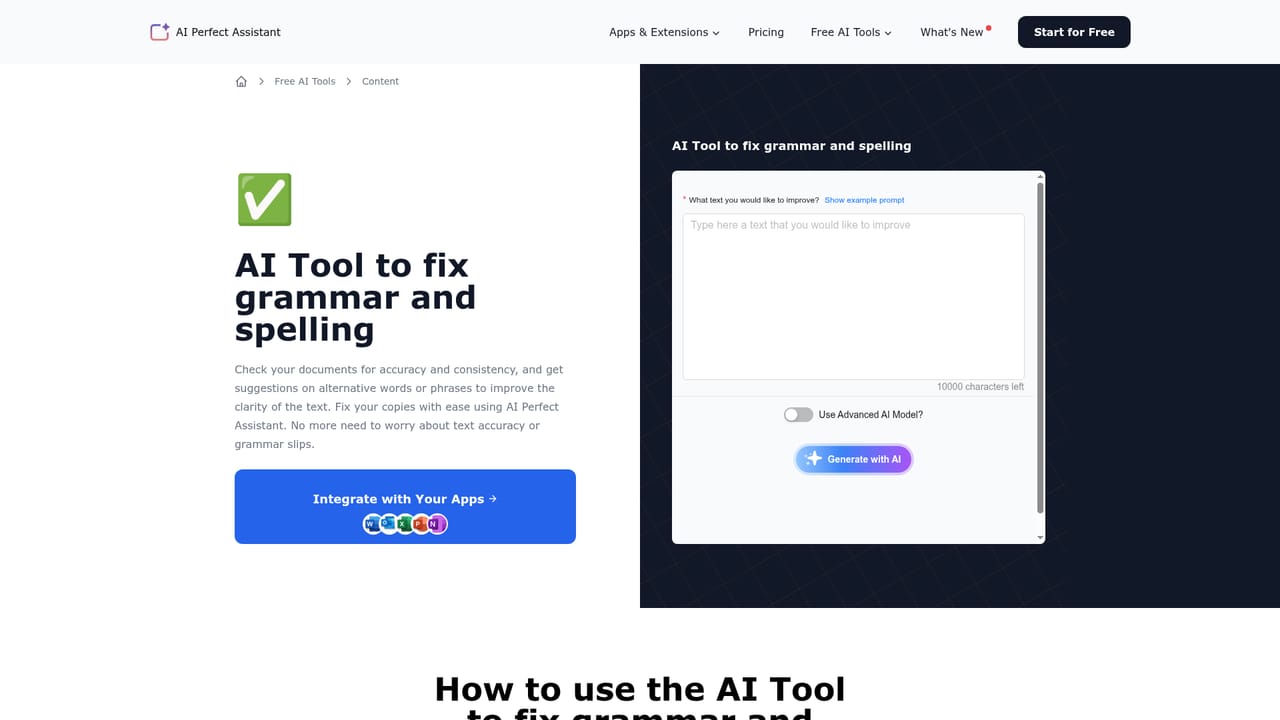
    Open the assistant panel, choose a template such as fix grammar, improve, paraphrase, summarize or translate, then click Generate with AI to produce the output.
    AI Perfect Assistant — Pick a prompt template and generate
  5. 5Review and insert the result
    Check the generated text in the panel, then click Insert to drop it into the document in place of or alongside the original selection.
  6. 6Extend the same assistant to other Office apps
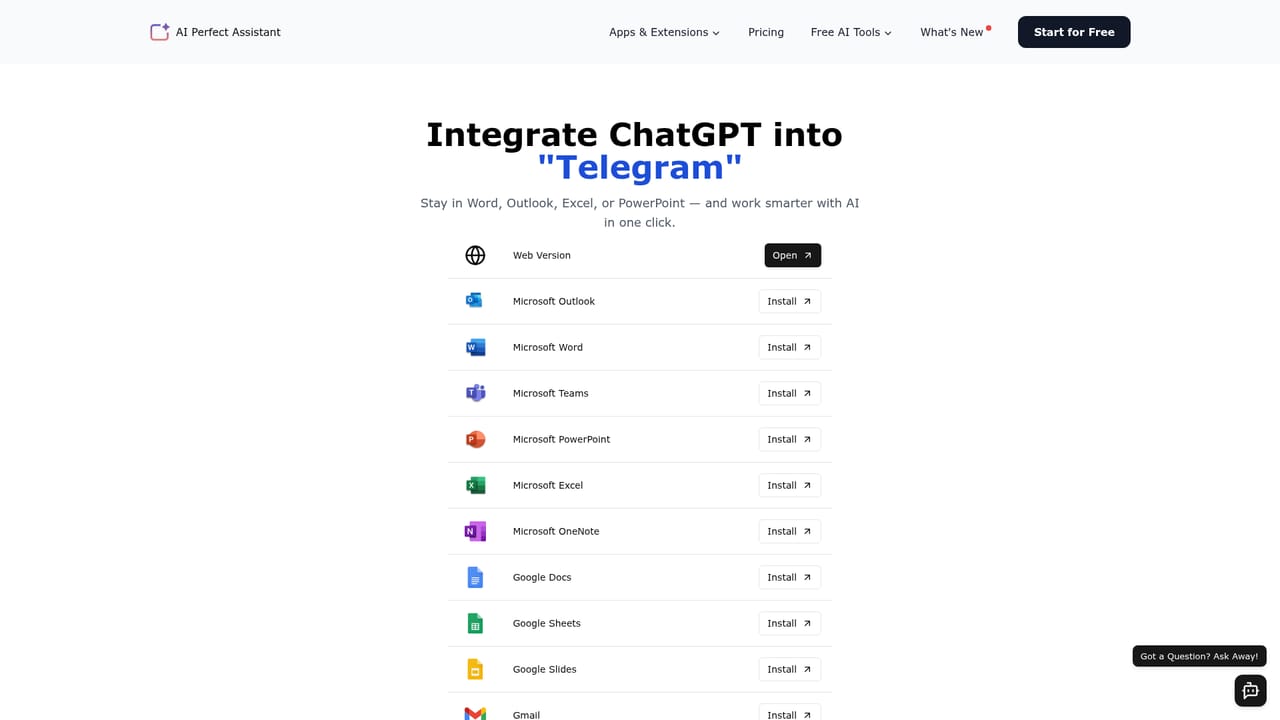
    Once the subscription is active, install the matching add-ins for Excel, PowerPoint, Outlook, Teams or OneNote from the integrations directory.
    AI Perfect Assistant — Extend the same assistant to other Office apps

Pros and cons

Pros

  • Works inside the Word document itself, so selected text can be rewritten and inserted without leaving the appAI
  • Install paths for both the desktop Word application and Word Online are documentedAI
  • Bundle of more than 60 prompt templates covers grammar, tone, summaries, translation, SEO copy, resumes and email repliesAI
  • The same subscription extends to add-ins for Excel, PowerPoint, Outlook, Teams, OneNote, Gmail and ChromeAI
  • Beginner friendly: choose a template, generate, insert, with no prompt engineering requiredAI

Cons

  • Pricing is not stated on the page, so cost comparisons against Grammarly or QuillBot cannot be verified before signing upAI
  • No detail on which language model sits underneath or how user text is stored and retainedAI
  • Template driven approach is rigid for complex instructions, and results still need manual review before insertingAI
  • Word Online and desktop installs are documented separately, adding friction for mixed environmentsAI
  • The comparison table is vendor authored, so the claimed advantages should be checked independentlyAI

How much does AI Perfect Assistant cost?

Integrations

Native add-ins are offered for Word, Excel, PowerPoint, Teams, Outlook and OneNote, plus Gmail, Telegram and Chrome. The desktop Word add-in and Word Online are installed through separate guides, and a full integrations directory lists the rest.

Learn more

Features

Content prompts cover grammar and spelling fixes, readability improvement, paraphrasing, summarization, translation, simplification, shortening and definitions. Additional templates handle paragraph writing, SEO titles and descriptions, FAQs, blog intros and briefs, resumes and cover letters. Chat and mail prompts generate replies, invitations, greetings, apologies and customer email responses, and the vendor counts more than 60 tools in total.

Learn more

Frequently asked questions about AI Perfect Assistant

  • How do you use AI Perfect Assistant?
    The walkthrough on this page covers 6 steps: 1. Install the add-in for desktop Word 2. Or install it for Word Online 3. Highlight the text you want to change 4. Pick a prompt template and generate 5. Review and insert the result 6. Extend the same assistant to other Office apps.
  • What platforms does AI Perfect Assistant support?
    AI Perfect Assistant is available on Windows, Web App, Browser extension and MacOS.
  • What does AI Perfect Assistant integrate with?
    Native add-ins are offered for Word, Excel, PowerPoint, Teams, Outlook and OneNote, plus Gmail, Telegram and Chrome. The desktop Word add-in and Word Online are installed through separate guides, and a full integrations directory lists the rest.
  • What are the limitations of AI Perfect Assistant?
    Pricing is not stated on the page, so cost comparisons against Grammarly or QuillBot cannot be verified before signing up. No detail on which language model sits underneath or how user text is stored and retained. Template driven approach is rigid for complex instructions, and results still need manual review before inserting.

Status

StatusActive
Views0
Outbound clicks0
Added10/21/2026

Platforms

WindowsWeb AppBrowser extensionMacOS

Pricing

FreemiumSubscription