Free trial
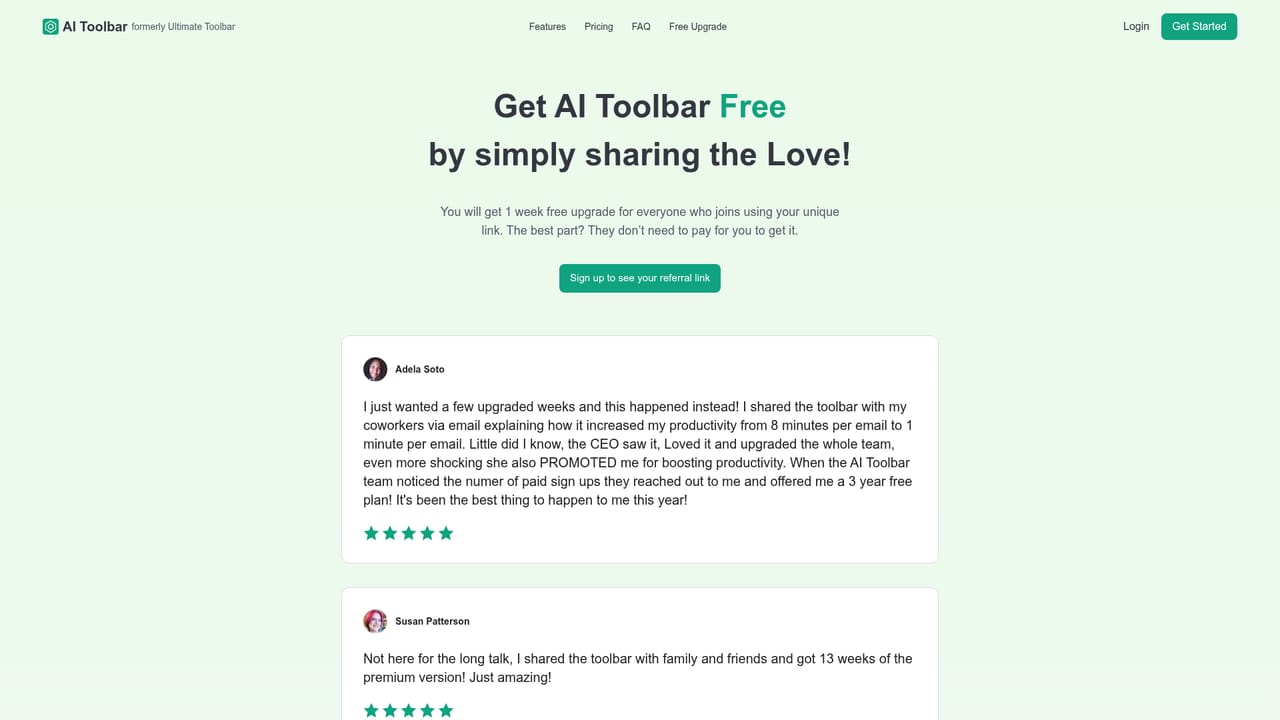
No standard trial is advertised. A referral link grants one week of free Premium access for each user who signs up through it, and Premium features apply to referral offers.
Learn moreA Chrome assistant that responds, summarizes and translates from any page.

AI Toolbar is an AI summarizer tool. A Chrome extension that adds an AI assistant to the browser toolbar for drafting emails, summarizing or translating selected page text, voice input and chatbot questions, with exports to Word and PDF. A free tier covers the core features; Premium at 4.20 GBP per month billed annually adds custom prompts and unlimited usage.
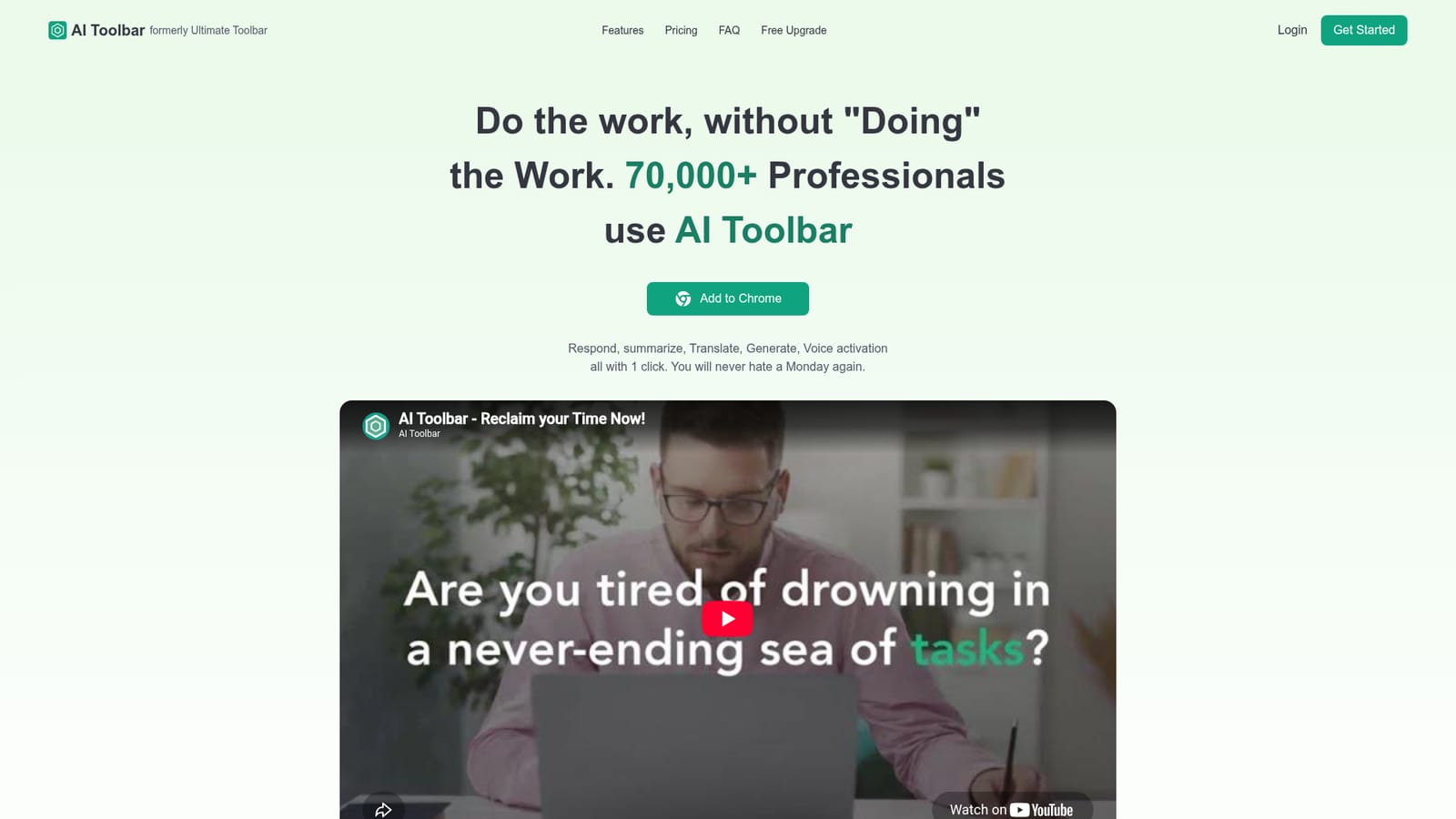
AI Toolbar is a Chrome extension that puts a small AI assistant into the browser toolbar, so common writing and reading tasks happen without leaving the page you are on. The site reports more than 70,000 professionals using it and 10 million responses generated, and pitches the core idea plainly: respond, summarize, translate, generate and activate by voice, all with one click. The feature set covers the everyday jobs that interrupt a working day. A copilot drafts emails from brief input and picks up the surrounding context. A chatbot handles open questions and lets answers be exported to Word or PDF. Voice activation lets you speak to the assistant directly on a PC. Selection tools work on any page: highlight text and instruct the copilot to summarize, translate, paraphrase, analyze or pull out data. The extension also places itself at the top of ChatGPT to add its own layer to that interface. In practice the tool suits knowledge workers, sales and support staff, students and anyone who reads long documents or writes routine correspondence in a browser. The workflow is selection first: highlight a passage or a draft, choose an action, and review the result. Custom prompts and unlimited usage sit behind the paid plan, so heavier users can build repeatable instructions rather than retyping requests. The competitive field is crowded. Dedicated AI sidebars, browser assistants from larger vendors and general chatbots all overlap with parts of this. AI Toolbar competes on breadth in a single small toolbar and on a low annual price rather than on deep document or workspace integrations. The free tier carries the same core features as Premium but lacks custom prompts and unlimited usage, which is the main dividing line between casual and daily use.
No standard trial is advertised. A referral link grants one week of free Premium access for each user who signs up through it, and Premium features apply to referral offers.
Learn moreTwo plans. Free includes AI on any page, ChatGPT integration, voice activation, summarize and translate, chatbot, and PDF and Word export, but not custom prompts or unlimited usage. Premium is 4.20 GBP per month billed annually (60 percent saving on monthly) and adds custom prompts and unlimited usage, running on GPT-5.4 Mini.
Learn moreThe extension sits inside Chrome and layers onto ChatGPT at the top of its interface. No other third party integrations are described on the homepage.
Copilot email drafting with context awareness, a chatbot with Word and PDF export, voice activation on PC, and selection-based summarize, translate, paraphrase, analyze and data extraction on any page. The extension also integrates at the top of ChatGPT. Premium adds custom prompts and unlimited usage.
 AI Angels400+ customizable AI girlfriends for NSFW chat, voice calls, and roleplay
 Candy AIExperience the future of companionship with AI friends who chat, role-play, and connect with you on a human level.
 ourdream.aiA vast AI roleplay platform with millions of characters for chat, images, video and voiceAI Angels400+ customizable AI girlfriends for NSFW chat, voice calls, and roleplayCandy AIExperience the future of companionship with AI friends who chat, role-play, and connect with you on a human level.ourdream.aiA vast AI roleplay platform with millions of characters for chat, images, video and voice


