Free trial
Every new account gets 1 free credit after signing in with Google, enough to stage one room at full resolution. No credit card required.
Learn moreStage empty listing photos with realistic furniture in about 20 seconds
Own AI Virtual Staging? Verify ownership to get a dofollow link

AI Virtual Staging is a design tool. AI Virtual Staging furnishes empty or dated property photos with photorealistic furniture in about 20 seconds. It offers nine interior styles, 2K and 4K output, extra listing tools, and one-time credit packs with a free first image.
AI Virtual Staging is a web service for real estate professionals that digitally furnishes photos of empty or dated rooms. A user uploads a listing photo, and the tool returns a staged version with furniture and décor added while the walls, windows, floors, perspective and lighting stay as photographed. Output is available at 2K or 4K resolution, and most images finish in roughly 20 seconds, with larger or more complex rooms taking a little longer. The workflow has three steps. The user uploads a JPG, PNG or WEBP file, which can come from a professional camera or a phone. Next comes a choice of room type and interior style. Nine curated styles are offered, including Modern, Scandinavian, Contemporary, Mid-century, Luxury, Coastal and Farmhouse, and rooms range from living rooms, bedrooms and kitchens to home offices, kids' rooms and outdoor spaces. Free-text instructions such as "neutral tones, add plants" can steer the result, and a render that looks off can be regenerated. The finished image is downloaded for use on MLS systems, Zillow, Realtor.com or a property site, with the caveat that many MLSs require disclosure of virtual staging. Beyond staging, the same credits cover a small listing toolkit: furniture removal for clearing cluttered rooms, day-to-dusk conversion for exteriors, and 2D floor plan to 3D render conversion. A listing description generator is described as free to use. The intended audience includes agents, brokers, property managers, home sellers, builders, developers and investors who need presentable photos without hiring a staging company. Pricing is credit-based rather than subscription-based. Each new account receives one free credit, and paid packs are one-time purchases whose credits do not expire. Against per-photo virtual staging services and physical staging, the product positions itself on price and speed. It suits users who stage many photos on a budget, though some testimonials concede results are not perfect every time, so a quick review before publishing remains sensible.
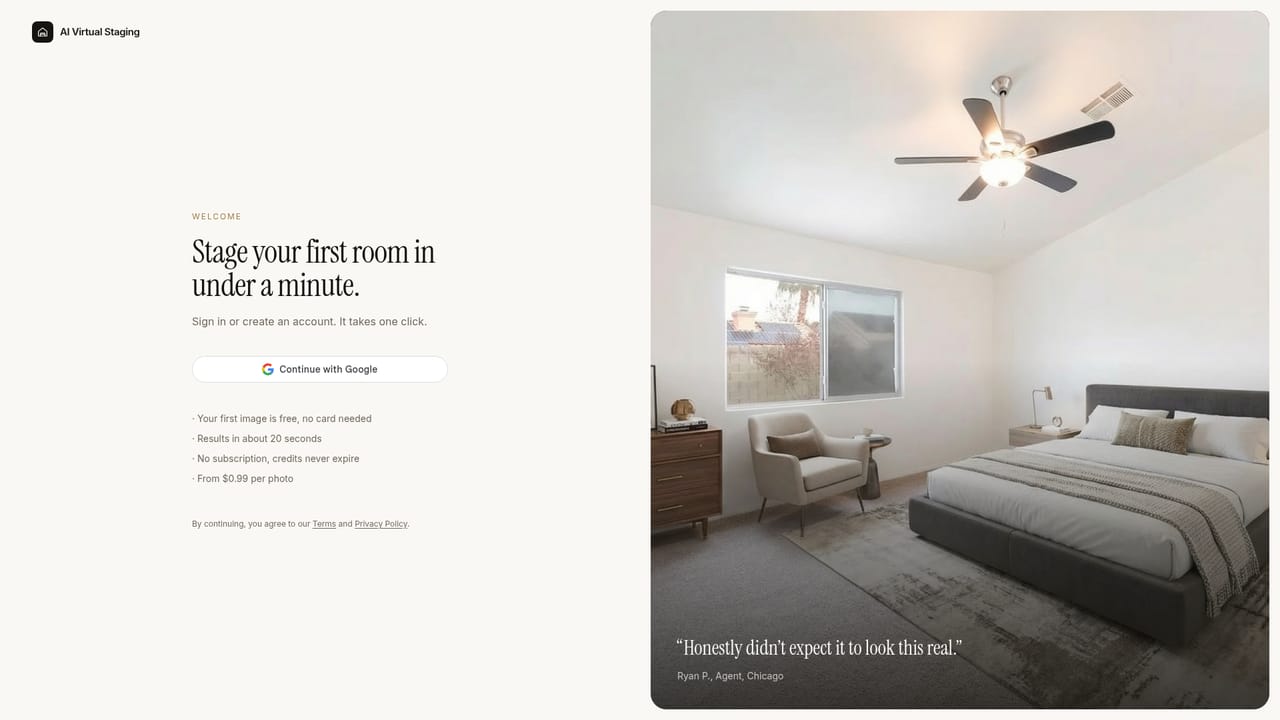
Every new account gets 1 free credit after signing in with Google, enough to stage one room at full resolution. No credit card required.
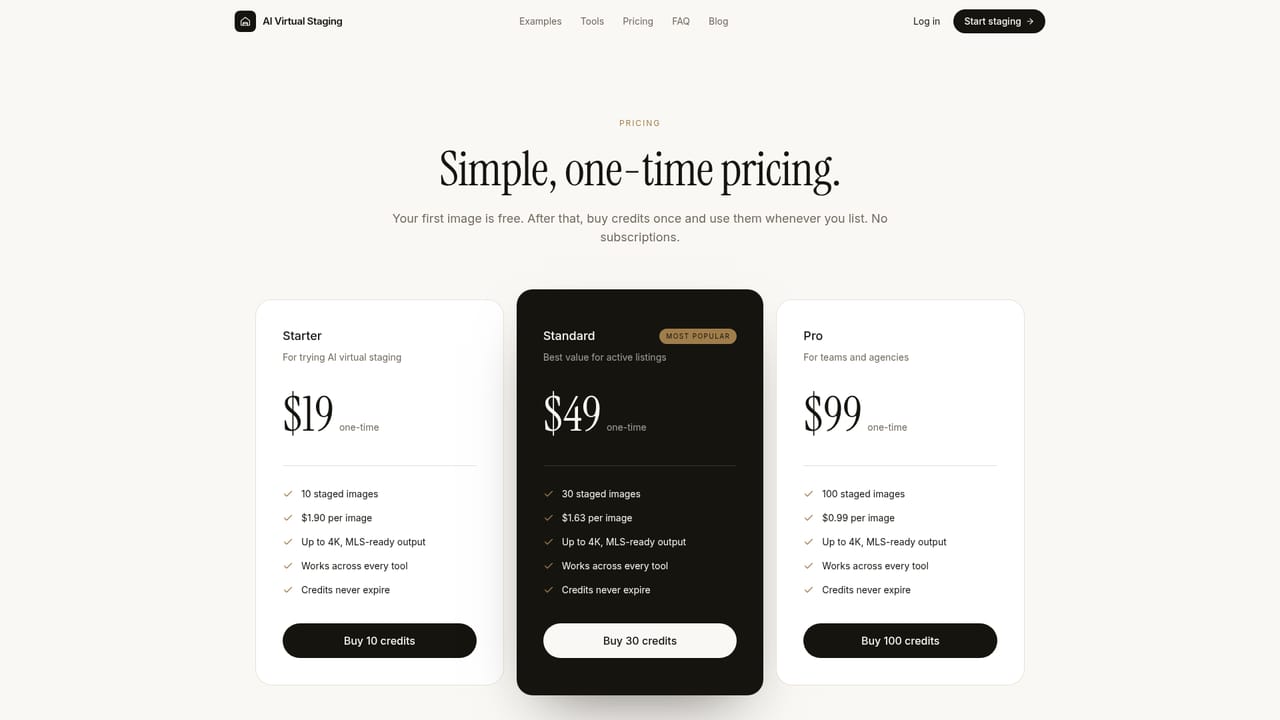
Learn moreOne-time credit packs, no subscription, credits never expire: Starter $19 for 10 images ($1.90 each), Standard $49 for 30 ($1.63 each), Pro $99 for 100 ($0.99 each). One credit stages one image.
Learn moreSupport is available by email at hello@aivirtualstaging.net, and the homepage includes an FAQ covering staging, MLS use, styles and pricing.
Photorealistic staging in about 20 seconds, 2K and 4K output, nine interior styles, custom text instructions, regeneration, furniture removal, day-to-dusk, 2D to 3D floor plans, and a free listing description generator.


