IconsMint

Generate matching AI icon sets and browse a huge free icon library

Beginner
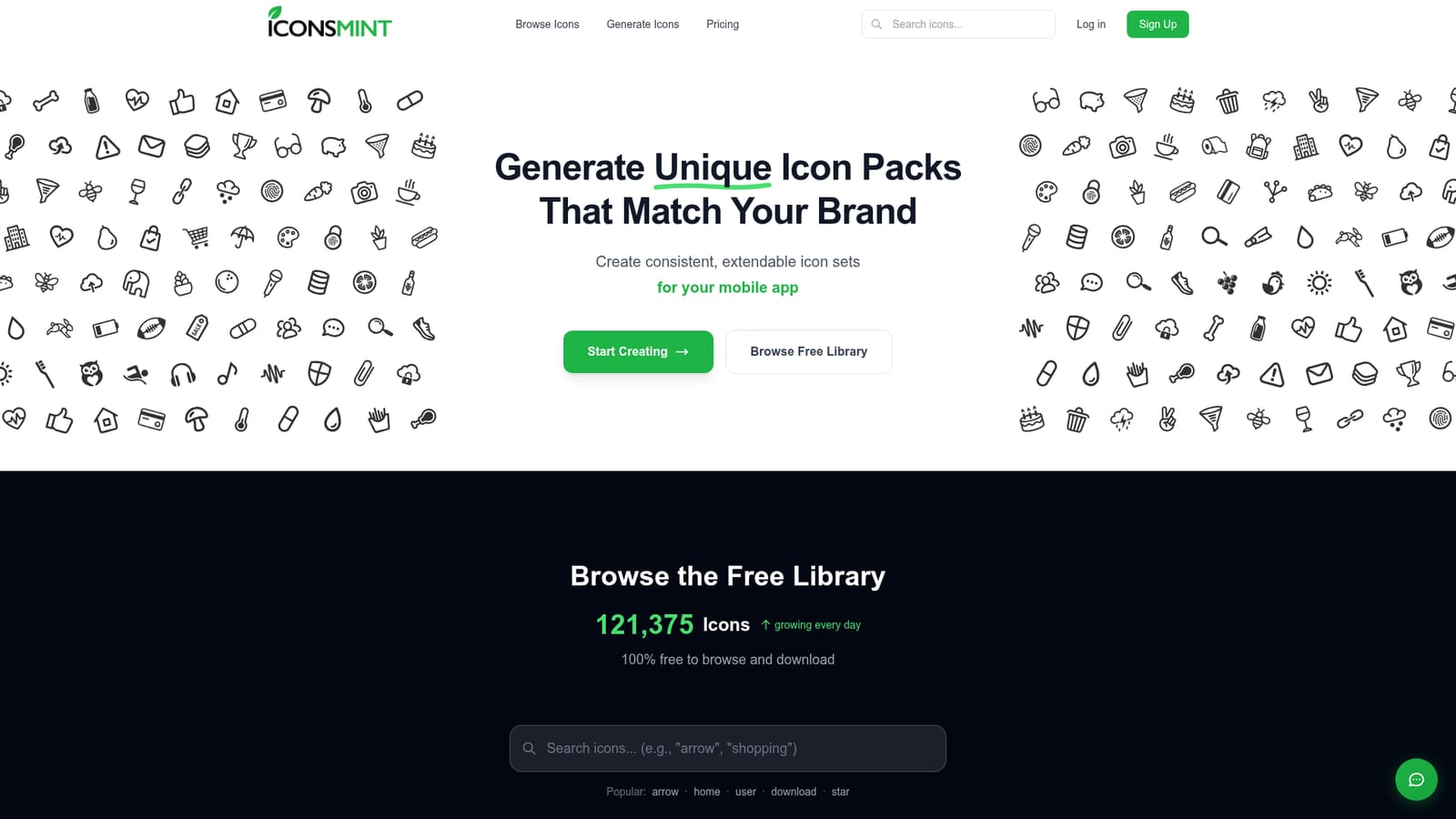
Screenshot of IconsMint, Generate matching AI icon sets and browse a huge free icon library

What is IconsMint?

IconsMint is a design tool that generates matching AI icon sets and browse a huge free icon library. IconsMint generates consistent, brand-matched icon packs from a text description and extends existing sets in the same style. It also offers a free library of about 196,000 icons, with SVG, PNG, icon font and sprite exports and credit-based pricing.

IconsMint is a web-based icon studio that produces whole icon packs in one consistent visual style, alongside a large library of ready-made icons. The core idea is that a product team describes what it needs in plain text, such as a theme like animals, and receives a full set where line weight, style and overall feel match across every icon. That consistency is the usual weak point of assembling icons from mixed sources, and it is the problem the tool is built around. The studio has two main modes. Text to Set creates a new collection from a written description. Extend a Set takes a collection already made and adds new icons that follow the same style and weight, so a pack can grow as an app or dashboard gains features. Two broad looks are offered in the library: geometric, with clean lines and precise, even strokes, and artistic, with hand-drawn character and organic strokes. Outline icons can also have their stroke thickness adjusted, from ultra thin to extra bold, at no cost and as often as needed. The library itself holds roughly 196,000 icons that are free to browse and download, with the free plan limiting downloads to 30 a day in SVG and PNG. Paid credit packs unlock further exports: SVG, PNG, icon font and SVG sprite, along with a commercial license that covers client projects, SaaS products, mobile apps and websites without attribution. Credits do not expire and no subscription is required. The audience is designers, front-end developers and founders who need a branded icon set for a dashboard, website, mobile app or startup without commissioning custom illustration. It sits between static icon libraries, which offer breadth but a fixed look, and general image generators, which rarely deliver usable vector icons in a matched set. Simple prompts may produce similar results across users, so distinctive output depends on detailed descriptions.
How do you use IconsMint?

  1. 1Browse the free library first
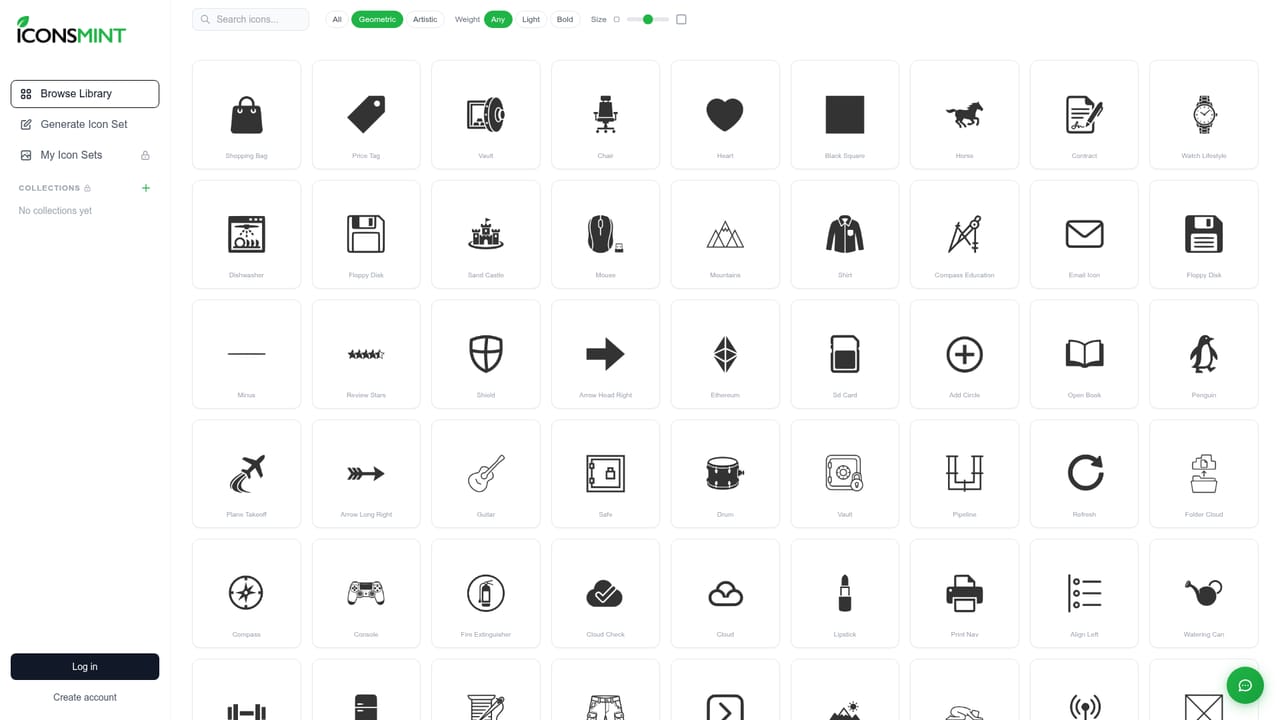
    Search the library for common icons like arrow, home or user, and filter by geometric or artistic style to see which look fits your brand.
    IconsMint — Browse the free library first
  2. 2Create a free account
    Sign up without a credit card to receive 5 AI icons and access to the free download allowance.
    IconsMint — Create a free account
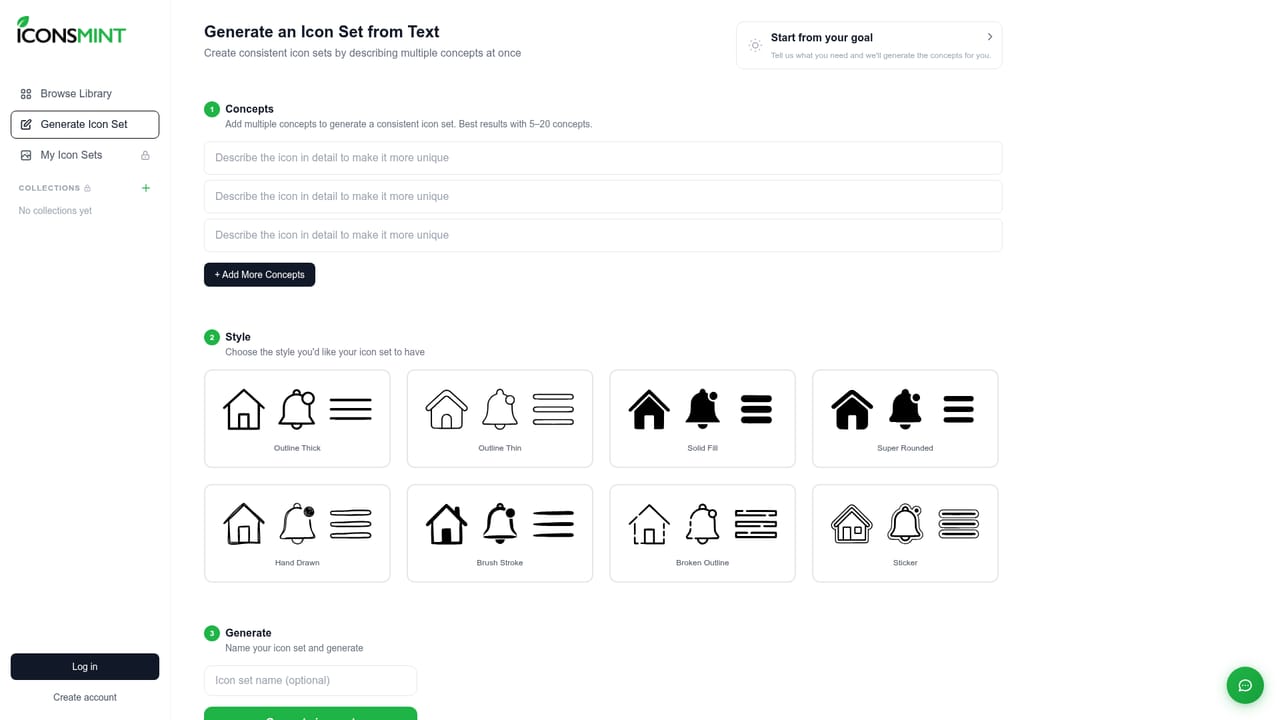
  3. 3Describe your set in Text to Set
    Open the studio and write a detailed description of the theme and style you want, since more specific prompts lead to more distinctive icons.
    IconsMint — Describe your set in Text to Set
  4. 4Adjust stroke thickness
    For outline icons, change the line weight from ultra thin to extra bold until it matches your interface design.
  5. 5Extend the set as needed
    Use Extend a Set to add icons that match the style and weight of the pack you already generated.
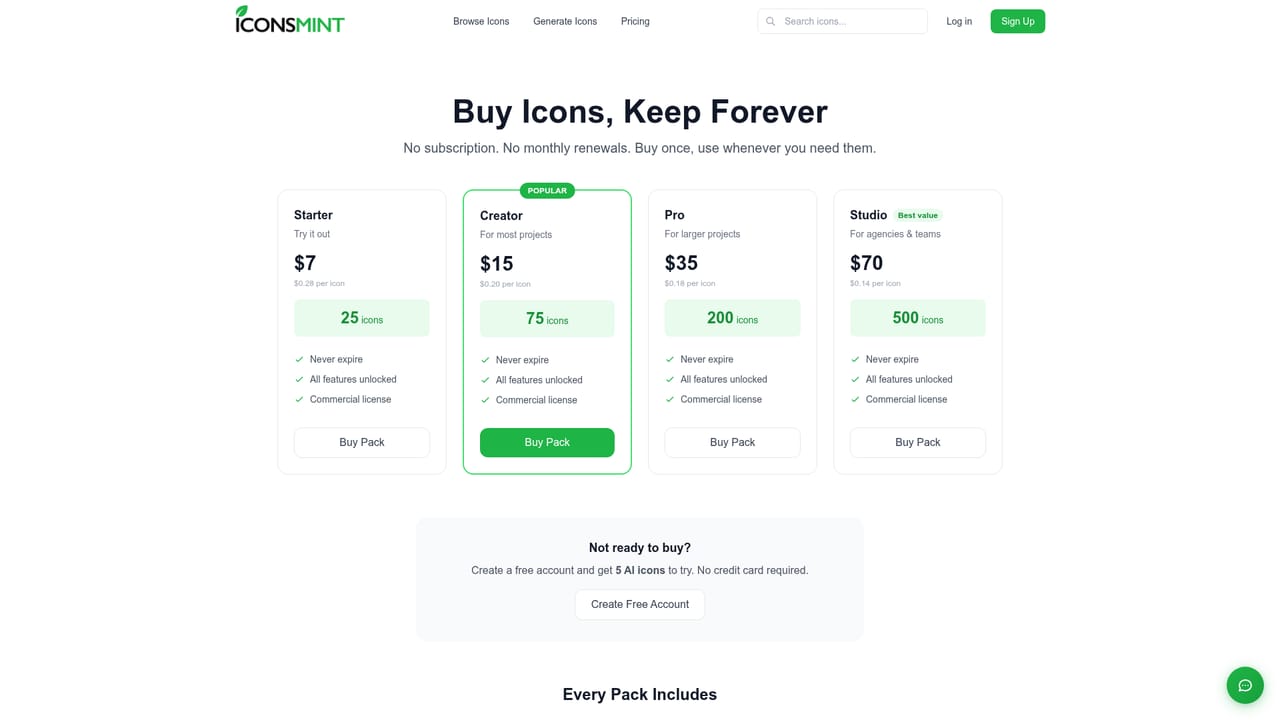
  6. 6Pick a credit pack and export
    Compare credit packs for the commercial license and export formats such as SVG, PNG, icon font or SVG sprite.
    IconsMint — Pick a credit pack and export

Pros and cons

Pros

  • Text to Set produces whole icon packs with matching style, weight and feel instead of one-off iconsAI
  • Extend a Set adds new icons that follow an existing pack, so collections can grow with a productAI
  • Free stroke thickness adjustment on outline icons, with no limit on how often it is changedAI
  • Large free library of roughly 196,000 icons to browse, with 30 downloads a day on the free planAI
  • Credit packs never expire, include a commercial license and need no subscriptionAI

Cons

  • Simple prompts can return similar results for different users, so uniqueness depends on detailed descriptionsAI
  • The free plan includes only 5 AI-generated icons on signup, which limits real testing of the studioAI
  • Credit-based pricing charges per icon, so large custom sets can add up over timeAI
  • Commercial rights come only with paid plans, so free downloads are not cleared for client or product workAI
  • Style choices are framed around geometric and artistic looks, which may not cover every brand directionAI

How much does IconsMint cost?

Free trial

A free forever plan gives 5 AI icons on signup, unlimited browsing of the library and 30 downloads per day in SVG and PNG. No credit card is required to create an account.

Learn more

Pricing

Free plan costs $0 and includes 5 AI icons on signup, browsing of 100k+ icons, 30 downloads per day and SVG and PNG formats. Credit packs start at $7 for 25 to 500 icons, never expire, unlock all features and include a commercial license, with no subscription.

Learn more

Features

Text to Set generates full matching icon packs from a description; Extend a Set adds icons in the same style. Geometric and artistic styles, free stroke thickness adjustment, SVG, PNG, icon font and SVG sprite exports, and a commercial license on paid plans.

Learn more

Frequently asked questions about IconsMint

  • How much does IconsMint cost?
    Free plan costs $0 and includes 5 AI icons on signup, browsing of 100k+ icons, 30 downloads per day and SVG and PNG formats. Credit packs start at $7 for 25 to 500 icons, never expire, unlock all features and include a commercial license, with no subscription.
  • Does IconsMint offer a free trial?
    A free forever plan gives 5 AI icons on signup, unlimited browsing of the library and 30 downloads per day in SVG and PNG. No credit card is required to create an account.
  • How do you use IconsMint?
    The walkthrough on this page covers 6 steps: 1. Browse the free library first 2. Create a free account 3. Describe your set in Text to Set 4. Adjust stroke thickness 5. Extend the set as needed 6. Pick a credit pack and export.
  • What platforms does IconsMint support?
    IconsMint is available on Web App.
  • What are the limitations of IconsMint?
    Simple prompts can return similar results for different users, so uniqueness depends on detailed descriptions. The free plan includes only 5 AI-generated icons on signup, which limits real testing of the studio. Credit-based pricing charges per icon, so large custom sets can add up over time.

Status

StatusActive
Views0
Outbound clicks0
Added10/18/2026

Platforms

Web App

Pricing

FreemiumPaid