Skyelight

Pin feedback on live sites and hand it to your team or coding agent

Beginner API
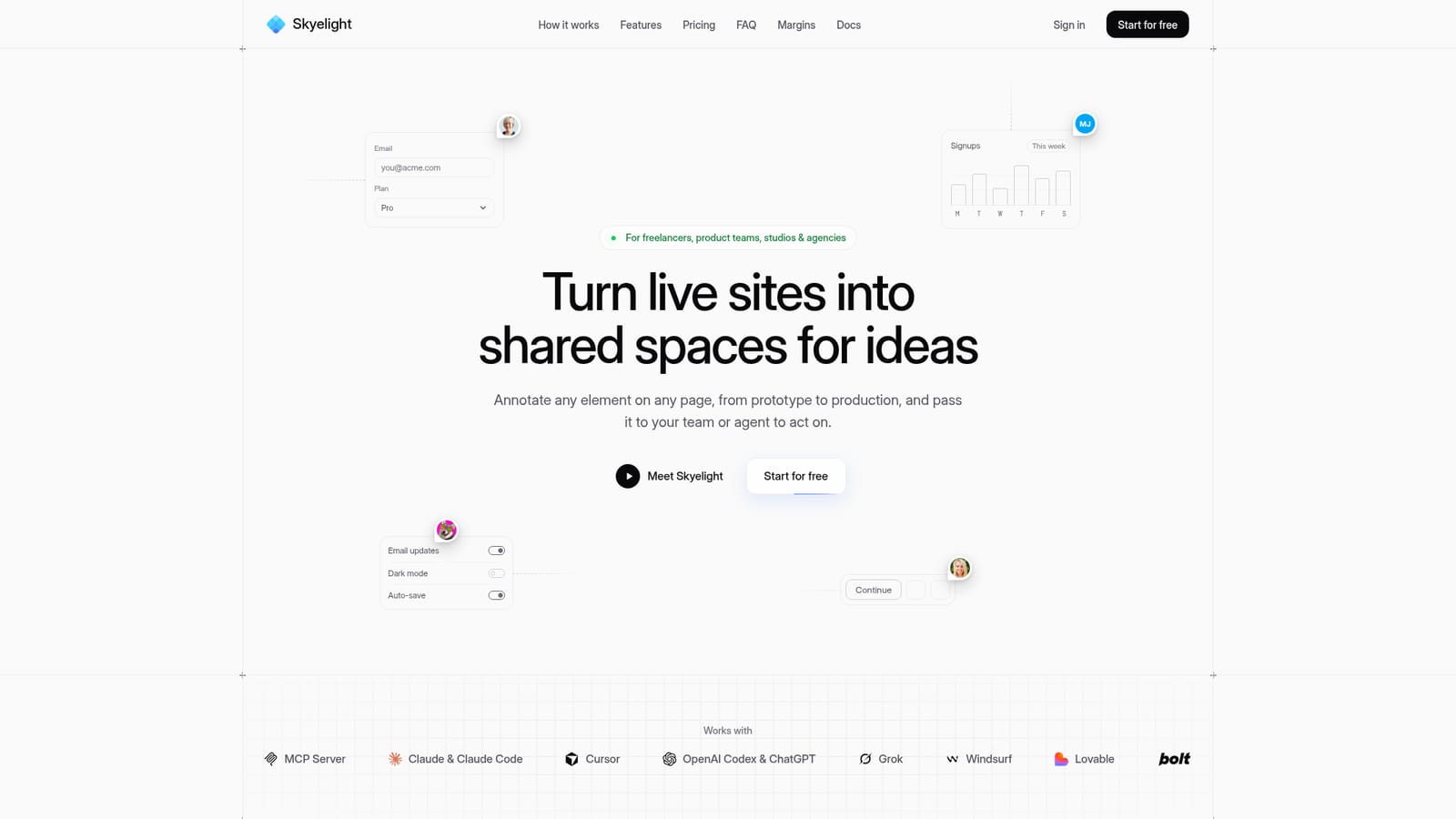
Screenshot of Skyelight, Pin feedback on live sites and hand it to your team or coding agent

What is Skyelight?

Skyelight is a design tool. Skyelight lets teams pin comments on any live web page, auto-classify them, capture browser context, and hand threads to coding agents such as Claude Code or Cursor through an MCP server and REST API.

Skyelight is a website feedback tool built around pinned comments. A reviewer opens a page, presses a key, and attaches a note to a specific element, whether the page is a prototype, a staging build or production. Each pin stores the URL, the element, a redacted snapshot of the surrounding markup, the browser, and any errors, console warnings or failed requests that occurred just before the comment, so the cause travels with the complaint. Comments are classified automatically as they are typed, sorted into bug, feedback or idea, with room for custom types such as design inspiration or page copy. The distinctive part is the agent handoff. Skyelight exposes an MCP server and a REST API, so a coding assistant such as Claude Code, Cursor, Codex or Windsurf can list open threads, read the element and source line behind each one, make the change and close the thread with a reply. Any thread can be assigned an intent: investigate, plan or fix and open a pull request. Teams who prefer a human workflow can sync threads to Linear, Slack and GitHub. The product targets freelancers, product teams, studios and agencies who collect client or stakeholder input. Reviewers are free on every plan, and guests can comment through a review link or code without an account on paid tiers. A Chrome extension works on any page without code changes, while an optional Skyelight Build plugin adds source file, line, commit and branch data to each pin. Screenshots and per-pin accessibility checks for contrast, text size and touch target are included, and the vendor states that thread data is not used to train models. Among alternatives, Skyelight sits between visual annotation tools aimed at designers and issue trackers aimed at engineers. Its edge is the direct path from a comment on the rendered page to the code that needs changing, which generic screenshot-and-ticket workflows lack. A free plan covers one project, with paid plans adding projects, seats and workspaces.

How do you use Skyelight?

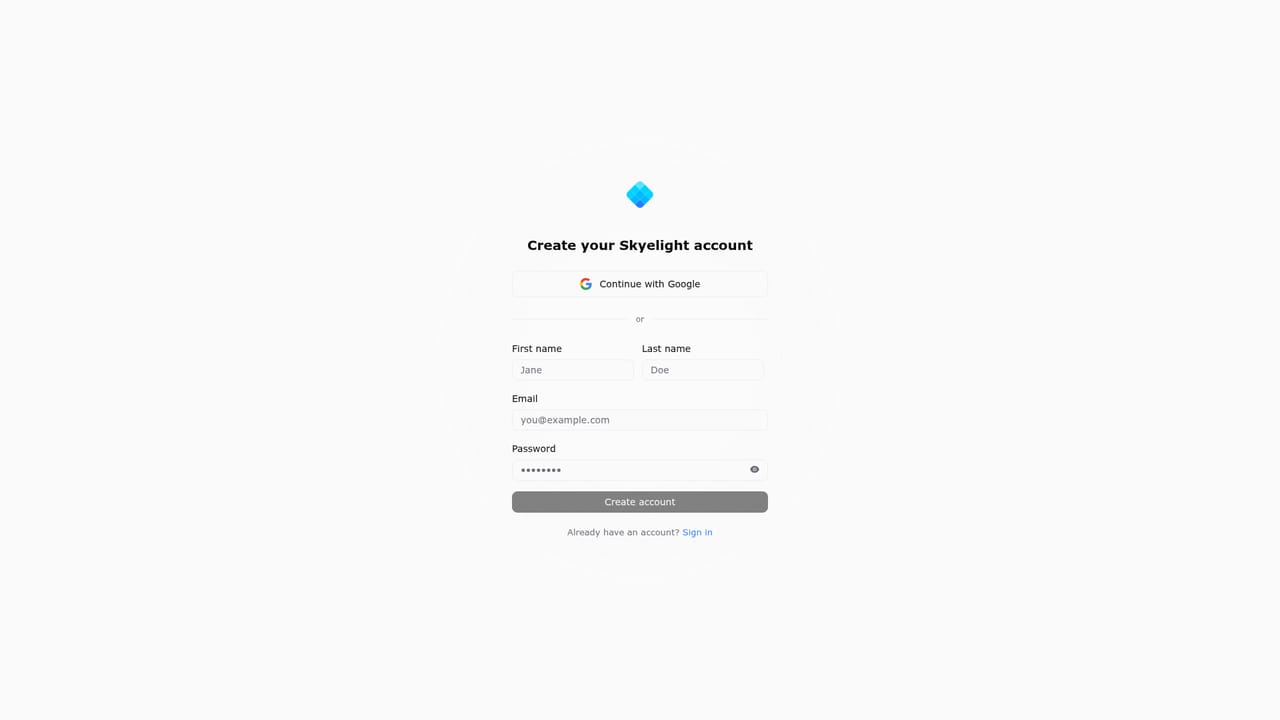
  1. 1Create a free account
    Sign up for the Free plan, which includes one workspace, one project and unlimited pins and threads.
    Skyelight — Create a free account
  2. 2Install the Chrome extension
    Add the extension from the Chrome Web Store so you can pin feedback on any page you can open in Chrome.
    Skyelight — Install the Chrome extension
  3. 3Pin your first comment
    Open a staging, preview or production page, press C, and click an element to leave a note. It is classified as a bug, idea or feedback automatically.
  4. 4Invite reviewers or guests
    Add clients as free reviewers, or on a paid plan turn on guest feedback and share a review link or code.
  5. 5Connect your coding agent
    Add the Skyelight MCP server address to Claude Code, Cursor or another MCP client, then ask the agent to work through open threads.

Pros and cons

Pros

  • Pins capture the element, URL, browser and recent errors, so bug reports arrive with their cause attachedAI
  • MCP server and REST API let coding agents read, fix and close threads directlyAI
  • Reviewers are free on every plan and guests can comment without an account on paid tiersAI
  • Chrome extension works on staging, previews and production with no code changesAI
  • Free plan includes unlimited pins and threads plus MCP and API accessAI

Cons

  • The Chrome extension is the main capture route, so there is no stated support for other browsersAI
  • The free plan covers only one project and one workspace, and caps agent threads at 25 a monthAI
  • Guest feedback, Slack, Linear and GitHub integrations require a paid planAI
  • Source file, line and commit data need the separate Skyelight Build plugin installed per projectAI
  • Enterprise tier is not yet available, which may limit larger organizationsAI

How much does Skyelight cost?

Pricing

Free Forever is $0 per month for one workspace and one project. Pro is $24 per month with one paid seat included and extra seats at $7. Team is $49 per month with extra seats at $12. Reviewers are free on every plan. Enterprise is listed as coming soon.

Learn more

Support

Billing questions and plan advice go to support@skyelight.ai through the contact sales link. The homepage FAQ covers setup, privacy and plan details.

Integrations

Works with any MCP client including Claude Code, Cursor, Codex, Windsurf, ChatGPT, Lovable and Bolt. Paid plans sync threads to Slack, Linear and GitHub, and the REST API connects to Zapier or Make.

Features

Pinned comments on any page, automatic classification with custom types, screenshots, browser and error capture, accessibility checks, guest feedback, agent handoff (investigate, plan, fix), MCP server, REST API and notifications by email or Slack.

Frequently asked questions about Skyelight

  • How much does Skyelight cost?
    Free Forever is $0 per month for one workspace and one project. Pro is $24 per month with one paid seat included and extra seats at $7. Team is $49 per month with extra seats at $12. Reviewers are free on every plan. Enterprise is listed as coming soon.
  • Does Skyelight have an API?
    Yes, Skyelight offers an API.
  • How do you use Skyelight?
    The walkthrough on this page covers 5 steps: 1. Create a free account 2. Install the Chrome extension 3. Pin your first comment 4. Invite reviewers or guests 5. Connect your coding agent.
  • What platforms does Skyelight support?
    Skyelight is available on Web App and Browser extension.
  • What does Skyelight integrate with?
    Works with any MCP client including Claude Code, Cursor, Codex, Windsurf, ChatGPT, Lovable and Bolt. Paid plans sync threads to Slack, Linear and GitHub, and the REST API connects to Zapier or Make.
  • What are the limitations of Skyelight?
    The Chrome extension is the main capture route, so there is no stated support for other browsers. The free plan covers only one project and one workspace, and caps agent threads at 25 a month. Guest feedback, Slack, Linear and GitHub integrations require a paid plan.

Status

StatusActive
Views0
Outbound clicks0
Added10/18/2026

Platforms

Web AppBrowser extension

Pricing

FreemiumSubscription