Free trial
The site invites visitors to try the generator for free and repeatedly refers to it as a free AI anime art generator, but no trial length or usage cap is stated on the homepage.
Learn moreTurn text, photos and sketches into anime art, then animate it
Own AIAnimeGenerator? Verify ownership to get a dofollow link

AIAnimeGenerator is an anime tool that turns text, photos and sketches into anime art, then animate it. A focused anime art generator with three entry points: prompt to image, photo restyling and sketch refinement, plus a one-click animation option that turns finished stills into short motion clips.
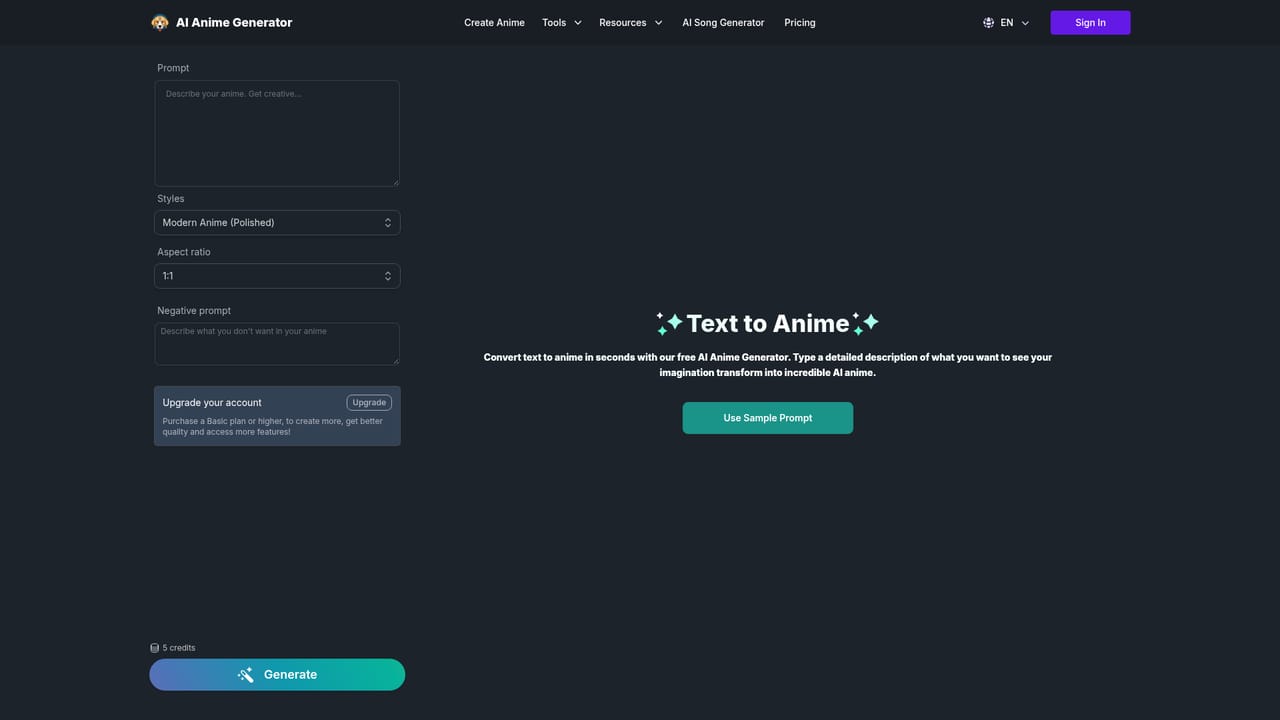
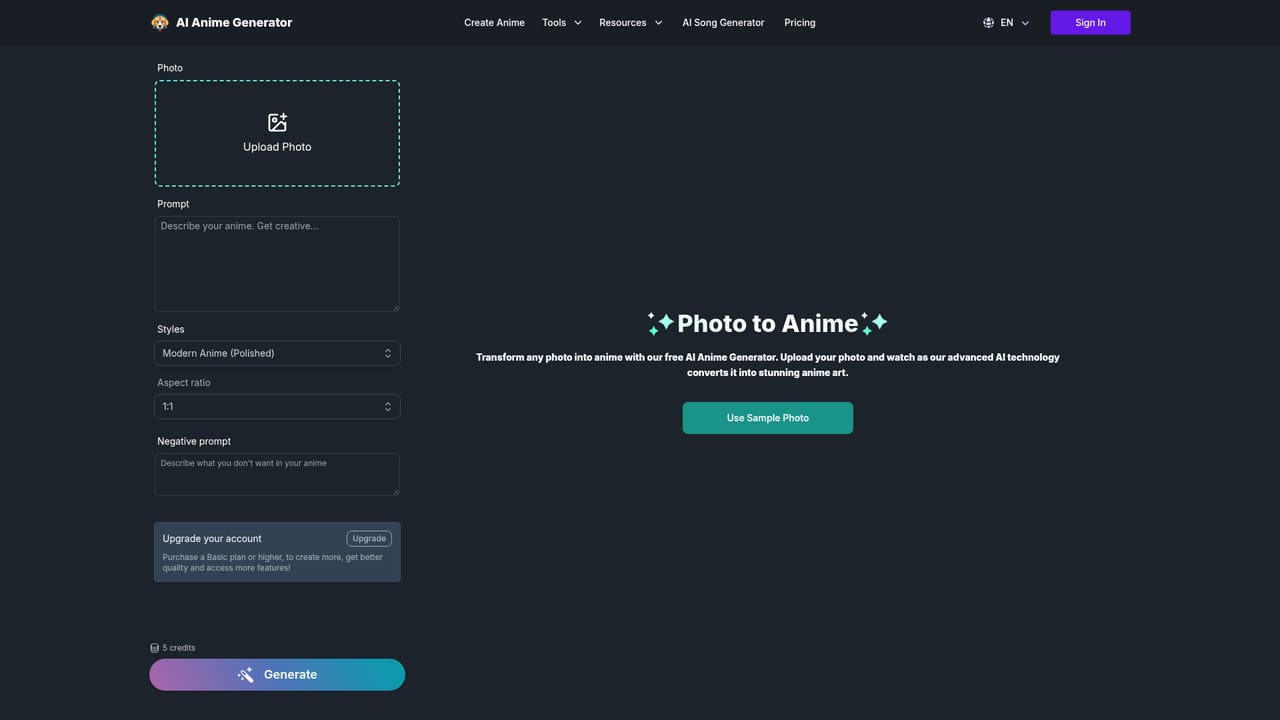
AI Anime Generator is a browser-based image tool built around a single visual style: Japanese anime. It gives you three input routes. The text to anime route takes a written prompt and renders a finished picture from it, so no drawing ability is needed. The photo to anime route accepts an uploaded photograph and restyles it in anime form. A third route takes pencil sketches and graffiti-style line work and renders them into detailed, polished anime art, which makes it useful for people who can rough out an idea but cannot paint it. A separate Anime to Video control is the feature that sets the tool apart from plain image generators. After a picture is generated, an Animated button converts the static frame into a short motion clip. The site frames this as a way to add movement to character art for social posts and similar content. Outputs can be downloaded directly to your computer once you are satisfied with a result. The audience is broad by design. Hobbyists who want fan-style art of familiar character tropes (the gallery samples include cyberpunk scenes, couple portraits, soldier designs and living room interiors) sit alongside creators who need quick visuals for a project. The site states that generated images may be used for personal and commercial purposes. Anyone comparing this with general purpose generators such as Midjourney or Stable Diffusion should note the trade-off: this tool is narrower, with fewer global controls, but it removes the prompt engineering and style hunting that general models demand for a consistent anime look. The homepage claims a community of more than one million anime art creators and reports that no design experience is required. Beyond that, published detail is thin. There is no visible changelog, model documentation or export format list on the page, so buyers should test output quality on their own subject matter before committing to a paid tier.
The site invites visitors to try the generator for free and repeatedly refers to it as a free AI anime art generator, but no trial length or usage cap is stated on the homepage.
Learn moreText to anime generation from plain prompts, photo to anime restyling, sketch and graffiti to anime conversion, a style library spanning cyberpunk, illustration and character themes, an Animated button that turns stills into short clips, and direct downloads.
Learn more AI Angels400+ customizable AI girlfriends for NSFW chat, voice calls, and roleplay
 Candy AIExperience the future of companionship with AI friends who chat, role-play, and connect with you on a human level.
 ourdream.aiA vast AI roleplay platform with millions of characters for chat, images, video and voiceAI Angels400+ customizable AI girlfriends for NSFW chat, voice calls, and roleplayCandy AIExperience the future of companionship with AI friends who chat, role-play, and connect with you on a human level.ourdream.aiA vast AI roleplay platform with millions of characters for chat, images, video and voice