AIImageGenerator

Text to image generation powered by Stable Diffusion XL, from realistic to anime.

Beginner
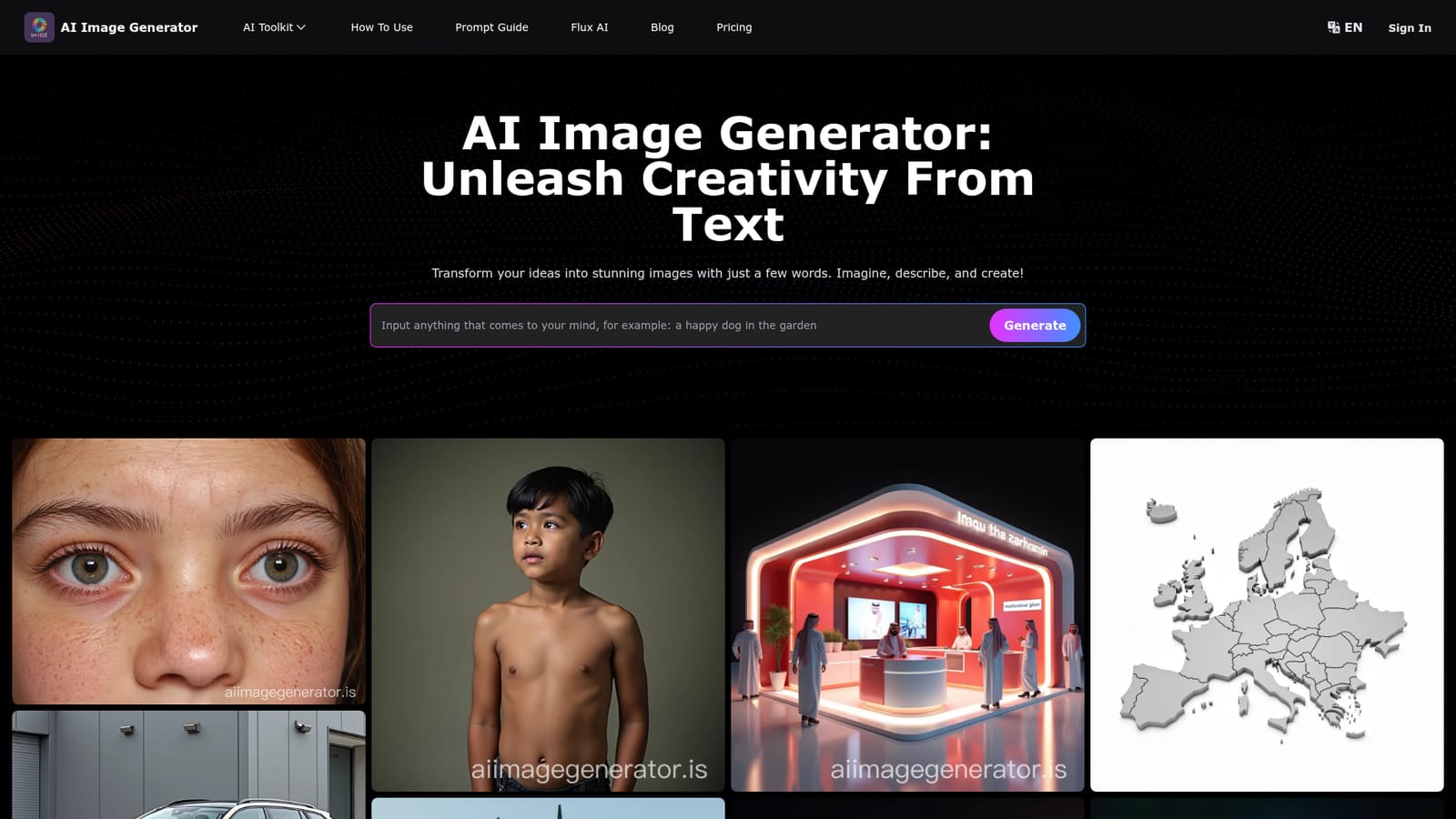
Screenshot of AIImageGenerator, Text to image generation powered by Stable Diffusion XL, from realistic to anime

What is AIImageGenerator?

AIImageGenerator is an anime generator tool. Browser based text to image generator built on Stable Diffusion XL, with a large prompt gallery covering photorealism, anime, clipart and typography, plus a curated prompt library and model comparison blog.

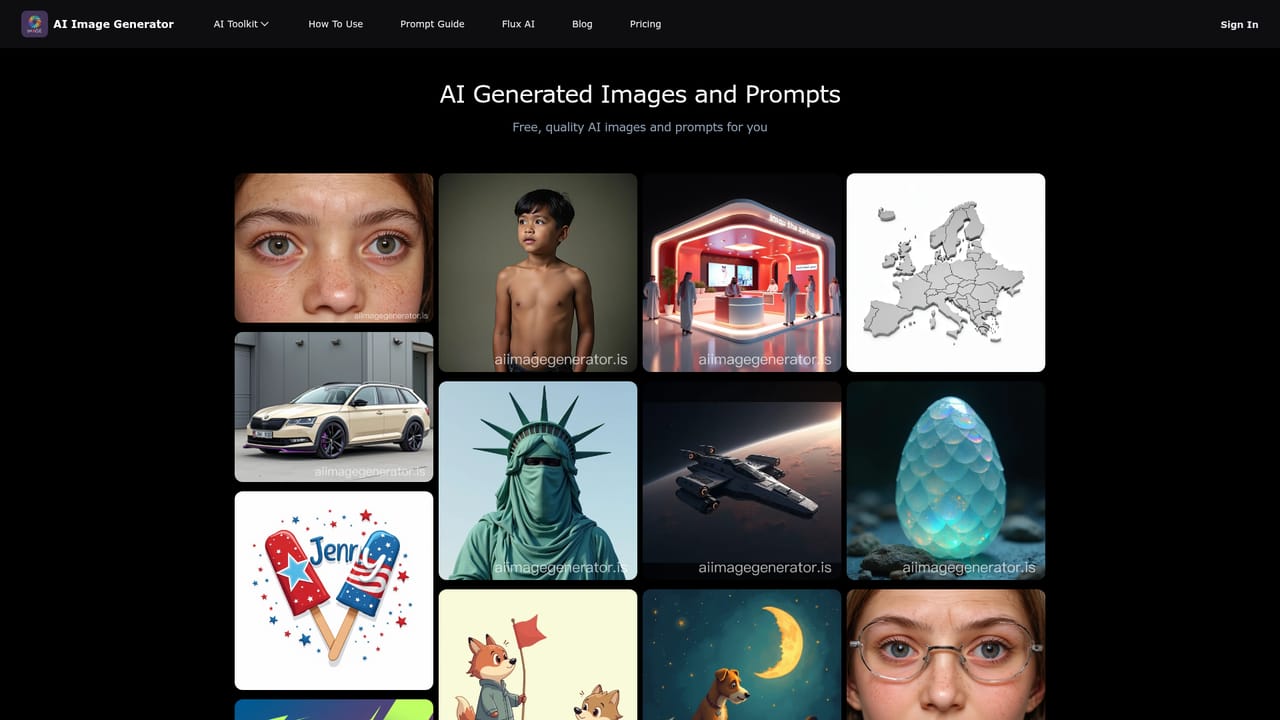
AIImageGenerator is a browser based text to image tool that turns written descriptions into finished visuals. The site is built around Stable Diffusion XL and presents itself as a single, simple entry point: you type a prompt, press generate, and receive an image within seconds. The homepage doubles as a gallery, showing dozens of example prompts and their outputs, ranging from photorealistic portraits and product scenes to anime characters, clipart style graphics, typography designs and flat style maps. That gallery is useful for calibration, because it shows how far a detailed prompt can be pushed on the underlying model. The tool suits a broad audience. Hobbyists and artists can experiment with styles and concepts without learning a rendering pipeline. Designers and small marketing teams can prototype banners, mockups and social assets before committing to a full production process. Anime and fan art creators get coverage for the character driven, stylized prompts the gallery leans on. The examples also show practical commercial use: sublimation print designs, exhibition booth renders and packaging concepts. In practice, the workflow is prompt driven. Longer, more specific prompts appear to produce the sharpest results on the site: the showcased examples specify framing, lighting, materials, colors, aspect ratios and even typography instructions for banner style images. Shorter prompts work but yield more generic output. There is also an AI art prompts page that curates ready made prompt text, which shortens the learning curve for newcomers. Images are compressed for display on the gallery, so expect to inspect final renders before publishing. Where does it fit? It is a lightweight, no install alternative to full creative suites, sitting alongside other Stable Diffusion front ends and hosted generators such as Midjourney or Flux based services. The blog tracks competing models (Seedream 4.5, Flux 2, Nano Banana) and publishes free tutorials, so the site functions as a news and learning hub as much as a generator.

How do you use AIImageGenerator?

  1. 1Open the generator
    Go to the homepage, where the prompt field and generate button sit above the example gallery. No account is described in the visible page flow, so start with a prompt directly.
    AIImageGenerator — Open the generator
  2. 2Study example prompts
    Scroll the gallery to see how detailed prompts map to results. Note how the strongest examples specify subject, framing, lighting and material.
  3. 3Borrow a ready made prompt
    Visit the AI art prompts page and pick a prompt structure close to your intended style, then adapt the subject and details.
    AIImageGenerator — Borrow a ready made prompt
  4. 4Write a specific prompt
    Describe the subject first, then add style, lighting, aspect ratio and any text placement instructions. Longer, concrete prompts produce more controlled output.
  5. 5Generate and refine
    Press generate and review the result. Adjust one element at a time (framing, color, style) rather than rewriting the whole prompt, and regenerate.
  6. 6Follow model updates
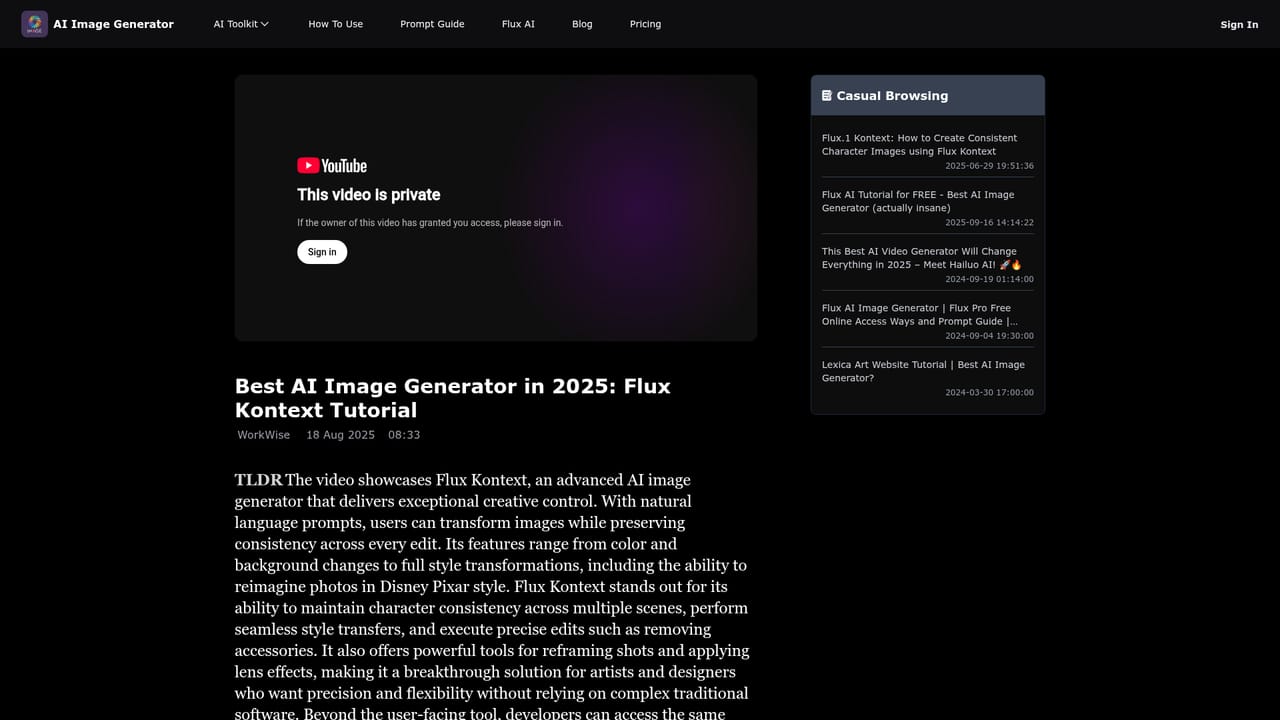
    The blog covers new models such as Flux 2 and Seedream 4.5 with free tutorials, useful for comparing output quality against alternatives.
    AIImageGenerator — Follow model updates

Pros and cons

Pros

  • Runs in the browser with no installation, so the first image is only a prompt away.AI
  • Stable Diffusion XL underpins the output, a well documented model with broad style coverage.AI
  • The homepage gallery shows real prompt and result pairs, which helps users learn prompt structure.AI
  • Handles very long, detailed prompts, including composition, lighting and typography instructions.AI
  • A dedicated AI art prompts page supplies ready made prompt text for beginners.AI

Cons

  • No pricing information is published on the homepage, so costs and usage limits are unclear before signing up.AI
  • The prompt gallery is dominated by stylized and character art; less evidence of consistent output for technical or brand accurate work.AI
  • No stated integrations or API, which limits use in automated or team pipelines.AI
  • Some gallery prompts are deliberately edgy or depict public figures, which signals loose content policy boundaries to check before commercial use.AI
  • Image quality depends heavily on prompt writing skill, with no visible advanced controls such as seed or negative prompt settings.AI

How much does AIImageGenerator cost?

Features

Text to image generation with Stable Diffusion XL, a prompt field with a generate action, and a public gallery of example prompts and outputs spanning photorealism, anime, clipart, typography banners, product and interior concepts, and simple maps. A curated AI art prompts page and a tutorial blog round out the offering.

Learn more

Frequently asked questions about AIImageGenerator

  • How do you use AIImageGenerator?
    The walkthrough on this page covers 6 steps: 1. Open the generator 2. Study example prompts 3. Borrow a ready made prompt 4. Write a specific prompt 5. Generate and refine 6. Follow model updates.
  • What platforms does AIImageGenerator support?
    AIImageGenerator is available on Web App.
  • What are the limitations of AIImageGenerator?
    No pricing information is published on the homepage, so costs and usage limits are unclear before signing up. The prompt gallery is dominated by stylized and character art; less evidence of consistent output for technical or brand accurate work. No stated integrations or API, which limits use in automated or team pipelines.

Status

StatusActive
Views0
Outbound clicks0
Added10/21/2026

Platforms

Web App

Pricing

Free