Free trial
There is no free generation trial; users can browse themes and watch example videos for free, but creating a personal video always requires paid credits.
Learn moreTurns a few portrait photos into a short AI rap or music performance video.
AIRAP Video(airapvideogen.org) is an image to video tool that turns a few portrait photos into a short AI rap or music performance video. AIRAP Video turns a couple of uploaded portraits into a short AI-generated rap or music performance clip, with theme selection, original audio, and MP4 export, built for quick social sharing rather than professional editing.
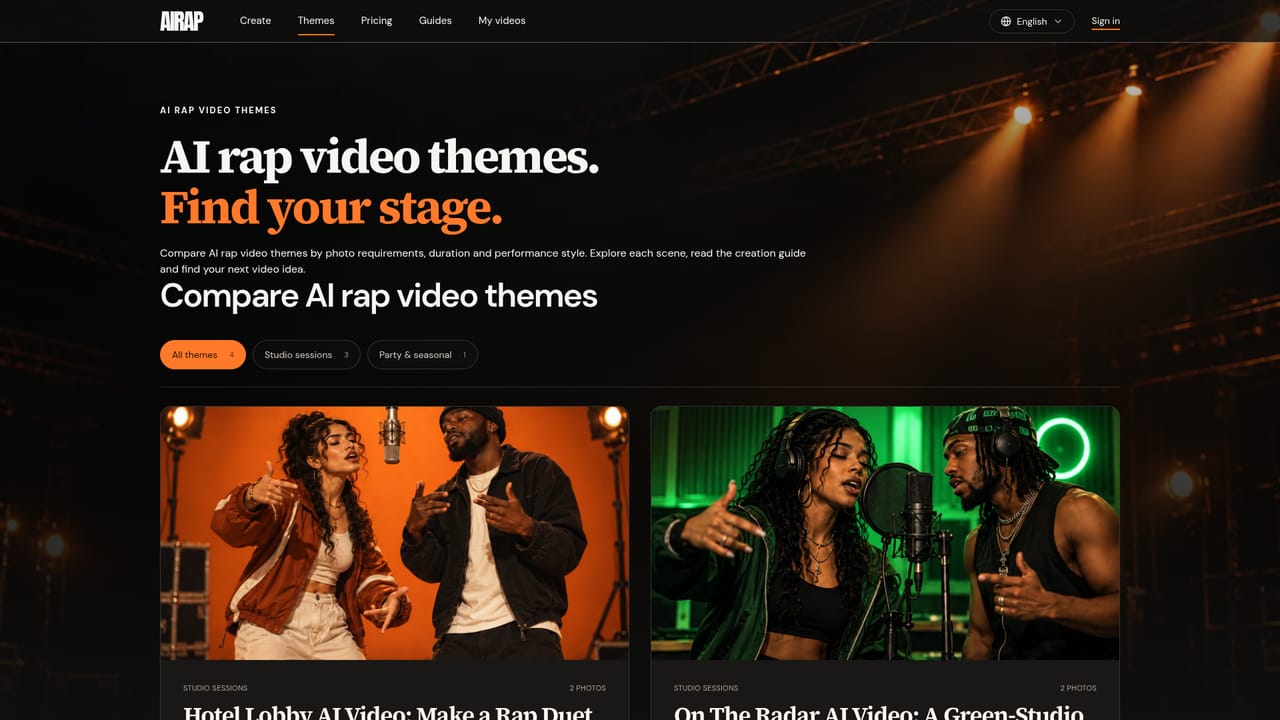
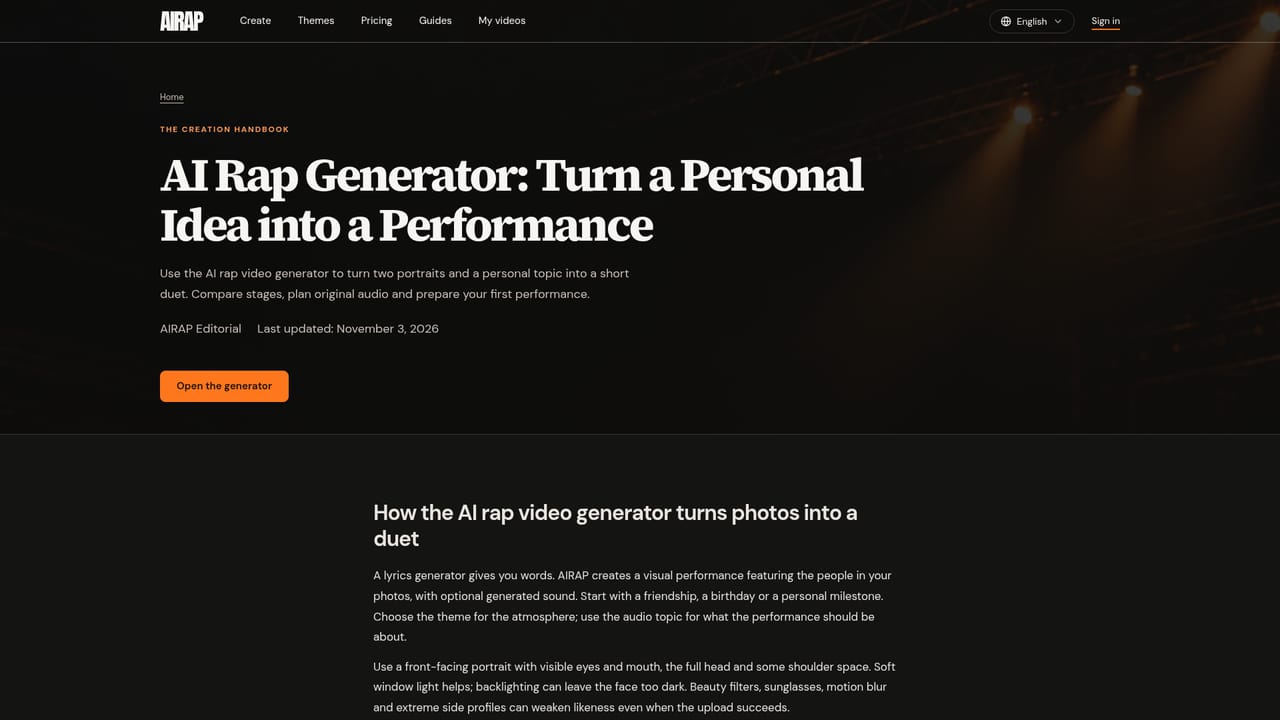
AIRAP Video is a browser-based generator that converts uploaded photos into short rap or music performance clips. Instead of writing lyrics or filming a set, a person picks a stage (Hotel Lobby, On The Radar, Tiny Desk or Halloween), uploads one or two portraits depending on the theme, and optionally describes a topic or mood that the model uses to write original vocals and music. The system builds a new scene around the uploaded faces and renders a performance, delivered as a downloadable MP4. The tool is built for people who want a quick, shareable video rather than a professional music video pipeline: friends marking an inside joke, someone making a birthday or graduation clip, or a solo creator who wants a Tiny Desk style session from a single image. Each theme has fixed or selectable duration options (ranging from 5 to 15 seconds depending on the scene), and the workflow lets users adjust model, resolution, aspect ratio and audio settings before confirming generation. A credit cost is calculated and shown up front based on those settings, so there are no surprise charges once a render starts. In practice, the experience is closer to a themed performance stage than a full editing suite. There is no lyric editor, no multi-scene storyboard and no MP3 or text export, only a finished MP4 built from the chosen theme and topic. It sits between lyric-only rap generators (which just produce text) and full video editors, aiming at users who want a finished clip without manual editing or songwriting. Processing can take anywhere from a few minutes to over ten, and multiple generations can run in parallel while a user browses other themes. Compared with general AI video tools, AIRAP is narrower by design: it focuses specifically on photo-to-performance rap and music clips with a fixed set of stage themes, rather than open-ended video generation from arbitrary prompts.
There is no free generation trial; users can browse themes and watch example videos for free, but creating a personal video always requires paid credits.
Learn moreGeneration is paid by credits, with an exact quote shown based on chosen model, resolution and duration before confirming. Top-up credits remain valid for one year, and failed or rejected generations are fully refunded.
Learn moreSupport is available by email at support@airapvideogen.org, alongside a guides section covering planning, prompts and theme-specific tips, plus an FAQ on the homepage.
Learn moreTheme-based photo-to-video generation with four stage styles, adjustable model/resolution/duration/aspect ratio settings, optional AI-written vocals and music from a text topic, upfront credit cost display, and MP4 export via a browser-only workflow.
Learn more AI Angels400+ customizable AI girlfriends for NSFW chat, voice calls, and roleplay
 Candy AIExperience the future of companionship with AI friends who chat, role-play, and connect with you on a human level.
 ourdream.aiA vast AI roleplay platform with millions of characters for chat, images, video and voiceAI Angels400+ customizable AI girlfriends for NSFW chat, voice calls, and roleplayCandy AIExperience the future of companionship with AI friends who chat, role-play, and connect with you on a human level.ourdream.aiA vast AI roleplay platform with millions of characters for chat, images, video and voice


