Free trial
The generator displays a credit cost for each output directly in the tool; specific free or starter credit allowances are detailed on the pricing page rather than the homepage.
Learn moreAn AI toolkit that turns photos and prompts into finished video clips.

Tyndall AI is an image to video tool. Tyndall AI bundles multiple image and video generation models with trend based video templates, editing utilities and audio tools in one credit based web app.
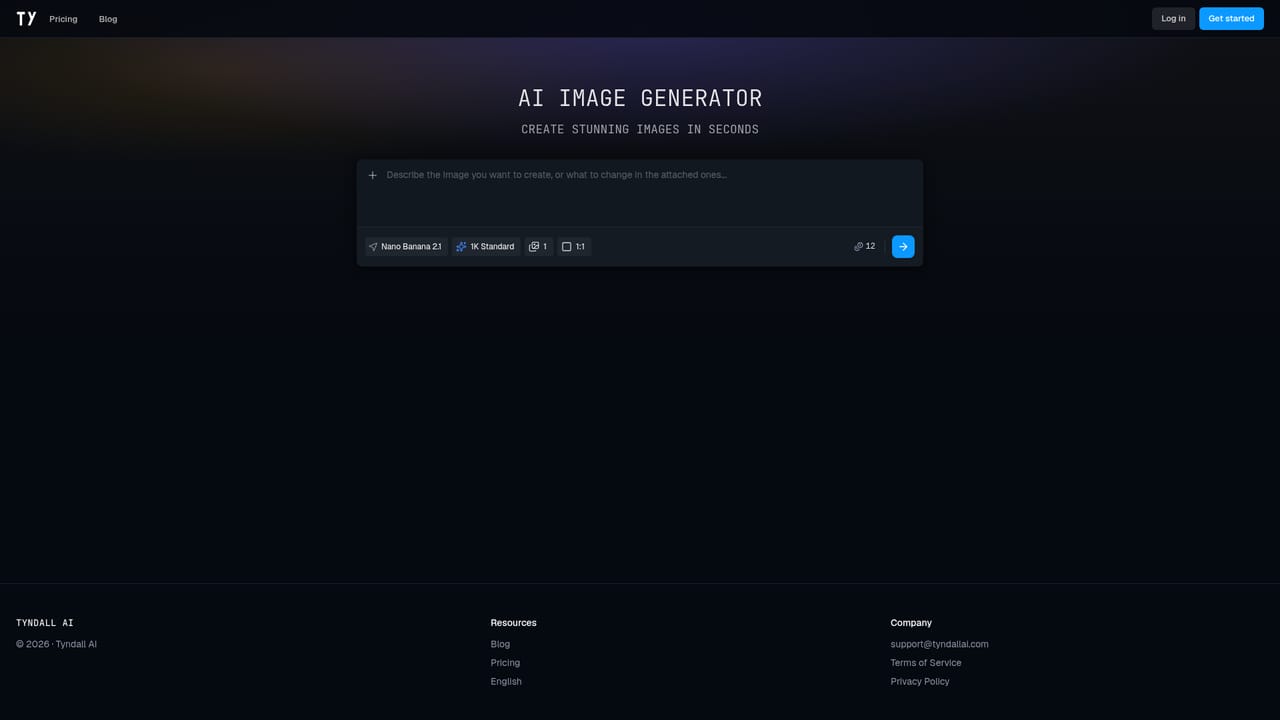
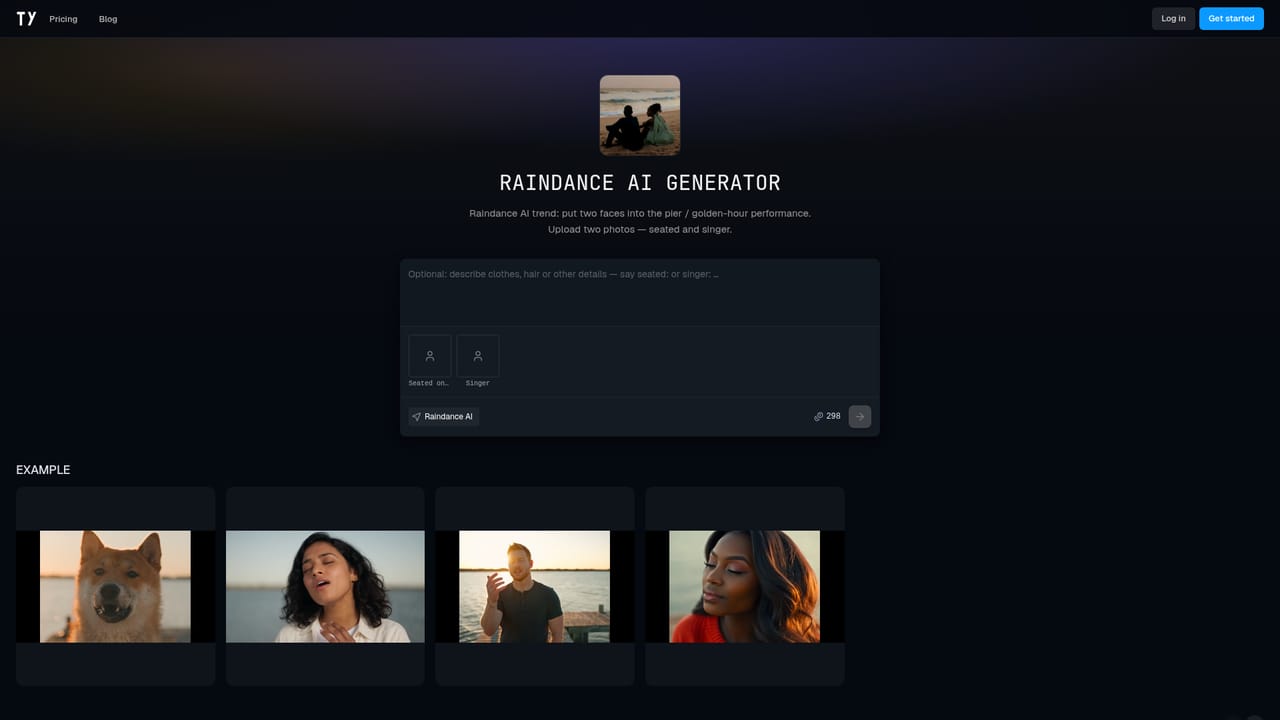
Tyndall AI is a web based creative toolkit centered on AI video and image generation. Rather than committing to a single underlying engine, it gives users credit based access to several models in one interface, including GPT Image 2.5, Nano Banana 2.1, Flux 3, Seedream 5.0 Pro and Lite, Ideogram 4.5, Grok Imagine 2.0 and GPT Image 2, so a generation task can be routed to whichever model suits the style or resolution needed. The core use case is converting one or more personal photos into a finished short video. A long catalog of named templates, each tied to a specific trend, scene or meme format, takes uploaded photos and produces a clip with motion and synced audio already applied, removing the need to write a detailed prompt from scratch. Alongside these templates sit more general purpose video tools: AI Motion Control for driving a character's movement from a reference clip, a video upscaler, a watermark remover, face blurring, background removal and a tool for restyling or recasting people within existing footage. Image generation is treated as a companion feature rather than the headline: users can produce standalone stills through the same model lineup for thumbnails, concept art or source photos to feed into the video templates. A separate bank of audio utilities, including vocal and stem separation, voice cloning, text to speech and transcription, extends the toolkit beyond strictly visual output, useful for creators assembling a full piece of content in one place. Tyndall AI fits best for social and marketing content creators who want speed and template variety over deep manual control of any single video engine, positioning it as a broader, multi model alternative to single purpose generators such as Runway. Teams already standardized on one professional engine for fine grained control may find the breadth here less useful than the convenience it offers casual or high volume creators.
The generator displays a credit cost for each output directly in the tool; specific free or starter credit allowances are detailed on the pricing page rather than the homepage.
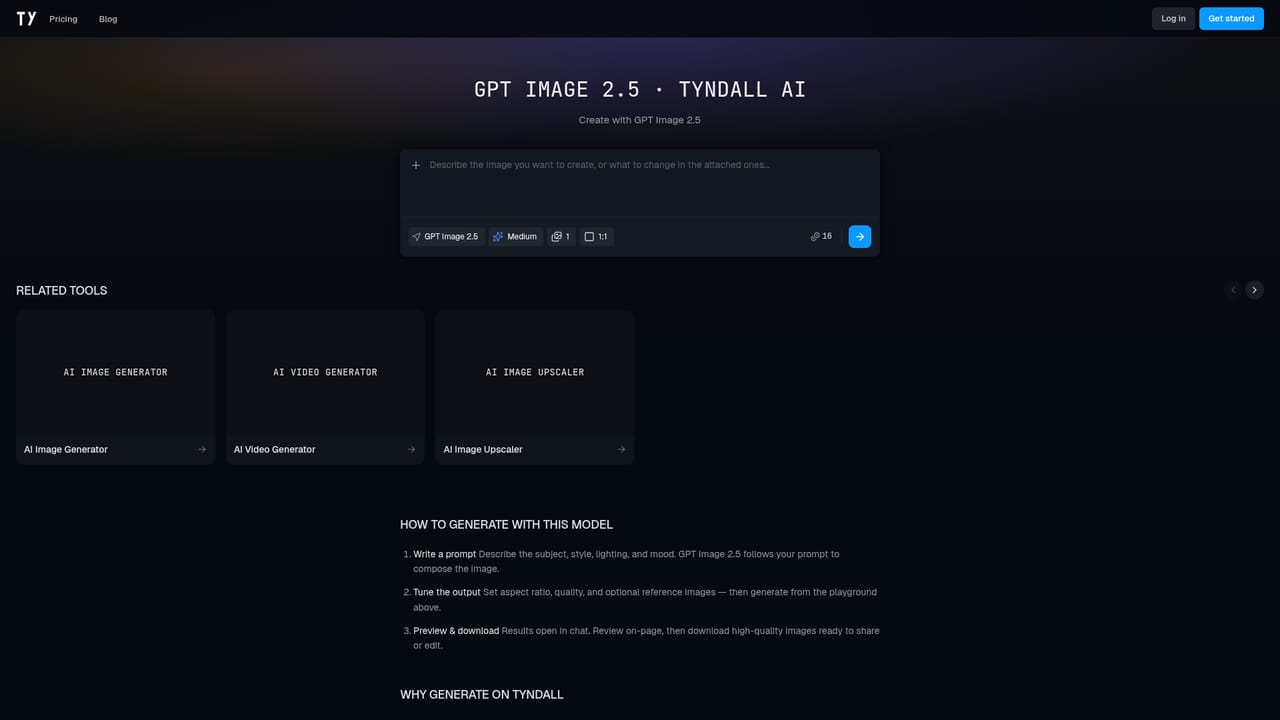
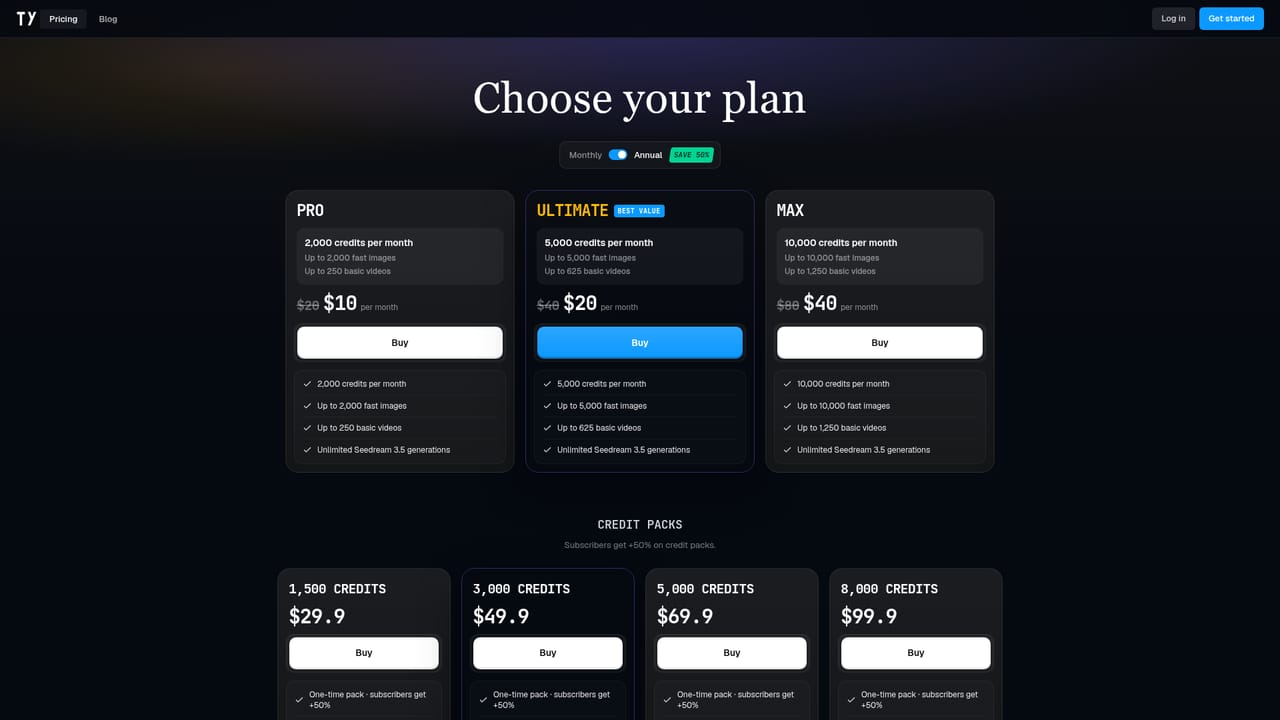
Learn moreTyndall AI runs on a credit based system where each generation draws from a plan's credit balance, for example a GPT Image 2.5 output is shown costing 16 credits; detailed plan tiers are listed on the pricing page.
Learn moreSupport is reachable through a direct email contact listed on the site; no separate help center or live chat is mentioned on the homepage.
Multiple image generation models, AI video generation from text or photos, a large library of trend based video templates with synced audio, video utilities (motion control, upscaler, watermark remover, face blur, background removal, recast/restyle) and audio tools (vocal removal, stem splitting, voice cloning, text to speech, transcription).
 AI Angels400+ customizable AI girlfriends for NSFW chat, voice calls, and roleplay
 Candy AIExperience the future of companionship with AI friends who chat, role-play, and connect with you on a human level.
 ourdream.aiA vast AI roleplay platform with millions of characters for chat, images, video and voiceAI Angels400+ customizable AI girlfriends for NSFW chat, voice calls, and roleplayCandy AIExperience the future of companionship with AI friends who chat, role-play, and connect with you on a human level.ourdream.aiA vast AI roleplay platform with millions of characters for chat, images, video and voice


