Free trial
No time-limited trial is described. The Demo Room plan is free indefinitely and needs no credit card, and paid plans carry a 30-day refund window.
Learn moreDescribe the sound you want, find it in the library you already own.

Sample Vault is an audio analysis tool. A local-first sample browser that analyses key, tempo and 40-plus sonic traits of files you already own, then lets you search by describing a sound in plain language. Free tier covers unlimited library size and offline analysis, with paid plans adding cloud tagging and sync.
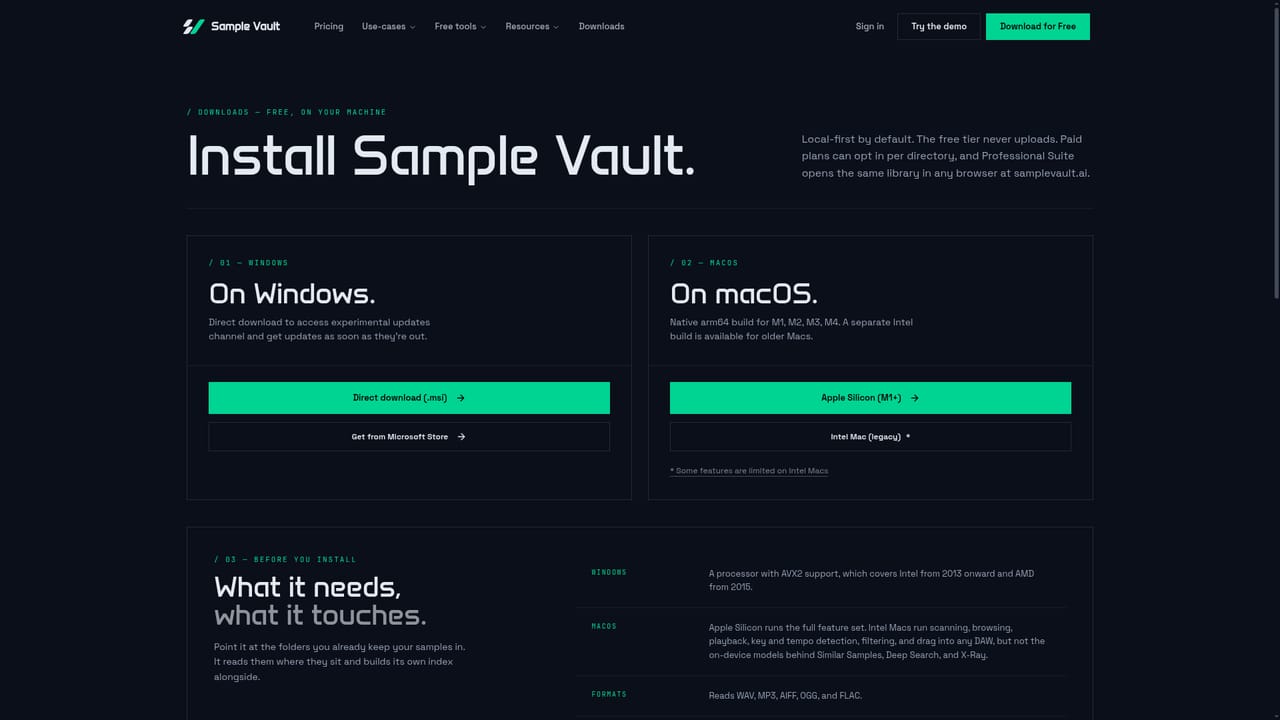
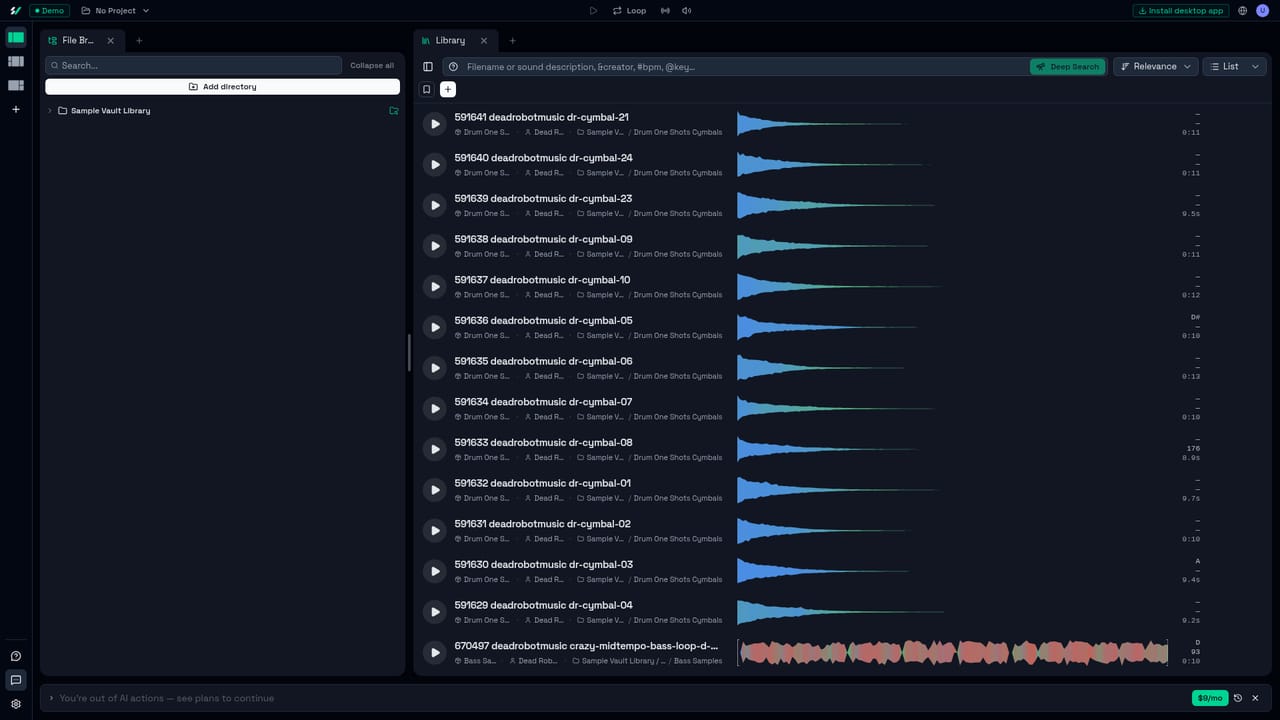
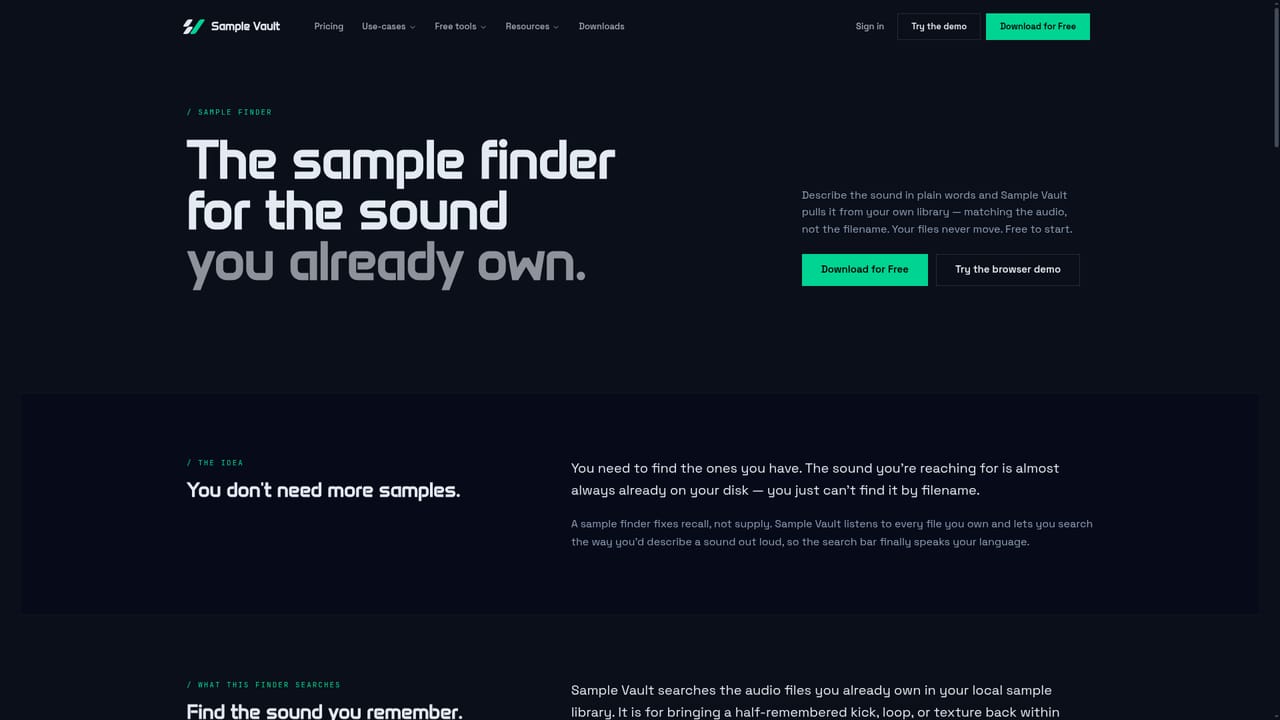
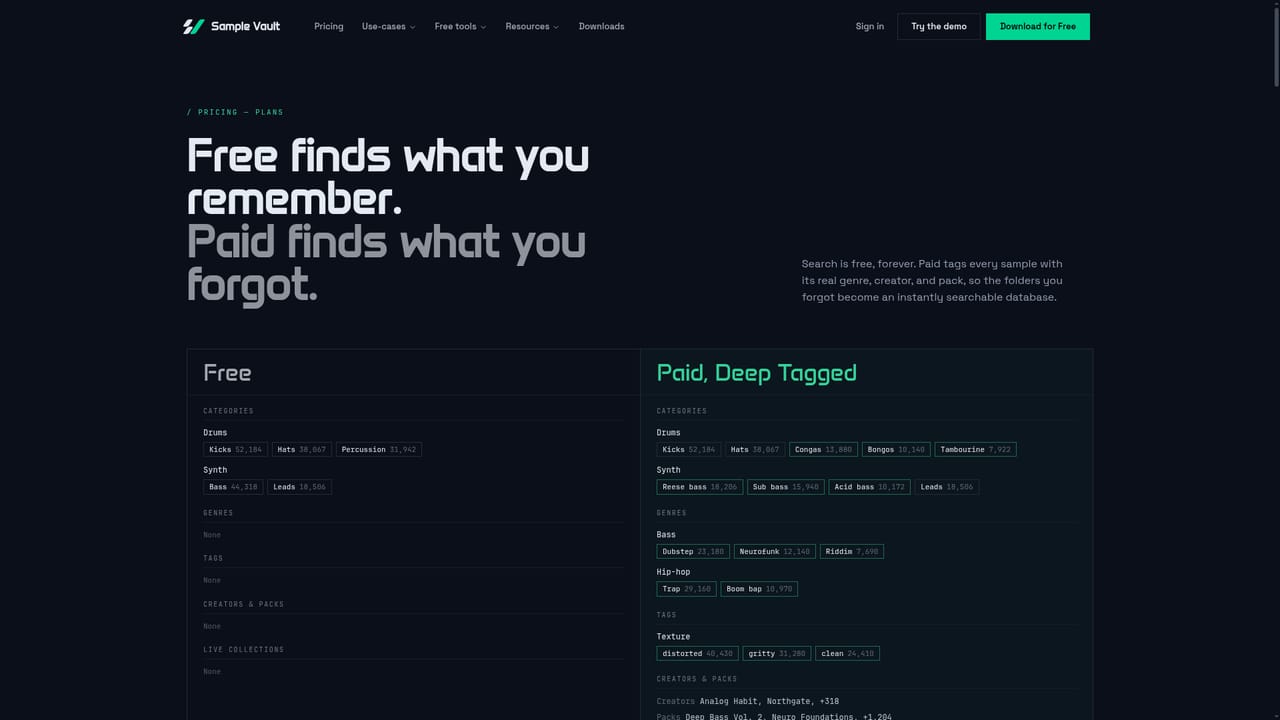
Sample Vault is a local-first sample browser for producers who have accumulated more audio than they can remember. Instead of generation, it concentrates on retrieval: point the app at your sample folders, let it scan the files on your own machine, and then search the library by describing a sound in plain language rather than guessing at filenames or folder trees. The marketing is explicit that no audio is generated, nothing synthetic is added, and no model is trained on your files. The analysis stage is the core of the product. Each file is fingerprinted locally for key and scale, tempo, category, loop detection and 40-plus sonic characteristics such as brightness, complexity, tonality and stereo width. That metadata becomes a filterable index you can sort by any property. Deep Search then runs against the audio content itself, so a query like "warm wide pad with slow attack" returns ranked matches with a confidence score, regardless of what the file is called. An optional cloud pass, Deep Tagging, adds genre, mood, instrument, creator and pack labels and maps them back to individual samples. Paid tiers also cover adaptive organisation, gap analysis that flags what a project is missing, resurfacing of untouched samples, Apple Link based auditioning in tempo, always-on capture and stem splitting. The app can sit always on top of a DAW, is driven by keyboard shortcuts, and accepts drag and drop into Ableton, FL Studio, Logic and Bitwig. The tool suits sample-heavy producers, hobbyists with sprawling pack collections, and anyone who has stopped buying packs because they cannot find what they already paid for. It is a complement to, not a replacement for, sample marketplaces and generators: the value is entirely in how well it indexes what you already have. The free tier covers unlimited library size with local analysis, which makes it a low-risk comparison point against folder utilities and DAW built-in browsers.
No time-limited trial is described. The Demo Room plan is free indefinitely and needs no credit card, and paid plans carry a 30-day refund window.
Learn moreThree tiers plus a lifetime option. Demo Room is free with unlimited library size, local analysis, DAW sync and five weekly AI actions. Home Studio is $9/mo or $29/mo for Professional Suite, with yearly billing giving two months free. A $199 lifetime license covers three devices with AI run on your own key.
Learn moreThe homepage does not describe a support channel or knowledge base beyond the founder inviting direct email and messages from users.
Drag and drop into Ableton, FL Studio, Logic and Bitwig; Ableton Link for tempo-synced auditioning. Professional Suite adds Bring your own AI key, Google Drive and Dropbox for storage and sync.
Local scanning and analysis of key, tempo, category, loop detection and 40-plus sound characteristics; content-based Deep Search with match scores; optional Deep Tagging for genre, mood, instrument, creator and pack labels; adaptive organisation and gap analysis; always-on-top window, keyboard shortcuts, Ableton Link and drag and drop into DAWs.
Learn more AI Angels400+ customizable AI girlfriends for NSFW chat, voice calls, and roleplay
 Candy AIExperience the future of companionship with AI friends who chat, role-play, and connect with you on a human level.
 ourdream.aiA vast AI roleplay platform with millions of characters for chat, images, video and voiceAI Angels400+ customizable AI girlfriends for NSFW chat, voice calls, and roleplayCandy AIExperience the future of companionship with AI friends who chat, role-play, and connect with you on a human level.ourdream.aiA vast AI roleplay platform with millions of characters for chat, images, video and voice


