Support
A contact form is provided for demo requests and general enquiries, with a Help Center referenced in the site footer. The company also lists social and Discord channels and publishes a privacy policy and terms of service.
Learn moreAI audio-visual platform for creators and conversation intelligence

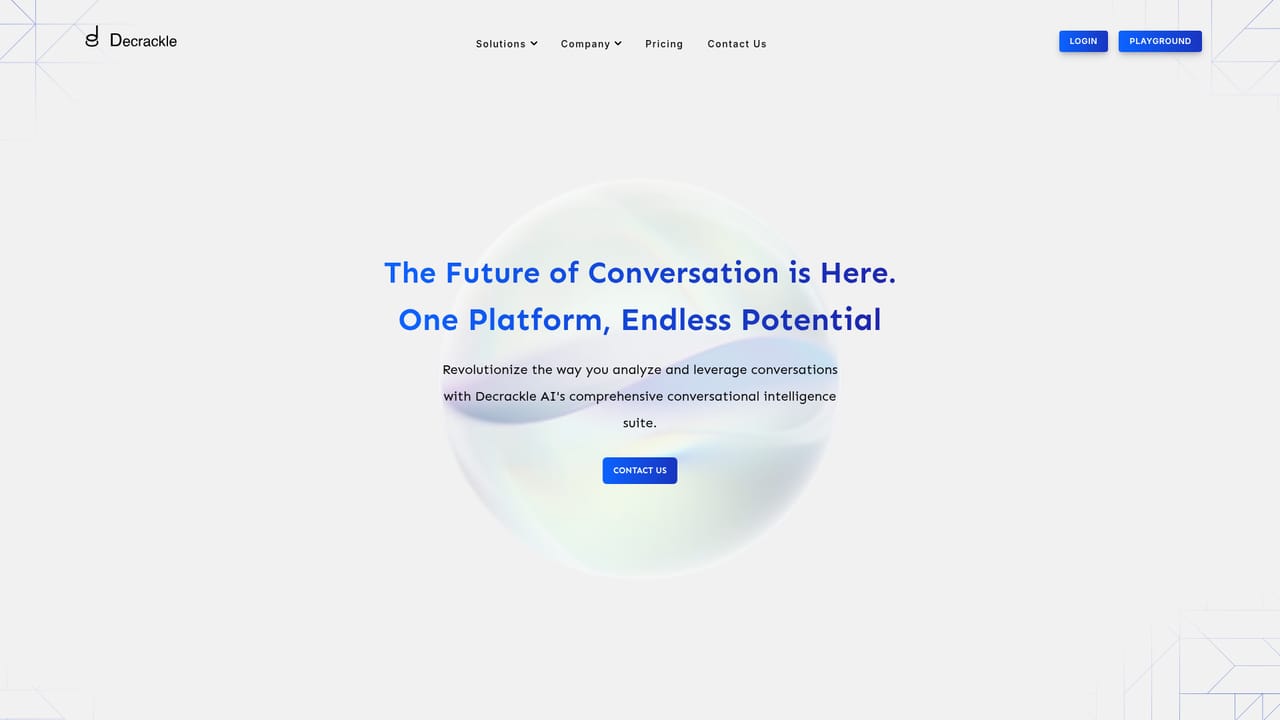
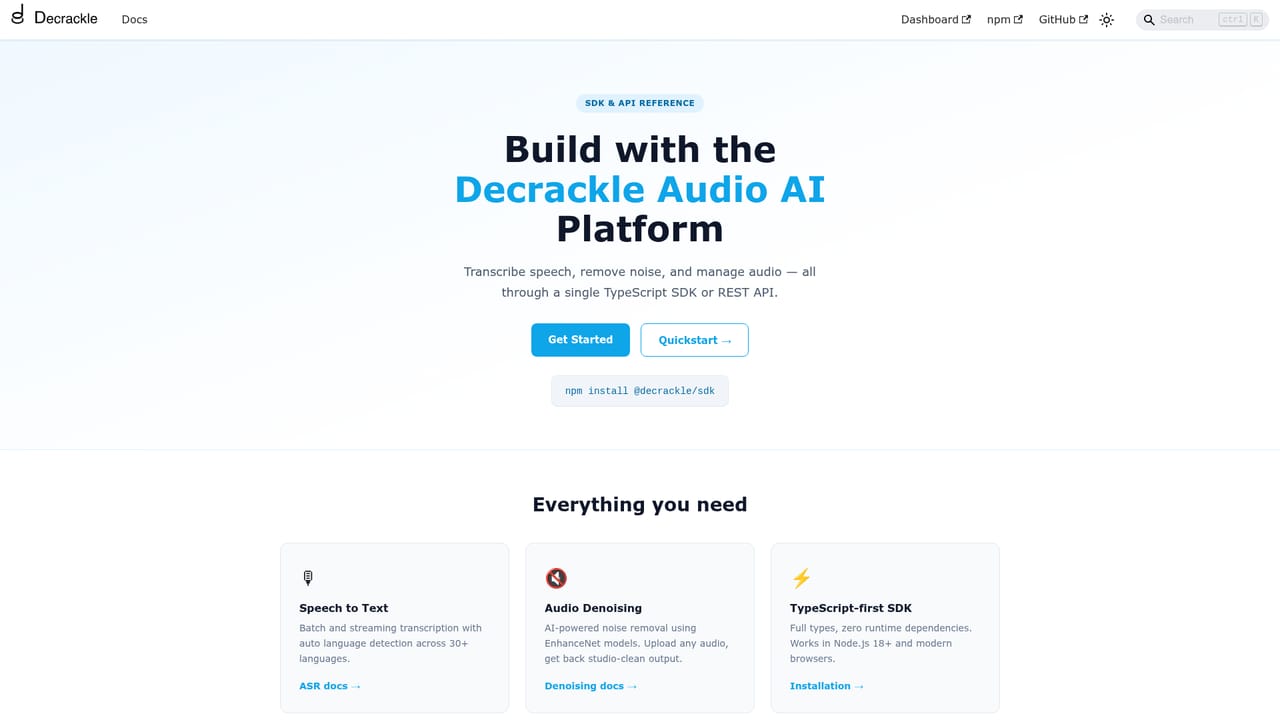
Decrackle is an AI transcriber tool. Decrackle groups AI audio and video tools into a Content Creator Suite (editing, captions, podcast recording, storyboarding), a Conversational Intelligence Suite (transcription, summarization, sentiment analysis, dashboards) and integration ready API services for audio enhancement and transcription.
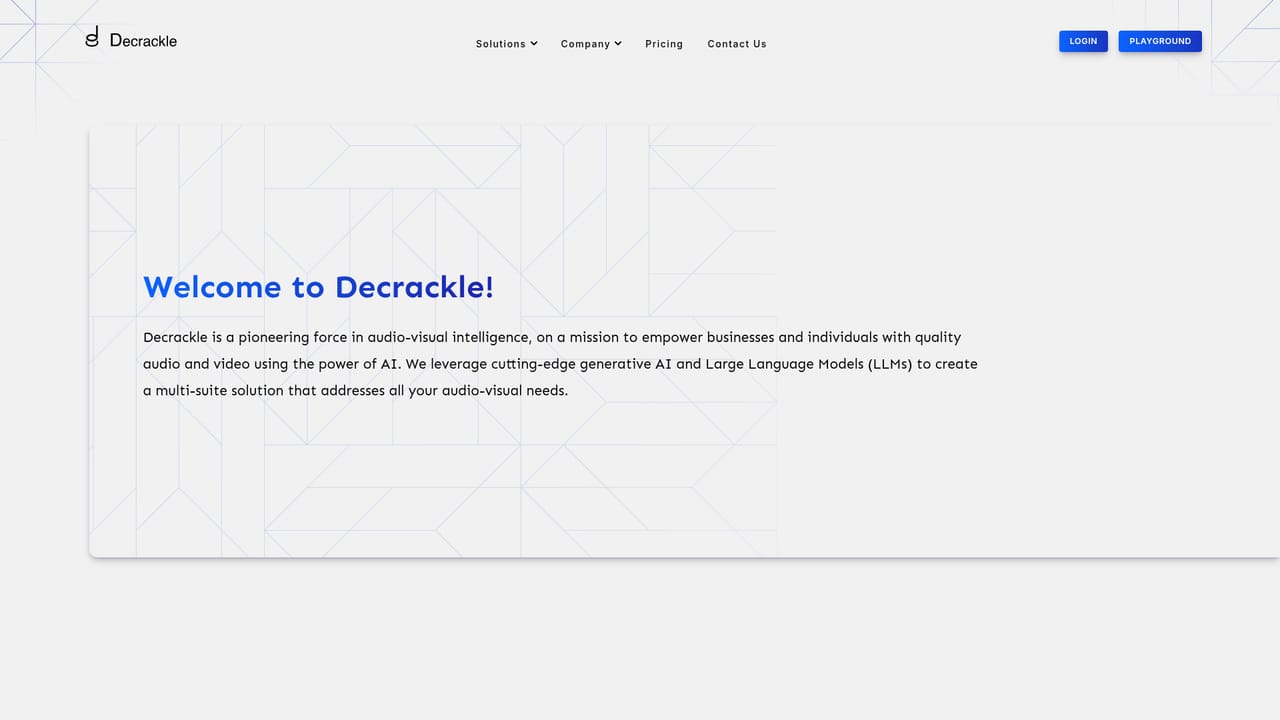
Decrackle is an AI platform built around audio and video workflows, split into three distinct products rather than a single tool. The Content Creator Suite bundles video editing, caption generation, podcast recording, storyboarding and AI driven insights into one creation environment. The Conversational Intelligence Suite concentrates on the analysis side: transcription, summarization, sentiment detection and reporting, organized into personalized dashboards for managing conversations. A third offering opens the underlying audio intelligence as on demand API services, so other products can enhance, transcribe and summarize audio programmatically. In practice the platform suits two fairly different audiences. Media teams, podcasters and content creators use the creator suite to clean up audio and produce captions and storyboards without juggling separate applications. Operations and customer service groups lean on the intelligence suite to review calls and extract sentiment and intent from customer interactions. Software vendors and editing tool developers can call the APIs to add enhancement and transcription inside their own interfaces. Decrackle also names ed tech as a target, where clearer audio is framed as a way to hold student attention. The company positions the platform as flexible across industries and accessible to users at any technical level, with encryption in transit and at rest, regular penetration testing and continuous uptime monitoring supporting the data side. Everything is delivered through a web application rather than installed desktop software. Compared with single purpose audio enhancers or standalone transcription services, Decrackle's appeal is consolidation: one vendor for creation, analysis and API access. The tradeoff is that buyers wanting a narrowly scoped tool may find the three suite structure more than they need, and the site offers no published price list to compare against point solutions.
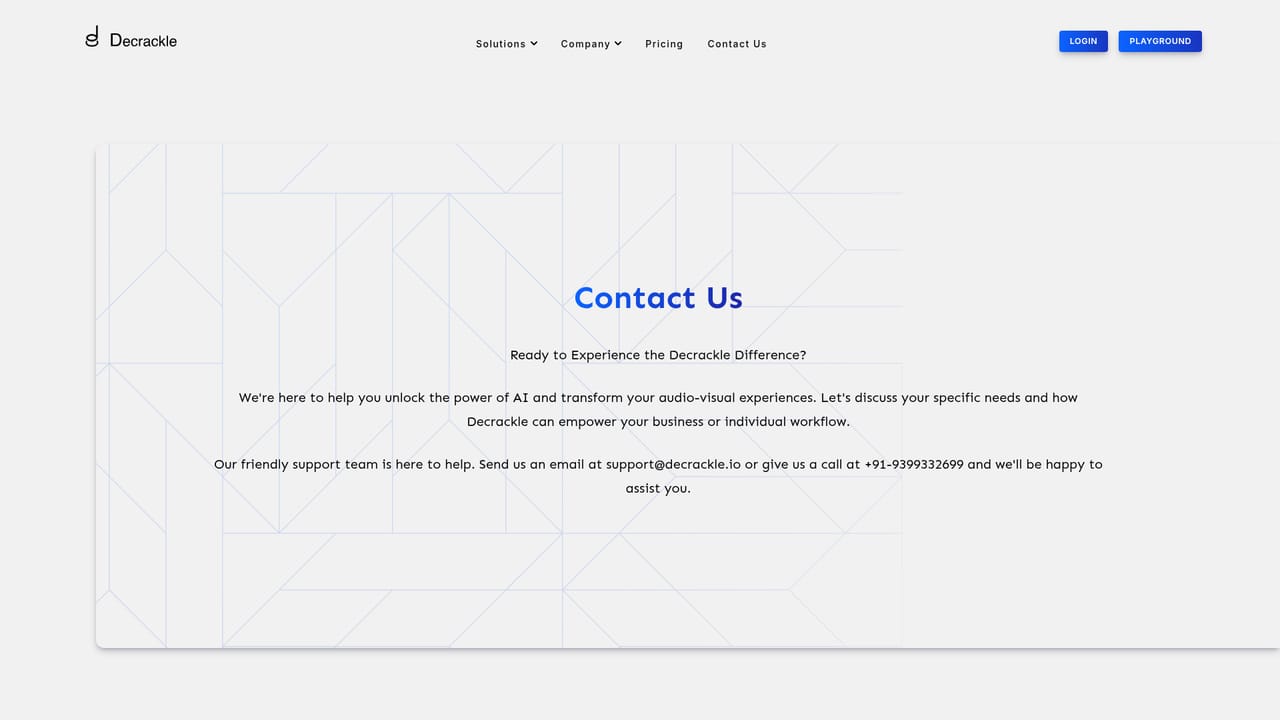
A contact form is provided for demo requests and general enquiries, with a Help Center referenced in the site footer. The company also lists social and Discord channels and publishes a privacy policy and terms of service.
Learn moreDecrackle describes its API services as integration ready, allowing editing software developers and other businesses to embed audio enhancement, transcription and summarization. No named third party integrations are listed on the homepage.
Learn moreContent Creator Suite covers video editing, caption generation, podcast recording, storyboarding and AI insights. Conversational Intelligence Suite adds personalized dashboards for conversation management, transcription, summarization, sentiment analysis and reporting. On demand API services deliver audio enhancement, transcription and summarization for integration into other software.
Learn more AI Angels400+ customizable AI girlfriends for NSFW chat, voice calls, and roleplay
 Candy AIExperience the future of companionship with AI friends who chat, role-play, and connect with you on a human level.
 ourdream.aiA vast AI roleplay platform with millions of characters for chat, images, video and voiceAI Angels400+ customizable AI girlfriends for NSFW chat, voice calls, and roleplayCandy AIExperience the future of companionship with AI friends who chat, role-play, and connect with you on a human level.ourdream.aiA vast AI roleplay platform with millions of characters for chat, images, video and voice


