Free trial
A free risk audit is offered and is arranged by booking a call with the team rather than through a self-serve signup.
Learn moreAudit social posts for unlicensed music before the labels call
Own Copyright Check AI? Verify ownership to get a dofollow link

Copyright Check AI is an audio analysis tool. A brand-side audit service that scans public Instagram and TikTok channels for unlicensed music and returns a risk report plus a compliance plan, with no account access required.
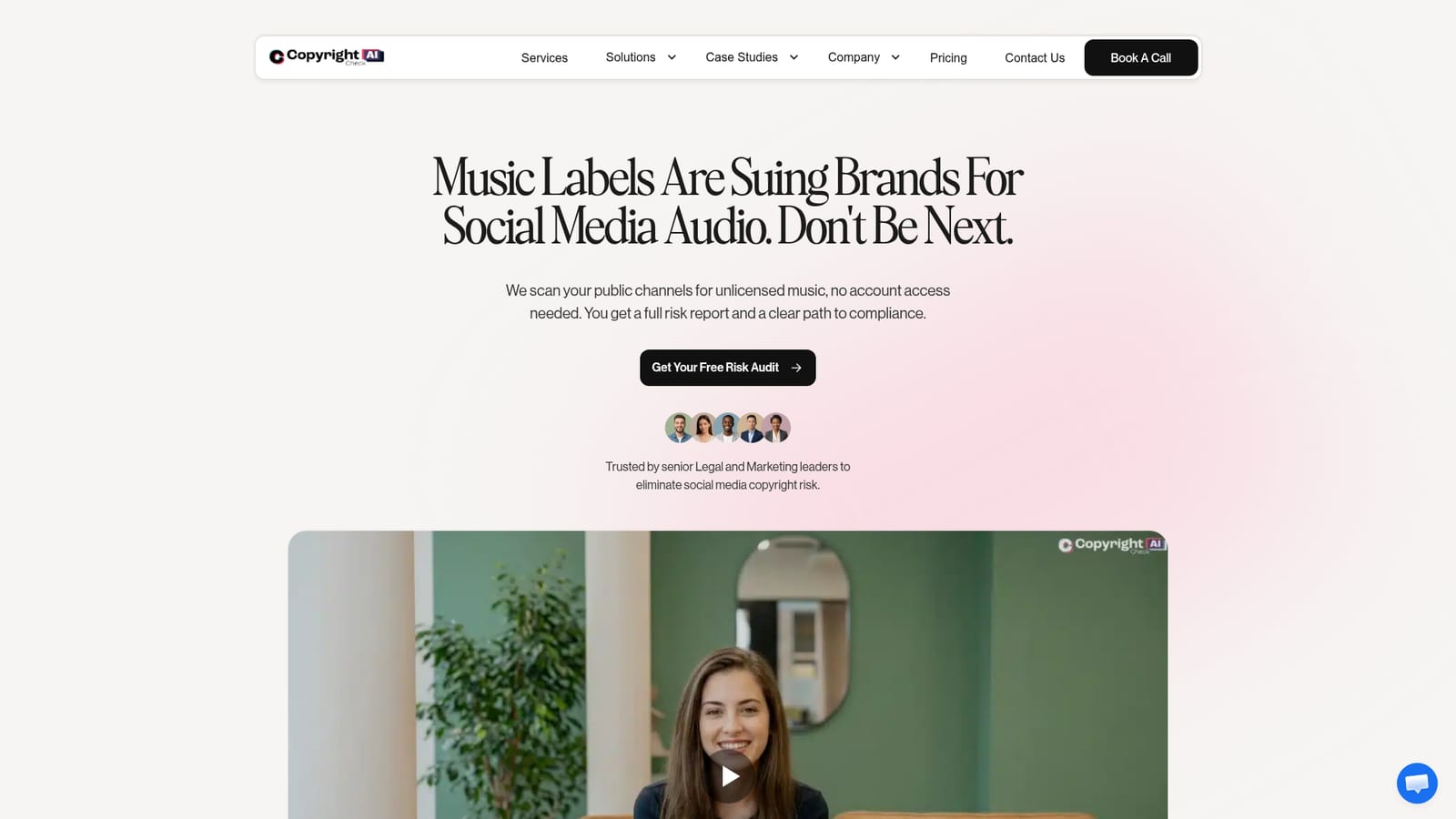
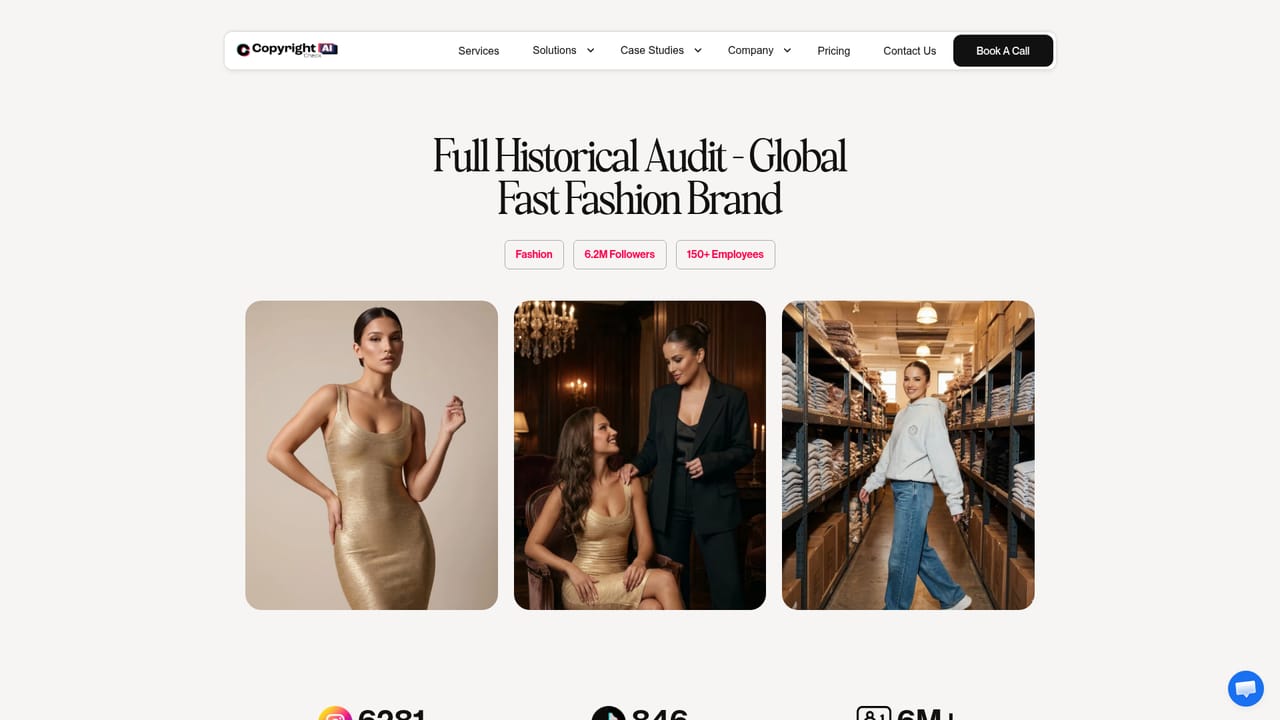
Copyright Check AI is a compliance service for brands that publish music-backed content on social media. It scans a company's public channels for audio that may be unlicensed, including posts produced in house and anything published through paid influencers. The stated appeal is that no account access is required: the review works from publicly visible content, so legal and marketing teams do not have to hand over platform credentials to get an answer. In practice the tool runs a forensic pass over published videos and returns a risk report. That report is meant to show where exposure sits and to set out a route to compliance, whether that means removing a track, replacing it, or securing a licence. The vendor positions the output for two audiences at once: senior legal people who need a defensible record of what was found, and marketing teams who need to know which live campaigns are carrying a problem. Case studies on the site cover a global fast fashion brand with an Instagram and TikTok audit, and a global beauty brand. The pitch rests on case law rather than hypotheticals. The homepage catalogues suits involving Gymshark, DSW, Marriott, Bang Energy, Crumbl Cookies, OFRA Cosmetics, Iconic London, Kroger and Chili's parent Brinker, with amounts claimed running into tens of millions and post counts in the hundreds. Those examples share a pattern: commercial accounts using popular recordings as backing tracks, often in influencer content where brand oversight is loosest. Against alternatives, Copyright Check AI sits closer to an audit and advisory service than to a self-serve scanner. Teams weighing it against a lawyer-led review should note that the site publishes no pricing, no subscription tiers and no integration list. The first move it offers is a free risk audit booked through a call, which suggests scoping is handled by a person rather than a checkout page.
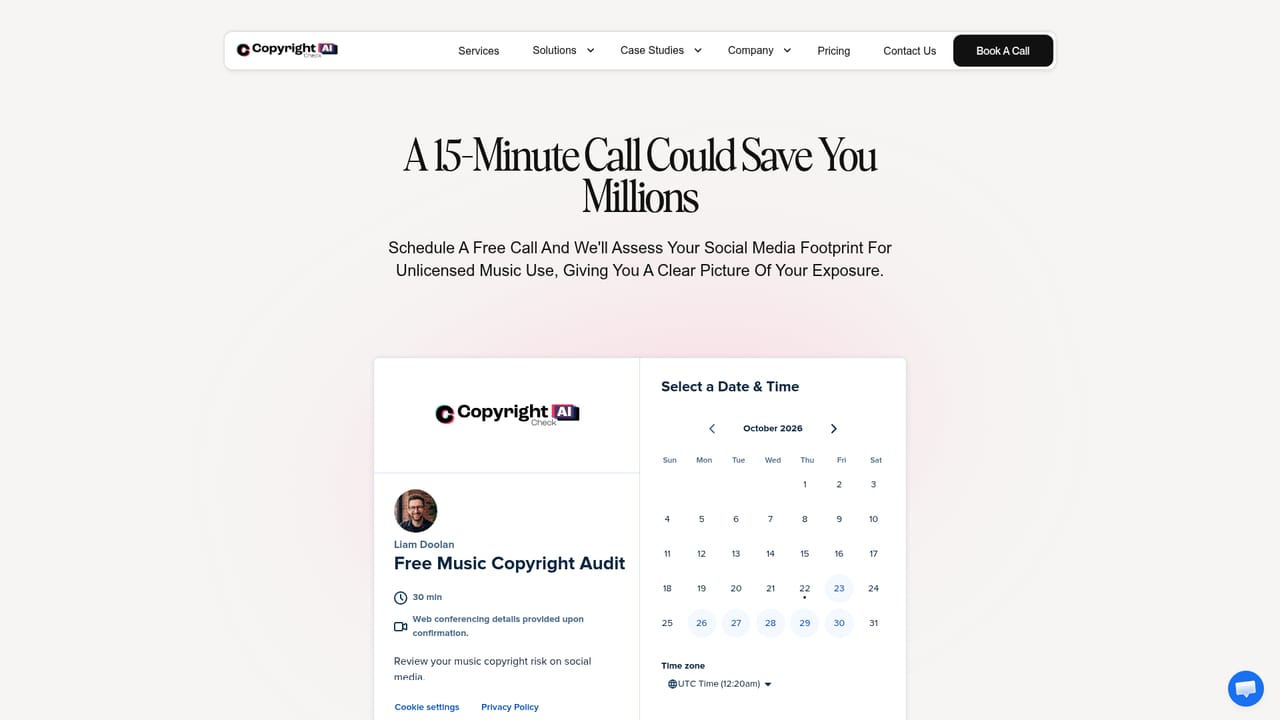
A free risk audit is offered and is arranged by booking a call with the team rather than through a self-serve signup.
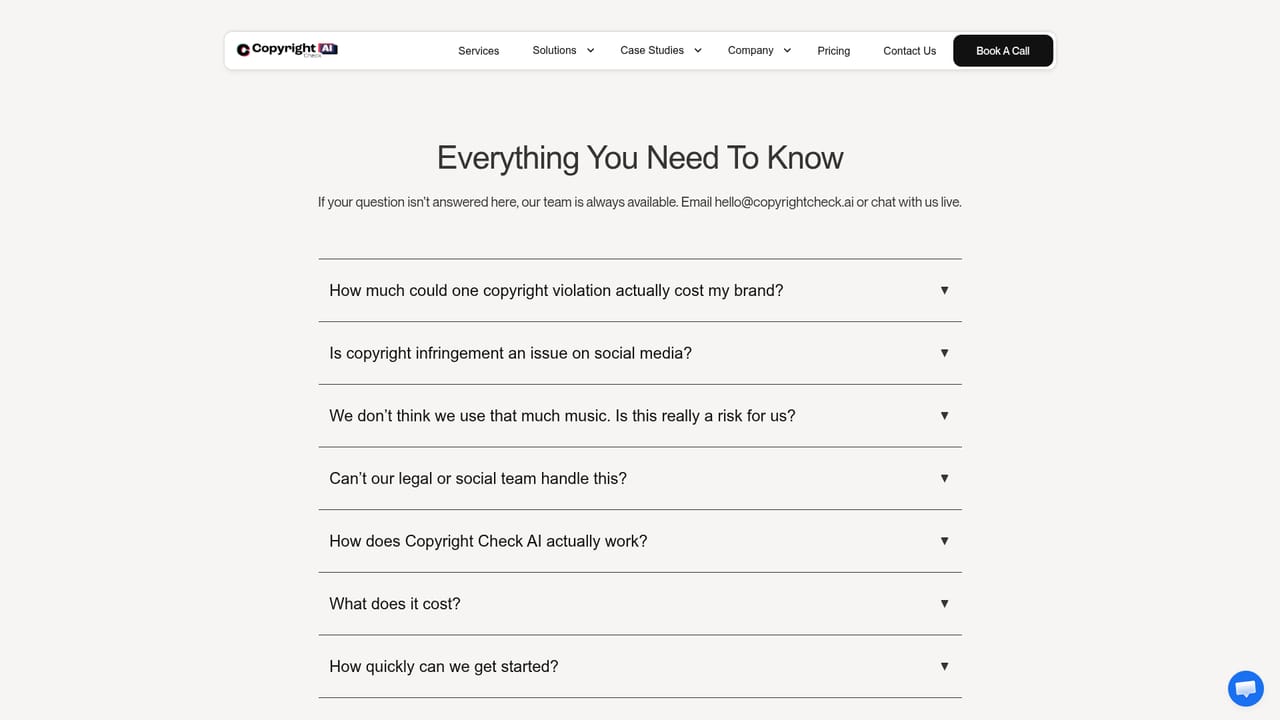
Learn moreSupport starts with a booking call, and a FAQ page answers common questions about the audit and compliance process.
Learn moreScans public social channels for unlicensed music without needing account access, including content published by paid influencers. Produces a full risk report and a compliance path for legal and marketing teams. Includes a free risk audit, Instagram and TikTok brand case studies, and a documented catalogue of label lawsuits against brands.
 AI Angels400+ customizable AI girlfriends for NSFW chat, voice calls, and roleplay
 Candy AIExperience the future of companionship with AI friends who chat, role-play, and connect with you on a human level.
 ourdream.aiA vast AI roleplay platform with millions of characters for chat, images, video and voiceAI Angels400+ customizable AI girlfriends for NSFW chat, voice calls, and roleplayCandy AIExperience the future of companionship with AI friends who chat, role-play, and connect with you on a human level.ourdream.aiA vast AI roleplay platform with millions of characters for chat, images, video and voice


