Free trial
New accounts reportedly receive 50 euros in transcription credits with no expiry, usable in the platform playground and against the API. No separate time-limited trial plan is described on the homepage.
Learn moreSpeech-to-text API that turns raw audio into structured, multilingual data

Gladia is a developer-first speech-to-text API covering capture, transcription across 100+ languages, and enrichment with diarization, entities, sentiment and audio-to-LLM pipelines. EU data residency and enterprise compliance certifications make it a strong fit for meeting assistants, contact centre analytics and multilingual voice products.
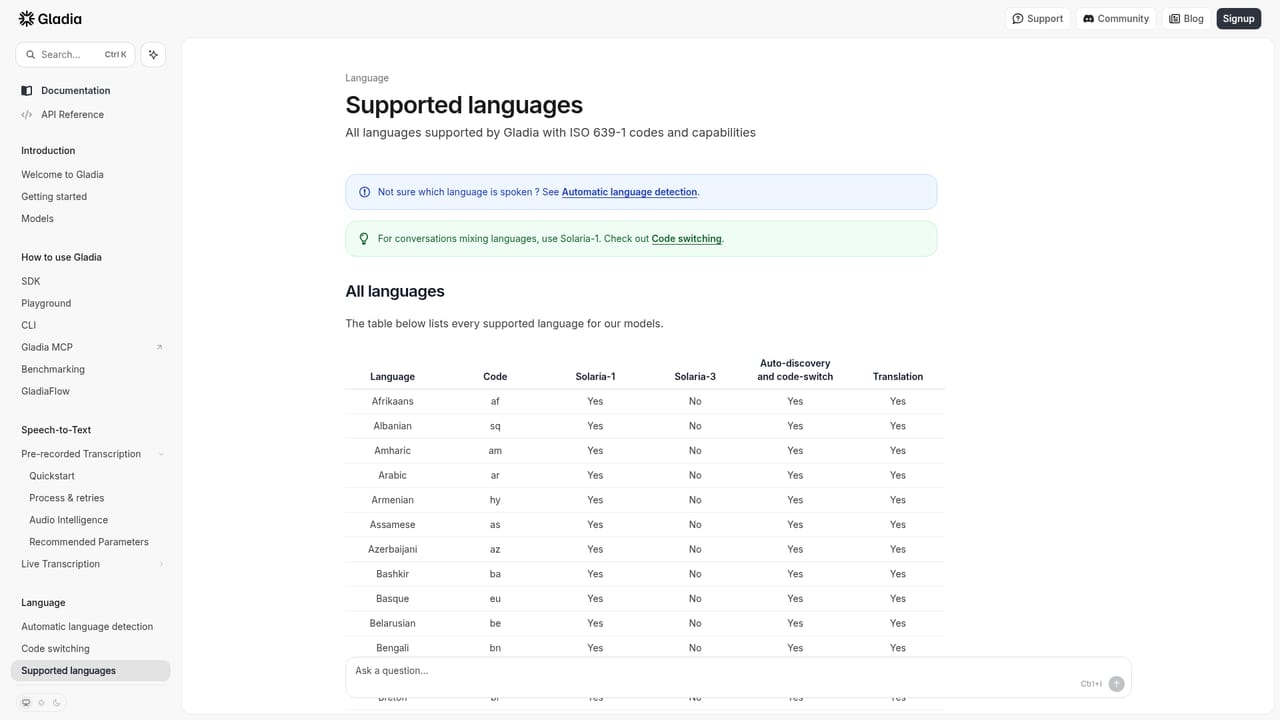
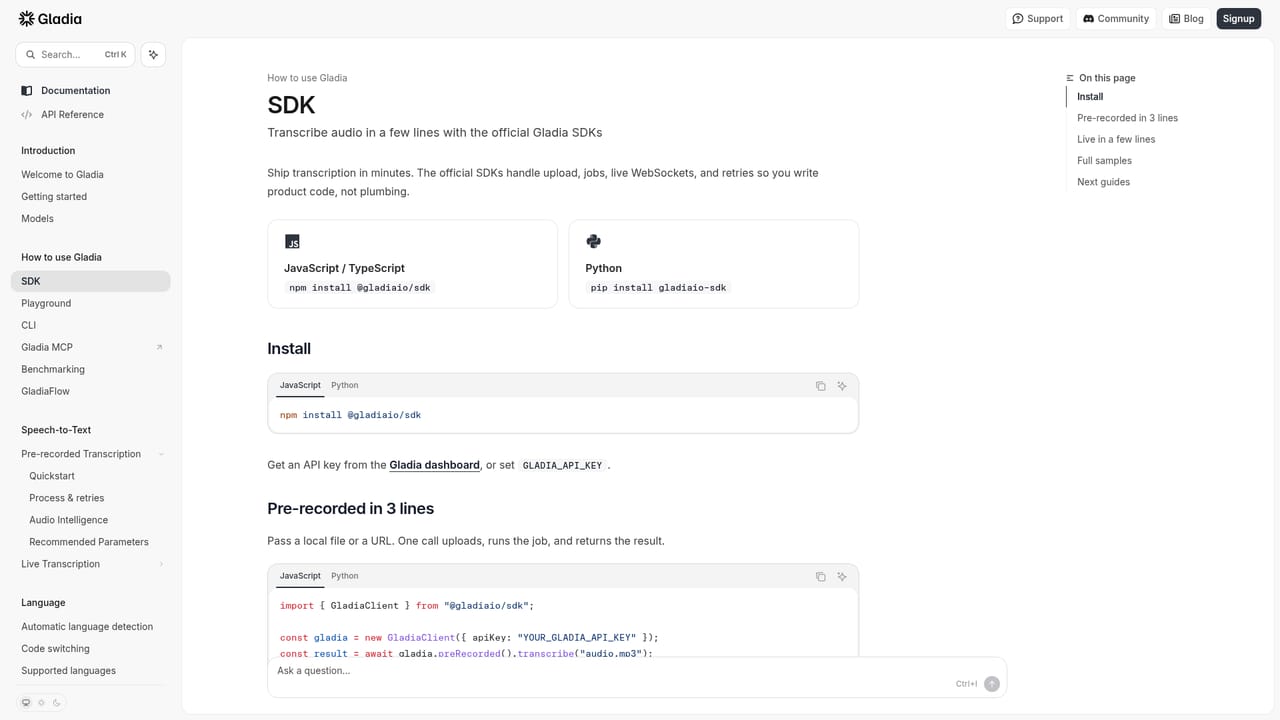
Gladia is an audio infrastructure product built around a single API for recording, transcribing and enriching spoken content. Rather than a desktop transcription app, it is a developer layer: audio arrives through WebSocket streaming, REST uploads or live microphone input, and comes back as a clean transcript with timestamps, punctuation and casing. The company reports 2B+ minutes transcribed, 300K+ developers and a 99.95% uptime SLA, and its Solaria-3 model is quoted at 9.6% word error rate on real English audio with the strongest gains in English, French, German, Spanish and Italian. In practice the pipeline runs in four stages. Capture accepts MP3, WAV, FLAC, Opus and other formats, with SDKs for Python and Node.js and optional meeting bot connections to Zoom, Google Meet and Microsoft Teams. Transcribe converts noisy or jargon-heavy speech into text across 100+ languages, with automatic language detection and code-switching that survives a speaker changing language mid-sentence. Enrich adds speaker diarization, named entity recognition, semantic sentiment analysis, summaries, action items, PII redaction and an audio-to-LLM step that can use Gladia's models or your own. Integrate pushes the result to a CRM, database or warehouse via webhooks, Zapier and 50+ native integrations. It suits engineering teams embedding transcription inside meeting assistants, contact centre analytics, media subtitling, sales intelligence or voice agents, especially those operating in European markets. Data residency is a selling point, with EU hosting and SOC 2 Type II, GDPR, HIPAA and ISO 27001 listed in the compliance material. Compared with self-hosting Whisper or stitching together separate STT, diarization and LLM vendors, Gladia's pitch is fewer moving parts and consistent behaviour across locales. The trade-off is that most value sits behind code, so non-technical users looking for a simple transcript tool will find lighter options easier, and pricing details are not on the homepage. Teams should evaluate it on their own audio: accent mix, background noise and domain vocabulary all affect real accuracy more than headline benchmarks suggest.
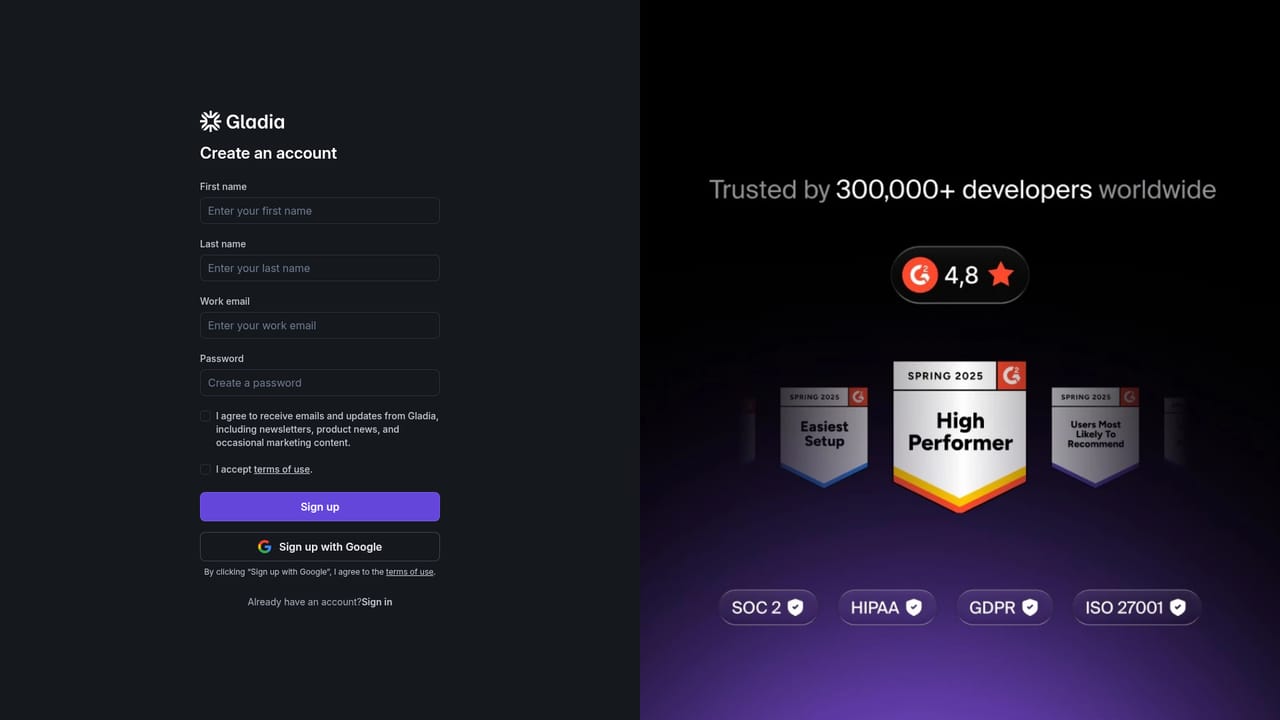
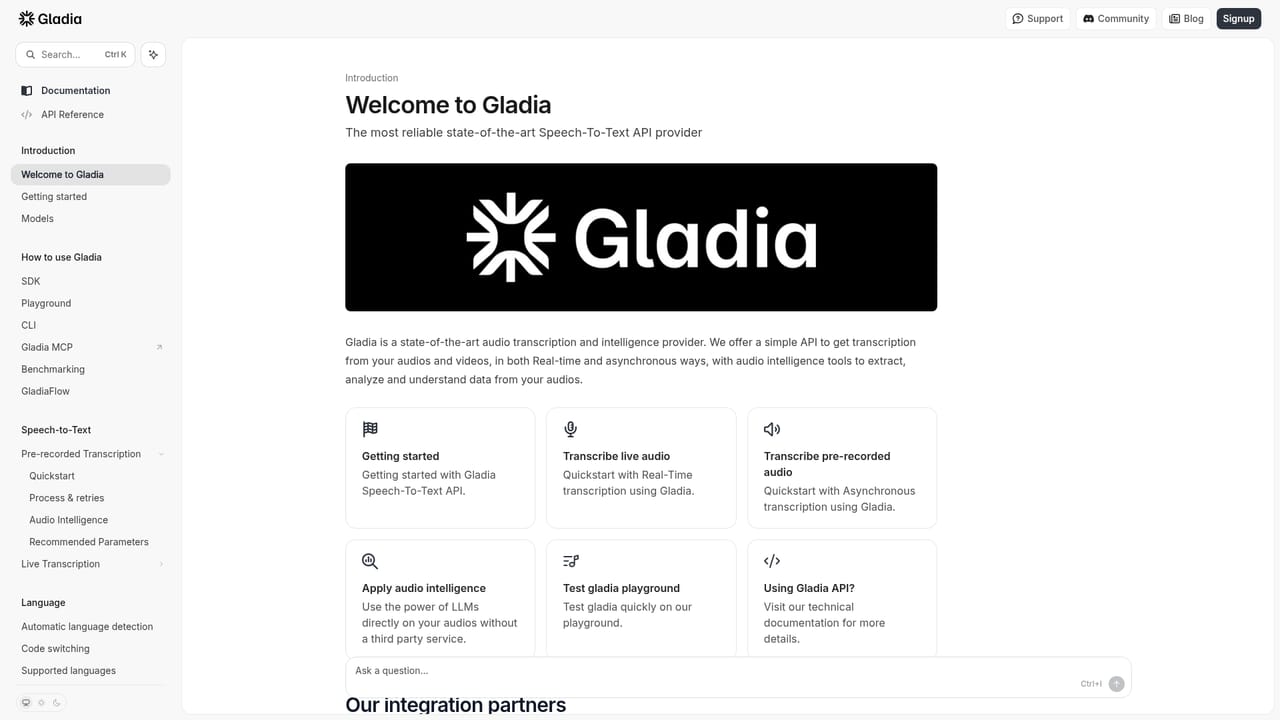
New accounts reportedly receive 50 euros in transcription credits with no expiry, usable in the platform playground and against the API. No separate time-limited trial plan is described on the homepage.
Learn moreThe homepage does not publish rates or plan tiers. It states that new builders start with 50 euros in transcription credits with no expiry, that audio intelligence features are billed only when enabled, and that latency, pricing and SLA are consistent across supported languages. A sales conversation is needed for actual per-minute costs.
Learn moreThe homepage does not describe support channels or service tiers. It points to documentation, a demo request form for sales conversations and a trust centre for compliance material, which are the practical routes for help and due diligence.
Learn moreWebhooks, Zapier and 50+ native integrations are listed, alongside SDKs for Python and Node.js, direct REST and WebSocket access, and on-demand meeting bot connections for Zoom, Google Meet and Microsoft Teams.
Learn moreAsync and real-time transcription across 100+ languages with code-switching, accent-sensitive detection and speaker diarization. Enrichment covers named entity recognition, custom vocabulary, sentiment analysis, summaries and action items, PII redaction, any-to-any translation in the same call, and an audio-to-LLM pipeline with a bring-your-own-model option.
Learn more AI Angels400+ customizable AI girlfriends for NSFW chat, voice calls, and roleplay
 Candy AIExperience the future of companionship with AI friends who chat, role-play, and connect with you on a human level.
 ourdream.aiA vast AI roleplay platform with millions of characters for chat, images, video and voiceAI Angels400+ customizable AI girlfriends for NSFW chat, voice calls, and roleplayCandy AIExperience the future of companionship with AI friends who chat, role-play, and connect with you on a human level.ourdream.aiA vast AI roleplay platform with millions of characters for chat, images, video and voice


