Align AI

Analytics and evaluation for LLM chatbot conversations

Intermediate
Screenshot of Align AI, Analytics and evaluation for LLM chatbot conversations

What is Align AI?

Align AI is a chatbot builder tool. Align by Coxwave is a conversation analytics engine for LLM-powered products. It streams chatbot data through SDKs, lets teams search and segment conversations, analyzes cohorts at scale, generates action items and re-evaluates the assistant after upgrades.

Align is an analytics platform built by Coxwave for teams that have already shipped a conversational product powered by a large language model. Rather than helping you build a chatbot, it answers the question that comes next: is the thing actually working? Align captures the exchanges between your users and your AI, then gives product, data and engineering teams a way to monitor performance, spot weak points and grade answer quality. The stated goal is reducing hallucination and raising the overall standard of the assistant, not just counting messages. The workflow runs in five stages. Pre-built SDKs stream conversation data from your chatbot in real time. A search toolkit lets you filter down to the interactions worth examining, whether that means a particular cohort, a failure pattern or a sample of high-volume users. Cohort analysis is where most of the work happens, with teams digging into how the model behaves across different user segments. Align then converts findings into auto-generated action items that can be prioritized, and after a release it re-checks the chatbot to confirm the changes landed as intended. In practice this replaces manual review of large conversation logs, a task one referenced customer describes as combing through more than 10,000 chats. Two deployment routes are offered. Align Cloud is aimed at organizations that want to be running quickly, with setup quoted at under 15 minutes. Align Enterprise is an on-premise option for companies with strict data requirements, including regulated and supply chain contexts where sensitive conversations cannot leave the building. The pitch is aimed at enterprises, generative AI companies and independent builders alike. Align sits in a narrower niche than general product analytics tools. It is not a session recorder or a dashboard for web funnels; its unit of analysis is the dialogue itself, and its output is a judgment on model quality plus a to-do list. Teams already using conventional analytics will still need Align, or something like it, to answer whether the assistant's replies were good.

How do you use Align AI?

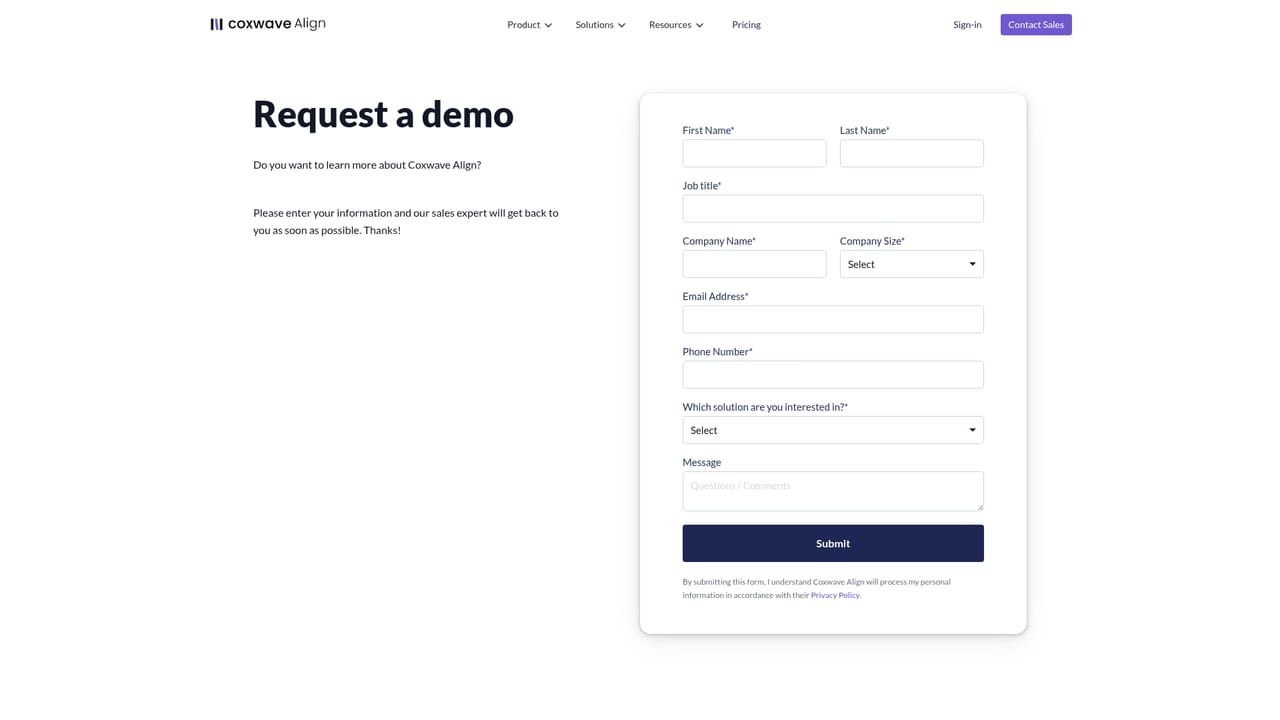
  1. 1Book a walkthrough or open an account
    Start on the site to see the product framing, or go straight to the app to sign in. Enterprise buyers with data restrictions should book a demo first so deployment options can be discussed.
    Align AI — Book a walkthrough or open an account
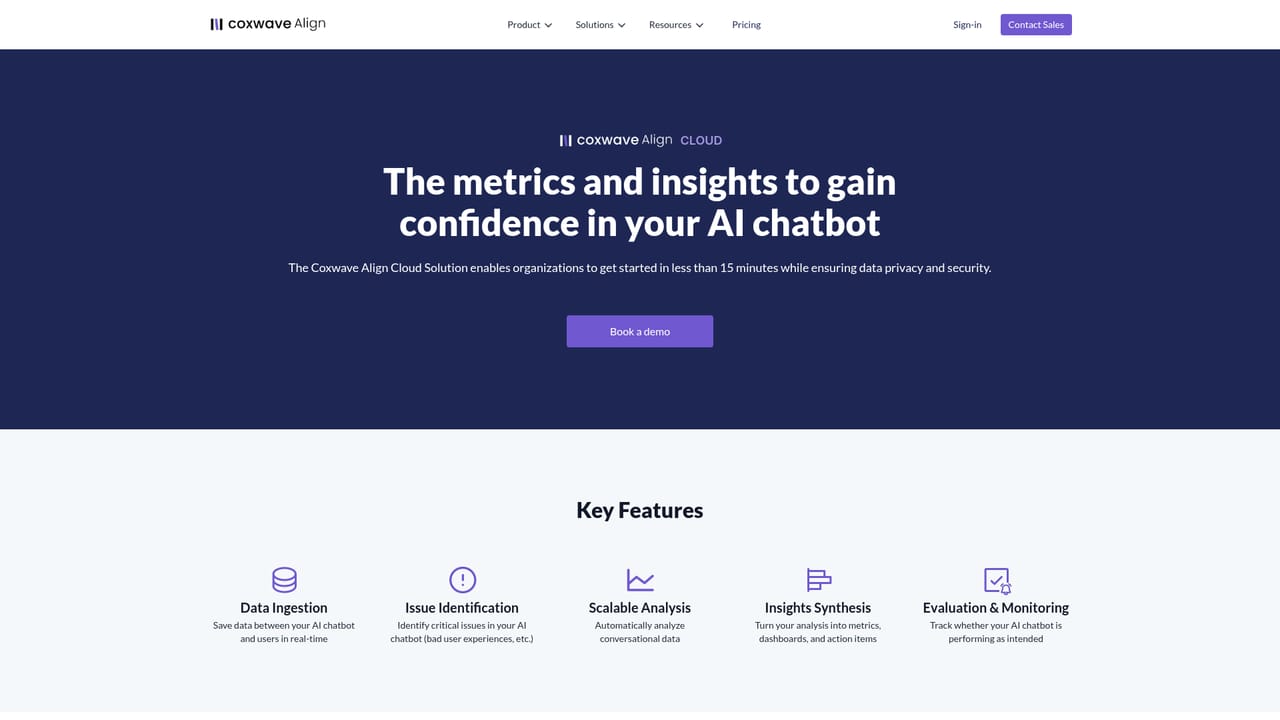
  2. 2Choose cloud or on-premise
    Decide whether Align Cloud fits your security posture or whether the Enterprise on-premise package is required for sensitive conversation data.
    Align AI — Choose cloud or on-premise
  3. 3Instrument your chatbot with the SDKs
    Your engineers add the pre-built SDKs to the chatbot so user and assistant messages stream into Align in real time.
  4. 4Search and segment the conversations
    Use the search toolkit to isolate the interactions worth reviewing, such as a user cohort, a failure pattern or a sample of high-volume sessions.
  5. 5Review action items and re-evaluate
    Work through the auto-generated action items, ship the changes, then return to Align to confirm the chatbot now behaves as intended.
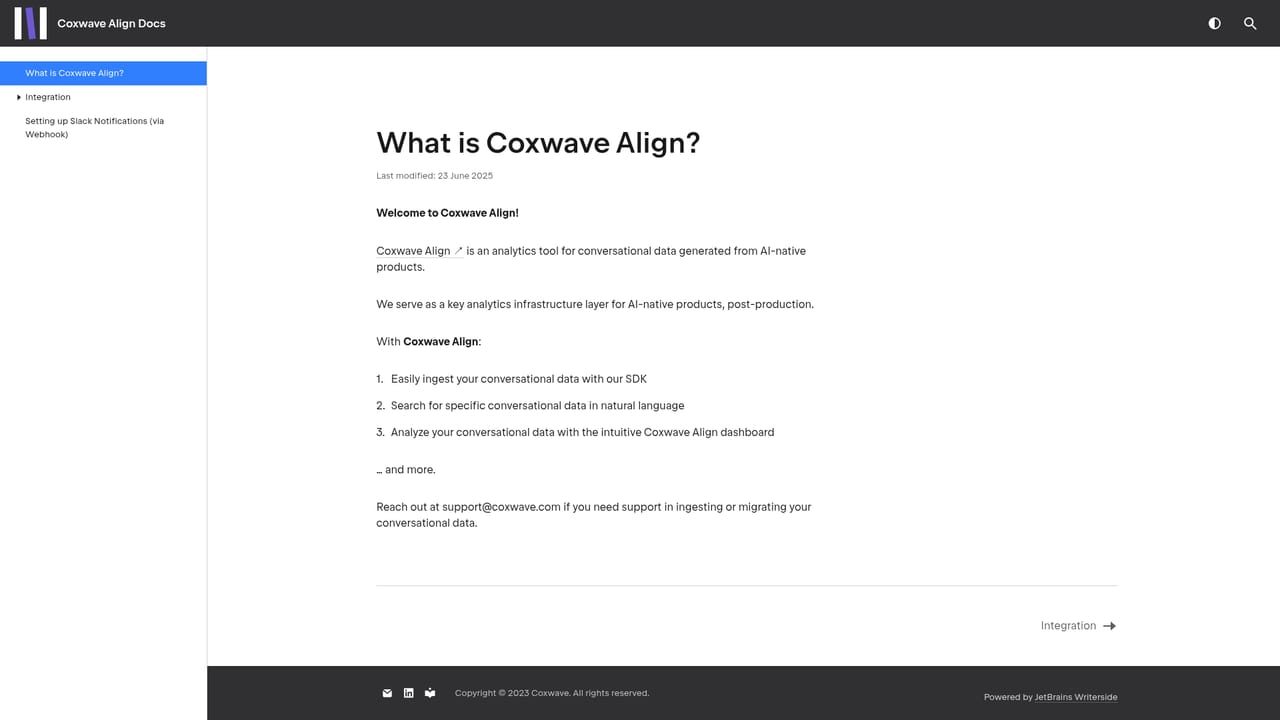
  6. 6Check API and setup documentation
    The docs site covers integration details and reference material for the platform, useful when wiring up SDKs or automating parts of the workflow.
    Align AI — Check API and setup documentation

Pros and cons

Pros

  • Purpose-built for conversational data rather than repurposed web analyticsAI
  • Five-stage loop runs from SDK data capture through post-release re-evaluationAI
  • Auto-generated action items turn findings into a prioritized to-do listAI
  • Enterprise on-premise option supports strict data privacy requirementsAI
  • Cloud setup is quoted at under 15 minutes, with no manual log review neededAI

Cons

  • Only useful after you already operate an LLM chatbot; no value pre-launchAI
  • SDK instrumentation work falls on your developers before any analysis happensAI
  • Evaluation quality depends on the platform's own judgment, which is hard to audit from the outsideAI
  • On-premise deployment for sensitive data is likely to involve sales negotiation and costAI
  • Focused on conversation quality, so it will not replace your general product analytics stackAI

How much does Align AI cost?

Pricing

The homepage does not publish prices or plan tiers. It splits the offering into Align Cloud, a fast-start cloud deployment, and Align Enterprise, a custom on-premise solution. The pricing page is the place to check for current commercial terms.

Learn more

Integrations

Connection happens through pre-built SDKs that stream chatbot data into Align in real time. No named third-party integrations are listed on the homepage.

Learn more

Features

Real-time conversation capture through pre-built SDKs, a search toolkit for locating high-priority data, cohort-level analysis of chatbot performance and user behavior, automatically generated action items, and post-upgrade evaluation to confirm the assistant behaves as intended. The vendor positions the mix as a way to cut hallucination and lift chatbot quality.

Learn more

Frequently asked questions about Align AI

  • How much does Align AI cost?
    The homepage does not publish prices or plan tiers. It splits the offering into Align Cloud, a fast-start cloud deployment, and Align Enterprise, a custom on-premise solution. The pricing page is the place to check for current commercial terms.
  • How do you use Align AI?
    The walkthrough on this page covers 6 steps: 1. Book a walkthrough or open an account 2. Choose cloud or on-premise 3. Instrument your chatbot with the SDKs 4. Search and segment the conversations 5. Review action items and re-evaluate 6. Check API and setup documentation.
  • What platforms does Align AI support?
    Align AI is available on Web App.
  • What does Align AI integrate with?
    Connection happens through pre-built SDKs that stream chatbot data into Align in real time. No named third-party integrations are listed on the homepage.
  • What are the limitations of Align AI?
    Only useful after you already operate an LLM chatbot; no value pre-launch. SDK instrumentation work falls on your developers before any analysis happens. Evaluation quality depends on the platform's own judgment, which is hard to audit from the outside.

Status

StatusActive
Views0
Outbound clicks0
Added10/22/2026

Platforms

Web App

Pricing

PaidSubscription