Free trial
The homepage includes a free start option and a Get Started for Free entry point, but no trial length or credit limits are stated on the page.
Learn moreAll-in-one AI pipeline for animated series and story videos

Animate AI is a short videos tool. Animate AI bundles character generation, storyboard creation and multi-model video generation into a single web workflow for animated series and short story videos, with saved characters for continuity across episodes and an Autopilot mode that chains the steps.
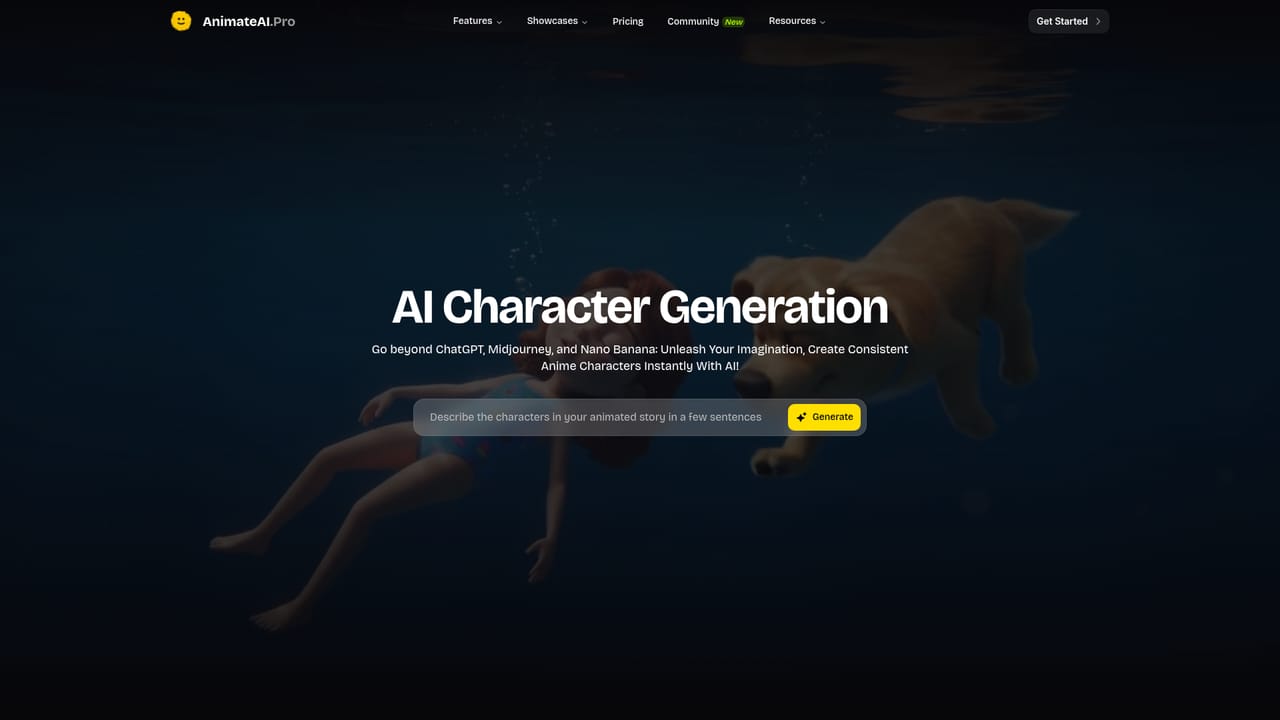
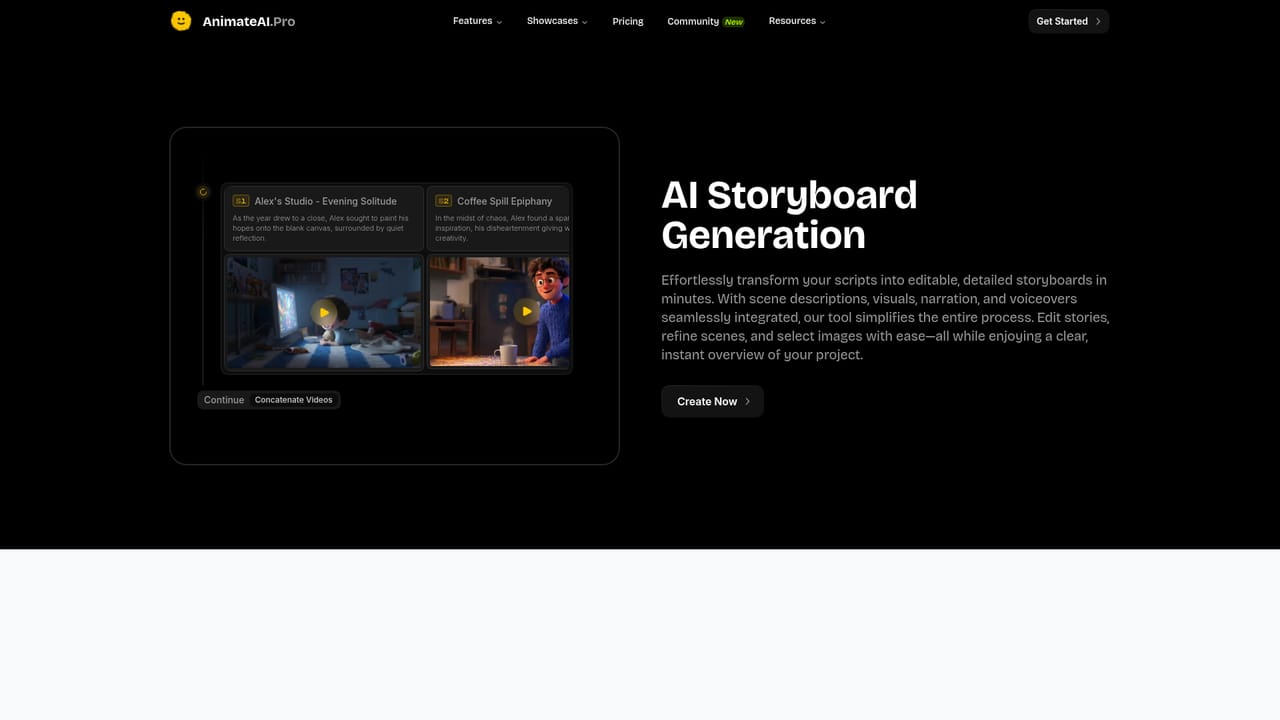
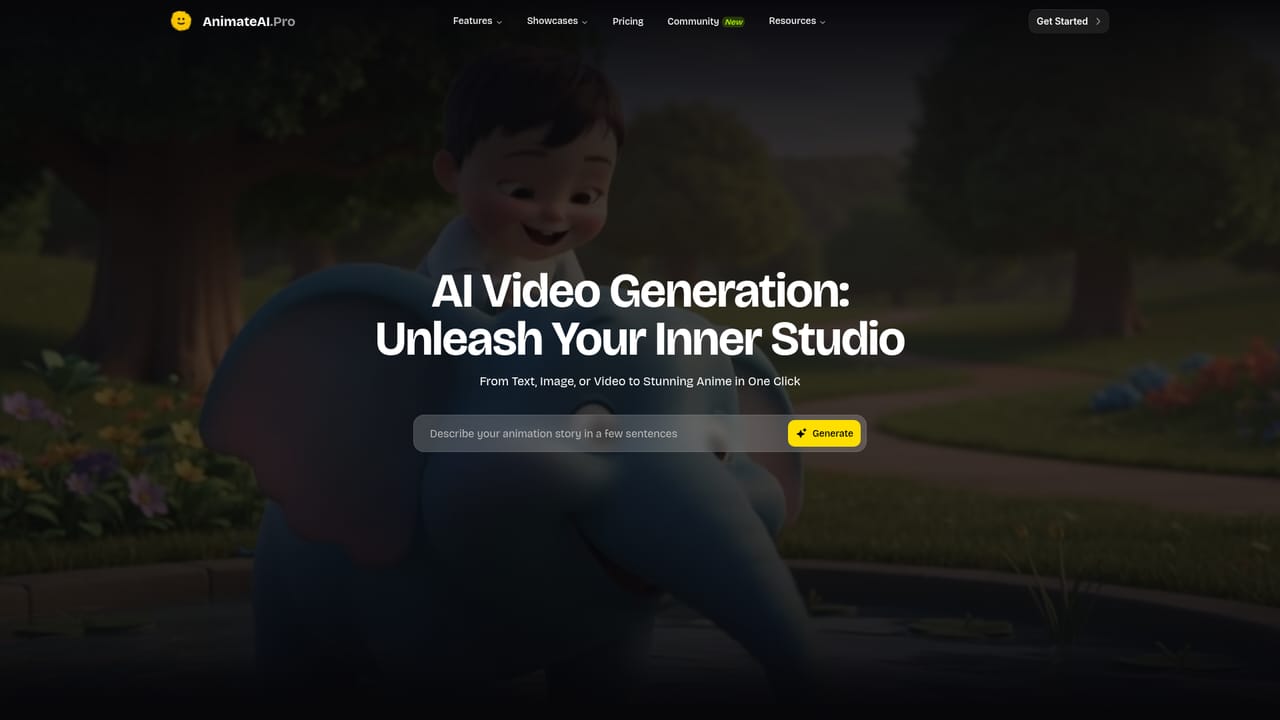
Animate AI is a browser-based video generator built around one specific goal: turning a story idea into a finished animated episode without stitching together five separate tools. The workflow runs in three connected stages. First, character generation produces cast members from a written story idea, with configurable styles, outfits and voices that can be saved and reused across episodes so continuity holds. Second, storyboard generation converts a script into an editable board with scene descriptions, visuals, narration and voiceovers attached to each shot. Third, video generation turns prompts and scenes into roughly 30-second clips that can be concatenated into longer pieces. Underneath that workflow sits a model aggregation layer. Rather than training its own foundation models, Animate AI routes work to third-party engines: GPT-4, Claude and Gemini for text, FLUX and MidJourney for visuals, ElevenLabs for voiceover, Suno for music, and Runway, Kling, Minimax and Luma for video. A prompt enhancer rewrites text, image and video prompts before they are sent, and an Autopilot mode chains the steps automatically once activated. In practice the tool suits solo creators, small studios and marketers who want episodic animation, trailers, kids' bedtime stories, lofi music videos or comedy skits without hiring a production team. The showcase library and community templates give a starting point, and templates can be personalized and regenerated with credit to the original creator. The honest positioning is convenience rather than novelty: Animate AI competes with dedicated character tools and dedicated video generators by bundling character persistence, storyboarding and multi-model access in one subscription. Teams that already have a fixed pipeline may find the abstraction layer adds cost without much control, but for beginners the guided path from idea to finished video is the main draw.

The homepage includes a free start option and a Get Started for Free entry point, but no trial length or credit limits are stated on the page.
Learn moreSupport is handled by email at hi@animateai.pro, listed in the site header for help requests.
Works with third-party engines including GPT-4, Claude, Gemini, FLUX, MidJourney, ElevenLabs, Suno, Runway, Kling, Minimax and Luma. Seedance 1.5 Pro is listed as a newly available model.
Learn moreCharacter generation with saved, reusable cast members; editable storyboard generation with narration and voiceovers; text-to-video rendering of clips; prompt enhancement for text, image and video; Autopilot mode for automatic end-to-end generation; community video templates; and access to third-party models for text, image, voice, music and video.
Learn more AI Angels400+ customizable AI girlfriends for NSFW chat, voice calls, and roleplay
 Candy AIExperience the future of companionship with AI friends who chat, role-play, and connect with you on a human level.
 ourdream.aiA vast AI roleplay platform with millions of characters for chat, images, video and voiceAI Angels400+ customizable AI girlfriends for NSFW chat, voice calls, and roleplayCandy AIExperience the future of companionship with AI friends who chat, role-play, and connect with you on a human level.ourdream.aiA vast AI roleplay platform with millions of characters for chat, images, video and voice


