APIGOTO

One API key, one base_url, 400+ LLMs with automatic failover and pay-as-you-go billing.

Intermediate API
Screenshot of APIGOTO, One API key, one baseurl, 400+ LLMs with automatic failover and pay-as-you-go billing

What is APIGOTO?

APIGOTO is a unified LLM API gateway giving developers one API key and base_url to call Claude, GPT, Gemini, DeepSeek, Qwen and other models, with automatic failover, usage-based billing and free BYOK key hosting.

APIGOTO is a unified LLM API gateway that sits between developers and the major model providers. Instead of integrating separate SDKs for Claude, GPT, Gemini, DeepSeek, Qwen and dozens of other vendors, a team points an OpenAI-compatible client at a single base_url and api_key and switches models by changing a string in the request. The platform handles routing, protocol translation, metered billing and failover behind that one endpoint, claiming compatibility with OpenAI Responses and Anthropic Messages so native features of each provider are preserved rather than flattened into a lowest common denominator. The service is aimed at developers and engineering teams building AI features who want to avoid vendor lock-in and manual failover logic. When a provider has an outage or degraded availability, APIGOTO's routing layer is designed to shift traffic to another backend serving the same model, so an application keeps responding without the developer writing retry logic across multiple vendor SDKs. Pricing is usage-based with no subscription, and a BYOK option lets a user attach their own vendor API keys for free-of-platform-fee management, usage tracking and limits, alongside pooled pay-as-you-go access billed through APIGOTO's own credits. In practice, getting started means registering an account, completing identity verification, and generating an API key, after which a small code change (swapping base_url and key) is enough to run existing OpenAI SDK code against the gateway. The product also ships model and agent leaderboards, a desktop client (listed as upcoming for Windows, macOS and Linux), and an admin/management layer aimed at organizations that need centralized spend and access control across many model vendors. Among alternatives to direct multi-vendor integration or other LLM routing proxies, APIGOTO differentiates mainly on breadth of model coverage (400+ models, 70+ vendors), free BYOK hosting, and a claim of preserving official provider protocols rather than a generic abstraction layer.
How do you use APIGOTO?

  1. 1Register an account
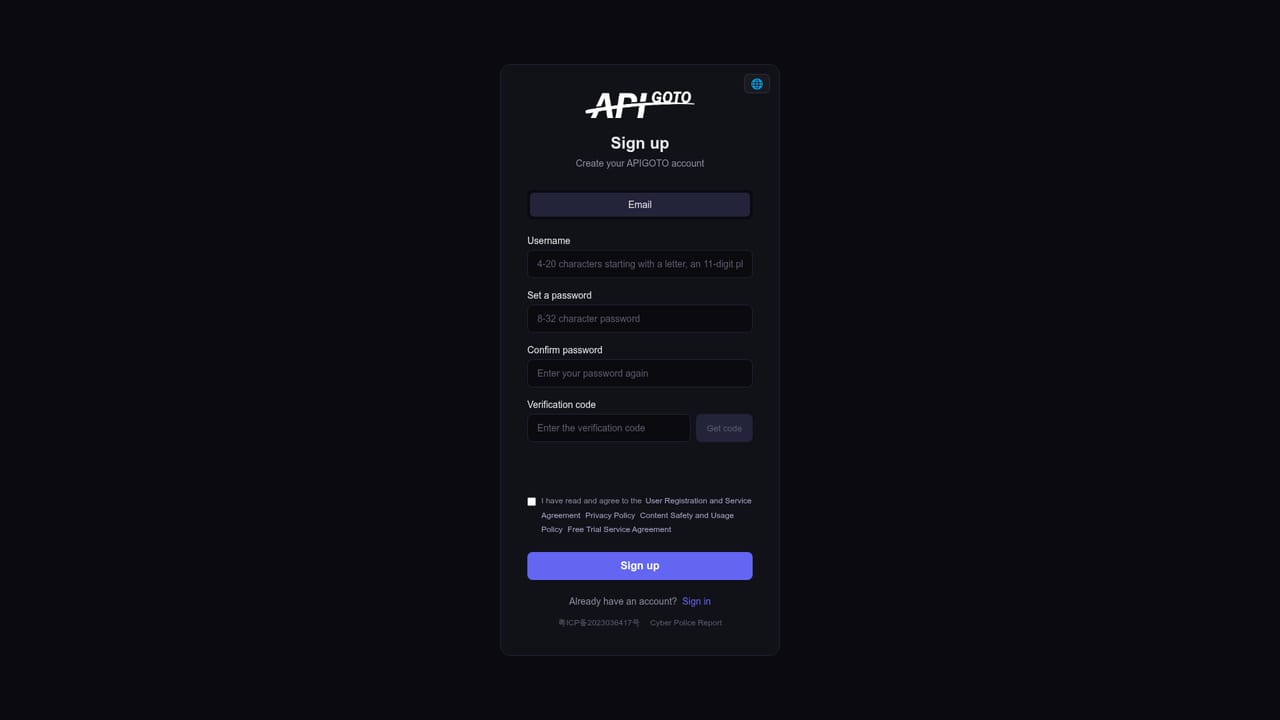
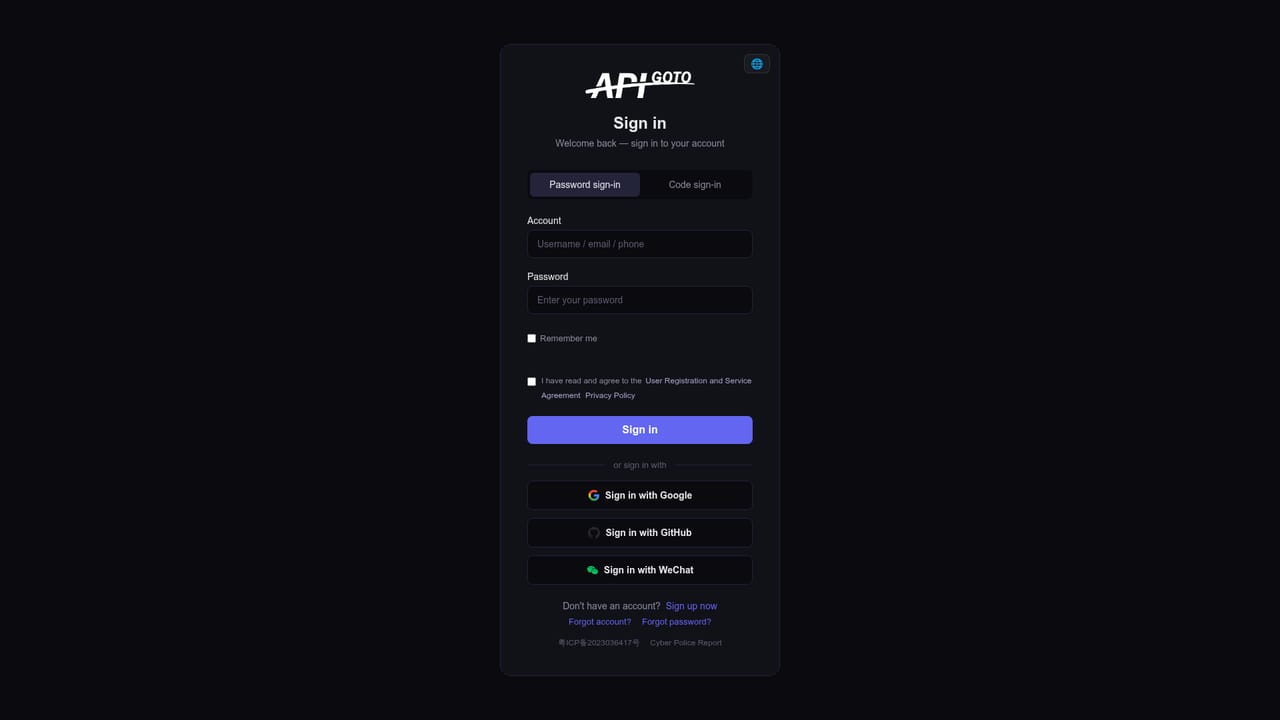
    Create an account using email or phone number; the signup process is described as taking only a few minutes.
    APIGOTO — Register an account
  2. 2Complete identity verification
    Finish personal or enterprise verification, which the platform states is required to secure the account and service quality.
  3. 3Generate an API key
    Once verified, create an API key from the account dashboard; registration includes a free token allowance to start testing immediately.
    APIGOTO — Generate an API key
  4. 4Point your client at the gateway
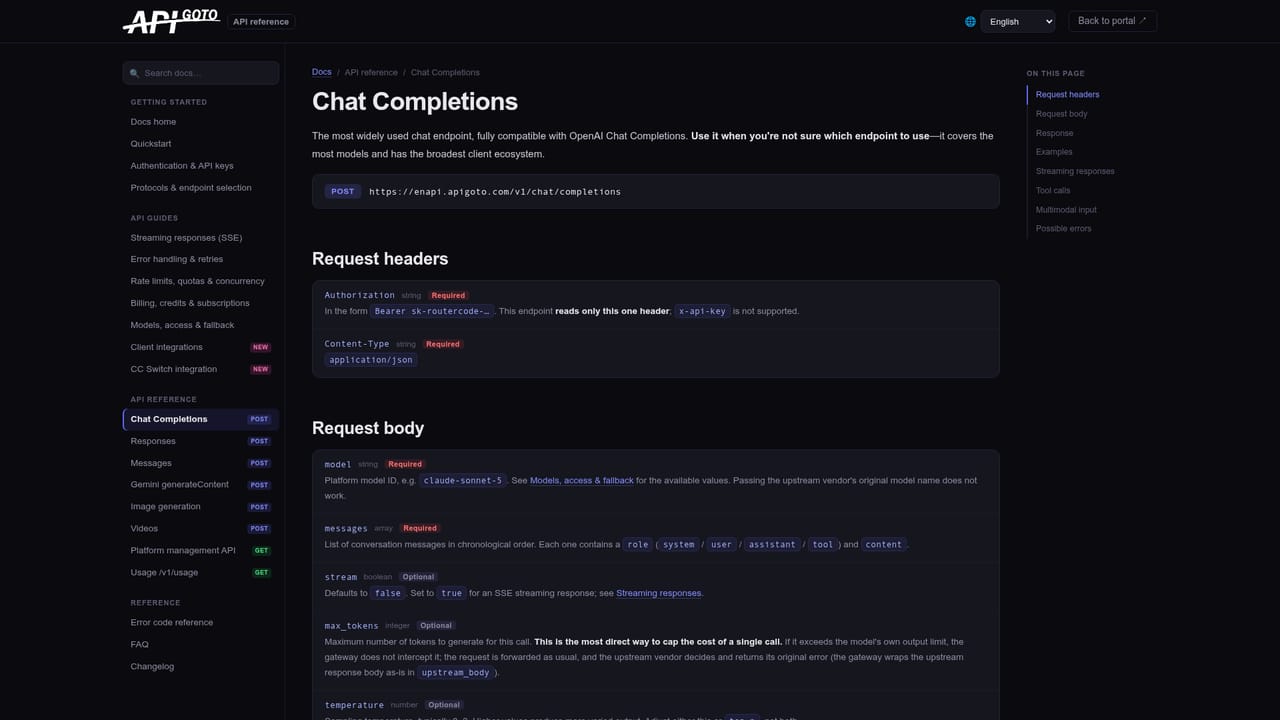
    Set base_url to https://api.apigoto.com/v1 and use your API key in any OpenAI SDK-compatible client, then specify a model such as anthropic/claude-fable-5 in requests.
    APIGOTO — Point your client at the gateway
  5. 5Review models and pricing
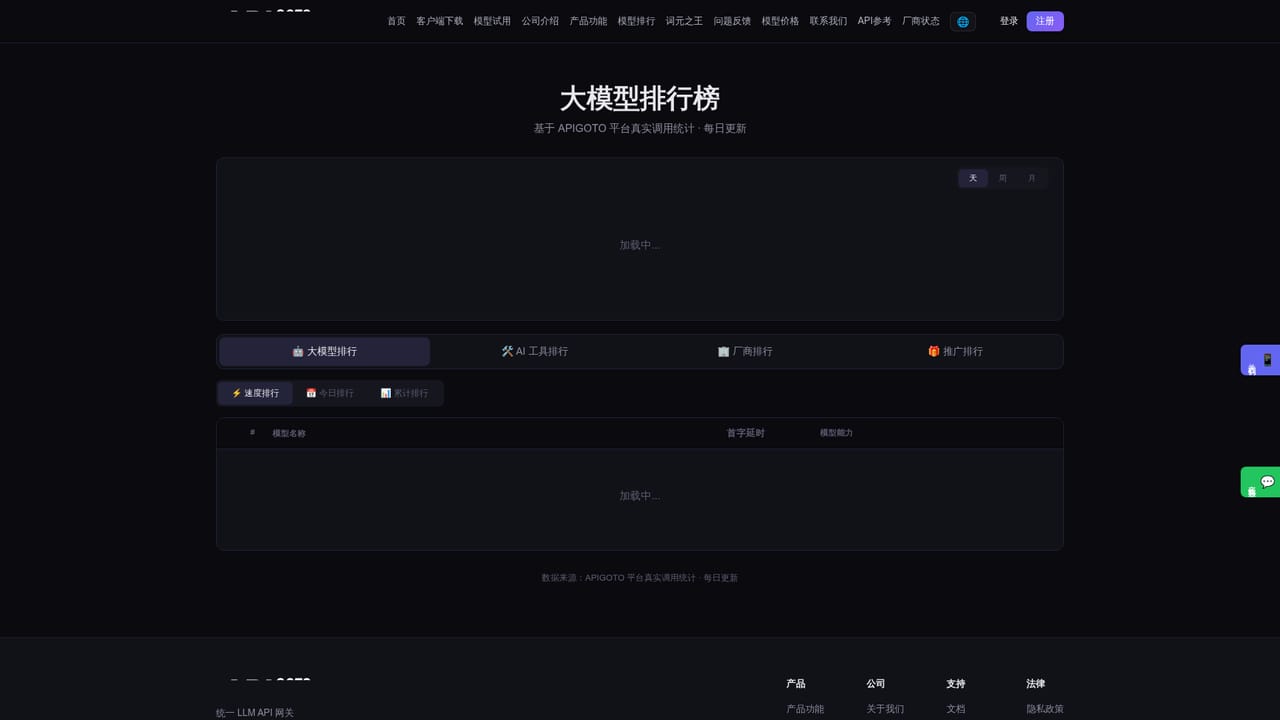
    Check the model price list and leaderboard to compare official versus gateway pricing and recent usage trends before committing a workload to a specific model.
    APIGOTO — Review models and pricing
  6. 6Optionally add BYOK keys
    Bind existing vendor API keys through the BYOK option to get free hosted key management, usage statistics and limit controls alongside pooled credit access.

Pros and cons

Pros

  • Single OpenAI-compatible endpoint covers 400+ models across 70+ providers without rewriting client codeAI
  • Automatic failover between vendors serving the same model aims to keep requests flowing during outagesAI
  • Pay-as-you-go billing with no subscription and credits usable across all models and providersAI
  • Free BYOK key hosting lets teams keep their own vendor contracts while centralizing management and usage statsAI
  • Claims compatibility with OpenAI Responses and Anthropic Messages so native provider features are retainedAI

Cons

  • Desktop clients for Windows, macOS and Linux are listed as not yet available despite being promotedAI
  • Model leaderboard and ranking data shown on the site appear to be sample or illustrative figures rather than verifiable live statsAI
  • Routing, failover and risk-control logic are opaque; there is no detail on how model selection or retry limits are configured by the userAI
  • Relying on a third-party gateway for production traffic introduces a dependency and potential latency layer on top of each underlying providerAI
  • No published SLA or incident history is given beyond a stated uptime aspirationAI

How much does APIGOTO cost?

Free trial

New accounts receive a free token allowance upon registration, usable to call any supported model after creating an API key.

Learn more

Pricing

Usage-based billing with no subscription fee; credits can be spent across all supported models and providers. Exact per-model rates are shown on a live pricing lookup table on the site, not stated as fixed figures on the homepage.

Learn more

Support

Offers online chat support on weekdays from 9:00 to 18:00, email contact addresses, API documentation and reference docs, and a feedback channel for unsupported models.

Learn more

Integrations

Compatible with the OpenAI SDK and officially supports OpenAI Responses and Anthropic Messages protocols, allowing existing integrations to switch models without code changes.

Learn more

Features

Unified OpenAI-compatible endpoint for 400+ models across 70+ providers, automatic failover between vendors, usage-based billing, AES-256-GCM key encryption, real-time usage dashboards, edge routing for lower latency, and free BYOK key hosting.

Learn more

Frequently asked questions about APIGOTO

  • How much does APIGOTO cost?
    Usage-based billing with no subscription fee; credits can be spent across all supported models and providers. Exact per-model rates are shown on a live pricing lookup table on the site, not stated as fixed figures on the homepage.
  • Does APIGOTO offer a free trial?
    New accounts receive a free token allowance upon registration, usable to call any supported model after creating an API key.
  • Does APIGOTO have an API?
    Yes, APIGOTO offers an API.
  • How do you use APIGOTO?
    The walkthrough on this page covers 6 steps: 1. Register an account 2. Complete identity verification 3. Generate an API key 4. Point your client at the gateway 5. Review models and pricing 6. Optionally add BYOK keys.
  • What platforms does APIGOTO support?
    APIGOTO is available on Web App, Windows, MacOS and Linux.
  • What does APIGOTO integrate with?
    Compatible with the OpenAI SDK and officially supports OpenAI Responses and Anthropic Messages protocols, allowing existing integrations to switch models without code changes.

Status

StatusActive
Views0
Outbound clicks0
Added10/17/2026

Platforms

Web AppWindowsMacOSLinux

Pricing

FreemiumFree TrialPaid