Jectora

One API, every model, smart routing and caching for lower cost and latency.

Intermediate API
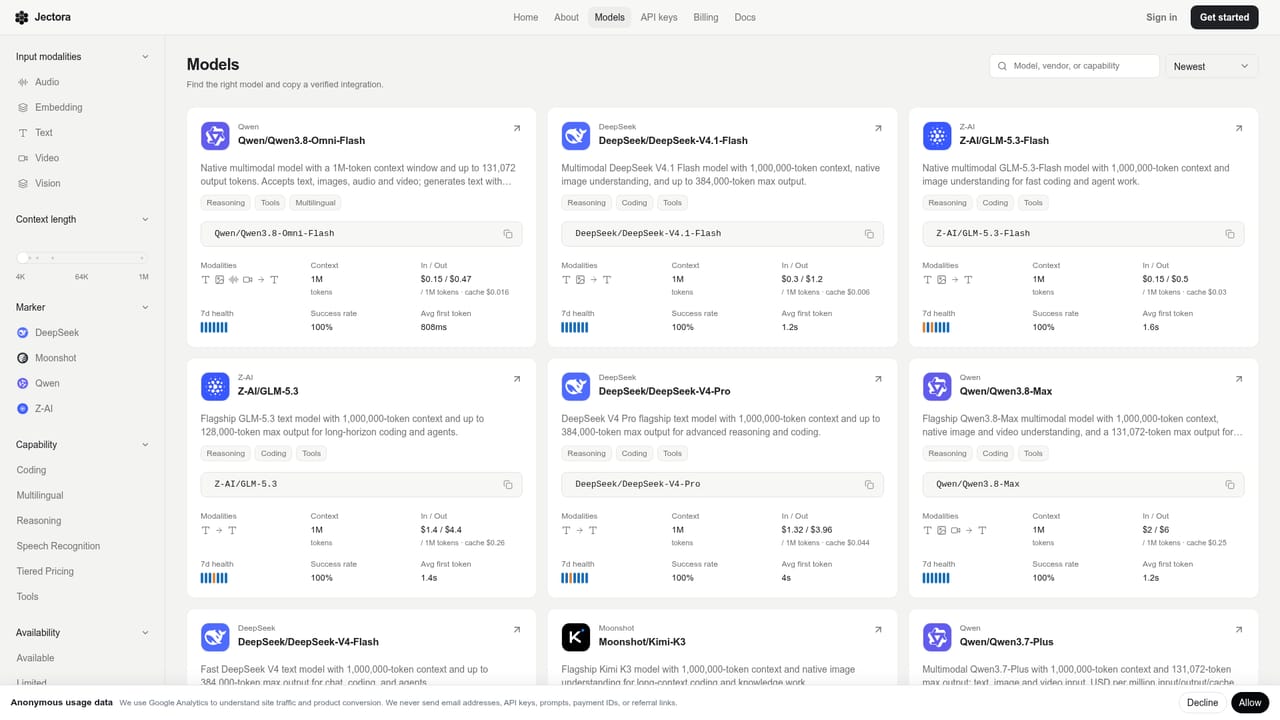
Screenshot of Jectora, One API, every model, smart routing and caching for lower cost and latency

What is Jectora?

Jectora is an OpenAI-compatible AI gateway that routes requests across multiple model providers using smart routing, caching, and organization-level API key and billing controls.

Jectora is an AI gateway that gives organizations one OpenAI-compatible endpoint for reaching models from several providers. Instead of maintaining separate integrations for each model family, a team sends requests in the familiar OpenAI request format and selects a model by its ID from a shared catalog that spans the OpenAI, Claude, Gemini, and DeepSeek families along with providers such as GLM and Qwen. Under the surface, Jectora applies smart routing to send each request to a low-latency, highly available provider, with instant failover if a route degrades. Inference is tuned for different GPUs and frameworks, and intelligent caching reuses repeated or similar requests to reduce token consumption and response time. The result is intended to be a faster, more cost-efficient path to inference than calling a single provider directly. The product is built around organizational use rather than individual experimentation. Accounts can manage API keys with limits on model access, spend, expiration date, and source IP, and billing is handled through organization-level invoices. This makes it suited to engineering teams that need to enforce budget and access controls across multiple projects or environments, not just a single developer testing an idea. Because it keeps compatibility with the official OpenAI SDK for JavaScript and Python, adopting Jectora mainly involves changing the base URL and API key rather than rewriting application logic. That positions it alongside other multi-provider API gateways, with its differentiation resting on routing, caching, and the organization controls layered on top.
How do you use Jectora?

  1. 1Sign in to create an account
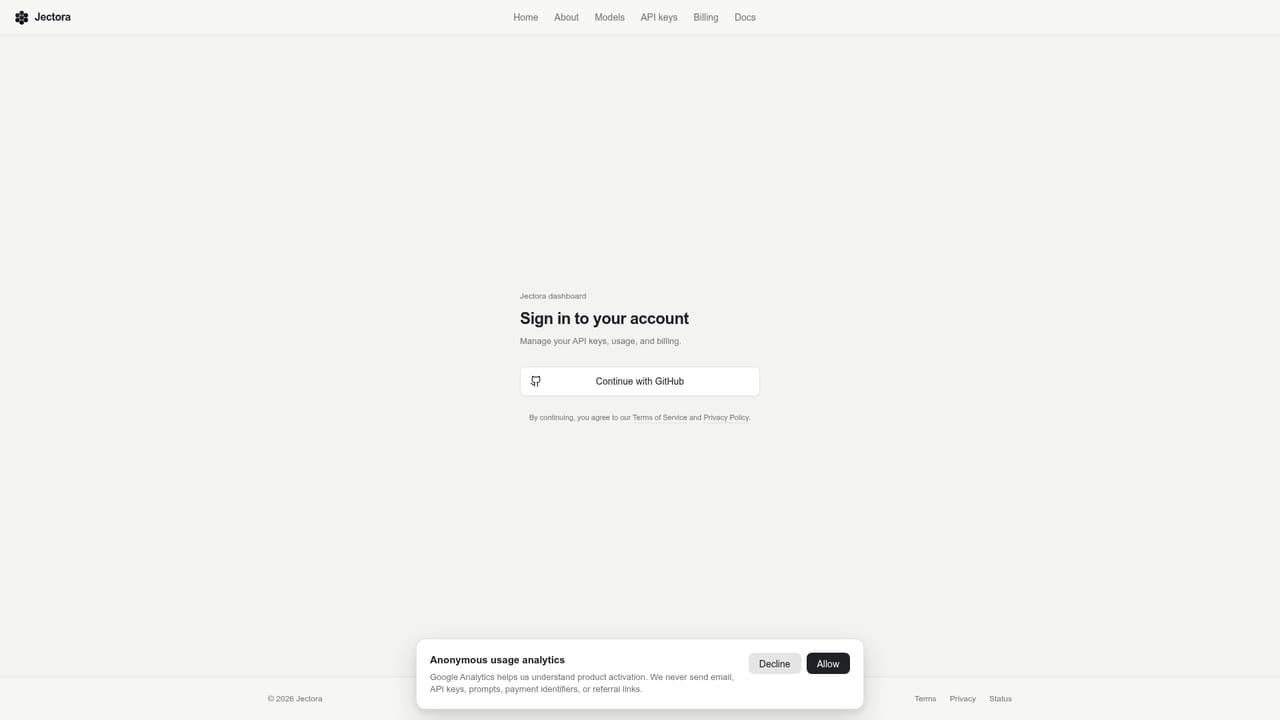
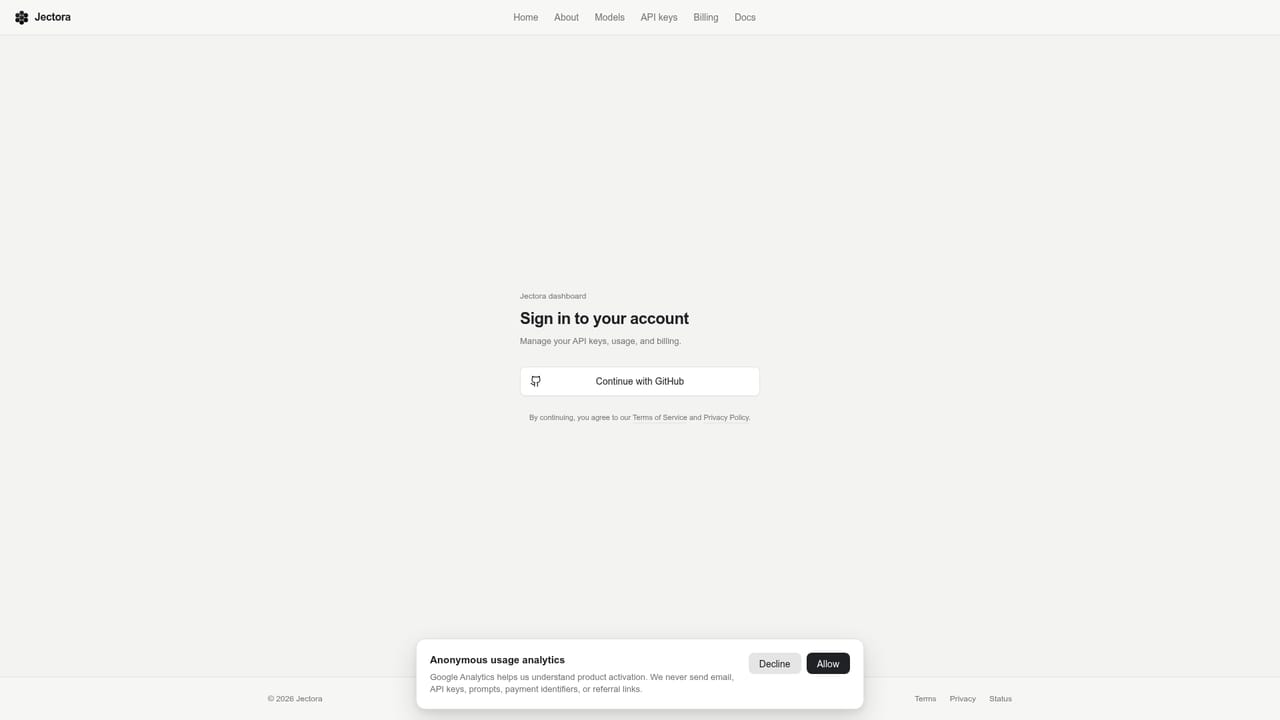
    Sign in to the Jectora app to set up an organization before creating API keys or sending requests.
    Jectora — Sign in to create an account
  2. 2Create an API key
    Generate an API key from the dashboard, which you will use in place of your provider's native key.
    Jectora — Create an API key
  3. 3Browse the model catalog
    Check the model catalog to compare available models and confirm the capabilities and model ID you need.
    Jectora — Browse the model catalog
  4. 4Send your first request
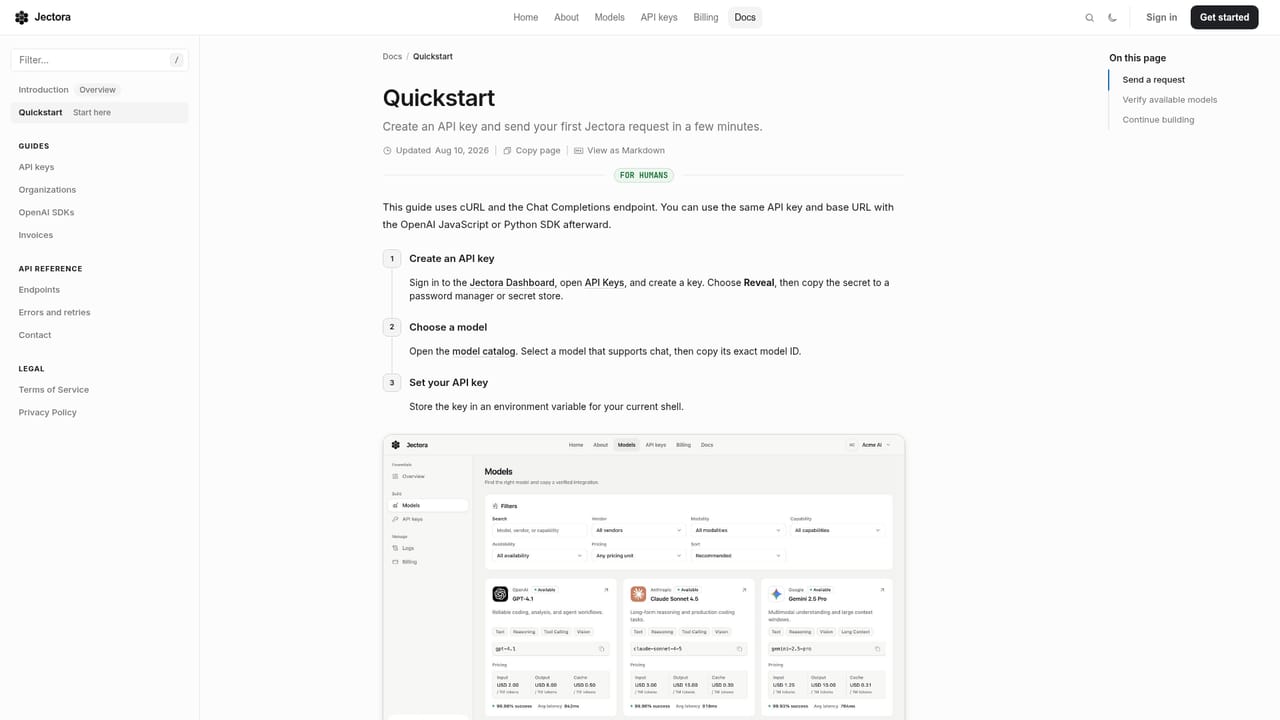
    Follow the quickstart guide to make a first call to the Jectora endpoint using your new API key and chosen model ID.
    Jectora — Send your first request
  5. 5Point the OpenAI SDK at Jectora
    Keep the official OpenAI JavaScript or Python SDK, set the Jectora base URL and API key, and continue calling the SDK as usual.
  6. 6Set limits on the key before shipping
    Restrict the key by model, spend, expiration date, or source IP so production usage stays within defined bounds.

Pros and cons

Pros

  • Single OpenAI-compatible endpoint reduces the work of integrating multiple model providers separately.AI
  • Smart routing with instant failover aims to keep latency low even if a given provider degrades.AI
  • Per-key limits on model, spend, expiration, and source IP support production-grade governance.AI
  • Intelligent caching can lower repeated token costs and speed up similar requests.AI
  • Existing OpenAI SDK code can point at Jectora by changing only the base URL and API key.AI

Cons

  • Homepage does not publish concrete pricing figures or plan tiers, making upfront cost comparison difficult.AI
  • No free trial is mentioned, so evaluating the service likely requires setting up billing first.AI
  • Model capabilities vary by provider and must be checked individually before integration, adding overhead.AI
  • Adding a gateway layer between the application and model providers introduces a dependency and potential point of failure.AI
  • Content is developer-oriented with no indication of a no-code interface for non-technical users.AI

How much does Jectora cost?

Pricing

Jectora bills per model through a catalog of unit prices referenced on the pricing page and model catalog; the homepage does not state specific rates, discounts, or plan tiers.

Learn more

Support

Support is reachable through a contact page, alongside developer documentation covering the quickstart, API reference, SDK guide, and organization or API key management.

Learn more

Integrations

Compatible with the official OpenAI JavaScript or Python SDK by swapping in the Jectora base URL and API key; the model catalog covers the OpenAI, Claude, Gemini, and DeepSeek families along with providers like GLM and Qwen.

Learn more

Features

Smart routing selects low-latency, high-availability providers per request with instant failover; hardware-aware inference tuning keeps models fast under load; intelligent caching reuses repeated requests to cut token usage; organization tools add per-key limits by model, spend, expiration, and IP, plus billing and invoices.

Learn more

Frequently asked questions about Jectora

  • How much does Jectora cost?
    Jectora bills per model through a catalog of unit prices referenced on the pricing page and model catalog; the homepage does not state specific rates, discounts, or plan tiers.
  • Does Jectora have an API?
    Yes, Jectora offers an API.
  • How do you use Jectora?
    The walkthrough on this page covers 6 steps: 1. Sign in to create an account 2. Create an API key 3. Browse the model catalog 4. Send your first request 5. Point the OpenAI SDK at Jectora 6. Set limits on the key before shipping.
  • What platforms does Jectora support?
    Jectora is available on Web App.
  • What does Jectora integrate with?
    Compatible with the official OpenAI JavaScript or Python SDK by swapping in the Jectora base URL and API key; the model catalog covers the OpenAI, Claude, Gemini, and DeepSeek families along with providers like GLM and Qwen.
  • What are the limitations of Jectora?
    Homepage does not publish concrete pricing figures or plan tiers, making upfront cost comparison difficult. No free trial is mentioned, so evaluating the service likely requires setting up billing first. Model capabilities vary by provider and must be checked individually before integration, adding overhead.

Status

StatusActive
Views0
Outbound clicks0
Added10/17/2026

Platforms

Web App

Pricing

Paid

Categories