AppGrowthKit

AI screenshot and icon maker for App Store and Google Play listings

Beginner
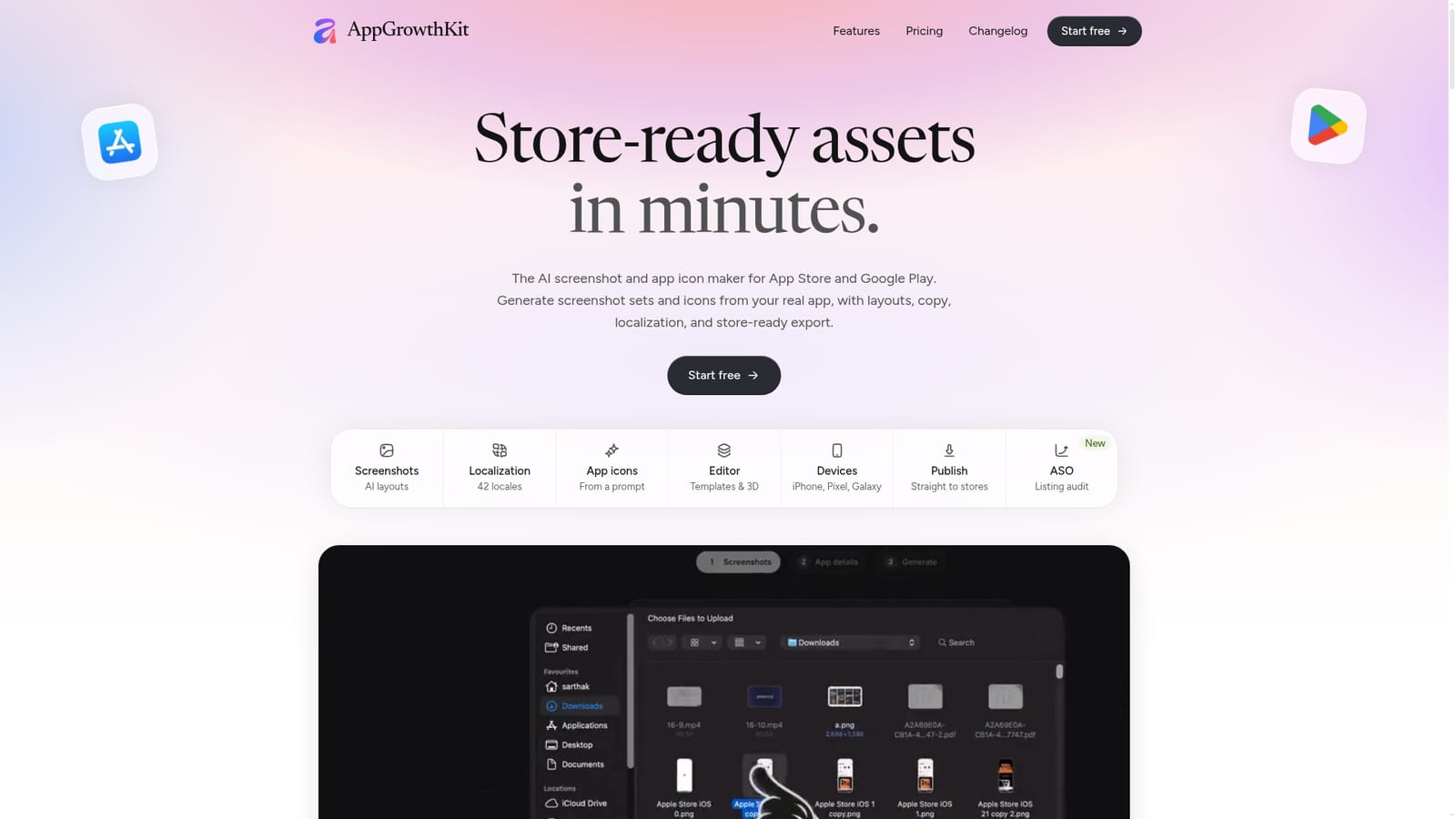
Screenshot of AppGrowthKit, AI screenshot and icon maker for App Store and Google Play listings

What is AppGrowthKit?

AppGrowthKit is a browser-based AI tool that builds App Store and Google Play screenshot sets and app icons from real app screens, with localization, device frames, exact-size export and an ASO listing audit.

AppGrowthKit is a browser-based editor that turns raw app screens into store-ready screenshot sets for the Apple App Store and Google Play. Users upload real screens captured from a device or simulator, and the AI plans a layout, drafts headlines, and applies backgrounds, device frames and spacing. Every element stays an editable layer on the canvas, so the AI output works as a first draft rather than a locked result. Rendering happens locally in the browser. The tool is aimed at indie developers and small teams who handle their own store listings and lack a designer. A manual layer editor with snapping guides, keyboard nudging, custom fonts and gradients covers hands-on work, while about twenty templates modeled on top-chart listings can restyle a whole set in one click. Device frames span recent iPhone, iPad, Pixel and Galaxy models, with 3D poses and clay or glass options for abstract mockups. Chat mode allows asking for ideas without altering the design. Beyond layout, AppGrowthKit localizes screenshot copy across 42 App Store locales while keeping layouts and images in place, and it generates app icons in batches of one, two or four directions. Export writes the exact dimensions the stores require, such as 1260×2736 for the 6.9-inch iPhone set and 2064×2752 for the 13-inch iPad, and files can also be published directly to App Store Connect or Play Console with the user's own API keys, which are not stored.
How do you use AppGrowthKit?

  1. 1Start a free project
    Open the site and choose Start free to create an account and a first project. The free plan includes the manual editor and an ASO overview.
    AppGrowthKit — Start a free project
  2. 2Upload real app screens
    Add screenshots captured from a device or simulator, then describe what the app does so the AI has context for layout and copy.
  3. 3Pick a template or let AI draft
    Apply one of the ready-made templates or ask the AI to plan layout, headlines, device frames and backgrounds, then refine layers on the canvas.
  4. 4Localize the copy
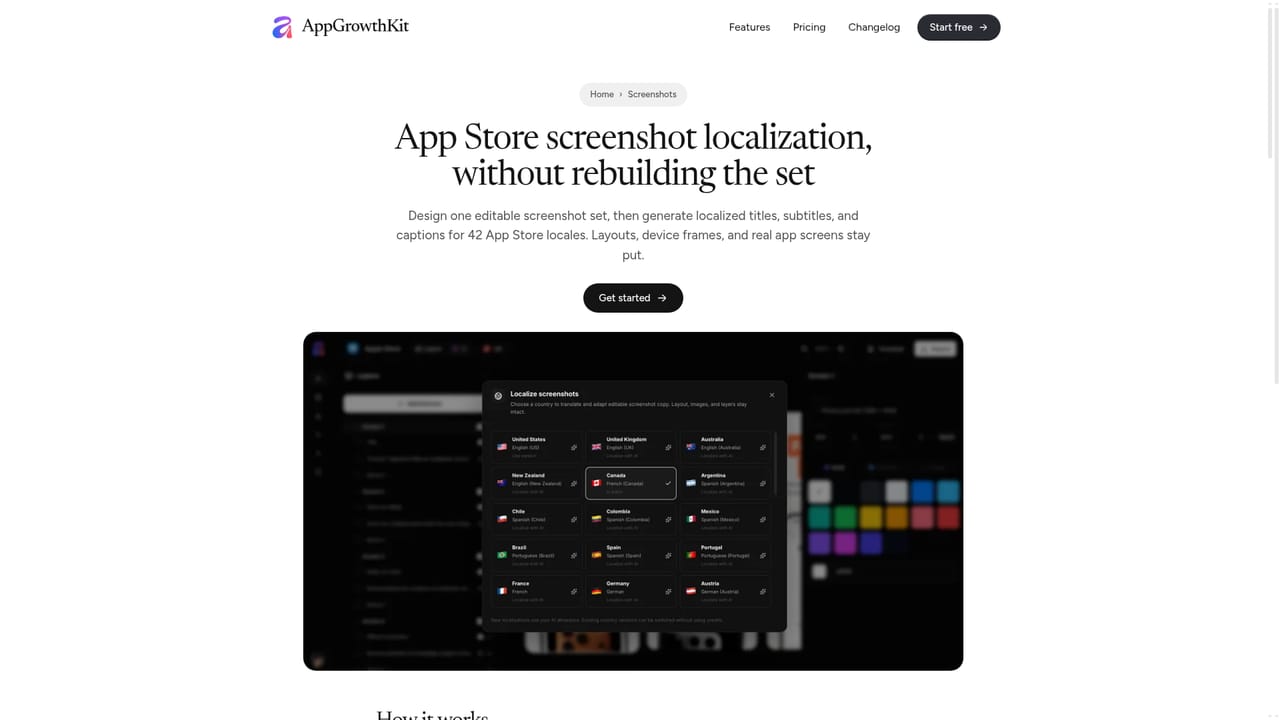
    Choose a market and let the AI adapt titles and captions while layouts stay put. Review each version in the canvas before exporting.
    AppGrowthKit — Localize the copy
  5. 5Check required sizes and export
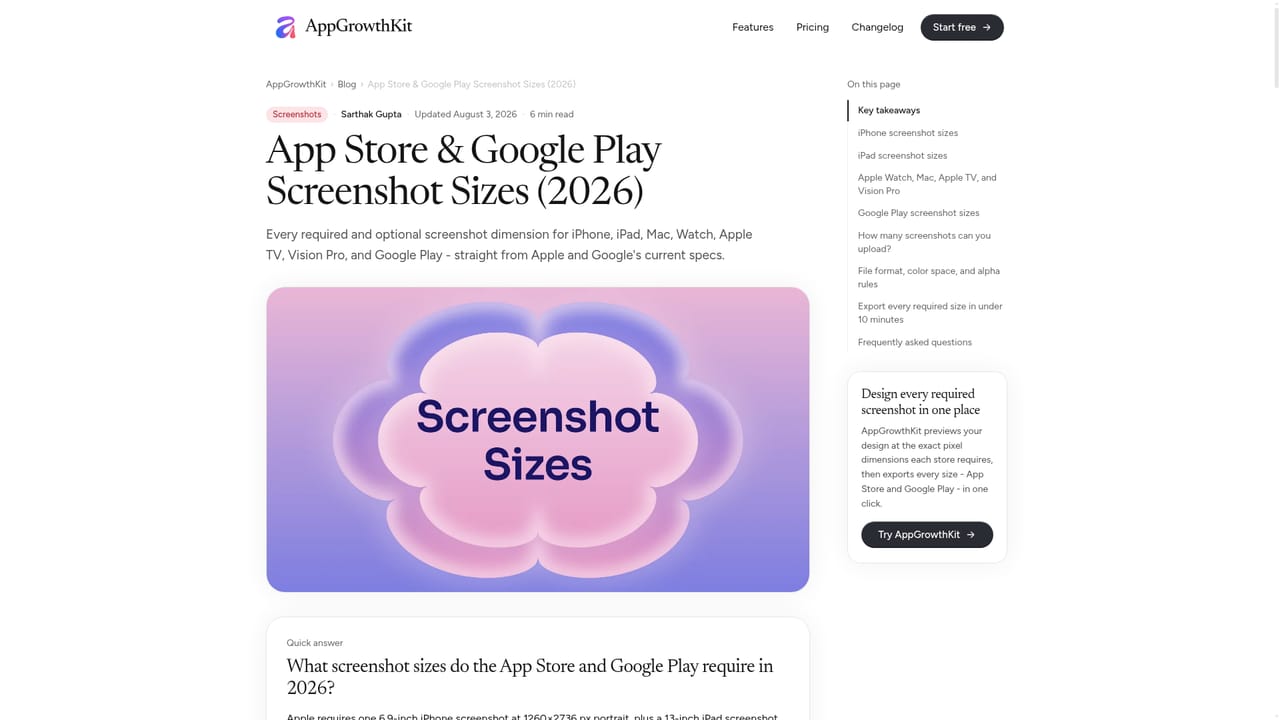
    Consult the size chart if needed, then export every screen at once or publish to App Store Connect or Play Console with your own API keys.
    AppGrowthKit — Check required sizes and export
  6. 6Audit the listing
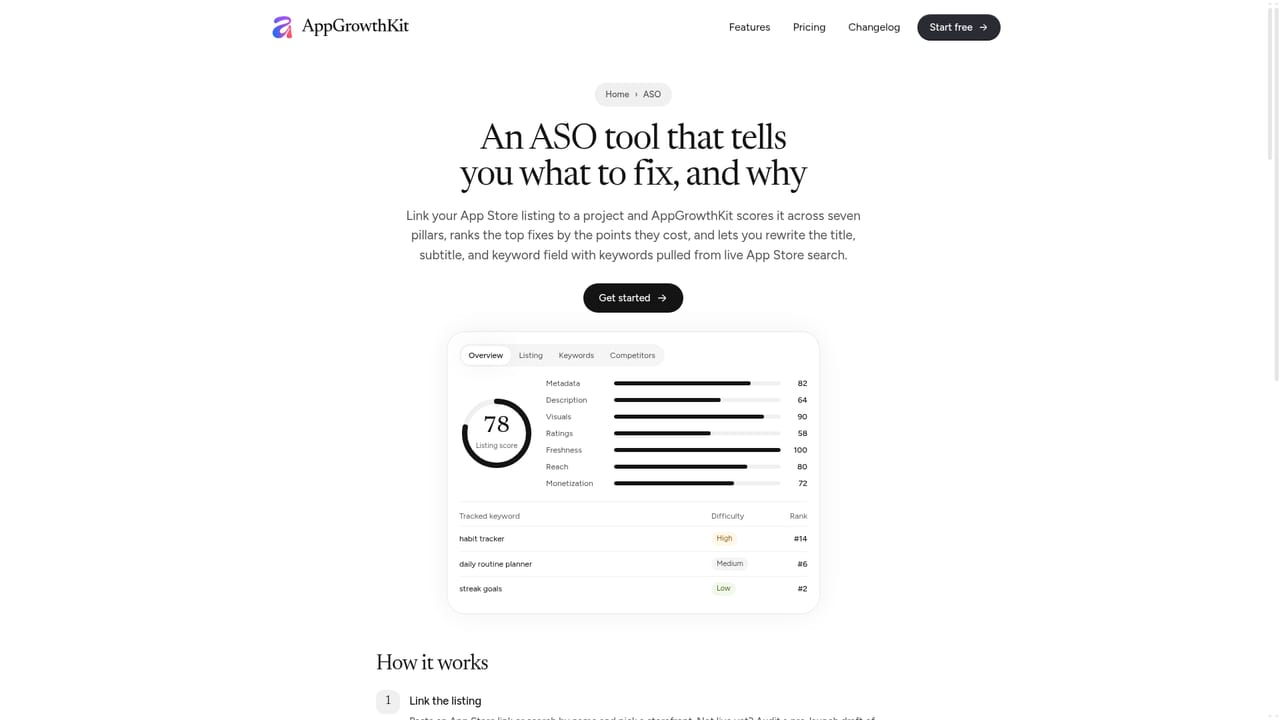
    Link an App Store listing to a project to get a 0-100 score, keyword research and rank tracking, then revise title, subtitle and keywords.
    AppGrowthKit — Audit the listing

Pros and cons

Pros

  • Exports the exact pixel sizes Apple and Google require, so no manual resizing is neededAI
  • AI drafts layouts and copy but every layer stays editable on the canvasAI
  • Localization covers 42 App Store locales without rebuilding the layoutsAI
  • Direct publishing to App Store Connect and Play Console via the user's own API keysAI
  • Low-cost entry: a one-time Launch Pass or a free plan for previewing one projectAI

Cons

  • The free plan allows only one project and excludes AI, icon generation and store exportsAI
  • AI features run on credits, so heavy iteration can exhaust the monthly or one-time allowanceAI
  • Scope is limited to store listings, so general marketing graphics still need another toolAI
  • The Launch Pass runs seven days of full access, which may be tight for long release cyclesAI
  • The ASO workspace is labeled new and only audits App Store listings, not Google PlayAI

How much does AppGrowthKit cost?

Free trial

A free plan with no credit card covers one project in the manual editor plus the ASO overview. AI, icons and exports require a paid plan.

Learn more

Pricing

Free plan with one project, the manual editor and an ASO overview. Launch Pass is $9.99 one-time (7 days, 250 AI credits). Pro is $14.99/month or $99.99/year with 750 AI credits monthly, unlimited projects and exports.

Learn more

Support

Support is listed as included on the free, Launch Pass and Pro plans. The homepage gives no details on channels or response times.

Integrations

Publishes to App Store Connect and Google Play Console through their official APIs using the user's own keys, which are not stored. Exports target Apple and Google store specs.

Features

AI layout and copy planning, layer-based editor, 20 templates, device frames with 3D poses, localization for 42 App Store locales, AI app icon generation, exact-size batch export, direct store publishing, and an ASO audit with keyword research and rank tracking.

Frequently asked questions about AppGrowthKit

  • How much does AppGrowthKit cost?
    Free plan with one project, the manual editor and an ASO overview. Launch Pass is $9.99 one-time (7 days, 250 AI credits). Pro is $14.99/month or $99.99/year with 750 AI credits monthly, unlimited projects and exports.
  • Does AppGrowthKit offer a free trial?
    A free plan with no credit card covers one project in the manual editor plus the ASO overview. AI, icons and exports require a paid plan.
  • How do you use AppGrowthKit?
    The walkthrough on this page covers 6 steps: 1. Start a free project 2. Upload real app screens 3. Pick a template or let AI draft 4. Localize the copy 5. Check required sizes and export 6. Audit the listing.
  • What platforms does AppGrowthKit support?
    AppGrowthKit is available on Web App.
  • What does AppGrowthKit integrate with?
    Publishes to App Store Connect and Google Play Console through their official APIs using the user's own keys, which are not stored. Exports target Apple and Google store specs.
  • What are the limitations of AppGrowthKit?
    The free plan allows only one project and excludes AI, icon generation and store exports. AI features run on credits, so heavy iteration can exhaust the monthly or one-time allowance. Scope is limited to store listings, so general marketing graphics still need another tool.

Status

StatusActive
Views0
Outbound clicks0
Added10/18/2026

Platforms

Web App

Pricing

FreemiumPaid

Categories