Free trial
The first render is free and does not require a credit card. No further trial length or usage limit is stated on the homepage.
Learn morePhotoreal architectural renders from your own drawing in about 20 seconds
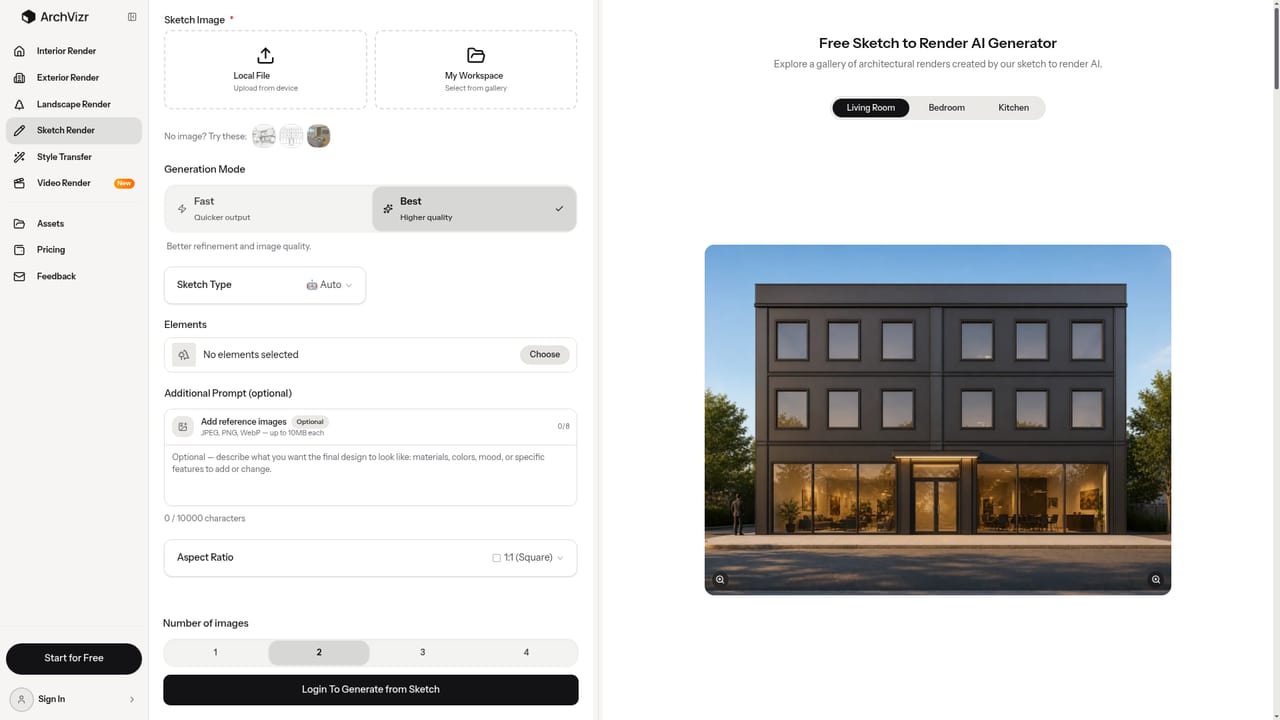
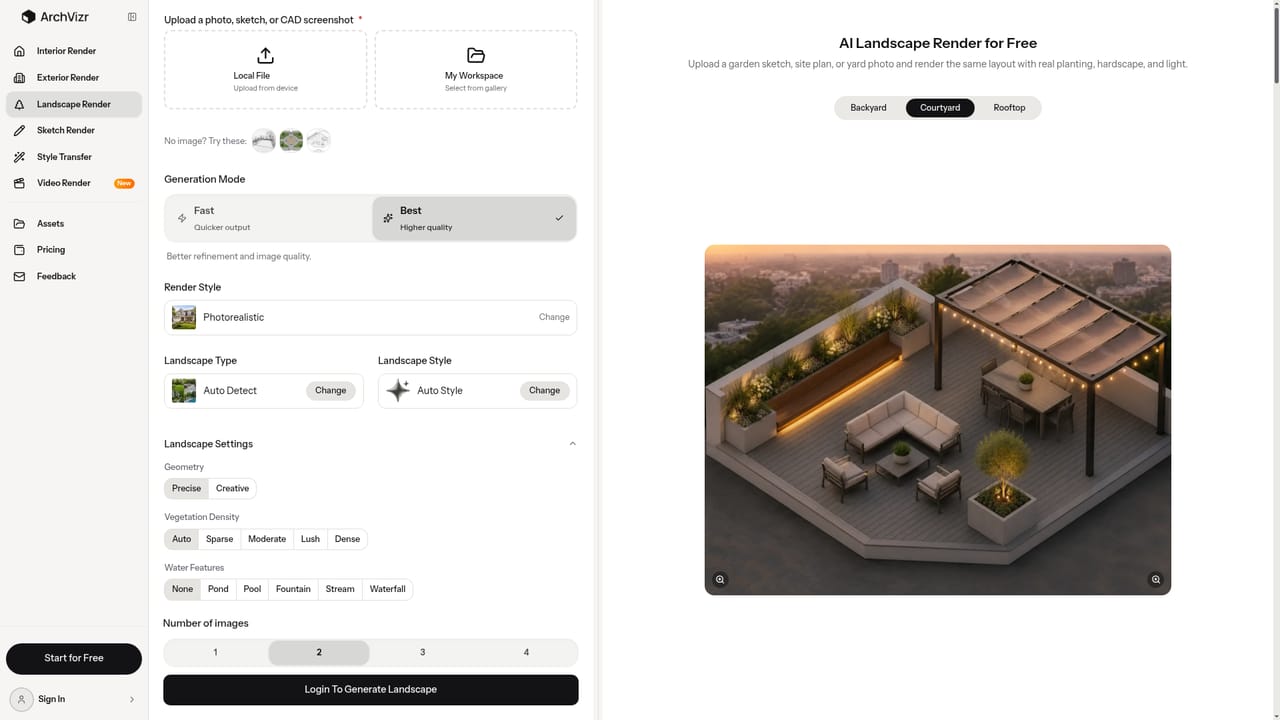
ArchVizr converts SketchUp, Revit or CAD exports and hand sketches into photoreal architectural renderings in as little as 20 seconds, preserving geometry and camera. It generates consistent sets (exterior, interior, landscape, several times of day) with style transfer from reference images, aimed at small practices and students.
ArchVizr turns a drawing an architect already has into a photorealistic architectural rendering. The input can be a SketchUp hidden-line export, a Revit elevation, a Rhino screenshot or a sketch on tracing paper. The output keeps the structure of the source: massing, floor count and roof line are preserved, and the camera stays where the designer put it. The model adds material and light rather than reinterpreting the building, so a facade does not gain windows it never had. The product is built for sets rather than single hero images. One upload can produce golden hour, blue hour and night frames of the same building, with materials and lighting consistent from frame to frame. Palette can also be pulled from a reference photo or moodboard, which makes it practical to test brick, corten, cedar or board-formed concrete on one facade before samples are ordered. Separate entry points cover sketch to render, exterior, interior, landscape and style transfer, so a scheme can carry its exterior palette into lobbies and atria, then sit in planting and paving for a planning submission. Speed depends on the mode chosen. Fast mode returns the first frame in roughly 20 seconds, while Best mode takes closer to two minutes for more detail. The workflow is three steps: export a view, describe materials, season and hour in a short text brief, then download. Nothing is installed and no CAD licence is involved on the ArchVizr side. The audience is practices and students priced out of conventional visualisation. Small studios can skip a renderer retainer for jobs that only need a few client frames, and students can produce boards for crits and competitions without commissioning work. Against general image generators, the appeal is fidelity to geometry and consistency across a set. Against traditional archviz studios, it is cost and turnaround, at the price of the bespoke composition, entourage and art direction a visualiser supplies.
The first render is free and does not require a credit card. No further trial length or usage limit is stated on the homepage.
Learn moreSketch to render, exterior, interior and landscape rendering, plus photoreal relighting across several times of day and style transfer from a reference image or moodboard. Geometry, camera and floor count are preserved, Fast mode returns a frame in about 20 seconds and Best mode in roughly two minutes, and multiple frames can be generated from a single drawing with shared materials.
Learn more AI Angels400+ customizable AI girlfriends for NSFW chat, voice calls, and roleplay
 Candy AIExperience the future of companionship with AI friends who chat, role-play, and connect with you on a human level.
 ourdream.aiA vast AI roleplay platform with millions of characters for chat, images, video and voiceAI Angels400+ customizable AI girlfriends for NSFW chat, voice calls, and roleplayCandy AIExperience the future of companionship with AI friends who chat, role-play, and connect with you on a human level.ourdream.aiA vast AI roleplay platform with millions of characters for chat, images, video and voice