Free trial
A free trial converts up to 30 minutes of audio and includes more than 50 languages and the natural-sounding voices, with no card details stated on the homepage.
Learn moreTurn blogs, PDFs and documents into natural AI narration
Own Article Reader AI? Verify ownership to get a dofollow link

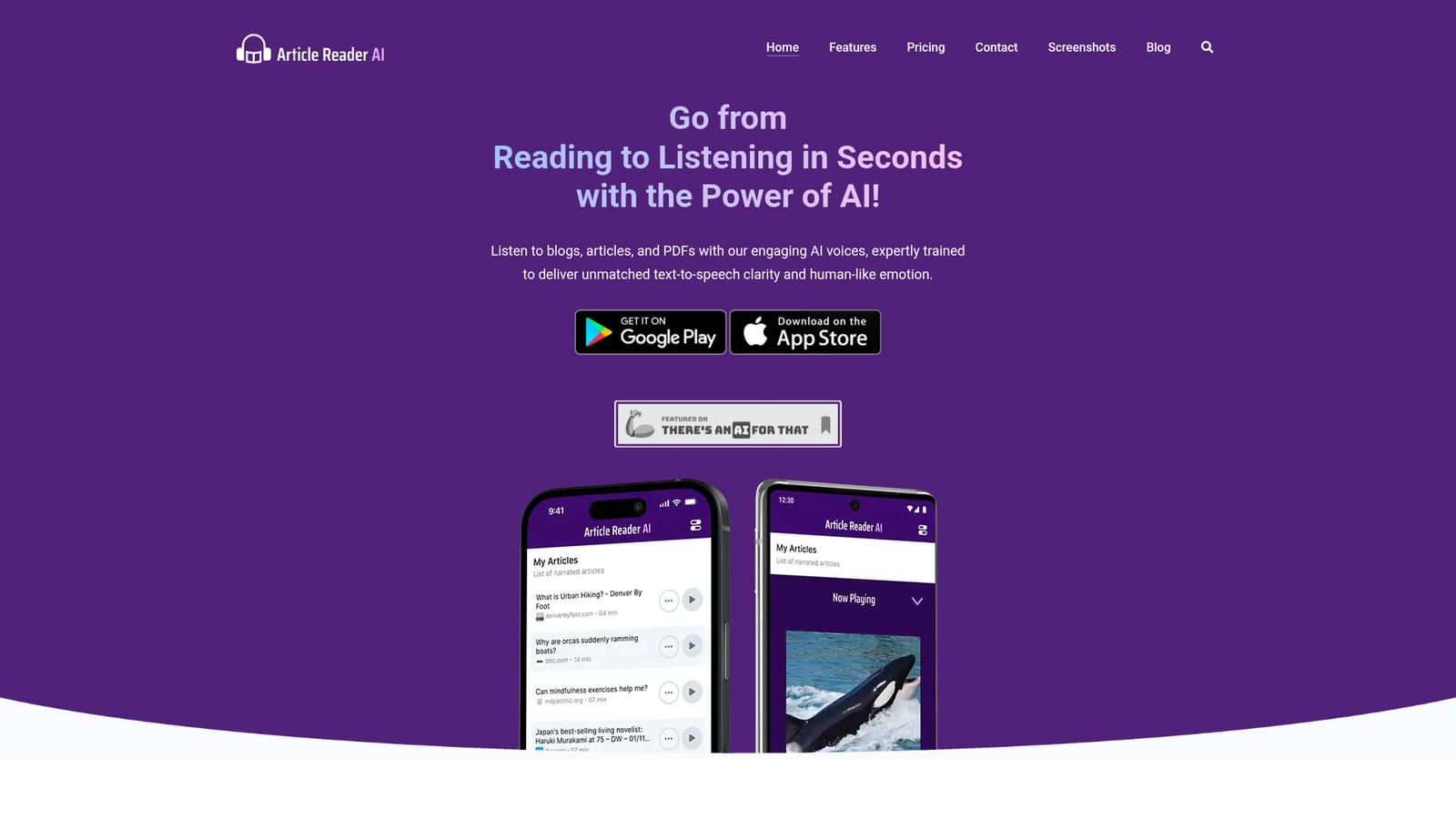
Article Reader AI is an AI narration tool that turns blogs, PDFs and documents into natural AI narration. A mobile-first text-to-speech app that converts article URLs, PDFs, office documents and images into natural-sounding AI narration, with bookmarks, playlists, offline saving and support for more than 50 languages.
Article Reader AI is a text-to-speech app built around a single, focused job: turning written content into audio you can listen to while doing something else. You feed it the URL of an article, or upload a document, and the service strips out the parts you do not want (navigation menus, ads, sidebars) before converting the remaining body text into speech using AI voices that aim for human-level clarity and emotional range. A small named voice roster is offered, including several US English voices and an Australian female option, so you can audition narration styles before committing. Format support is broader than the typical web article converter. Alongside web links, the app accepts PDFs, DjVu, DOC and DOCX, PPT and PPTX, Pages and Key files, OpenDocument formats, plain text, and even images such as JPG, PNG, WEBP, BMP, GIF and TIFF, which suggests an OCR path for scanned material. The workflow is designed for accumulation rather than one-off listens: articles can be bookmarked, stored for later, and arranged into a podcast-like playlist that plays back to back. Audio can be saved for offline listening, though an internet connection is required the first time a piece is processed. Language coverage is the standout claim, with more than 50 supported languages spanning European, Middle Eastern, South Asian and East Asian speech, from Afrikaans and Welsh to Hindi, Kannada, Tamil and Vietnamese. That makes the product plausible for language learners and multilingual readers, not just commuters. The natural comparison set is Speechify and other read-aloud tools, and Article Reader AI positions itself as a lower-cost alternative with mobile apps on both iOS and Android rather than a browser-first experience. The audience is broad by design: commuters, students working through study material, medical professionals keeping up with papers, visually impaired readers, and anyone who prefers audio to screens. The interface is aimed at beginners, with no settings-heavy setup described beyond pasting a link or uploading a file.
A free trial converts up to 30 minutes of audio and includes more than 50 languages and the natural-sounding voices, with no card details stated on the homepage.
Learn moreThree tiers are listed on the homepage. A free Trial gives 30 minutes of audio. Standard costs $5.99 per month for 5 hours of new audio, and Premium costs $11.99 per month for 15 hours. Both paid plans are billed monthly, can be cancelled at any time, and include the full language and voice set.
Learn moreThe homepage offers a contact route and a full FAQ covering voice technology, supported formats, languages, offline behaviour and privacy. No dedicated help centre is listed.
Converts article URLs, PDFs, DjVu, DOC and DOCX, PPT and PPTX, Pages, Key, OpenDocument, text and image files into AI narration. Named AI voices with emotional range, more than 50 languages, bookmarking, saved articles, podcast-style playlists and offline playback of processed content. Main text extraction removes ads and navigation clutter from web pages.
Learn more AI Angels400+ customizable AI girlfriends for NSFW chat, voice calls, and roleplay
 Candy AIExperience the future of companionship with AI friends who chat, role-play, and connect with you on a human level.
 ourdream.aiA vast AI roleplay platform with millions of characters for chat, images, video and voiceAI Angels400+ customizable AI girlfriends for NSFW chat, voice calls, and roleplayCandy AIExperience the future of companionship with AI friends who chat, role-play, and connect with you on a human level.ourdream.aiA vast AI roleplay platform with millions of characters for chat, images, video and voice


