Free trial
New Google Cloud customers get up to $300 in free credits to try Text-to-Speech and other Google Cloud products.
Learn moreGoogle's cloud speech API with 380+ voices across 75+ languages
Own Google text to speech? Verify ownership to get a dofollow link

Google text to speech is an AI narration tool. A developer-facing speech synthesis API from Google Cloud with 380+ voices in 75+ languages, Gemini-powered style control, instant custom voice cloning from about 10 seconds of audio, and streaming or long-form audio output.
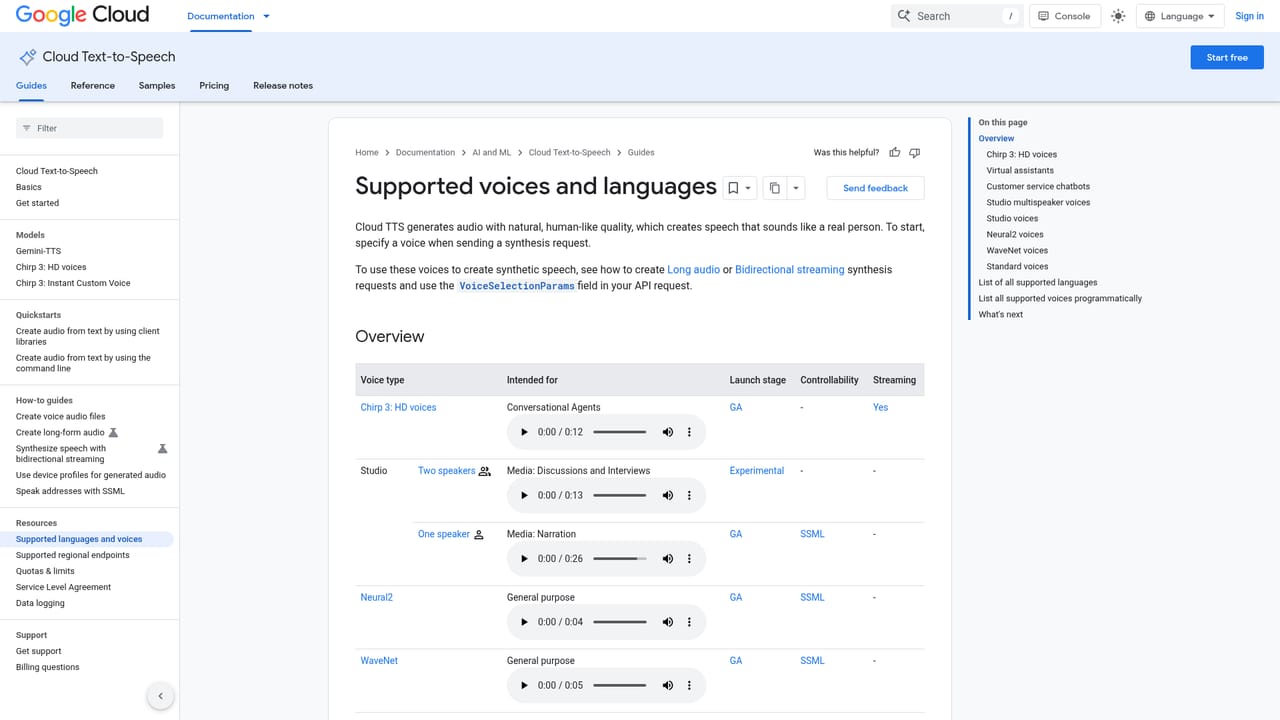
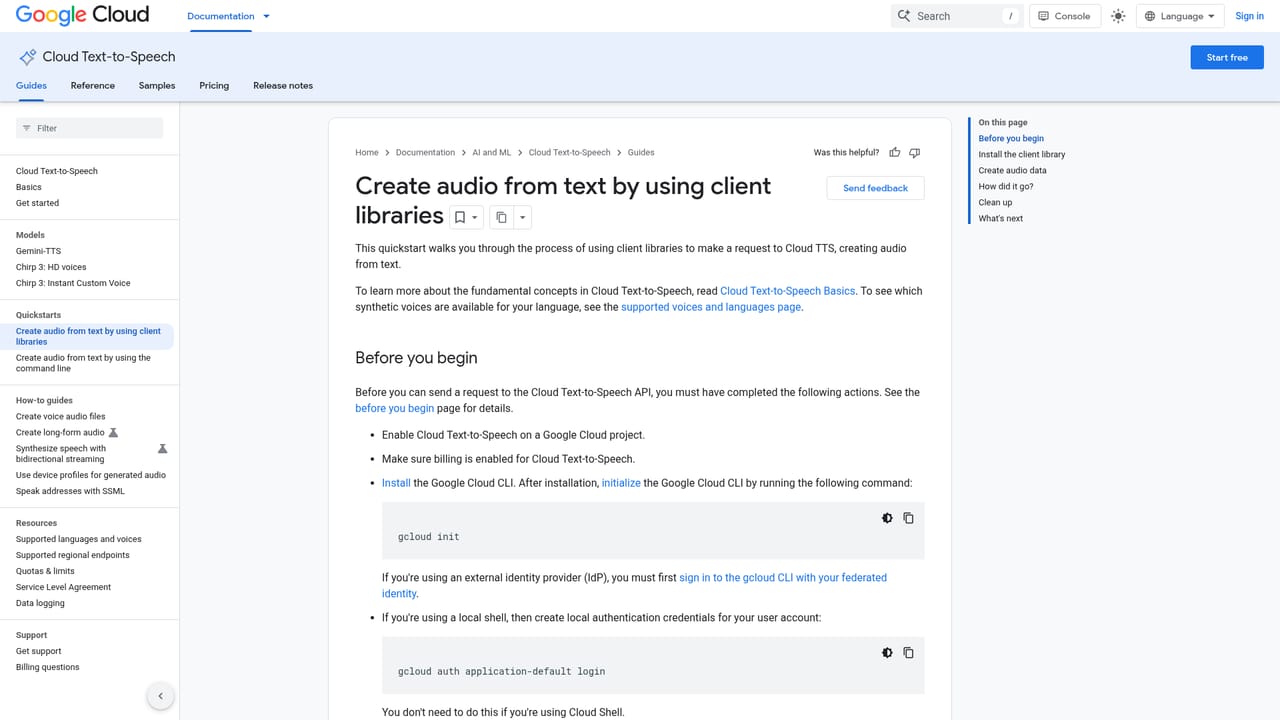
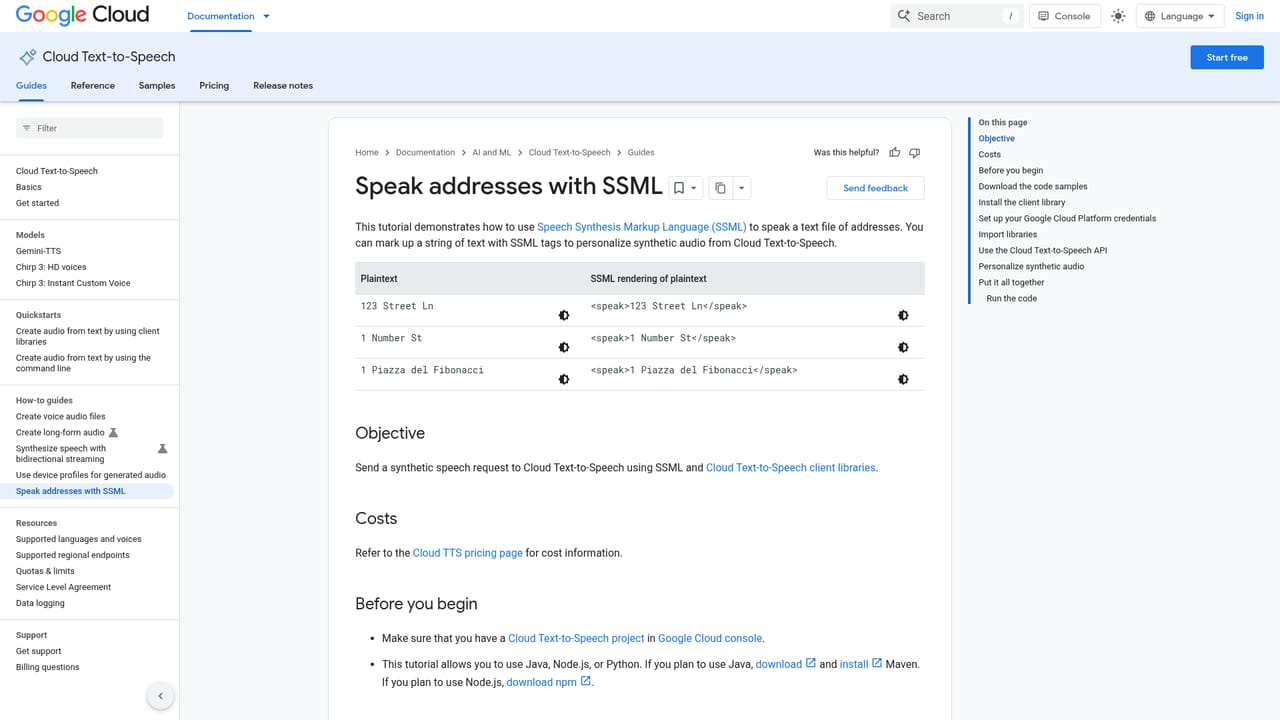
Google Text-to-Speech is a cloud API that turns written text into spoken audio using models built on Google's speech synthesis research, including work from DeepMind. The catalog covers more than 380 voices across 75+ languages and variants, spanning widely spoken languages such as Mandarin, Hindi, Spanish, Arabic and Russian alongside many smaller locales. Developers call the service through REST or gRPC endpoints, which means the same voice engine can serve a phone menu, a car dashboard, a smart speaker or a web application. The product is aimed at engineering teams building voice into a product rather than at individuals editing a one-off voiceover. Three model families sit at the center. Gemini-TTS synthesizes single or multispeaker speech from short snippets up to full-length narratives and accepts plain-language style instructions for accent, pace, tone and emotion. Chirp 3 HD voices target conversational agents with low-latency streaming and natural disfluencies. Chirp 3 instant custom voice trains a personal voice model from roughly 10 seconds of audio and covers more than 30 locales. In practice a team picks a model and voice, writes the script, and optionally adds control through SSML tags or prompt text to handle pauses, numbers, dates and pronunciation. Output can be tuned for pitch (up to 20 semitones either way), speaking rate (4x faster or slower) and volume, then exported as MP3, Linear16, OGG Opus and other formats. Long audio synthesis handles inputs up to 1 million bytes asynchronously, while streaming synthesis supports real-time conversation. Audio profiles shape the sound for headphones or phone lines. Against consumer voiceover tools, this is infrastructure: no timeline editor, no project workspace, just an API and console tooling. It competes with Amazon Polly and Microsoft Azure Speech on breadth of voices and price per character. Billing runs on characters sent for synthesis each month, with a free monthly allowance for WaveNet and Standard voices before per-character charges apply.

New Google Cloud customers get up to $300 in free credits to try Text-to-Speech and other Google Cloud products.
Learn moreBilling is per character synthesized each month. The first 1 million characters for WaveNet voices and the first 4 million characters for Standard non-WaveNet voices are free monthly; beyond that, charges apply per 1 million characters. New customers receive up to $300 in free Google Cloud credits.
Learn moreIntegrates through REST and gRPC requests, so it works with phones, PCs, tablets and IoT devices such as cars, TVs and speakers. Pairs with Speech-to-Text and Natural Language, and with Customer Experience Agent Studio for voicebots.
Learn moreGemini-TTS with natural-language control of style, accent, pace, tone and emotion; Chirp 3 HD conversational voices with low-latency streaming; instant custom voices from about 10 seconds of audio; 380+ voices in 75+ languages; text and SSML support; pitch, rate and volume tuning; streaming and long audio synthesis; REST and gRPC APIs; MP3, Linear16 and OGG Opus output; audio profiles for different playback devices.
Learn more AI Angels400+ customizable AI girlfriends for NSFW chat, voice calls, and roleplay
 Candy AIExperience the future of companionship with AI friends who chat, role-play, and connect with you on a human level.
 ourdream.aiA vast AI roleplay platform with millions of characters for chat, images, video and voiceAI Angels400+ customizable AI girlfriends for NSFW chat, voice calls, and roleplayCandy AIExperience the future of companionship with AI friends who chat, role-play, and connect with you on a human level.ourdream.aiA vast AI roleplay platform with millions of characters for chat, images, video and voice


