Integrations
A Chrome extension sends web pages and articles into Peech from the browser. Imported ChatGPT, Claude and Gemini threads can be turned into audio. The homepage does not list other third party integrations.
Learn moreDocument-aware text to speech for people with more to read than time to read it

Peech App is an AI narration tool. Peech turns PDFs, ebooks, documents, web pages, scans and AI chat threads into narrated audio. It parses structure before speaking, skipping headers and page numbers, voicing dialogue separately and switching language where needed.
Peech is a text to speech reading app built around a simple observation: most converters read characters, while Peech tries to read documents. Before narration begins, it parses the file to separate real content from packaging. Running headers, footers, page numbers and scan artifacts are skipped. Headings are announced and given a pause. Formulas, tables, code and charts are handled as their own kinds of objects instead of being spelled out character by character. Dialogue can move to a second voice, and a German sentence inside an English paper is read in German. The intake is deliberately wide. PDF, EPUB, DOCX, PPTX, TXT, email, saved web pages, photos of printed text and raw scans all go in, along with ebooks you already own and long threads carried over from ChatGPT, Claude and Gemini. Everything lands in a library where documents and chat exports sit side by side. Listening styles are themed around genres and reading situations, with distinct narrators for authorial essays, companionable business writing, investigative reportage, fantasy, romance and contemplative texts. The narrator can be swapped mid-chapter without losing your place. Accessibility is treated as a product feature rather than an afterthought. A dyslexia friendly font, sentence level highlighting as the audio plays, and adjustable pace are presented as a combined package, which the company says is what dyslexic and ADHD readers report as making the difference. The reader is a good fit for students working through long reading lists, professionals clearing reports and saved articles, and fiction readers who want a full cast of character voices for drafts and purchased ebooks. The pitch is squarely about converting dead time into reading time: commutes, housework, exercise. Against generic voice generators, the differentiator is the parsing layer and the narrator presets rather than raw voice cloning. The homepage cites more than two million listeners, 200 plus voices across 60 plus languages, and a 4.5 rating from 8,000 plus reviews.
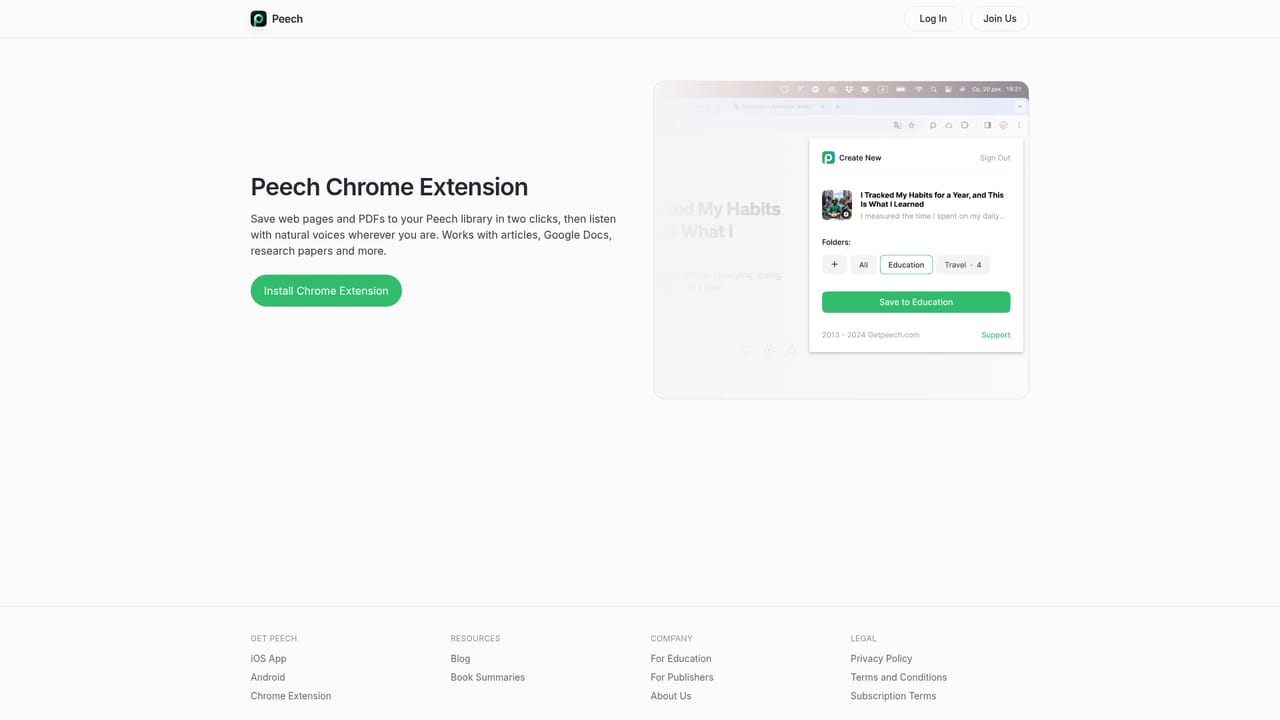
A Chrome extension sends web pages and articles into Peech from the browser. Imported ChatGPT, Claude and Gemini threads can be turned into audio. The homepage does not list other third party integrations.
Learn moreStructure aware narration that skips running headers, footers, page numbers and scan artifacts, announces headings, and handles quotes, dialogue, formulas, tables, code and charts as distinct elements. Multi format intake covers PDF, EPUB, DOCX, PPTX, TXT, email, saved web pages, photos and scans, plus AI chat threads. Genre based narrator presets, mid chapter voice switching, dyslexia friendly font, sentence highlighting and adjustable pace.
 AI Angels400+ customizable AI girlfriends for NSFW chat, voice calls, and roleplay
 Candy AIExperience the future of companionship with AI friends who chat, role-play, and connect with you on a human level.
 ourdream.aiA vast AI roleplay platform with millions of characters for chat, images, video and voiceAI Angels400+ customizable AI girlfriends for NSFW chat, voice calls, and roleplayCandy AIExperience the future of companionship with AI friends who chat, role-play, and connect with you on a human level.ourdream.aiA vast AI roleplay platform with millions of characters for chat, images, video and voice


