Free trial
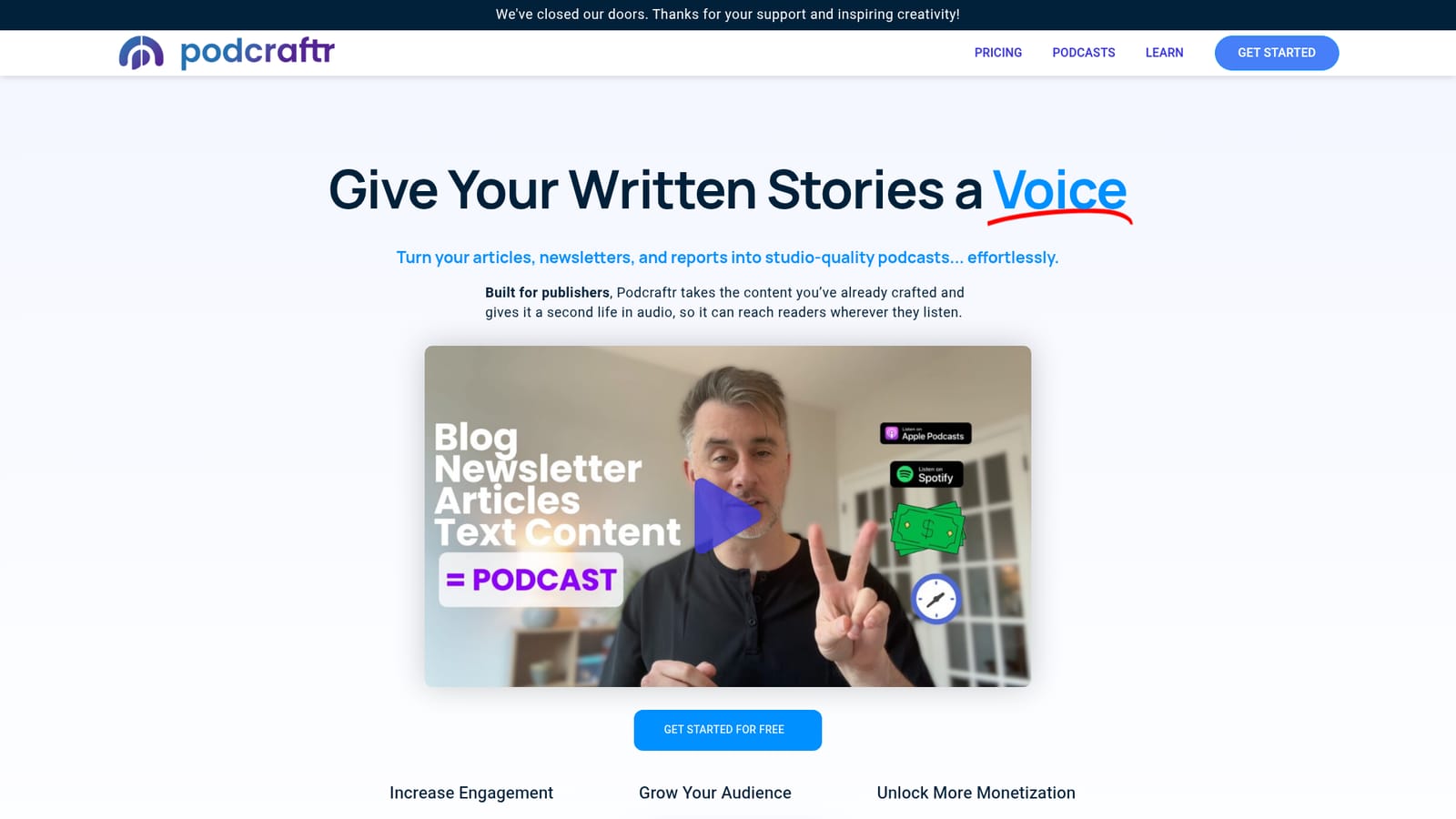
The homepage promotes a free starting tier with a Get Started for Free button. No trial length, usage cap or feature limits are stated.
Learn moreTurn your written articles into studio-quality podcasts automatically

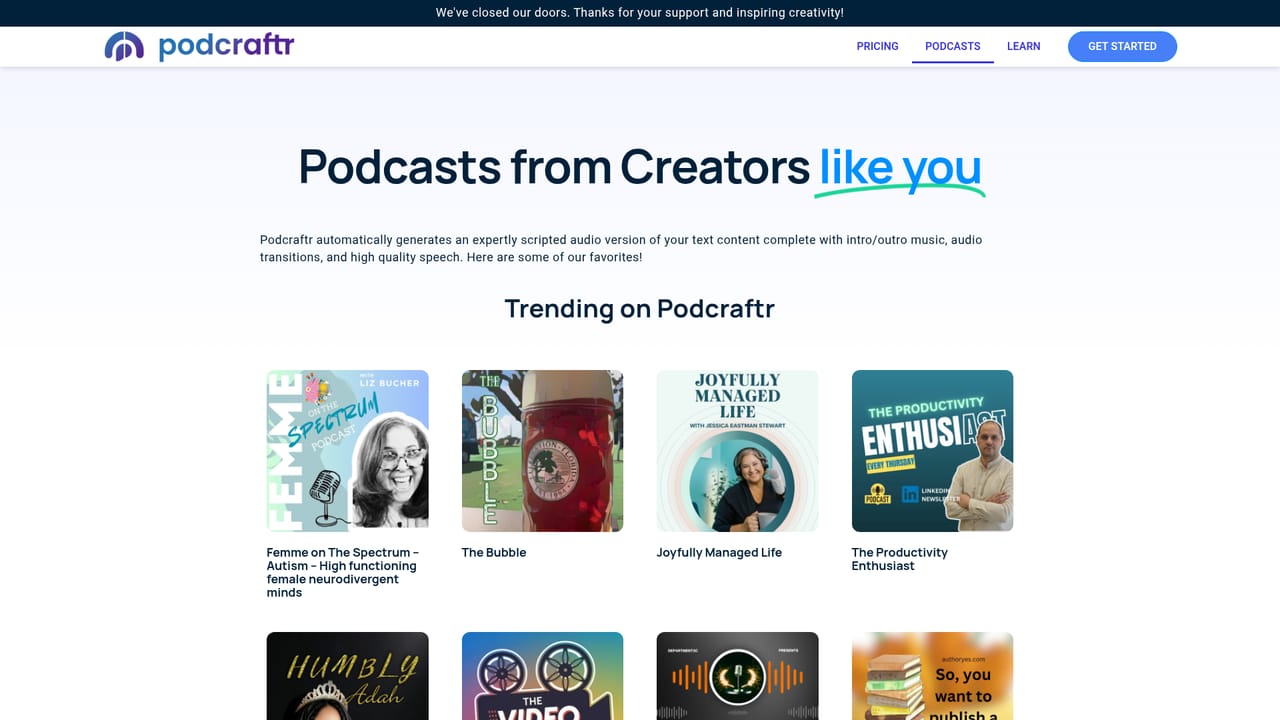
Podcraftr is an AI narration tool that turns your written articles into studio-quality podcasts automatically. Podcraftr converts articles, newsletters and reports into finished podcast episodes with narration, music, branded intros and outs. It handles voice cloning, multilingual output, ad slots and publishing to major podcast directories, aimed at publishers who want an audio version of content they have already written.
Podcraftr is a publishing tool that turns written content into audio episodes. Instead of rewriting anything, you send the article, newsletter or report you have already finished, pick a voice and branding, and the service returns a finished podcast episode with intro and outro music, transitions and narrated speech. The company frames the product around reuse: the text is the script, so there is no new copywriting step and no hallucinated filler added to your material. The intended user is a publisher rather than a hobbyist podcaster. Newsrooms, newsletter operators, brands building an audio arm and solo writers with an established readership are the stated audience. The workflow fits people who want an audio presence without booking studio time or learning an editor. Episodes can be narrated by a curated professional voice or by a clone of the publisher's own voice, and the same text can be produced in multiple languages for international readers. In practice the process has three stages. You add your content, then configure the show: voice choice, branding elements, music and the destinations you want episodes sent to. Podcraftr generates the episode and can publish it directly to directories including Spotify, Apple Podcasts, Google Podcasts, Amazon, iHeartRadio, Overcast and Pandora. Episode length and depth are configurable, with summary, deep-dive and full article formats, which lets a long report become a short briefing or a complete read-through. An analytics dashboard reports listener behaviour after release. Monetization is built into the same pipeline. Episodes can carry host-read or programmatic ads, including ads matched to individual listeners, so an existing content archive becomes an advertising surface. The trade-off against dedicated AI voice tools is that Podcraftr is opinionated: it handles one format (narrated written content) end to end, from text intake to directory distribution, rather than offering a general audio workstation. Teams that need conversational multi-host shows, heavy sound design or manual editing will find the scope narrow. Anyone already publishing audio with a human host should treat Podcraftr as a production shortcut for text-derived episodes, not a replacement for a full podcast studio.
The homepage promotes a free starting tier with a Get Started for Free button. No trial length, usage cap or feature limits are stated.
Learn moreA customer quote on the homepage praises the platform's support, but no support channels, hours or documentation pages are described.
Publishing destinations named on the homepage include Apple Podcasts, Spotify, Google Podcasts, Amazon, iHeartRadio, Overcast and Pandora. No other software integrations are listed.
Learn moreVoice cloning or curated professional narration, branded audio with music and intros and outs, multilingual episode generation, configurable formats (summary, deep-dive, full article), automatic distribution to major podcast directories, ad slots with host-read or programmatic ads, and an analytics dashboard for listener insights.
Learn more AI Angels400+ customizable AI girlfriends for NSFW chat, voice calls, and roleplay
 Candy AIExperience the future of companionship with AI friends who chat, role-play, and connect with you on a human level.
 ourdream.aiA vast AI roleplay platform with millions of characters for chat, images, video and voiceAI Angels400+ customizable AI girlfriends for NSFW chat, voice calls, and roleplayCandy AIExperience the future of companionship with AI friends who chat, role-play, and connect with you on a human level.ourdream.aiA vast AI roleplay platform with millions of characters for chat, images, video and voice


