Free trial
No separate trial is described; the free starting tier is the way to test the app before paying.
Learn moreSpeak your mind, get a written draft in the style you choose

Audiopen is an AI transcriber tool that speaks your mind, get a written draft in the style you choose. AudioPen records your spoken notes and rewrites them into clean text in a style you choose, with adjustable rewrite levels, custom styles and multilingual output across iPhone, Android, Mac, Windows and the web.
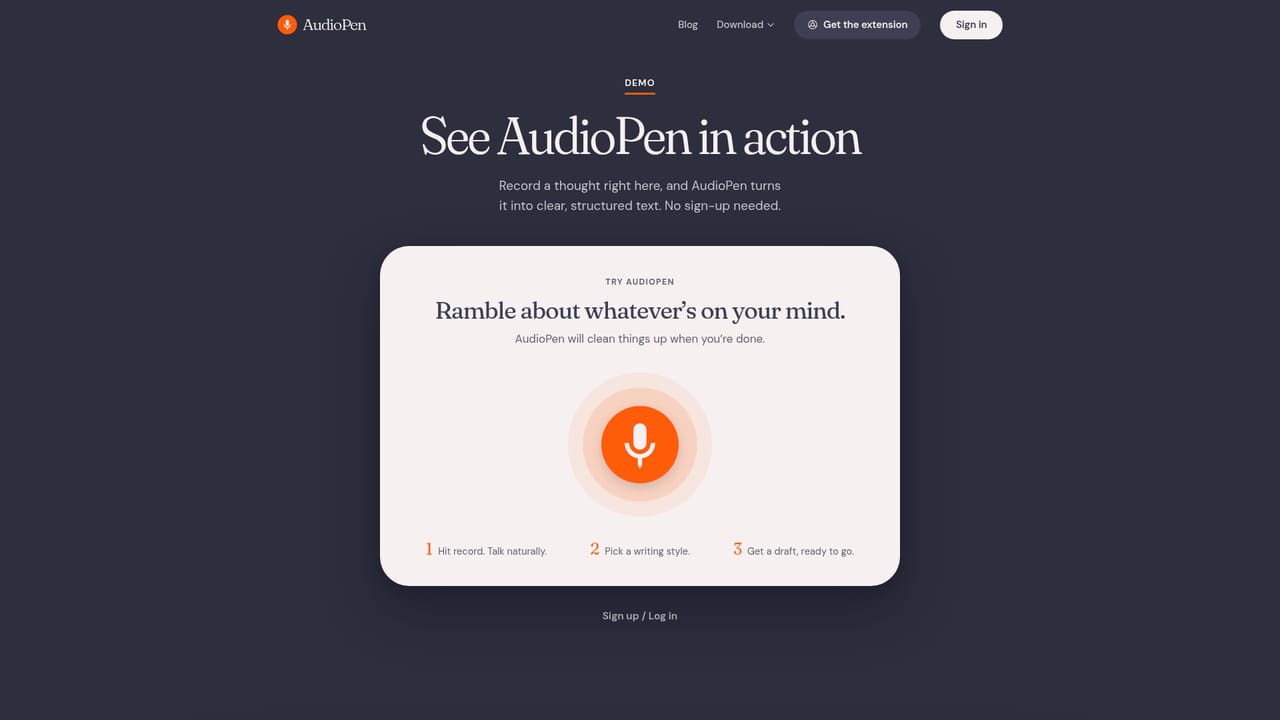
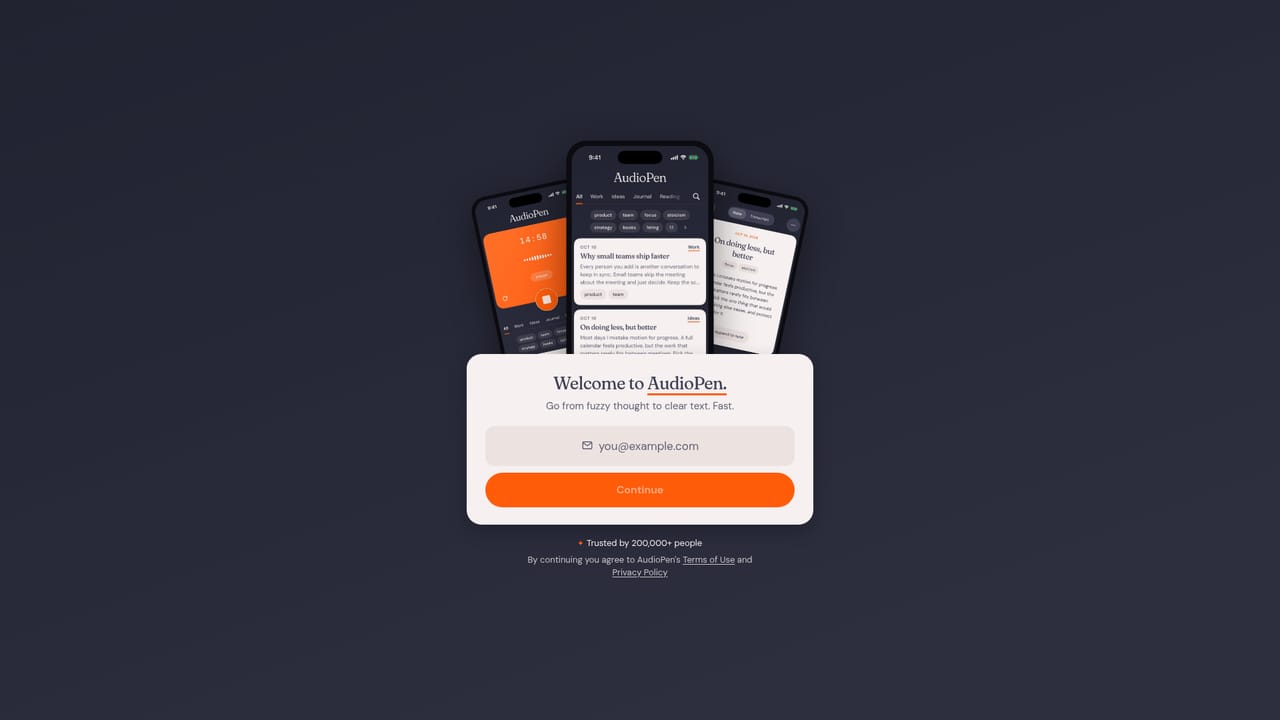
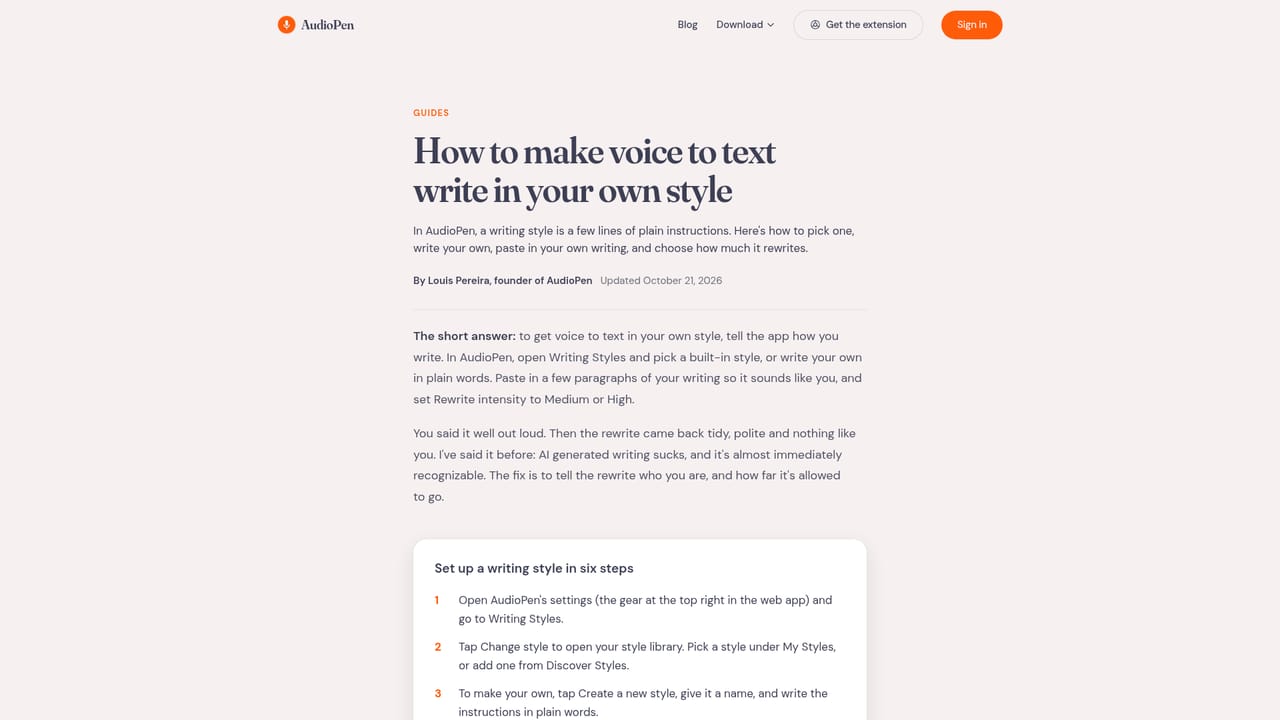
AudioPen is a voice capture tool that treats speech as raw material rather than a finished transcript. You record a note the way you actually think, with false starts, filler words and half-formed ideas, and the app transcribes it, then rewrites the result into clean prose matched to a style you select. Output length and rewrite level are separate controls, so the same recording can come back as a terse bullet list or a formal memo without a second take. The style system is the core of the product. A built in library covers options such as simple and clear, formal, email and bullet points, and custom styles let you describe a voice in plain language or paste a writing sample for the app to imitate. Rewrite level runs from light cleanup, which strips filler and fixes grammar while keeping your structure, to a full rewrite in the chosen style and length. Notes are handled in nearly any language, and you can speak in one language while asking for output in another, which suits people who think more fluently than they type. Capture happens in several places. The iPhone keyboard can replace the default and take dictation inside Messages, Gmail or WhatsApp, Android adds a floating bubble that appears alongside the keyboard, and the Mac and Windows apps use a hot key for exact dictation or a double tap for a rewritten version, with text landing at the cursor. A web app, browser extension and bulk upload option cover longer sessions. Zapier and webhook connections push finished notes into other tools, which matters for anyone who wants the output in a notes app or task manager rather than sitting in AudioPen. The tool is aimed at people whose ideas outrun their hands: writers working through a draft, salespeople logging calls, lawyers and therapists recording notes, and users with ADHD, dyslexia or RSI who have written testimonials about it. It is not a meeting recorder with speaker labels and shared workspaces. Compared with Otter, Wispr Flow, Superwhisper and Dragon, AudioPen competes on rewriting rather than raw accuracy, so buyers who need verbatim records should look elsewhere.
No separate trial is described; the free starting tier is the way to test the app before paying.
Learn moreThe site states that AudioPen is free to start on every device but does not publish tier names or prices on the homepage. A dedicated pricing page exists for the paid plans.
Learn moreZapier and webhooks are documented for sending notes to other services; no other named integrations appear on the homepage.
Learn moreVoice capture with transcription, then a rewrite stage controlled by rewrite level, output length and writing style, including custom styles built from a description or a writing sample. Cross language output, an iPhone keyboard, an Android floating bubble, desktop hot keys, a web app and browser extension, bulk handling and webhook or Zapier delivery.
Learn more AI Angels400+ customizable AI girlfriends for NSFW chat, voice calls, and roleplay
 Candy AIExperience the future of companionship with AI friends who chat, role-play, and connect with you on a human level.
 ourdream.aiA vast AI roleplay platform with millions of characters for chat, images, video and voiceAI Angels400+ customizable AI girlfriends for NSFW chat, voice calls, and roleplayCandy AIExperience the future of companionship with AI friends who chat, role-play, and connect with you on a human level.ourdream.aiA vast AI roleplay platform with millions of characters for chat, images, video and voice


