Free trial
A 14 day free trial is offered, promoted repeatedly on the homepage with a direct link to the pricing page to start it.
Learn moreLecture capture and AI study tools built for university students

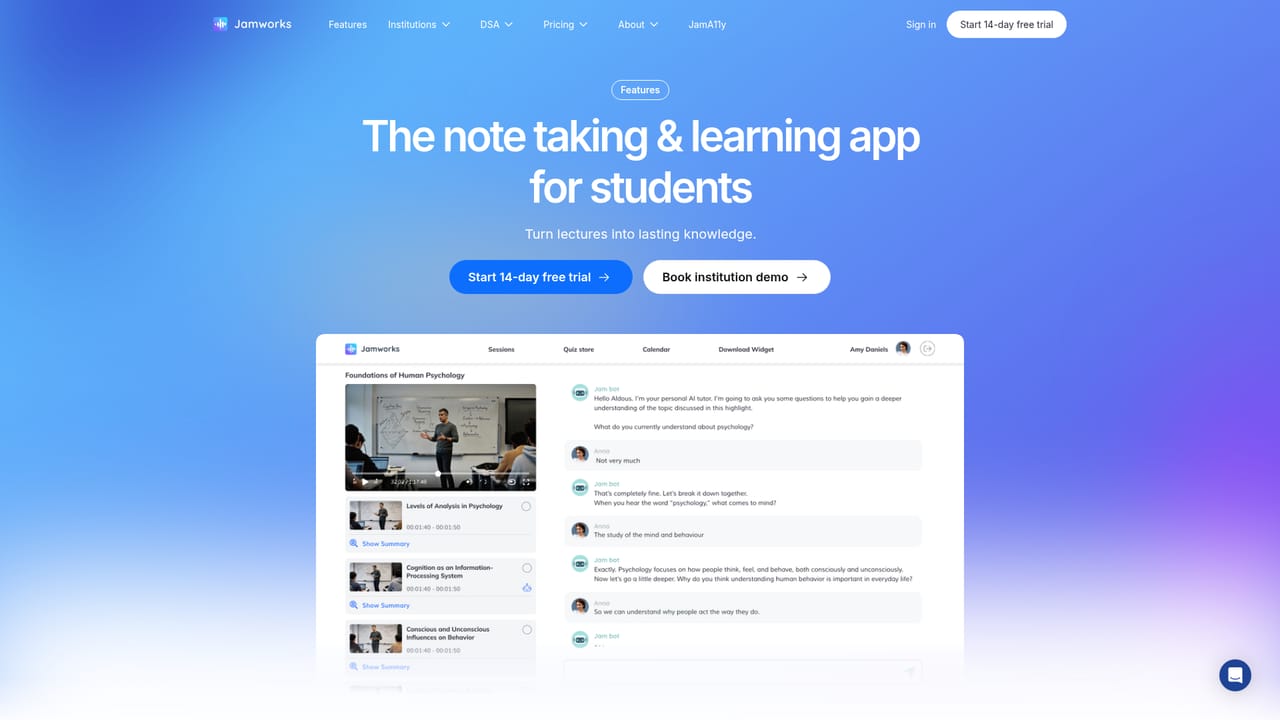
Jamworks is an AI transcriber tool. A student-focused study platform that records and transcribes lectures, enhances rough notes, generates flashcards and quizzes, and adds an AI tutor restricted to your own course content.
Jamworks is a study platform for university students that records and transcribes lectures, then turns the material into structured notes, flashcards and quiz questions. The pitch is a single workflow that spans the whole teaching week: prepare before class, capture during class, and revise afterwards. The company reports adoption across hundreds of universities and a user base of more than 130,000 students, and positions itself against generic note takers by tying every output back to the student's own course material. In practice the product covers more ground than transcription alone. Before a lecture you can upload and annotate slides and pre-reading PDFs, and ask questions about them. During class the app records audio, produces a transcript and live captions, and lets you mark highlights with a button press while typing rough notes against specific slides. After class, Enhanced Notes suggests ways to restructure those rough notes, Key Points summarise what mattered, and JamQuiz builds interactive flashcards linked to highlights from the recording. JamVision explains slides, translation supports studying in another language, and Study Sets group material by course. The JamAI tutor answers questions across the whole library of recorded lectures rather than a single session, and is deliberately restricted to lesson content to keep answers accurate. The tool is aimed squarely at higher education: undergraduates juggling several modules, students with dyslexia or other conditions that make fast typing difficult, and universities buying for cohorts. Accessibility is unusually prominent for this category, with screen reader and VoiceOver support plus display adjustments. Anyone looking for a general meeting recorder or a workplace note taker will find the student framing and classroom vocabulary a poor match. Pricing sits behind a 14 day trial, with plans listed on the site.
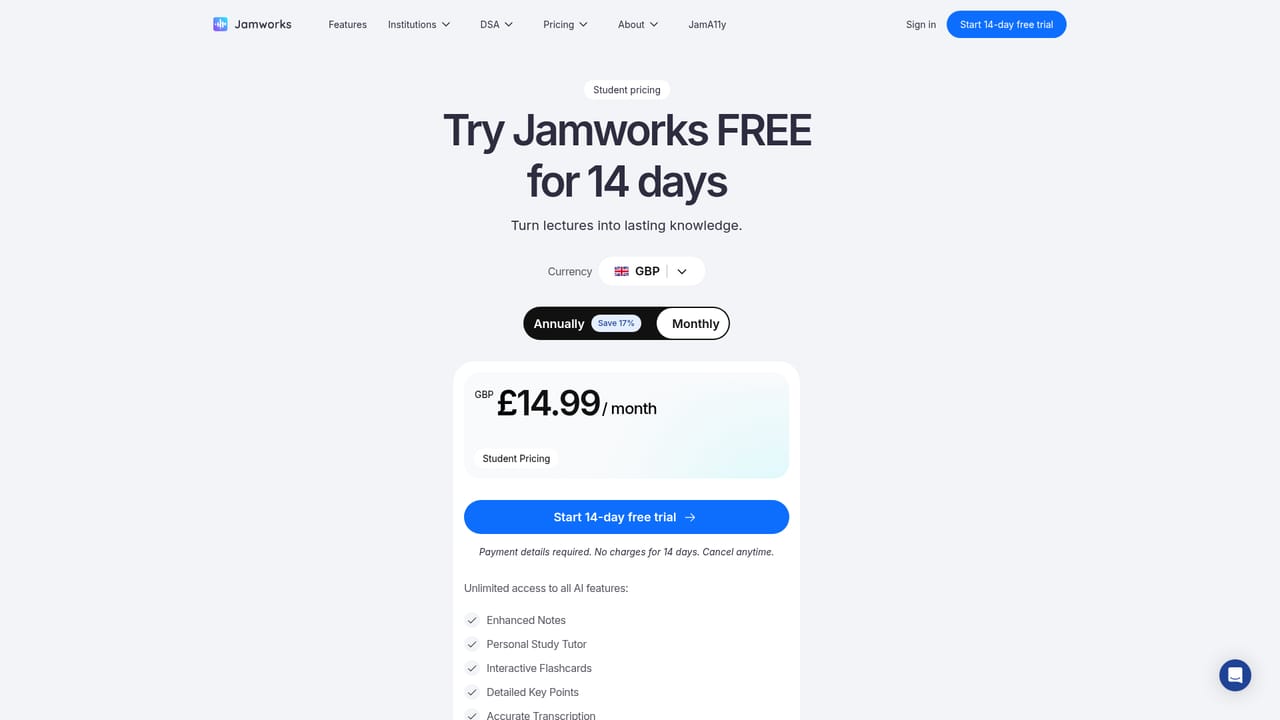
A 14 day free trial is offered, promoted repeatedly on the homepage with a direct link to the pricing page to start it.
Learn morePricing is handled on a dedicated page and entry is through a 14 day free trial. The homepage does not list plan tiers, per month figures or any student discount details, so check the pricing page for current terms.
Learn moreLecture recording with audio transcription and live captions, button press highlights, Enhanced Notes that restructure rough notes, Key Points summaries, JamQuiz flashcards and quizzes, JamVision slide explanations, translation, Study Sets, and a JamAI tutor restricted to lesson content. Accessibility includes screen reader and VoiceOver support.
Learn more AI Angels400+ customizable AI girlfriends for NSFW chat, voice calls, and roleplay
 Candy AIExperience the future of companionship with AI friends who chat, role-play, and connect with you on a human level.
 ourdream.aiA vast AI roleplay platform with millions of characters for chat, images, video and voiceAI Angels400+ customizable AI girlfriends for NSFW chat, voice calls, and roleplayCandy AIExperience the future of companionship with AI friends who chat, role-play, and connect with you on a human level.ourdream.aiA vast AI roleplay platform with millions of characters for chat, images, video and voice


