autoRetouch

AI photo and video production for fashion eCommerce teams

Beginner
Screenshot of autoRetouch, AI photo and video production for fashion eCommerce teams

What is autoRetouch?

autoRetouch is a background remover tool. A fashion-focused media platform combining AI generated on-model photography, automated editing and product video, built for brands and marketplaces that produce catalog imagery at scale.

AutoRetouch is a media production platform built for fashion and retail, not a general purpose photo editor. It bundles three capabilities into one workflow: AI Shoot generates on-model product images without a physical model or studio session, AI Editing automates background removal and formatting at catalog scale, and AI Video turns product visuals into video assets. The stated goal is content ready for product detail pages and major marketplaces without reshoots or manual retouching. The platform is aimed at brands, retailers and marketplaces that publish large volumes of product imagery, including teams standardizing supplier-submitted photos across a catalog. Its published reference clients include Farfetch, Zalando, Philipp Plein, On and Spartoo, which suggests the product is positioned for organizations with real production pipelines rather than individual creators. In practice, a team sends product shots into the platform, applies editing workflows to clean and standardize them, and can substitute AI generated models for real ones to cut the cost of a shoot. The vendor emphasizes human quality assurance alongside the automation, so the output is reviewed before it reaches a sales channel. Multi-channel output is handled by generating platform-ready variants tailored to each channel, which removes a common bottleneck for sellers listing on several marketplaces at once. Among alternatives, AutoRetouch sits closer to enterprise content operations than to consumer editing apps. Competing tools tend to specialize in background removal or in generative imagery alone; AutoRetouch's pitch is the combination of automated editing, generated model photography and product video under one roof. Buyers should expect a demo-led, sales-driven onboarding rather than self-serve signup, and should evaluate whether their catalog volume justifies a managed workflow.

How do you use autoRetouch?

  1. 1Book a demo with the AutoRetouch team
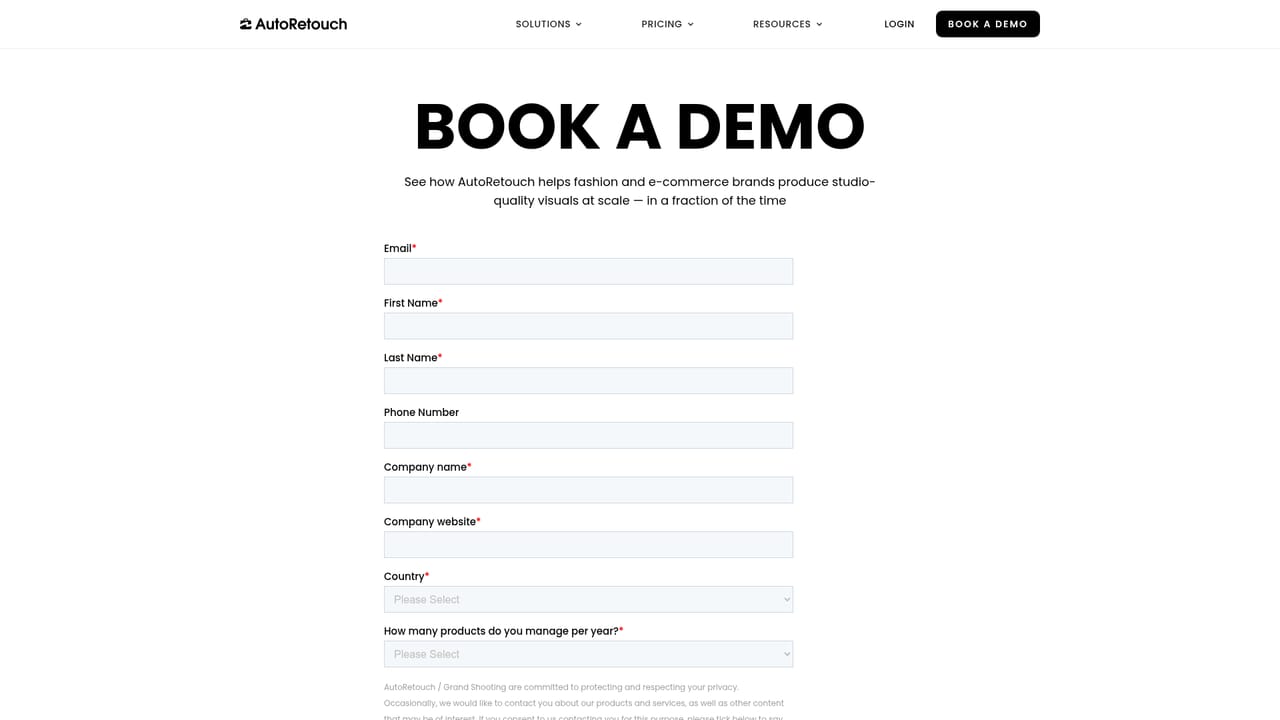
    Start by scheduling a demo, since the product is sold through a guided conversation rather than instant signup. Come prepared with your catalog volume and current photo production costs.
    autoRetouch — Book a demo with the AutoRetouch team
  2. 2Map your use case to the platform modules
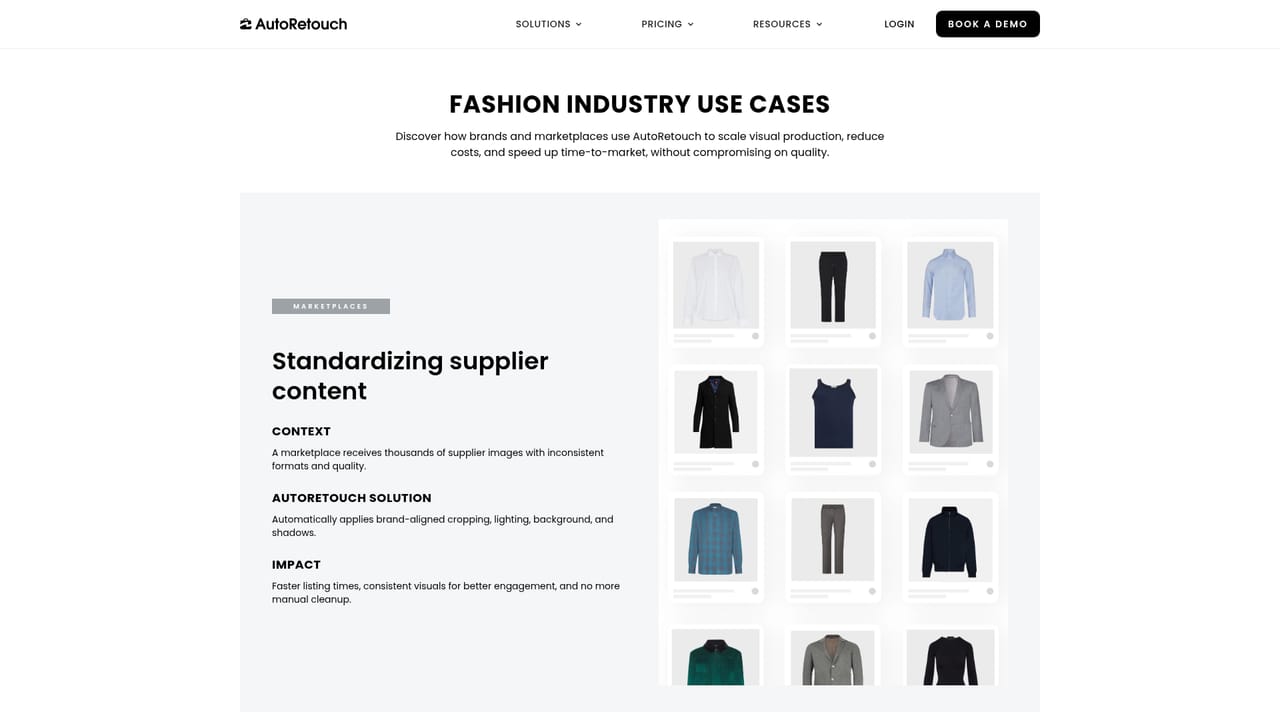
    Review the use case pages for supplier content standardization, production cost reduction and multi-channel output to decide which modules your team needs first.
    autoRetouch — Map your use case to the platform modules
  3. 3Set up AI Shoot for on-model imagery
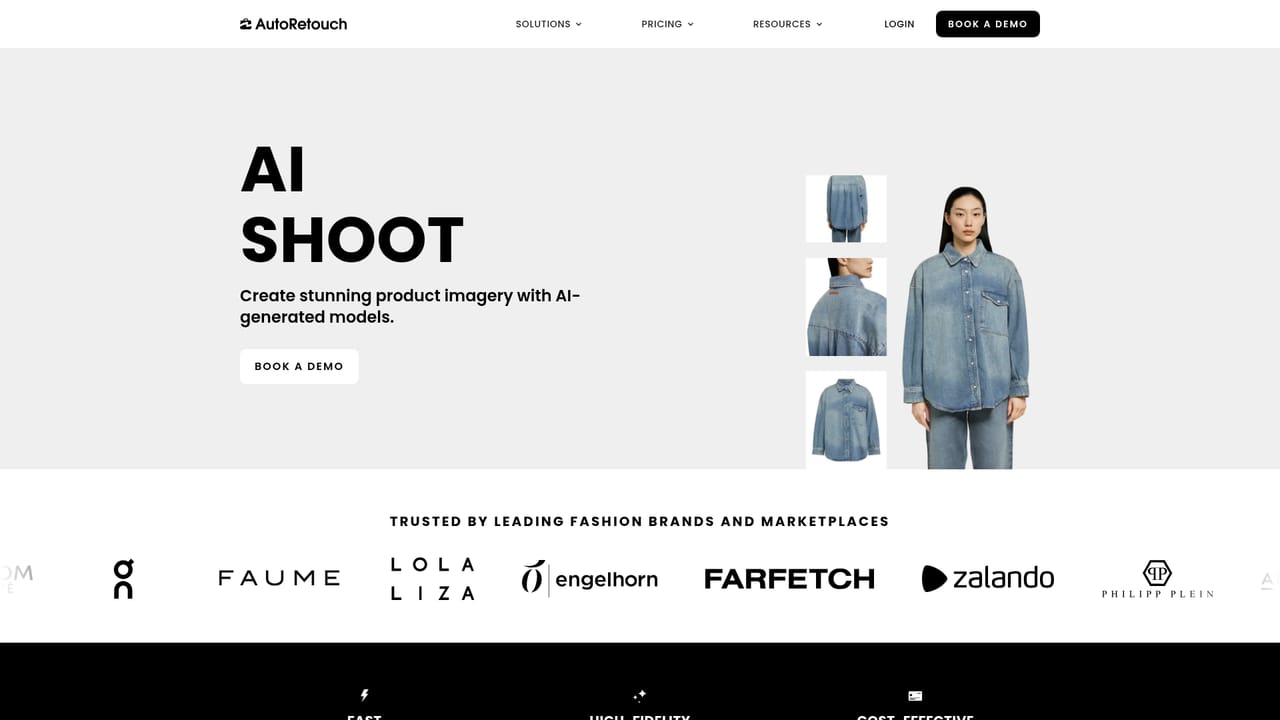
    Explore the AI Shoot page to understand how generated on-model images replace or supplement traditional model photography for your product range.
    autoRetouch — Set up AI Shoot for on-model imagery
  4. 4Configure automated editing workflows
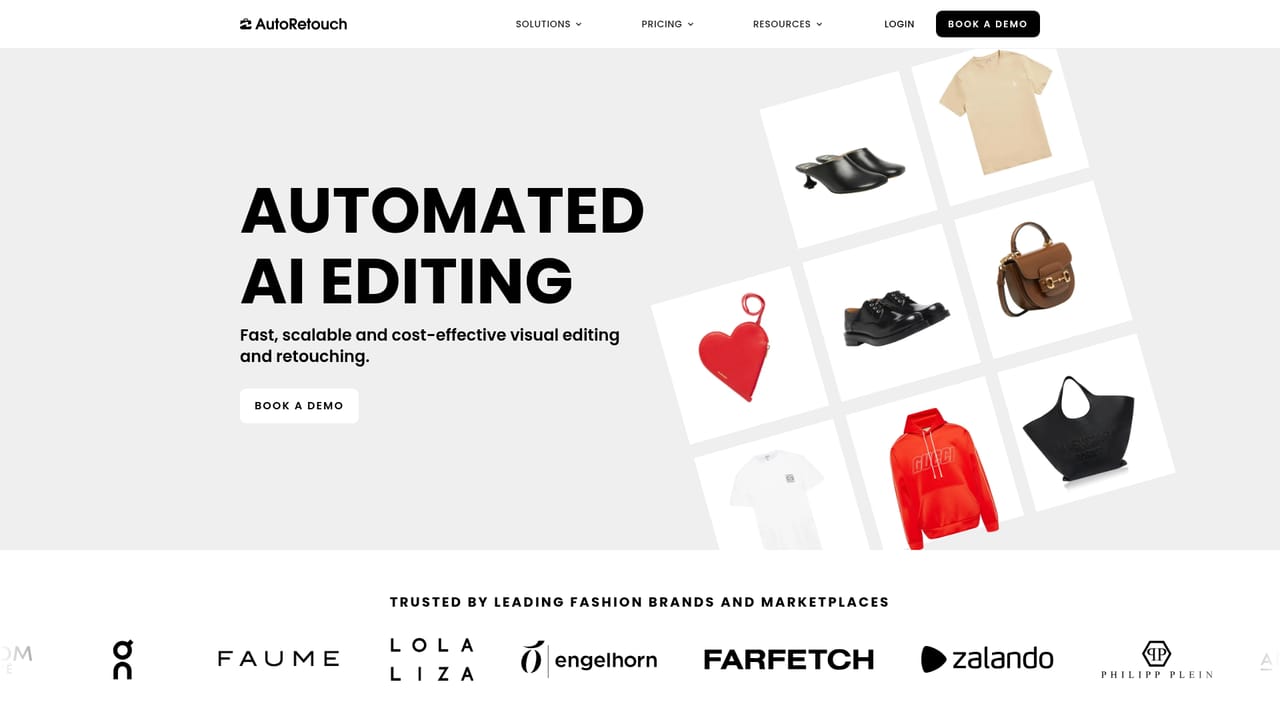
    Review the AI Editing capabilities, including background removal and formatting, then define the workflows that will run across your incoming product images.
    autoRetouch — Configure automated editing workflows
  5. 5Add product video to the pipeline
    Evaluate the AI Video module to extend your existing still imagery into video assets for product pages and channel campaigns.

Pros and cons

Pros

  • Combines AI Shoot, AI Editing and AI Video in a single production platformAI
  • Explicitly designed for fashion and eCommerce catalogs rather than general image editingAI
  • Multi-channel output generation targets marketplace-ready visuals without manual reformattingAI
  • Supplier content standardization addresses inconsistent photos across large catalogsAI
  • Human quality assurance is included alongside automation to protect brand standardsAI

Cons

  • No public pricing information; costs are only available through a sales conversationAI
  • Onboarding is demo-led, so there is no apparent self-serve route for individuals or small shopsAI
  • Narrow vertical focus on fashion and retail limits usefulness for other industriesAI
  • No detail published on API access, integrations or supported marketplace connectionsAI

How much does autoRetouch cost?

Features

Three core modules: AI Shoot for generated on-model product photography, AI Editing for automated tasks such as background removal and catalog formatting, and AI Video for product video production. Supporting capabilities include supplier content standardization, multi-channel output generation and human quality assurance.

Learn more

Frequently asked questions about autoRetouch

  • How do you use autoRetouch?
    The walkthrough on this page covers 5 steps: 1. Book a demo with the AutoRetouch team 2. Map your use case to the platform modules 3. Set up AI Shoot for on-model imagery 4. Configure automated editing workflows 5. Add product video to the pipeline.
  • What platforms does autoRetouch support?
    autoRetouch is available on Web App.
  • What are the limitations of autoRetouch?
    No public pricing information; costs are only available through a sales conversation. Onboarding is demo-led, so there is no apparent self-serve route for individuals or small shops. Narrow vertical focus on fashion and retail limits usefulness for other industries.