Free trial
The photo editor and related editing tools are free to use. AI features run on a limited free allowance, after which a paid plan is required.
Learn moreAn all-in-one browser toolbox for generating, editing and restoring images

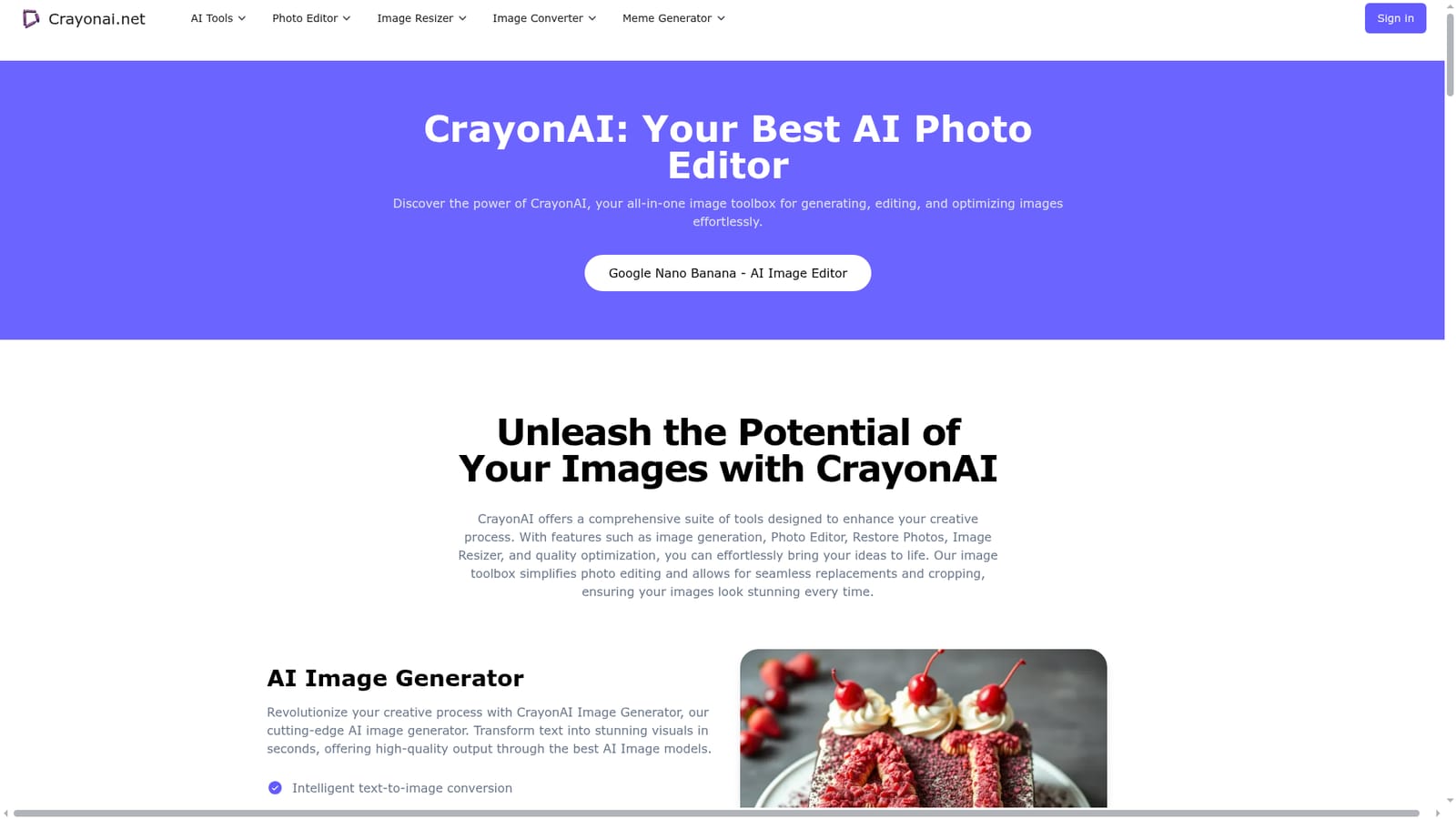
Crayon AI is an AI image upscaler tool. CrayonAI gathers a text-to-image generator, background remover, photo editor, photo and face restorer, upscaler, compressor and meme makers into one free-to-try browser suite with monthly credit plans.
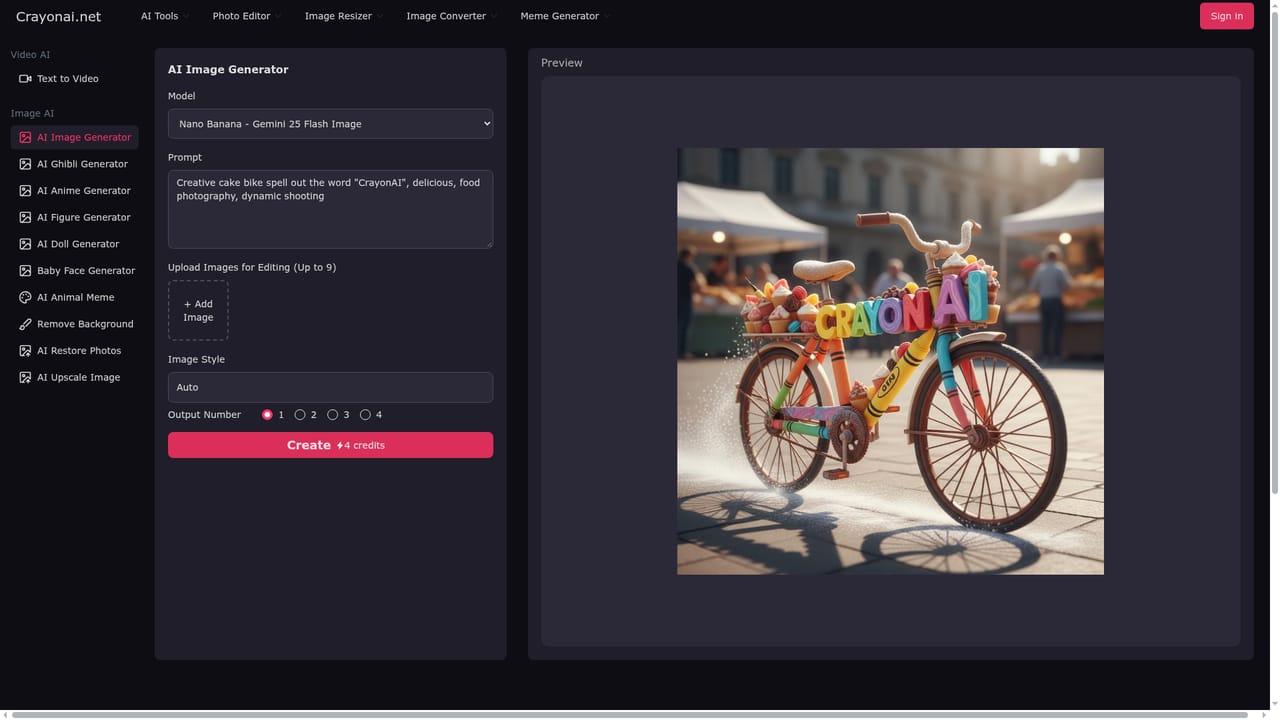
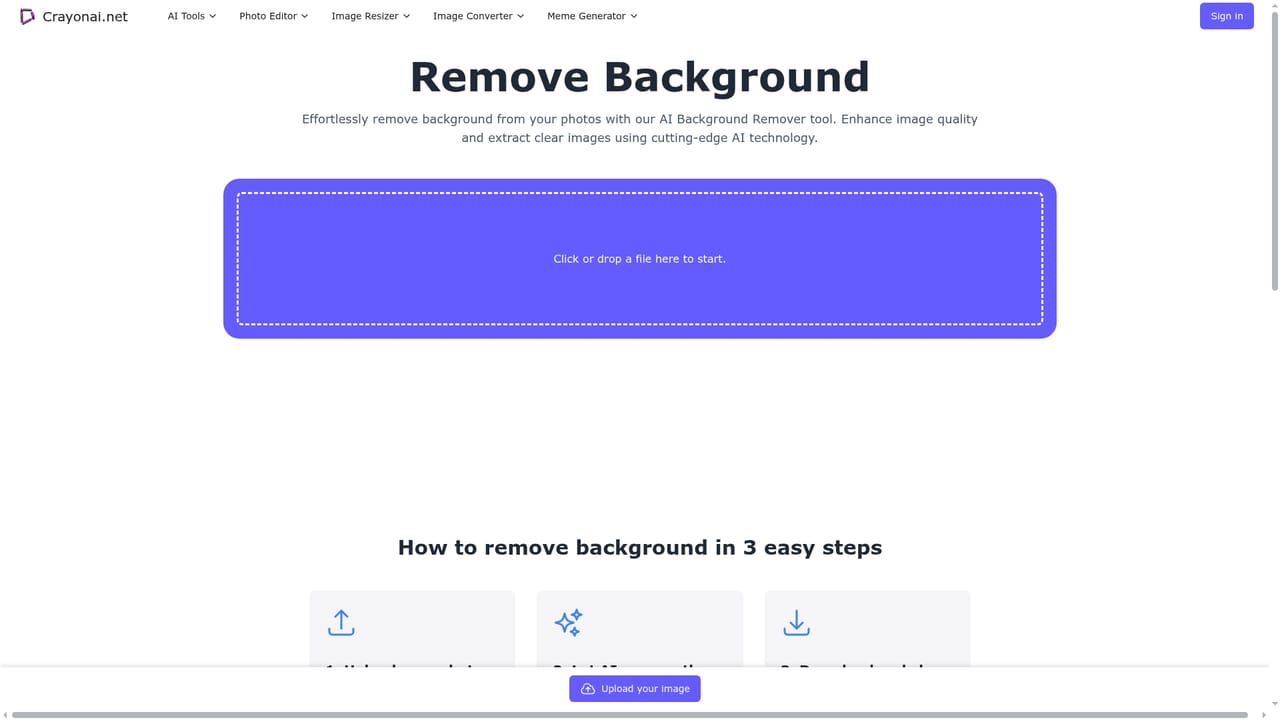
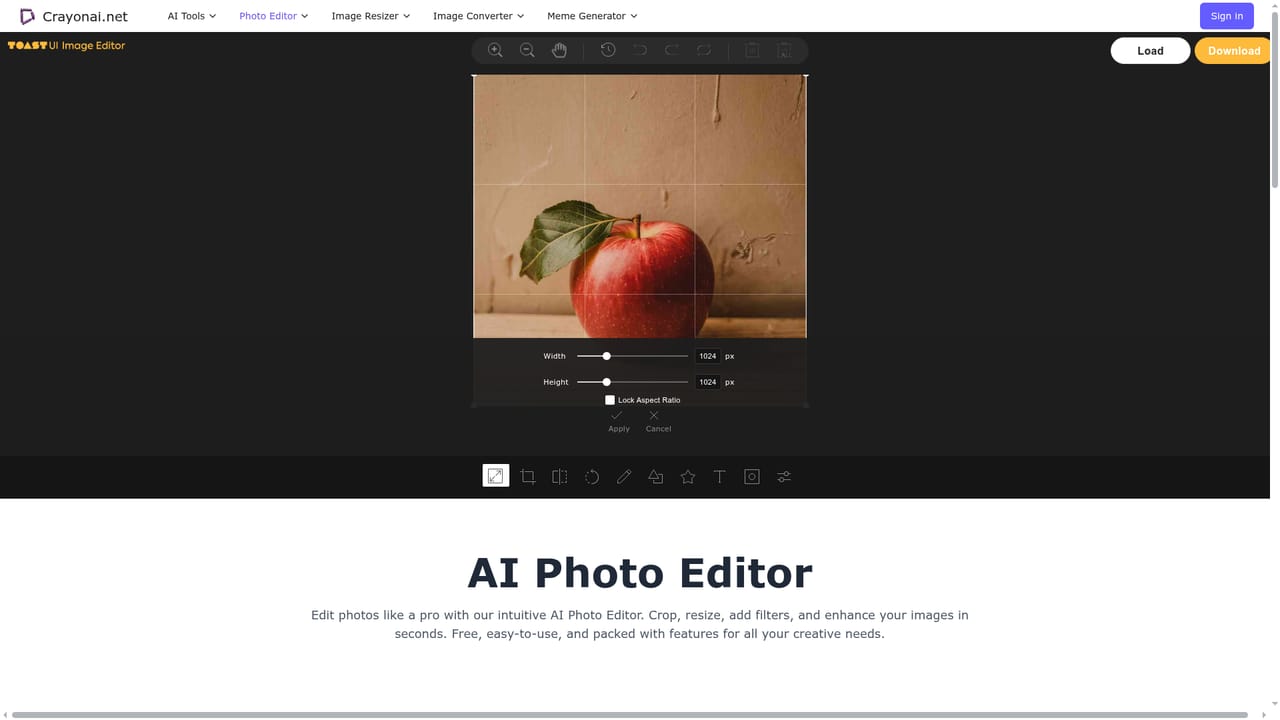
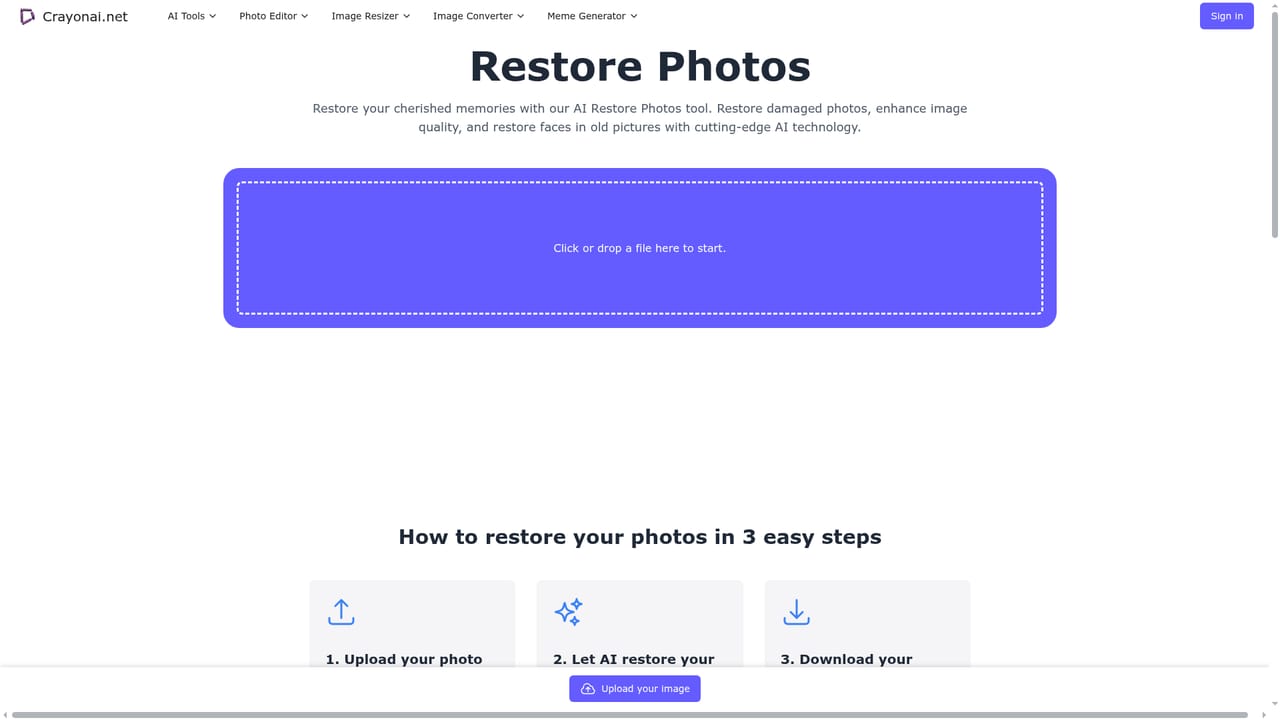
CrayonAI is a browser-based image toolbox that bundles several distinct utilities under one roof: a text-to-image generator, a background remover, a general photo editor, a photo restorer, an upscaler, an image compressor and two meme builders. The site positions itself as a single destination for people who would otherwise keep four or five separate tabs open for everyday picture work. Nothing needs to be installed; the tools run in the browser and the interface adapts to desktop, tablet and phone screens. The photo editor is the workhorse. It handles cropping to specific aspect ratios, resizing, rotating, flipping, drawing, adding text, stickers and shapes, with changes previewed as you make them. The AI side sits alongside those manual controls: the background remover detects and cuts out subjects automatically, the restore tool targets damaged or aging photos and claims noise reduction plus a vibrancy boost, and a dedicated face restoration page focuses on sharpening facial detail in old portraits. The generator turns written prompts into images with selectable styles and advertises fast output, while the upscaler is aimed at raising clarity and color quality on existing files. JPEG, PNG and WebP are supported across the tools. The meme side is lighter in tone: a template library (variously described as the top 100 and 2000+ templates) with one-click caption writing, plus a slang meme builder that puts custom text on a character holding a sign. A random animal generator with facts rounds out the entertainment features. CrayonAI suits casual users, social media posters, small creative teams and anyone who needs quick image cleanup without Photoshop. The manual editor and compressor are free; the AI generation and restoration features run on a credit system, so heavy users should compare the two paid tiers against dedicated generators before committing.
The photo editor and related editing tools are free to use. AI features run on a limited free allowance, after which a paid plan is required.
Learn moreTwo prepaid monthly plans. Basic costs $10 and includes 300 credits, covering up to 300 images, 30 videos, 300 background removals, restorations and upscales, with normal speed and limited downloads. Pro costs $20 and doubles the allowances to 800, with fast generation and unlimited downloads. Each plan is valid for one month.
Learn moreA FAQ on the homepage answers common questions. No dedicated help centre, email address or chat channel is listed.
Covers text-to-image generation with style options, automatic background removal, a manual editor with crop, resize, rotate, flip, draw, text, sticker and shape tools, photo and face restoration, upscaling, compression, a template-based meme maker and a custom sign-holding meme builder. JPEG, PNG and WebP are accepted, and edits preview in real time.
 AI Angels400+ customizable AI girlfriends for NSFW chat, voice calls, and roleplay
 Candy AIExperience the future of companionship with AI friends who chat, role-play, and connect with you on a human level.
 ourdream.aiA vast AI roleplay platform with millions of characters for chat, images, video and voiceAI Angels400+ customizable AI girlfriends for NSFW chat, voice calls, and roleplayCandy AIExperience the future of companionship with AI friends who chat, role-play, and connect with you on a human level.ourdream.aiA vast AI roleplay platform with millions of characters for chat, images, video and voice


