Free trial
Free to start, no credit card required. The homepage does not state a trial length or which features sit behind a paid plan.
Learn moreBrowser automation with an AI assistant built into the Chrome extension

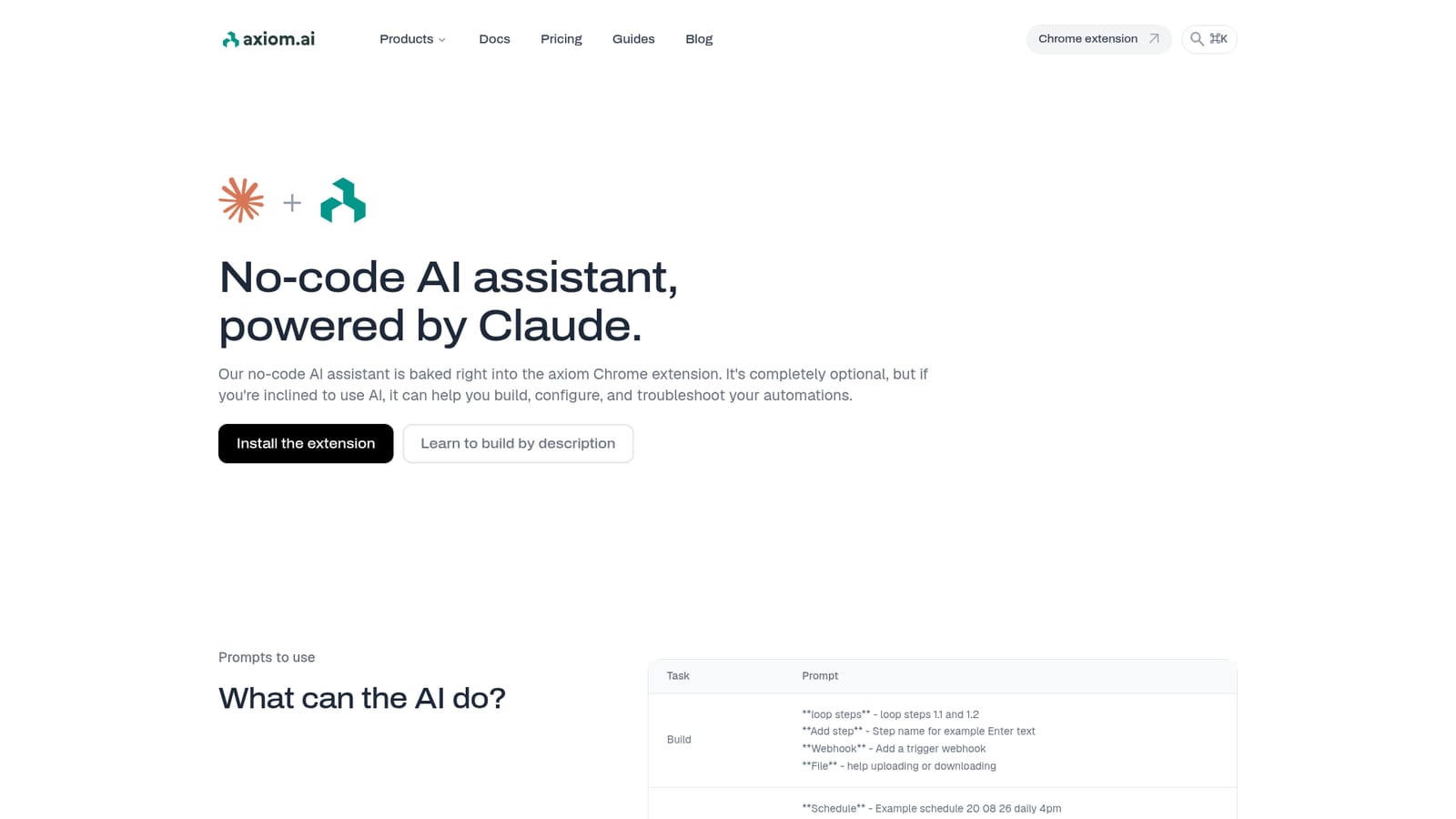
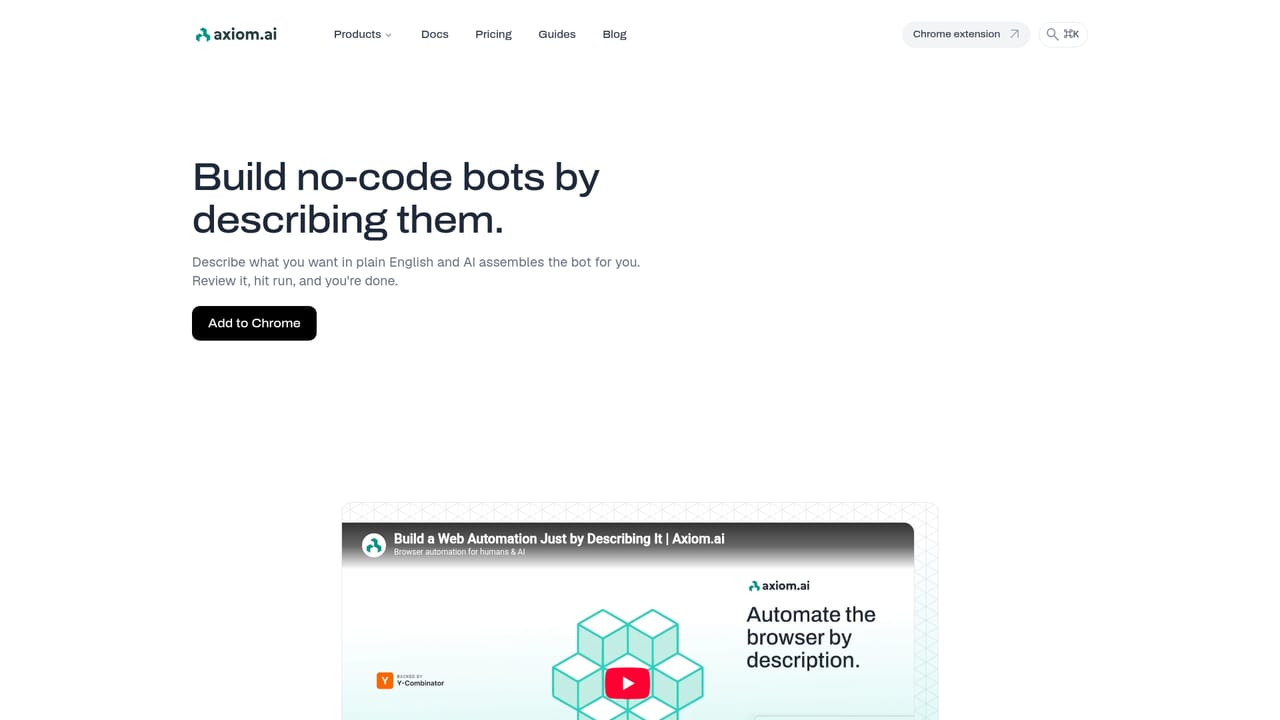
Axiom is a Chrome-based browser automation builder with an optional Claude-powered assistant that creates steps, configures schedules, proxies and cookies, and helps debug failing automations from plain-language prompts.
Axiom is a browser automation tool that runs in Chrome and lets people assemble repetitive web tasks without writing scripts. The homepage frames the AI layer as a no-code assistant powered by Claude that sits inside the extension and helps build, configure and troubleshoot automations. It is optional: the visual builder works on its own, and the assistant is there for users who want a faster route from intent to a working bot. The assistant accepts plain-language prompts. Some prompts create structure, for example looping steps or adding a named step such as entering text, attaching a webhook trigger, or handling file uploads and downloads. Others handle configuration: setting a schedule, deactivating one, choosing where cookies are stored, inserting proxy details, bypassing bot detection, blocking images and stylesheets on a given domain, or sending an email when a run fails. A separate set of prompts targets debugging and documentation, including help with selectors when an element cannot be found and advice on speeding up a slow scraper. This fits people who already rely on browser automation for scraping, form filling and recurring web chores but do not want to maintain code. The visual builder is the primary surface; the assistant is a shortcut layer that reduces the amount of clicking and the number of documentation searches needed to get a bot finished. Compared with script-first automation frameworks, Axiom trades some low-level control for accessibility, and compared with pure AI agent tools, it keeps the automation explicit and editable rather than fully autonomous. The homepage positions the product as free to start with no credit card, and installation happens through the Chrome Web Store. Testimonials on the page emphasise flexibility and the visual builder rather than the AI features specifically, and one reviewer notes the tool is worth paying for, implying a paid tier beyond the free start. Users should expect the assistant to accelerate setup and diagnosis, not to replace understanding of how their bots are structured.
Free to start, no credit card required. The homepage does not state a trial length or which features sit behind a paid plan.
Learn moreThe homepage states that Axiom is free to start and requires no credit card. No plan names or prices are listed, and one testimonial suggests a paid tier exists beyond the free start.
Learn moreThe assistant can be configured to use Claude, ChatGPT, Gemini, Grok, DeepSeek or Perplexity Sonar according to the meta description, and webhooks are available as triggers.
No-code browser automation through a Chrome extension, with an optional Claude-powered assistant that builds steps, loops and webhook triggers, configures schedules, cookies, proxies, bot detection bypass and resource blocking, sets failure notifications, and helps debug selectors or slow scrapers.
Learn more AI Angels400+ customizable AI girlfriends for NSFW chat, voice calls, and roleplay
 Candy AIExperience the future of companionship with AI friends who chat, role-play, and connect with you on a human level.
 ourdream.aiA vast AI roleplay platform with millions of characters for chat, images, video and voiceAI Angels400+ customizable AI girlfriends for NSFW chat, voice calls, and roleplayCandy AIExperience the future of companionship with AI friends who chat, role-play, and connect with you on a human level.ourdream.aiA vast AI roleplay platform with millions of characters for chat, images, video and voice


