Free trial
A free signup is offered on the homepage and the interactive demo can be used without commitment. The free tier is not described in detail.
Learn moreConvert any document into structured JSON with one API call.

Base64 is an image reader tool that converts any document into structured JSON with one API call. Base64 is an API-first document intelligence platform that classifies files, extracts fields with over 3,000 pre-trained models and returns labeled JSON. Built for insurance, banking and healthcare teams that need compliant, high-volume processing in the cloud or on premises.
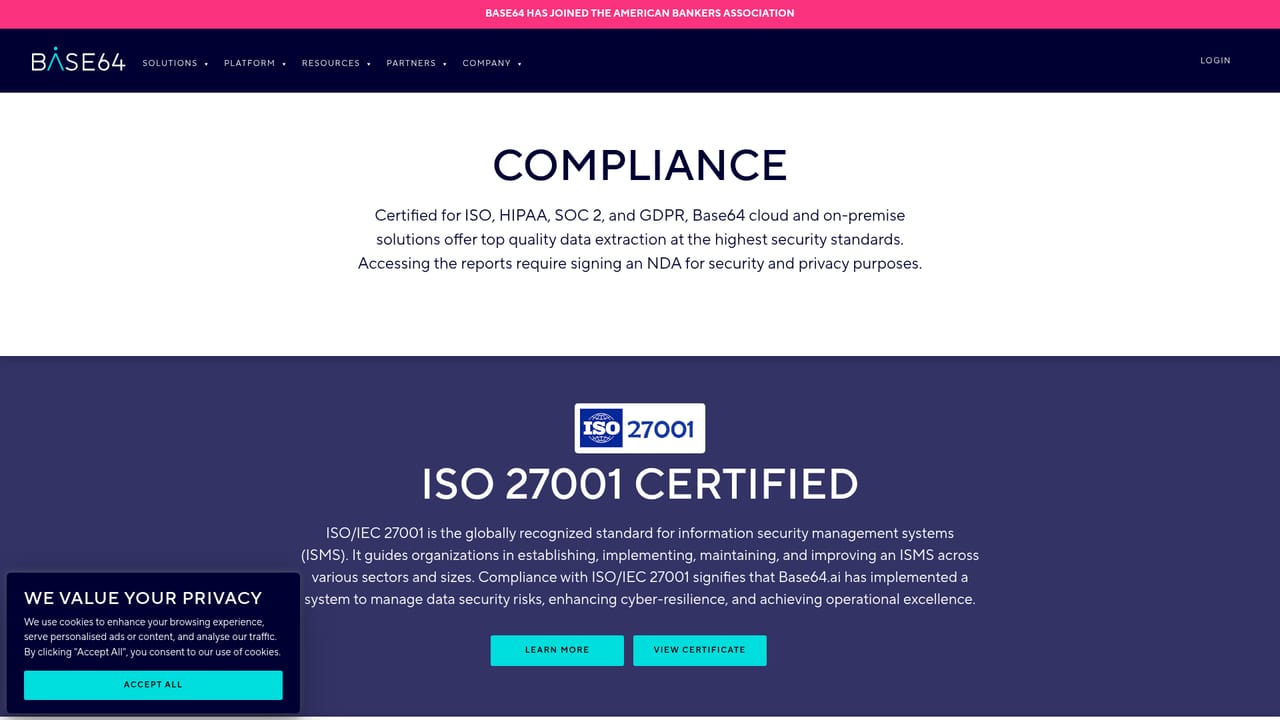
Base64 is a document intelligence platform built around a single promise: send it a file and get labeled JSON back. The service accepts PDFs, images, DOCX and dozens of other formats (the site claims more than 50 file types), identifies what kind of document it is looking at, routes it to the appropriate pre-trained model, and returns extracted fields through a REST API. A library of more than 3,000 validated models covers the document types that show up in regulated industries: invoices, receipts, passports, driver licenses, visas, forms, lab reports and bankruptcy filings among them. The platform is aimed at engineering and operations teams in insurance, banking and healthcare, plus any organization that needs to move data off paper and into a system of record. In practice the workflow is ingest, understand, act. Documents arrive from scanners, RPA platforms or third party software via no-code connectors or a direct API call. Base64 classifies and extracts, then hands the structured output to downstream systems. The vendor reports an average processing time of five seconds and 99.7 percent straight-through extraction accuracy, with customers like Avetta and TTI cited in case studies. A custom model builder, semantic AI, question and answer and taxonomy tools let teams handle new document types without hiring a consultant. Where Base64 differentiates itself from generic OCR tools is the combination of prebuilt coverage and deployment flexibility. It can run in the vendor cloud or on premises, and it holds ISO 27001, ISO 20243, SOC 2 Type II, HIPAA, GDPR and KVKK certifications. Security posture matters here because the documents in question are often identity papers or financial records. The trade-off is that the product is engineered for enterprise pipelines rather than casual one-off conversions, so the value depends on having documents worth automating at volume. Competitors in this space tend to fall into two camps: cloud-only extraction APIs and traditional capture suites that require long implementation projects. Base64 positions itself between them with a self-serve signup, a no-training model library and an API-first design, while still offering the compliance paperwork that regulated buyers demand.
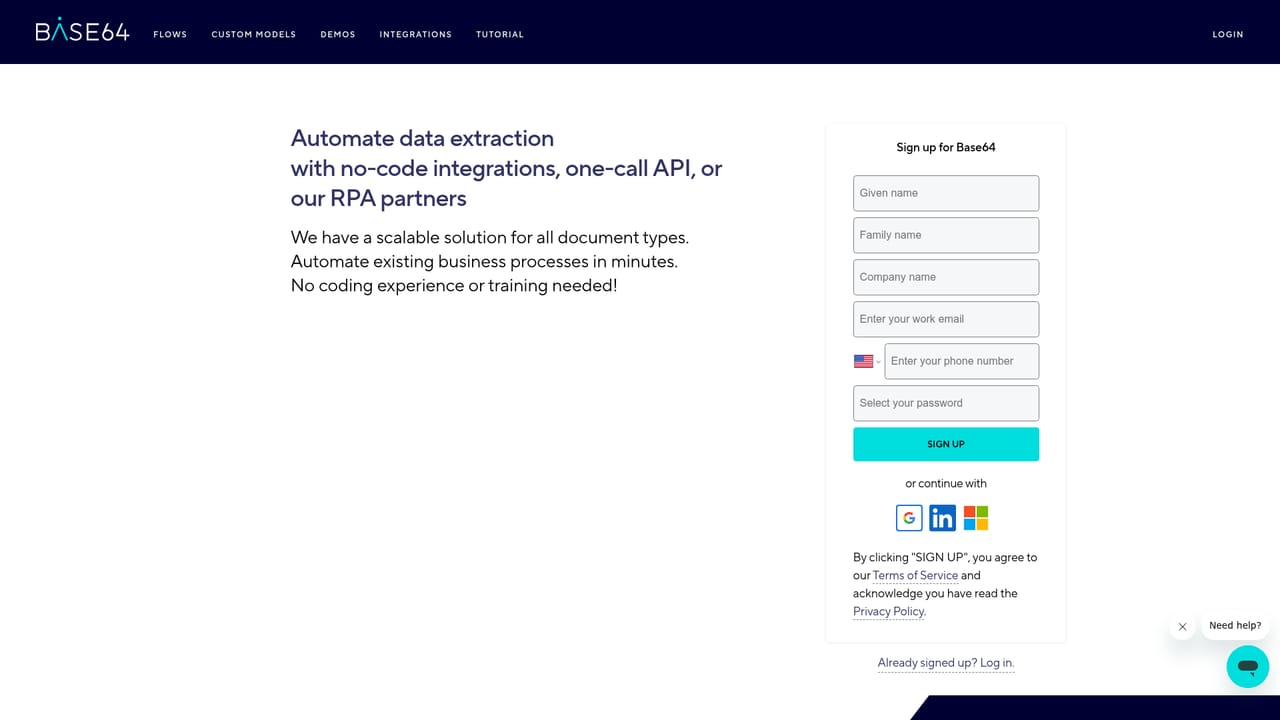
A free signup is offered on the homepage and the interactive demo can be used without commitment. The free tier is not described in detail.
Learn moreThe homepage says plans scale from a first workflow to global operations and lists flexible pricing, but no rates or tiers are published. Prospective buyers need to contact the vendor or request a demo for a quote.
Learn moreEngineering support is listed as a feature, and the site offers phone and text contact at 833-866-4646 plus a demo scheduling option. No help centre or documentation page is linked on the homepage.
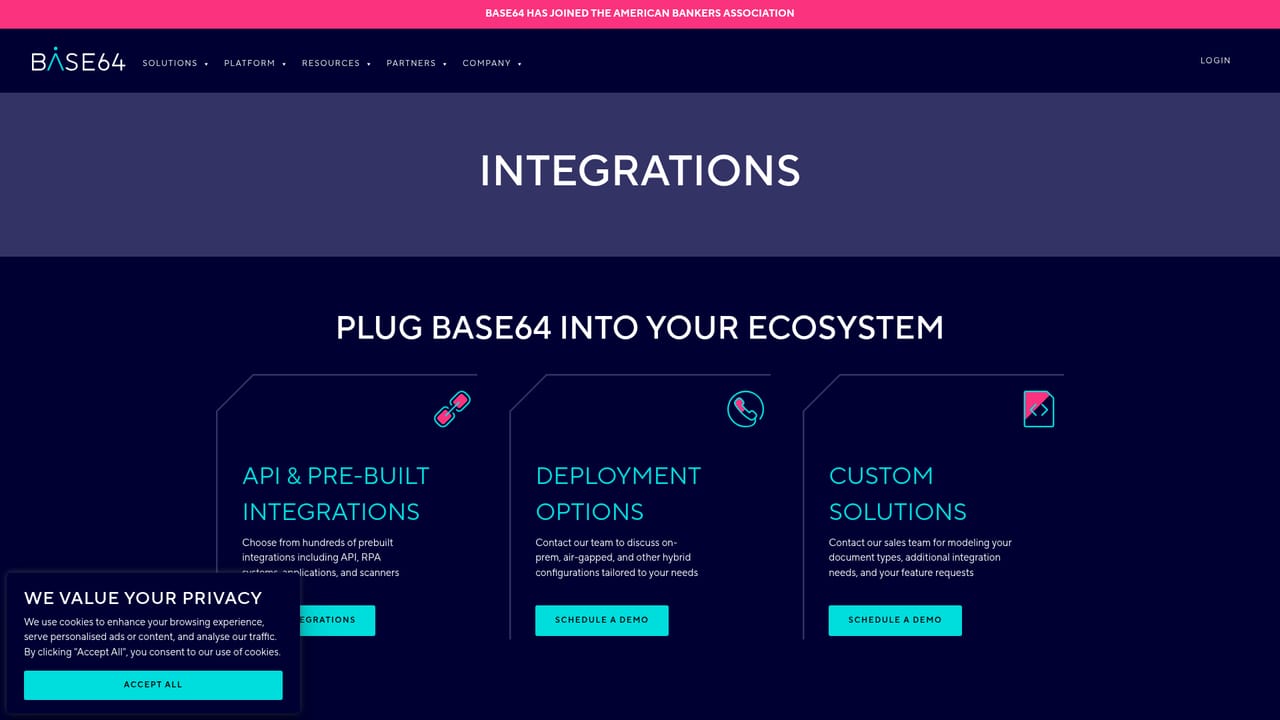
No-code, low-code and custom options are available, with connectors listed for REST API, AWS, Microsoft Azure, Microsoft SQL Server, Salesforce, Google Cloud, Snowflake and Databricks. The vendor claims hundreds of prebuilt connectors to scanners, RPA and third-party software.
Learn moreCore features include document classification, OCR text and handwriting extraction, signature and photo detection, field extraction into JSON, a custom model builder, semantic AI, question and answer over documents, and validation with fraud risk scoring. Over 3,000 pre-trained models cover IDs, invoices, receipts, forms and industry documents.
 AI Angels400+ customizable AI girlfriends for NSFW chat, voice calls, and roleplay
 Candy AIExperience the future of companionship with AI friends who chat, role-play, and connect with you on a human level.
 ourdream.aiA vast AI roleplay platform with millions of characters for chat, images, video and voiceAI Angels400+ customizable AI girlfriends for NSFW chat, voice calls, and roleplayCandy AIExperience the future of companionship with AI friends who chat, role-play, and connect with you on a human level.ourdream.aiA vast AI roleplay platform with millions of characters for chat, images, video and voice


