Free trial
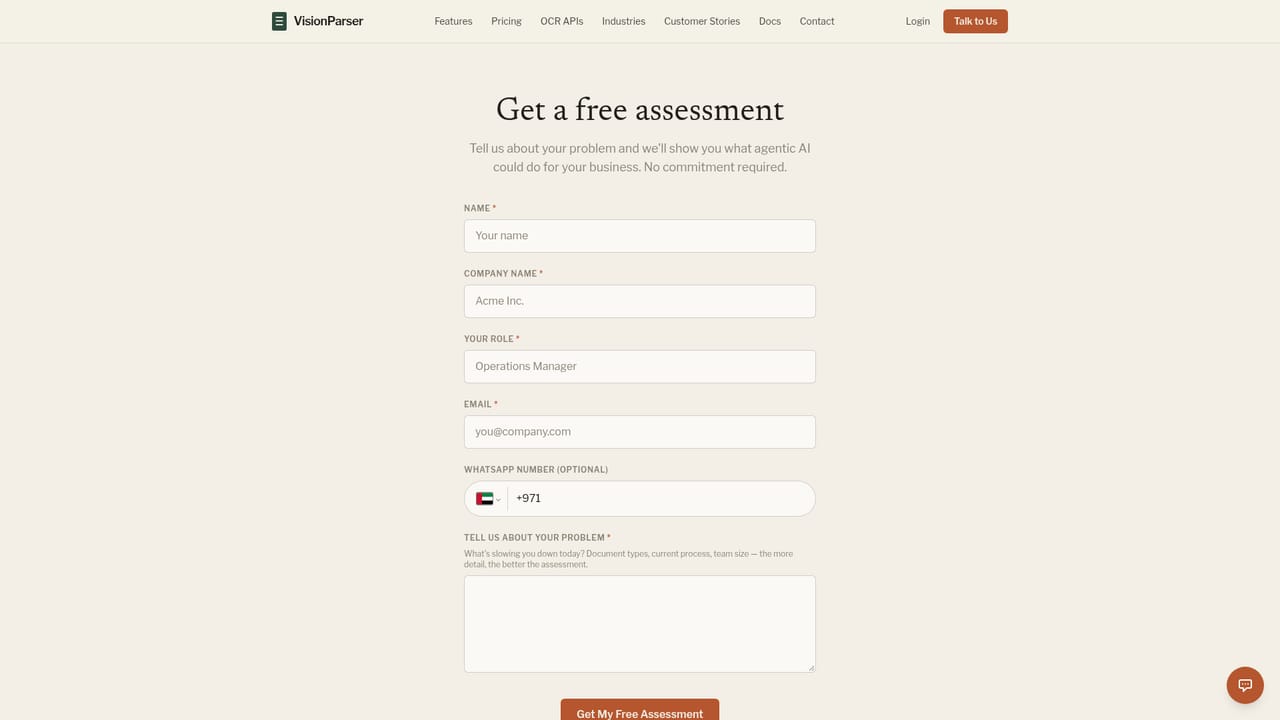
One month of API access with invoices and receipts, 100 scans included, no commitment. The platform tier instead starts with a free assessment rather than a self-serve trial.
Learn moreAI document automation and OCR for invoices, receipts and 40+ types

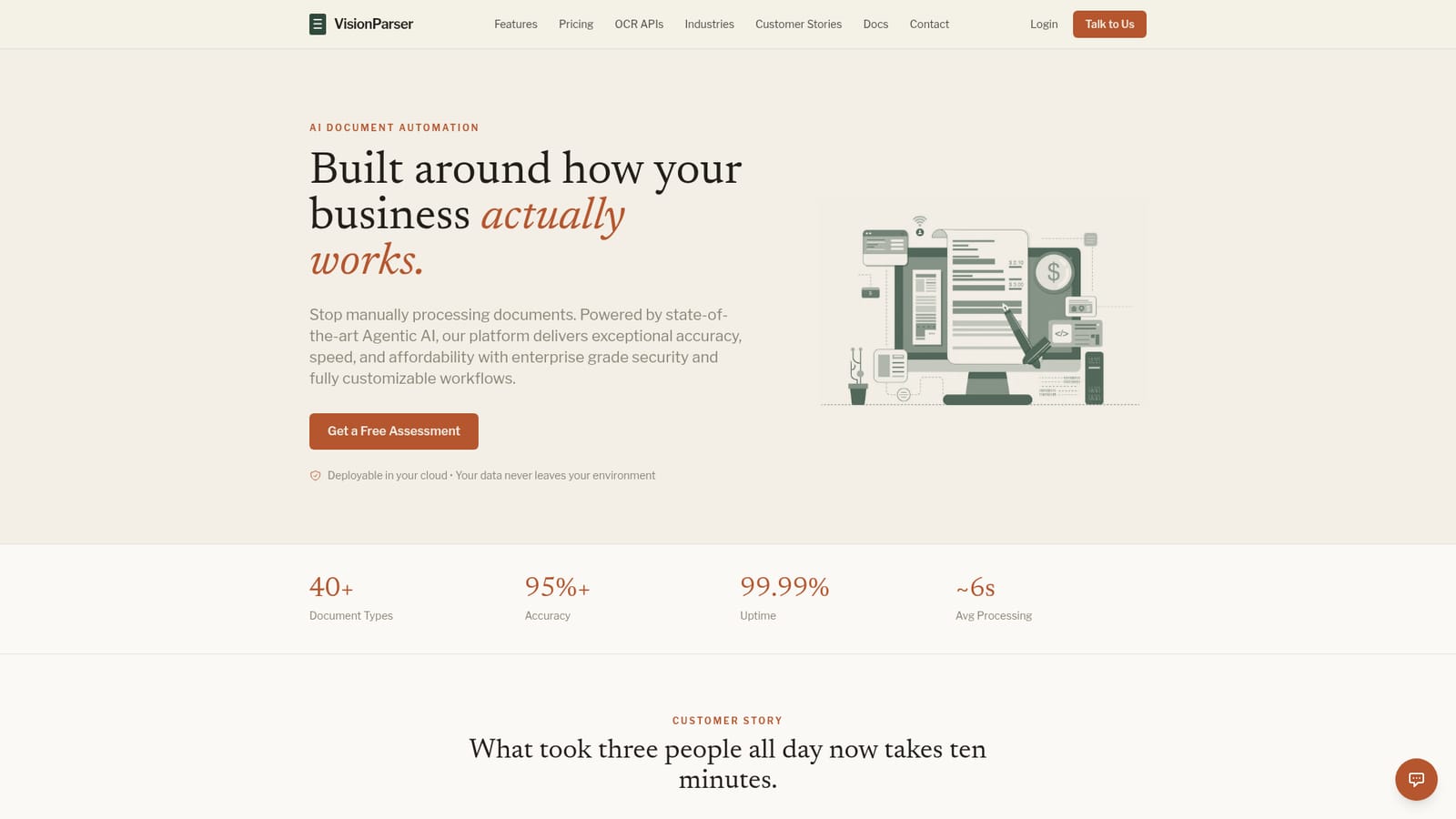
VisionParser is an image reader tool. AI document automation platform and OCR API that extracts structured data from invoices, receipts, bank statements, tax forms and 40+ document types, with confidence scoring, human review and deployment in your own cloud.
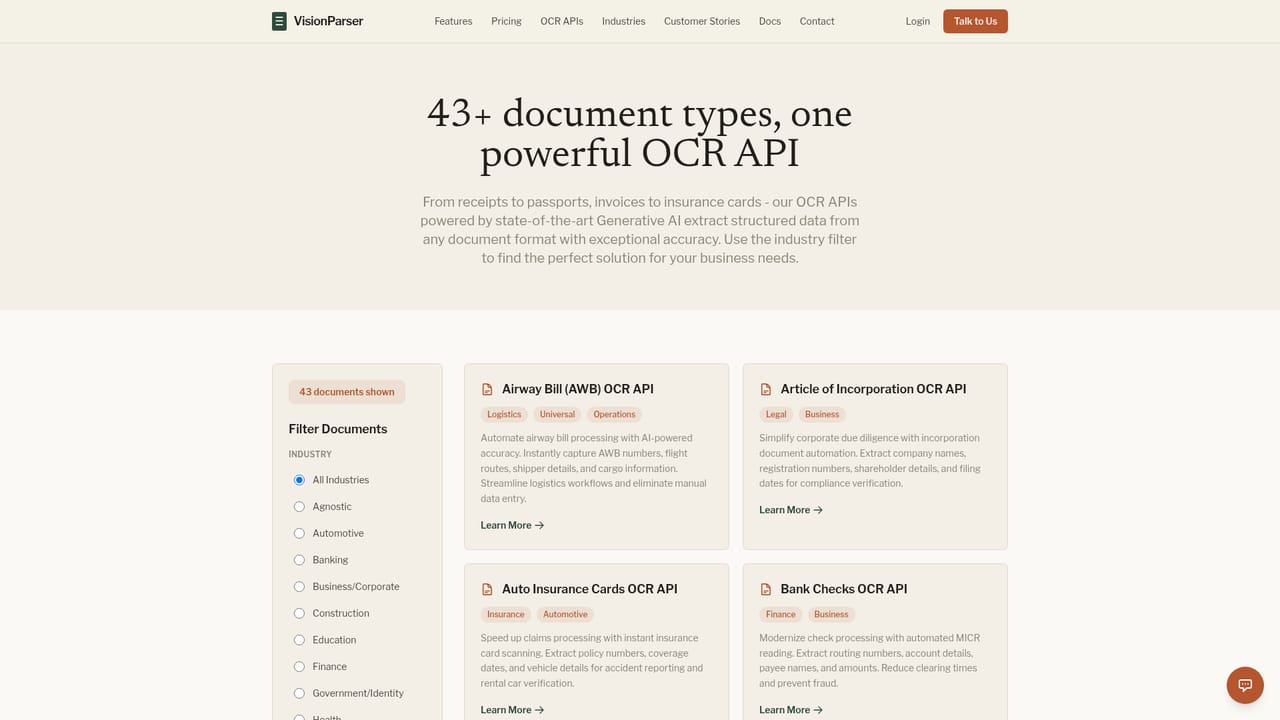
VisionParser is a document automation platform built on AI extraction and OCR, aimed at teams that receive invoices, receipts, statements and forms faster than they can key them in. It covers the full chain: documents arrive by email, file upload, API or connected cloud storage; the system classifies each file and pulls out structured fields with a stated accuracy above 95 percent across more than 40 document types, and it handles low quality scans, phone photos, handwriting and mixed layouts. The platform is aimed at accounting and finance operations, healthcare administrators, fintech product teams, logistics coordinators and tax processors. Two entry points serve different buyers. Developers can call self-serve OCR APIs for invoice and receipt extraction or the wider catalogue of document types. Operations teams can use the Automation Platform, which adds a review queue, custom validation rules, reports and optional deployment inside the customer's own cloud on AWS, GCP or Azure, or on premise. The human-in-the-loop layer is the differentiator for anyone who has been burned by pure OCR pipelines. Every extracted field carries a confidence score, so low confidence values are flagged while high confidence results can pass through automatically under rules you set. Approved records export as CSV, Excel or JSON, or push into downstream systems. VisionParser competes with API-first extraction services and with full document automation suites. Its pitch is the combination: API access for builders, a review workflow for finance teams, and data residency that keeps documents inside your infrastructure. Pricing starts with a free month of API testing and scales to $200 per month for the automation platform, plus a customization fee. A free assessment is offered for buyers who want scoping help first.
One month of API access with invoices and receipts, 100 scans included, no commitment. The platform tier instead starts with a free assessment rather than a self-serve trial.
Learn moreFree trial for one month with 100 scans. Core API at $15 per month with 500 scans and $0.03 per extra scan. Universal API at $100 per month with 5,000 scans and $0.02 per extra scan. Automation Platform at $200 per month with 5,000 scans, plus a one-time customization fee based on requirements.
Learn moreStandard support on the Core API, priority email support on the Universal API, and customization help plus assessment scoping on the Automation Platform tier.
Connectors for ERPs such as SAP, Oracle and NetSuite, accounting software including QuickBooks and Xero, freight management systems, plus REST APIs and webhooks for custom downstream builds.
Ingestion by email, upload, API or cloud storage; AI classification and structured extraction across 40+ document types; field-level confidence scores and business rule validation; human-in-the-loop review and approval queues; exports to CSV, Excel and JSON; detailed reports and custom validation rules on the platform tier.
Learn more AI Angels400+ customizable AI girlfriends for NSFW chat, voice calls, and roleplay
 Candy AIExperience the future of companionship with AI friends who chat, role-play, and connect with you on a human level.
 ourdream.aiA vast AI roleplay platform with millions of characters for chat, images, video and voiceAI Angels400+ customizable AI girlfriends for NSFW chat, voice calls, and roleplayCandy AIExperience the future of companionship with AI friends who chat, role-play, and connect with you on a human level.ourdream.aiA vast AI roleplay platform with millions of characters for chat, images, video and voice


