What these tools do and who they are for
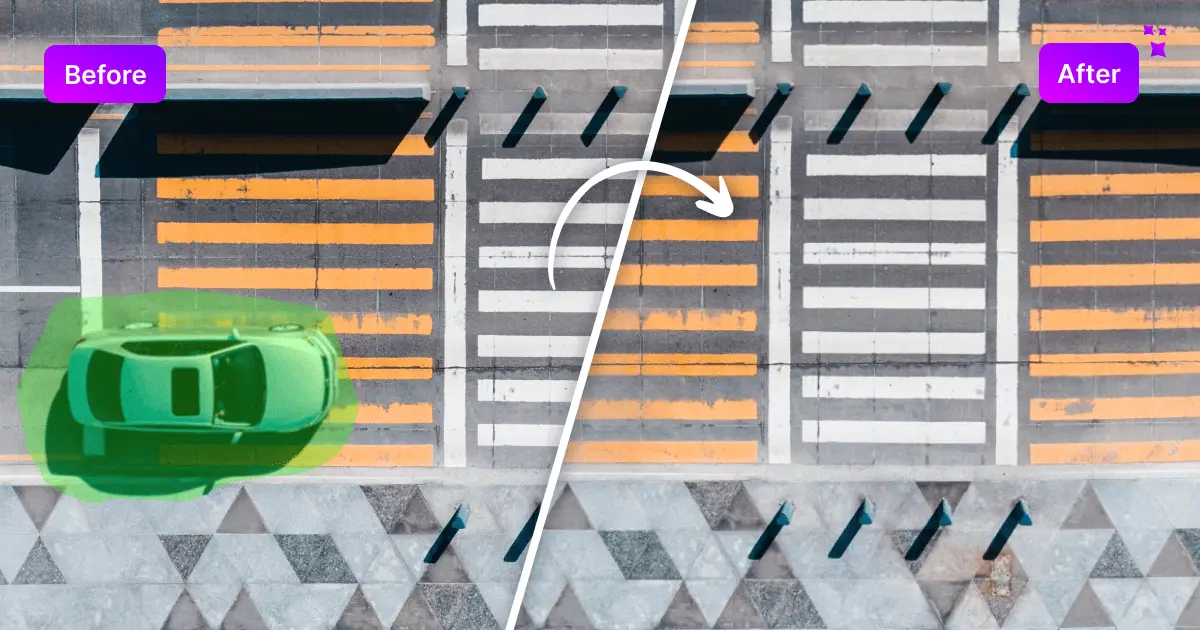
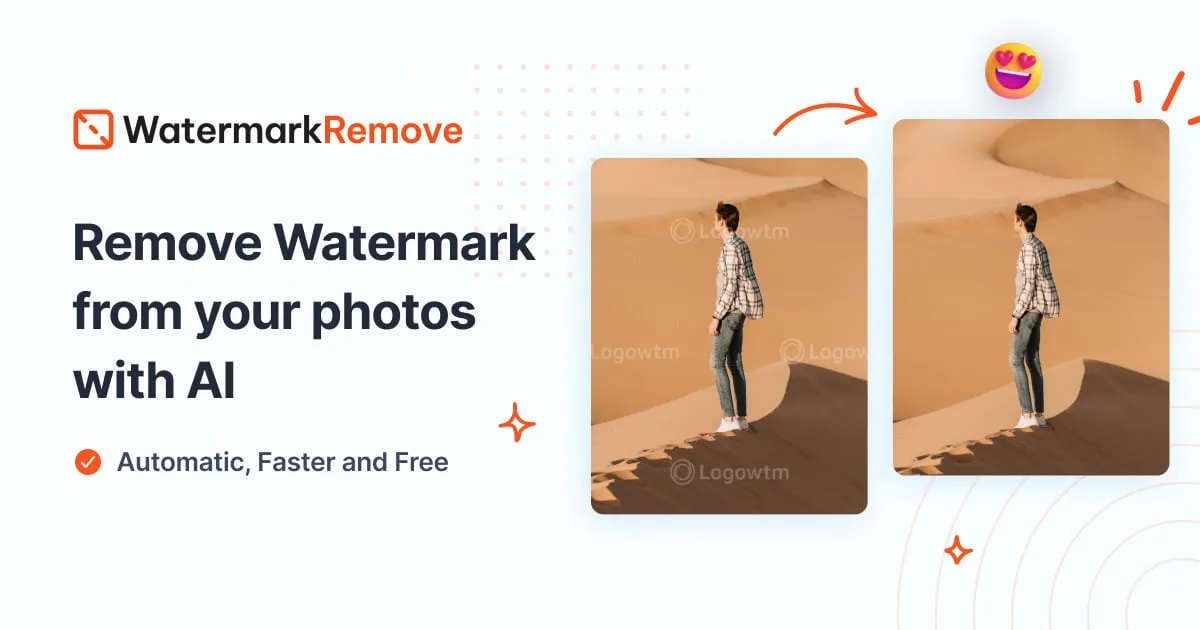
A tattoo remover here is an inpainting tool. You mark the area you want gone (ink on skin, a logo, a stamp, overlaid text) and the model rebuilds what sits behind it. Results depend on the source: small ink on clean skin is easy, dense sleeves on busy backgrounds are hard, and no tool recovers detail that was never captured. The same tools handle watermarks, logos and subtitle text, which is why most of this list is framed around removal in general. Photo retouchers, sellers cleaning product shots, and creators stripping overlays from short clips are the core users. They replace slow manual cloning and blurring that leaves visible smears.
How to choose one
Start with the medium. If the footage is video, only a few tools here touch it, so check that first. For stills, decide whether you need a clean brush-and-fill workflow or batch handling. Next, look at platform: browser tools need no install and suit quick jobs, while desktop apps suit heavier retouching and offline work. Check export limits on free tiers, since several are free with caps. Finally, judge the rebuilding quality on your own image; a tool that smears skin texture is worse than a slower one that keeps grain.
Notable tools
Cleanup.pictures removes unwanted objects, text or logos from pictures in the browser, a solid first stop for a single photo.
W-Agent is the video option here: a free browser tool that erases subtitles, logos and watermarks from video.
CleanVideoAI Watermark Removal also targets video, stripping logos and text overlays in the browser on a free or freemium basis.
Dewatermark covers photos, videos and PDFs with AI removal and no visible blur, available on web, mobile and desktop.
PixPurge rebuilds the background behind a watermark rather than blurring it, one click at a time.
AVCLabs PhotoPro AI is a desktop editor for restoring, enhancing and retouching, useful when removal is one step in a longer edit.
Common questions
Can I remove a tattoo from a video online for free?
For video, look at the dedicated video tools on this list rather than the photo erasers. W-Agent and CleanVideoAI Watermark Removal both run in the browser and target logos and text overlays, and Dewatermark handles short video alongside photos. Expect markers and overlays to come out cleaner than a detailed tattoo on moving skin, where the background changes every frame. Test a short clip before committing to a longer one.
What makes a good tattoo remover?
The fill matters more than the brush. A good tool rebuilds texture, shading and edges so the patch does not read as a smudge, and it lets you adjust the selection before applying. Quick preview and undo matter too, because tattoo removal usually takes a few passes. Free tiers are fine for testing on one image; check whether exports are capped before you rely on one.
Do these tools work on logos and watermarks too?
Yes. Most of this list is built around watermark, logo and text removal, and tattoos are the same problem: an unwanted mark over a background. RemoverMarca, Remove Text From Image and AI Watermark Remover all follow that pattern. The technique is identical, so a tool that cleans logos well will usually handle small ink marks.
When to look elsewhere
If the goal is retouching skin, lighting or colour rather than erasing a mark, the Image Enhancer category is a better fit. For filling large gaps in a composition rather than removing a small object, see Content Aware Fill.