Free trial
A free plan gives access to the prompter and trimmer with no card details. It is a permanent free tier rather than a time-limited trial.
Learn moreTeleprompter and video recorder for polished talking-head clips

BIGVU is a bulk video generator tool. A web and mobile teleprompter with a built-in trimmer, aimed at anyone who records talking-head video and wants fewer retakes. Free plan covers the prompter and trimmer with no credit card.
BIGVU is a video creation tool built around a teleprompter that works in a web browser and on mobile. Instead of memorizing a script or recording a dozen retakes, the presenter reads the text as it scrolls in front of the camera, keeping eye contact with the lens while speaking. The welcome experience points to two core utilities: the prompter itself and a trimmer for cutting the resulting clip. That pairing covers the most common talking-head workflow, from drafting the words through to a usable take. The product is aimed at people who appear on camera regularly but are not professional editors: marketers recording product explainers, founders posting to social channels, coaches producing course modules, recruiters sending video outreach, and communications teams shipping quick updates. The value is in shortening the gap between having something to say and having a finished clip. A script is pasted in, the prompter runs, the take is recorded, and the trimmer removes the false starts at the head and tail. In practice the tool positions itself as a lightweight front end to video rather than a full editing suite. It does not set out to replace a timeline editor for multi-shot productions, motion graphics or color work. The comparison to make is with general editors that require you to import footage versus a capture-first tool that reduces the need for re-recording at the source. BIGVU cites adoption by 12 million users, which suggests it is used as a daily utility more than an occasional experiment. Signing up can be done with a Google account or with an email address through a magic link, so there is no password to manage. Access to the teleprompter and trimmer sits on the free plan and does not require a credit card, which makes it easy to trial on a single video before deciding whether the workflow suits you. Payment details and higher tiers are not described on the welcome page, so check the main site for current plan terms.
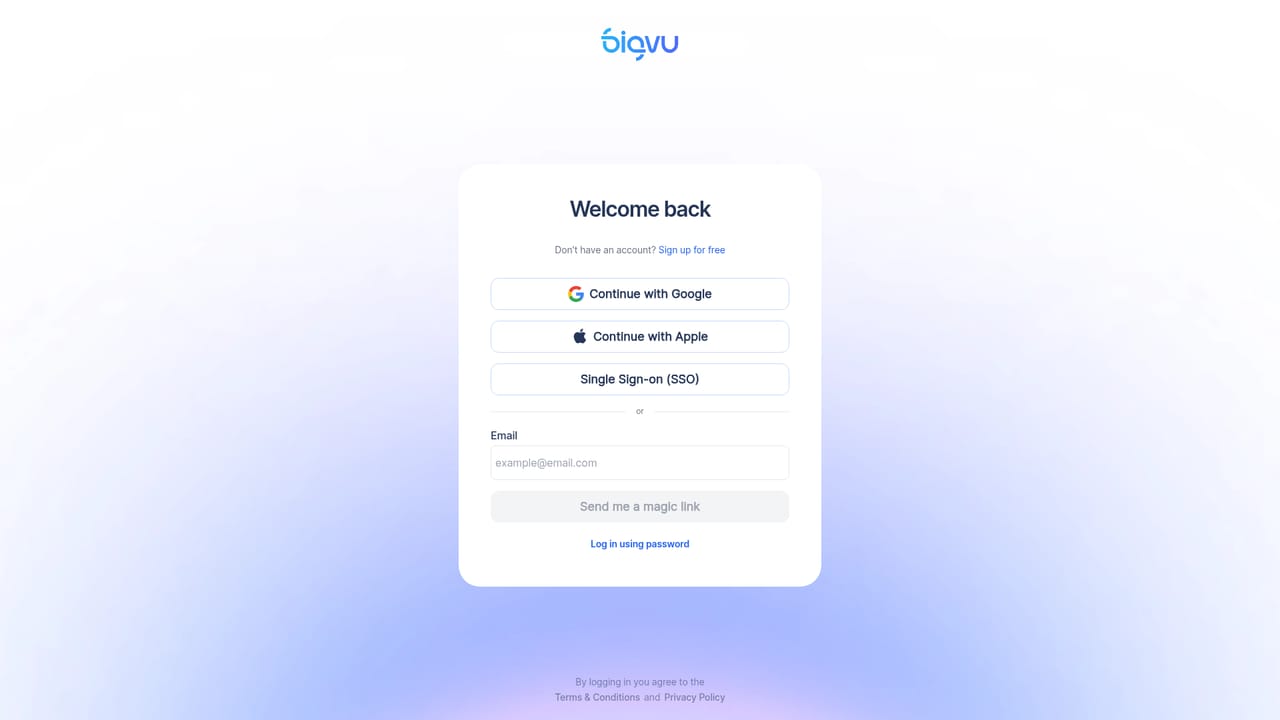
A free plan gives access to the prompter and trimmer with no card details. It is a permanent free tier rather than a time-limited trial.
Learn moreThe welcome page states a free plan covering the teleprompter and trimmer, with no credit card required to sign up. Paid tiers and their prices are not listed on this page.
Learn moreTwo headline capabilities are documented: a teleprompter that works on web and mobile, and a trimmer for cutting recorded takes. Sign-in supports Google or an emailed magic link. The page does not detail recording, captioning, templates or export options.
 AI Angels400+ customizable AI girlfriends for NSFW chat, voice calls, and roleplay
 Candy AIExperience the future of companionship with AI friends who chat, role-play, and connect with you on a human level.
 ourdream.aiA vast AI roleplay platform with millions of characters for chat, images, video and voiceAI Angels400+ customizable AI girlfriends for NSFW chat, voice calls, and roleplayCandy AIExperience the future of companionship with AI friends who chat, role-play, and connect with you on a human level.ourdream.aiA vast AI roleplay platform with millions of characters for chat, images, video and voice


