Free trial
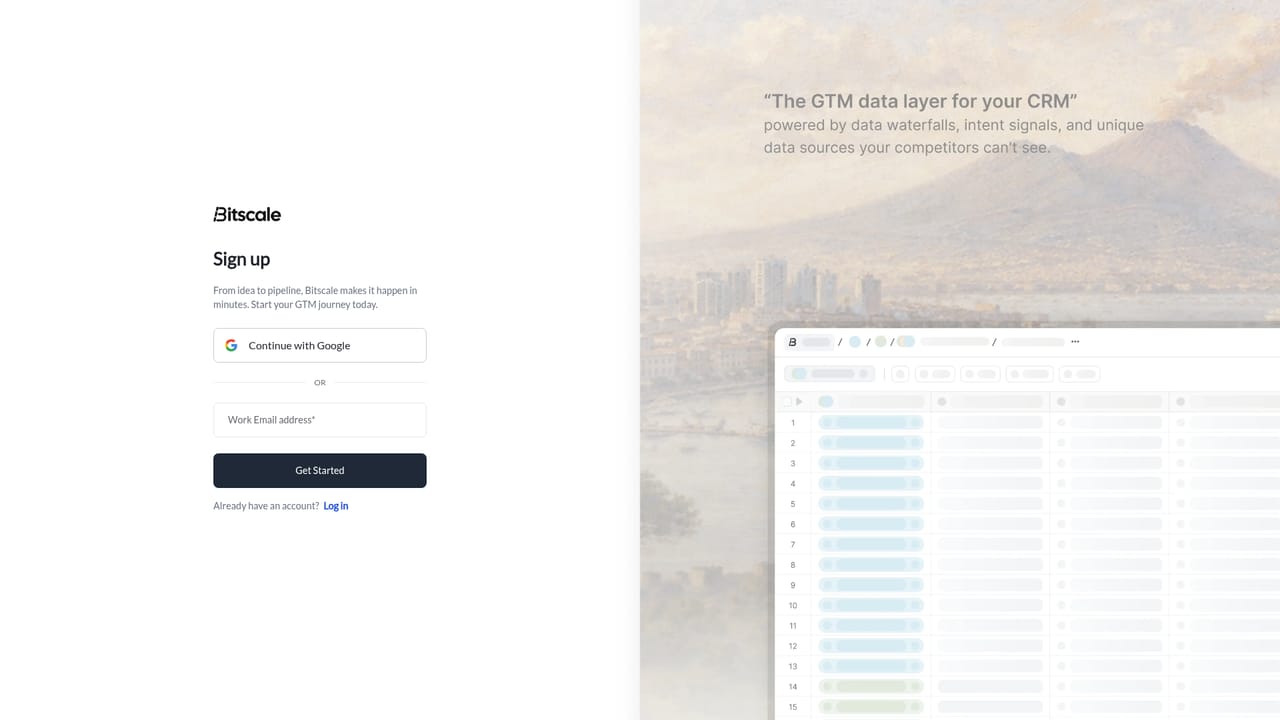
A free start is available through the signup page. The homepage does not specify how long the free tier lasts or what limits apply.
Learn moreAI agents and data waterfalls for GTM teams

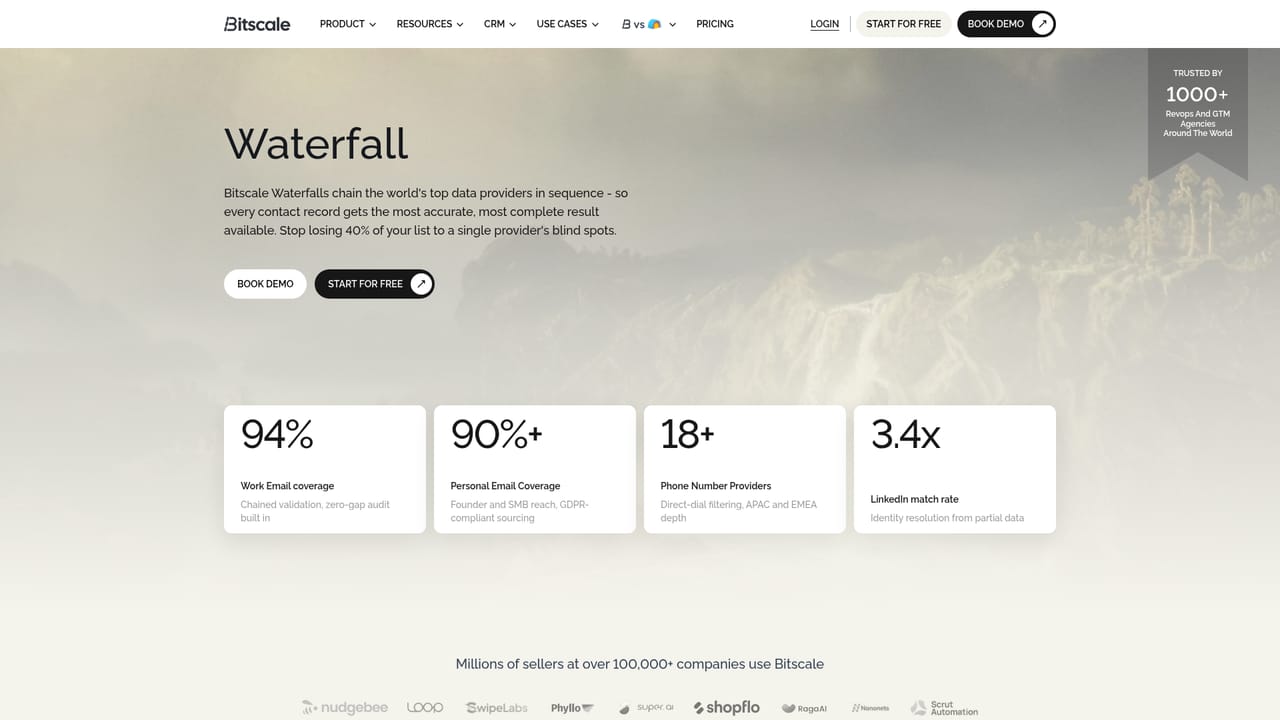
Bitscale is a GTM data layer that combines AI agents, 100+ data sources, and live buying signals inside Salesforce and HubSpot. It sequences 18+ providers in a waterfall for high contact coverage and surfaces unique intent triggers to help sales and RevOps teams run targeted outbound and ABM plays.
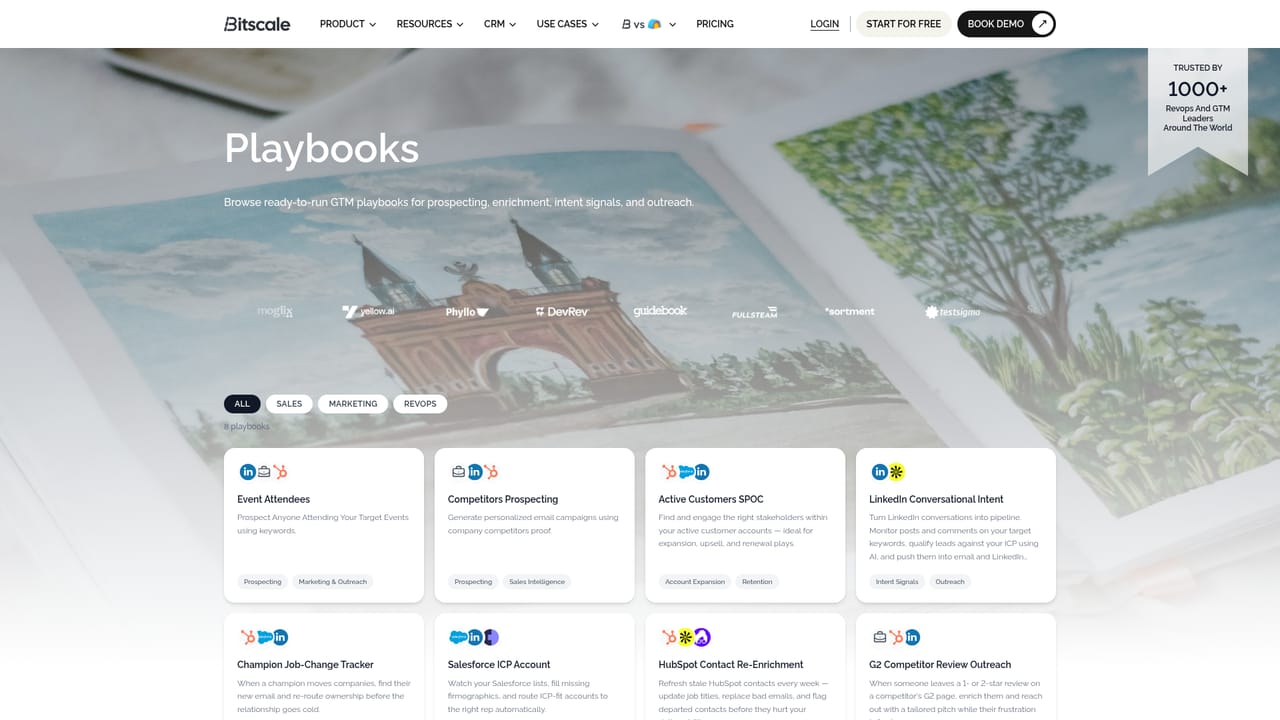
Bitscale is a go-to-market data layer built for revenue operations and sales teams. It lives inside Salesforce and HubSpot, keeping every record complete and ICP-ready. Unlike standalone enrichment tools, Bitscale combines AI agents, data waterfalls, and live buying signals in one place, so teams can research, enrich, and act without leaving their CRM. The platform connects to over 100 data sources and sequences 18 or more contact-data providers in a single waterfall. This matters because no single vendor covers every market: one provider may miss EMEA, another may miss mid-market. By layering sources in the order that fits your ICP, Bitscale aims for 95 percent email and phone coverage, with validation baked in to keep bounce rates below 0.5 percent. The CRM sync is two-way, but only changed fields are pushed back, and it flags job changes, bad emails, and dead domains as they happen. Beyond contact data, Bitscale surfaces buying signals that generic intent tools often overlook. These include executive hires, tech-stack changes, viral LinkedIn posts, parsed job descriptions, and fresh funding rounds. Teams can stack signals (for example, a Series B plus hiring SDRs plus a new VP of Sales) to surface accounts that generic intent tools miss. Playbooks package these capabilities into ready-to-run workflows for sales, marketing, and RevOps motions, so campaigns can launch in minutes rather than weeks. Bitscale competes with enrichment and sales intelligence platforms such as Clay and ZoomInfo, and the homepage notes that some customers migrated from those tools. It is best suited to teams that already run outbound or ABM from a CRM and want deeper coverage and signals. Pricing details are not published on the homepage, and the free tier is described only as a starting point.
A free start is available through the signup page. The homepage does not specify how long the free tier lasts or what limits apply.
Learn moreSupport options are not detailed on the homepage. A Book Demo option is present for live walkthroughs and setup help.
The homepage names Salesforce and HubSpot for two-way CRM sync. It also references 100+ data sources and 18+ contact-data providers, but specific vendor names beyond ZoomInfo and Apollo as alternatives are not listed.
Core features include a two-way Salesforce and HubSpot sync, a data waterfall across 18+ contact providers, and access to 100+ data sources. Bitscale also provides live buying signals, signal stacking, and pre-built playbooks for sales, marketing, and RevOps. CRM hygiene tools flag job changes, invalid emails, and dead domains as they occur.
Learn more AI Angels400+ customizable AI girlfriends for NSFW chat, voice calls, and roleplay
 Candy AIExperience the future of companionship with AI friends who chat, role-play, and connect with you on a human level.
 ourdream.aiA vast AI roleplay platform with millions of characters for chat, images, video and voiceAI Angels400+ customizable AI girlfriends for NSFW chat, voice calls, and roleplayCandy AIExperience the future of companionship with AI friends who chat, role-play, and connect with you on a human level.ourdream.aiA vast AI roleplay platform with millions of characters for chat, images, video and voice


