Free trial
The first six ads are free and no credit card is required. The trial is promoted prominently on the homepage and has a dedicated signup page.
Learn moreOne product photo becomes 100+ sized image and video ads

Ravvi turns a single product photo into 100+ image and video ad creatives sized for Meta, Instagram, TikTok, Reels and YouTube, using three campaign modes and no prompt writing. Aimed at small e-commerce brands, agencies and solo creatives who need ad volume fast.
Ravvi is an AI ad generator built around a narrow, deliberate input: one product photograph. Upload a JPG, PNG or WEBP file (the site says even a quick workbench shot works) and the system reads the product's colors, materials and logo placement before generating anything. That reading step is the point. It keeps the item faithful across every scene instead of drifting into a lookalike, which is the usual failure mode when product photography meets image models. From there the output fans out into image and video creatives sized for Instagram, TikTok, Reels, Meta and YouTube. Three modes control how much say you get. Full Campaign applies 20 art directions automatically. Bespoke Campaign builds concepts from a short brief. Director Campaign hands over the steering wheel entirely, letting you write the brief, drop in a reference image (a campaign shoot, a competitor ad, a mood board) and borrow its lighting, palette and composition. Art direction presets include Editorial, Lifestyle, Minimalist, Cinematic, UGC and Super Bowl. Any still can be animated into a 4 to 15 second MP4 clip, and outputs can be upscaled to 4K. Practically, it is a volume tool for people who need many variants quickly. Ravvi claims a 20 creative campaign lands in under three minutes on average, and downloads can be pulled per platform or as a Meta Upload Pack with operator filenames, a manifest and an upload checklist. Nothing requires prompt writing, though Director mode rewards users who know what they want. The audience is small e-commerce brands, paid social agencies and freelancers who cannot justify a studio. It sits alongside general image generators rather than replacing them: those give you one picture, Ravvi gives you a named, sized folder of assets. You own the outputs outright, including resale, and Ravvi states it does not train on your images.
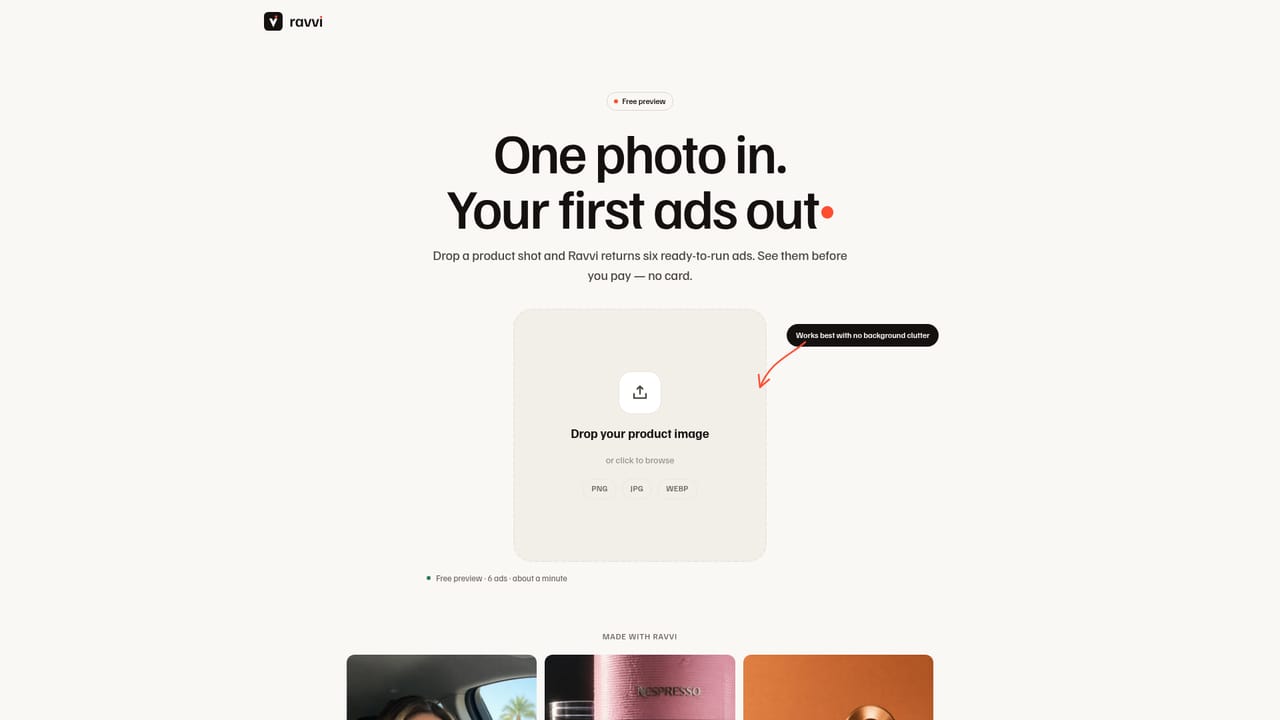
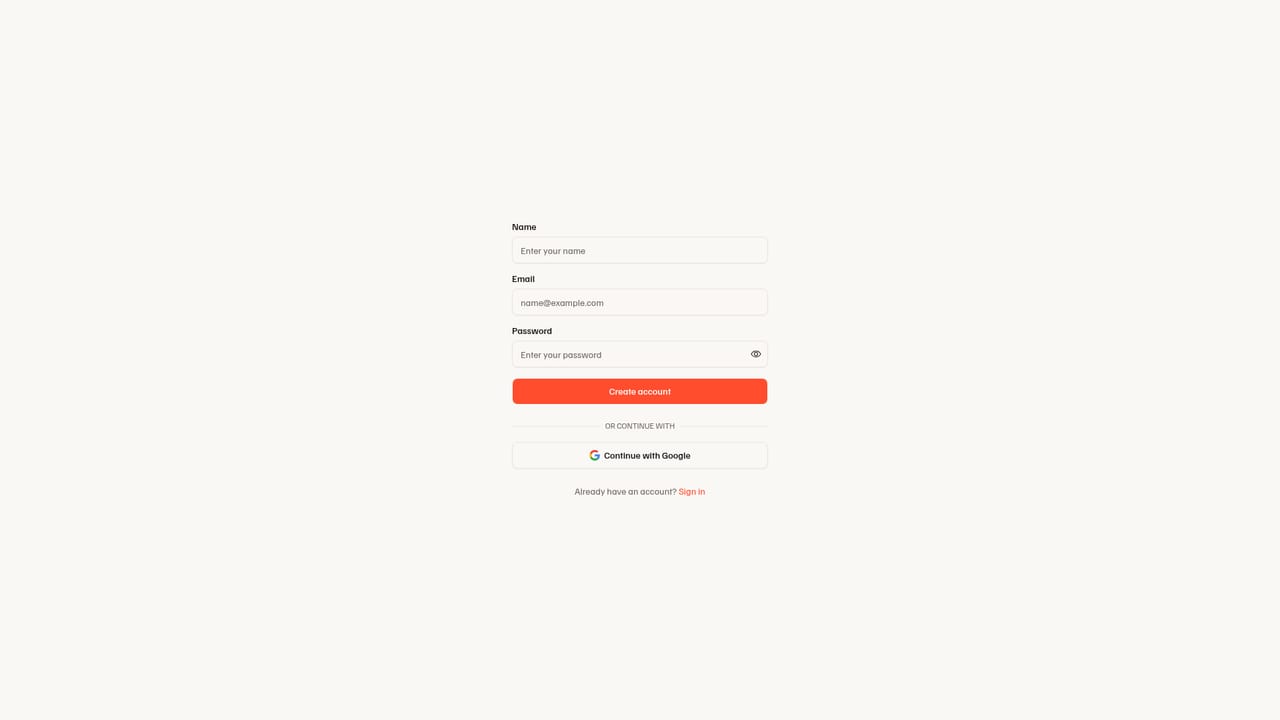
The first six ads are free and no credit card is required. The trial is promoted prominently on the homepage and has a dedicated signup page.
Learn moreThree subscription tiers, monthly or annual with two months free on annual billing. Creator is $33/mo ($390 yearly, ~80 images), Studio $66/mo ($790 yearly, ~170 images), Scale $166/mo ($1990 yearly, ~450 images). All include unlimited campaigns. The FAQ separately states paid plans start at $39 a month.
Learn moreEmail support at hello@ravvi.ai, with a stated reply time of one business day. Cancellation is handled in-app in two clicks.
Full, Bespoke and Director campaign modes; 20 automatic art directions including Editorial, Lifestyle, Minimalist, Cinematic, UGC and Super Bowl; reference-image steering; consistent characters across shots; image and video output; 4K upscale; talking-head and voiceover video; Seedance 2.0 premium video; multi-ratio sizing; per-platform and Meta Upload Pack downloads.
 AI Angels400+ customizable AI girlfriends for NSFW chat, voice calls, and roleplay
 Candy AIExperience the future of companionship with AI friends who chat, role-play, and connect with you on a human level.
 ourdream.aiA vast AI roleplay platform with millions of characters for chat, images, video and voiceAI Angels400+ customizable AI girlfriends for NSFW chat, voice calls, and roleplayCandy AIExperience the future of companionship with AI friends who chat, role-play, and connect with you on a human level.ourdream.aiA vast AI roleplay platform with millions of characters for chat, images, video and voice


