Support
Capsule provides a dedicated success manager, hands-on education for non-creative users, and continued help with new designs, more teams and rebrands.
Brand-safe video production for teams that cannot design

Capsule converts After Effects projects into editable templates so non-design teams can produce on-brand product demos, sales clips and internal videos, backed by motion engineers and a dedicated success manager.
Capsule is a video production system built around a simple premise: the people who know a message best are rarely the people who can animate it. The product takes motion design work built in After Effects and turns it into editable templates that sit inside Capsule, so sales, product marketing, ABM and internal comms teams can generate branded videos without touching keyframes. The stated design goal is a video editor as approachable as PowerPoint, with brand rules baked into the template rather than policed after the fact. In practice, a creative team works with Capsule's motion engineers to build a custom motion design system. Those assets become the reusable layer that non-creative colleagues pull from when they need a product demo, a sales outreach clip, a paid media variant or an internal update. Capsule also offers a second route: custom Video Skills that plug into Claude or ChatGPT, letting someone describe what they need and get walked through the steps to a brand-approved result. Both paths converge on the same library of approved designs. The company positions itself less as software and more as an onboarding programme. A dedicated success manager trains new users, including beginners, and the relationship continues after launch with support for new designs, additional teams and rebrands. Published customer material cites HubSpot, ServiceNow, Instacart, LinkedIn and Braze, with claims such as a 35x increase in video and 28x faster production. Capsule fits organisations where video demand already outstrips a central creative studio and free tools have spread uncontrolled across departments. Teams comparing it with self-serve editors should note the difference in model: Capsule assumes an existing design system and a services relationship, not a blank timeline.
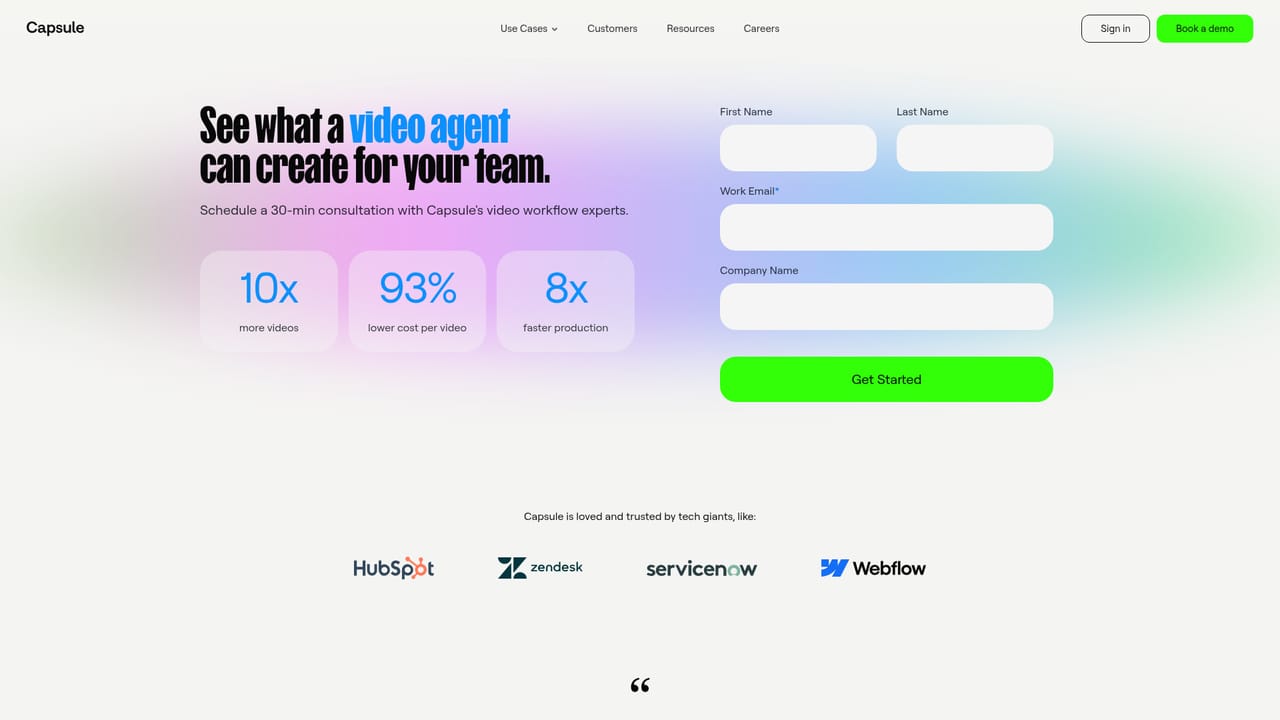
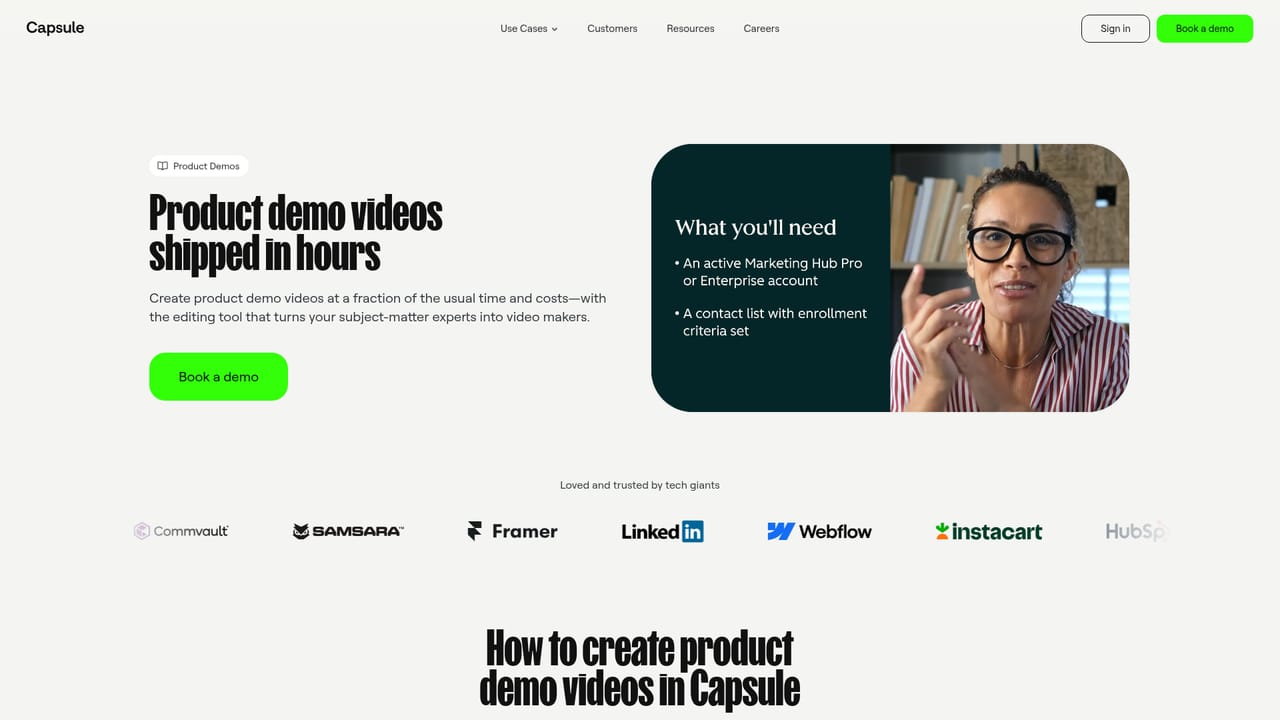
Capsule provides a dedicated success manager, hands-on education for non-creative users, and continued help with new designs, more teams and rebrands.
Capsule offers Video Skills for Claude and ChatGPT so users can create brand-approved videos through a conversational agent.
Core capabilities include converting After Effects files into editable templates, a template-driven video editor for non-designers, custom motion design systems built with Capsule's motion engineers, and Video Skills that work inside Claude or ChatGPT. Use cases span product demos, sales, ABM, paid media and internal comms.
 AI Angels400+ customizable AI girlfriends for NSFW chat, voice calls, and roleplay
 Candy AIExperience the future of companionship with AI friends who chat, role-play, and connect with you on a human level.
 ourdream.aiA vast AI roleplay platform with millions of characters for chat, images, video and voiceAI Angels400+ customizable AI girlfriends for NSFW chat, voice calls, and roleplayCandy AIExperience the future of companionship with AI friends who chat, role-play, and connect with you on a human level.ourdream.aiA vast AI roleplay platform with millions of characters for chat, images, video and voice


