Birthday Invitation AI

AI birthday invitations with built-in QR RSVP tracking and wishlists

Beginner
Screenshot of Birthday Invitation AI, AI birthday invitations with built-in QR RSVP tracking and wishlists

What is Birthday Invitation AI?

Birthday Invitation AI generates themed kids, teen and adult birthday invitations in about a minute, with a QR-code RSVP form, guest list export and gift wishlist. Credits are pay as you go and never expire, with 100 free on signup.

Birthday Invitation AI is a web-based generator that turns a short form into a finished birthday invitation. The user enters a name, age, party times, location, an optional custom message and a design theme, then picks an age group (kids, teen or adult) and one of nine invitation languages. The AI produces a themed design in about a minute, ready to print or share digitally. A milestone birthday section covers significant ages. A distinguishing feature is "Be the Star of Your Invitation". The user uploads a portrait (JPEG, PNG or WebP, up to 5MB) and the AI places that person into the themed scene, so the birthday child or adult appears in the artwork itself. The site says this works across ages and themes, and it costs extra credits on top of the base invitation. The second half of the product is event management. Every invitation can carry a QR code and link that lead to an RSVP form guests open in any browser, with no app or account needed. Hosts choose whether email and phone are required, optional or both, set a maximum guest count that closes the form automatically, receive notifications, and export responses with headcount and dietary details. The RSVP form is also offered separately: people who already have their own invitation design can upload it and get the form free. A gift wishlist adds priority levels, Amazon product links and claim tracking so guests do not buy duplicates. Pricing is pay as you go rather than subscription based. New accounts receive 100 free credits, enough for one invitation, and purchased credits do not expire. An invitation costs 100 credits, a stylized photo adds 100, and removing the RSVP page watermark costs 50. The tool suits parents planning children's and teen parties most directly, with adult and milestone options for others. Compared with general design platforms such as template-based editors, it trades broad layout control for speed and bundled guest tracking. Compared with standalone RSVP services, it keeps the invitation, responses and gift coordination in one place.
How do you use Birthday Invitation AI?

  1. 1Choose an age group and language
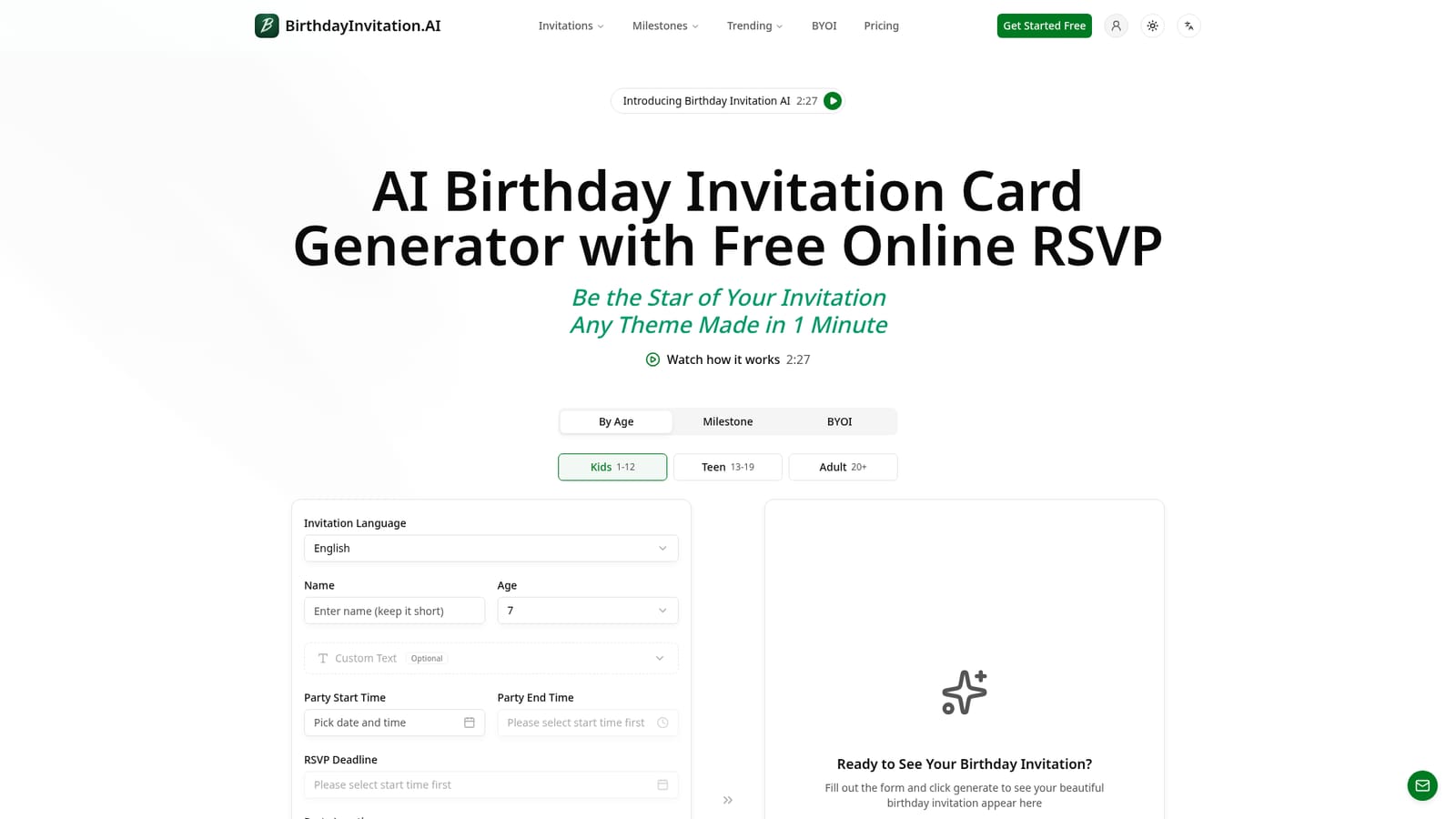
    Open the homepage generator and pick Kids, Teen or Adult, or a milestone age, then select one of the nine invitation languages.
    Birthday Invitation AI — Choose an age group and language
  2. 2Fill in the party details
    Enter the name, age, start and end times, RSVP deadline, location and any optional custom text, then choose a design theme.
  3. 3Add a portrait and generate
    Optionally upload a JPEG, PNG or WebP portrait up to 5MB so the AI places the birthday star in the scene, then click Generate. Signing up gives 100 free credits.
    Birthday Invitation AI — Add a portrait and generate
  4. 4Set up the RSVP form
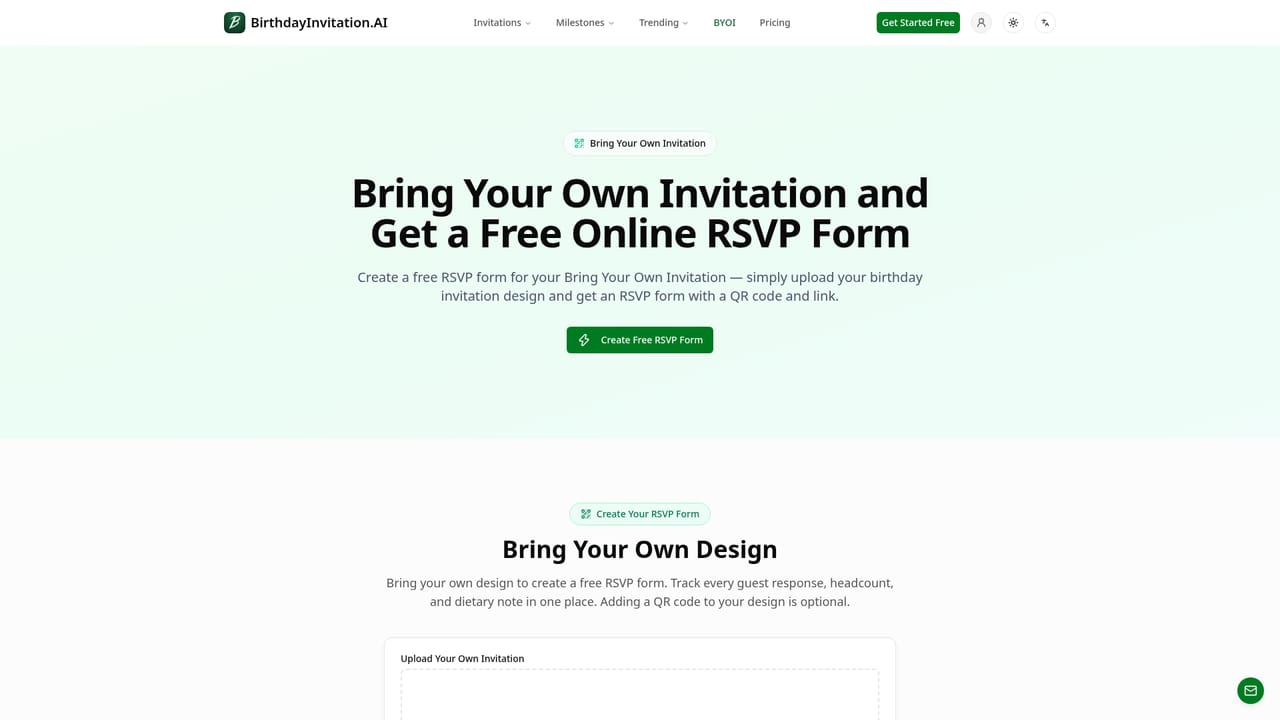
    Use the QR code and link, choose which contact details to require, and set a guest limit. Existing designs can be uploaded to get the same form.
    Birthday Invitation AI — Set up the RSVP form
  5. 5Add a gift wishlist
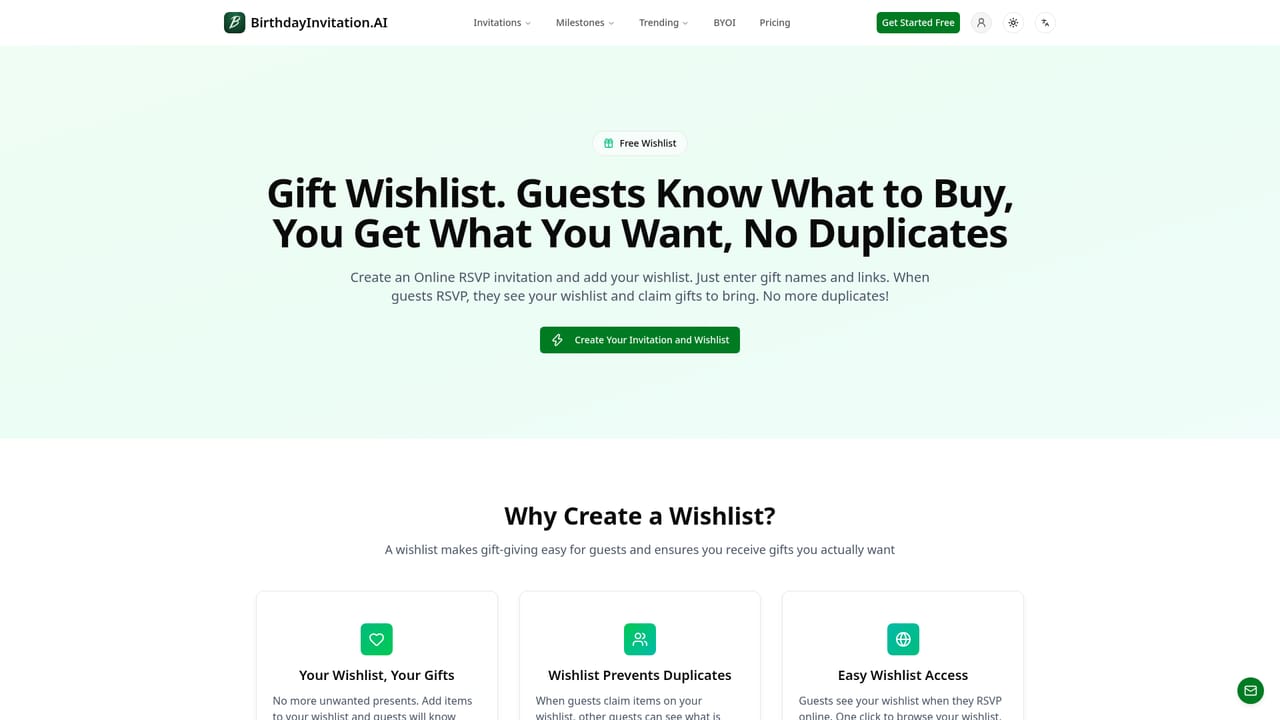
    Create wishlist items with priorities and purchase links so guests can claim gifts when they RSVP.
    Birthday Invitation AI — Add a gift wishlist

Pros and cons

Pros

  • Generates a themed invitation from a short form in about a minute, with no design skills requiredAI
  • RSVP form with QR code works in any browser, so guests need no app or accountAI
  • RSVP form is free even for invitations designed elsewhereAI
  • Credits never expire and there is no subscription, so occasional hosts pay only when neededAI
  • Photo feature places the birthday star into the themed scene for a personal resultAI

Cons

  • Credit costs stack: photo styling and watermark removal are charged on top of the 100 credit invitationAI
  • Guest tracking is listed up to 200 guests on every credit pack, which may not suit large eventsAI
  • Narrow focus on birthdays, so it does not serve other event types or general design needsAI
  • Design control is limited to form inputs and themes rather than a full layout editorAI
  • Interface is offered in nine languages, but no native mobile app or API is mentionedAI

How much does Birthday Invitation AI cost?

Free trial

New accounts get 100 free credits on signup, enough for a first invitation, with no credit card required. The RSVP form is free to use.

Learn more

Pricing

Pay as you go with no subscription. Signup gives 100 free credits. Packs: 1,000 credits for $15, 2,000 for $20, 5,000 for $30. An invitation costs 100 credits, a stylized photo adds 100, and removing the RSVP watermark costs 50. Credits never expire.

Learn more

Support

A contact page is available, and the homepage includes an FAQ covering subscriptions, RSVPs, printing and costs.

Learn more

Integrations

Wishlist items can link to Amazon product URLs. No other integrations are stated.

Learn more

Features

AI invitation generation for kids, teens, adults and milestones, nine languages, portrait-based "Be the Star" feature, print-ready or digital output, QR code RSVP form, guest limits, notifications, export of responses, and a gift wishlist with claim tracking.

Learn more

Frequently asked questions about Birthday Invitation AI

  • How much does Birthday Invitation AI cost?
    Pay as you go with no subscription. Signup gives 100 free credits. Packs: 1,000 credits for $15, 2,000 for $20, 5,000 for $30. An invitation costs 100 credits, a stylized photo adds 100, and removing the RSVP watermark costs 50. Credits never expire.
  • Does Birthday Invitation AI offer a free trial?
    New accounts get 100 free credits on signup, enough for a first invitation, with no credit card required. The RSVP form is free to use.
  • How do you use Birthday Invitation AI?
    The walkthrough on this page covers 5 steps: 1. Choose an age group and language 2. Fill in the party details 3. Add a portrait and generate 4. Set up the RSVP form 5. Add a gift wishlist.
  • What platforms does Birthday Invitation AI support?
    Birthday Invitation AI is available on Web App.
  • What does Birthday Invitation AI integrate with?
    Wishlist items can link to Amazon product URLs. No other integrations are stated.
  • What are the limitations of Birthday Invitation AI?
    Credit costs stack: photo styling and watermark removal are charged on top of the 100 credit invitation. Guest tracking is listed up to 200 guests on every credit pack, which may not suit large events. Narrow focus on birthdays, so it does not serve other event types or general design needs.

Status

StatusActive
Views0
Outbound clicks0
Added10/18/2026

Platforms

Web App

Pricing

FreemiumPaid