Free trial
No separate trial is needed: every new account starts on a free weekly allowance of 60 credits (about 2,000 words) without entering payment details.
Learn moreVoice dictation that types clean, punctuated text in any app
Own BlabbyAI Speech to Text? Verify ownership to get a dofollow link

BlabbyAI Speech to Text is an AI transcriber tool. AI dictation for Windows, Android and Chrome that uses Whisper v3 Turbo to type punctuated text into any app, with custom modes, personal spellings and support for 90+ languages.
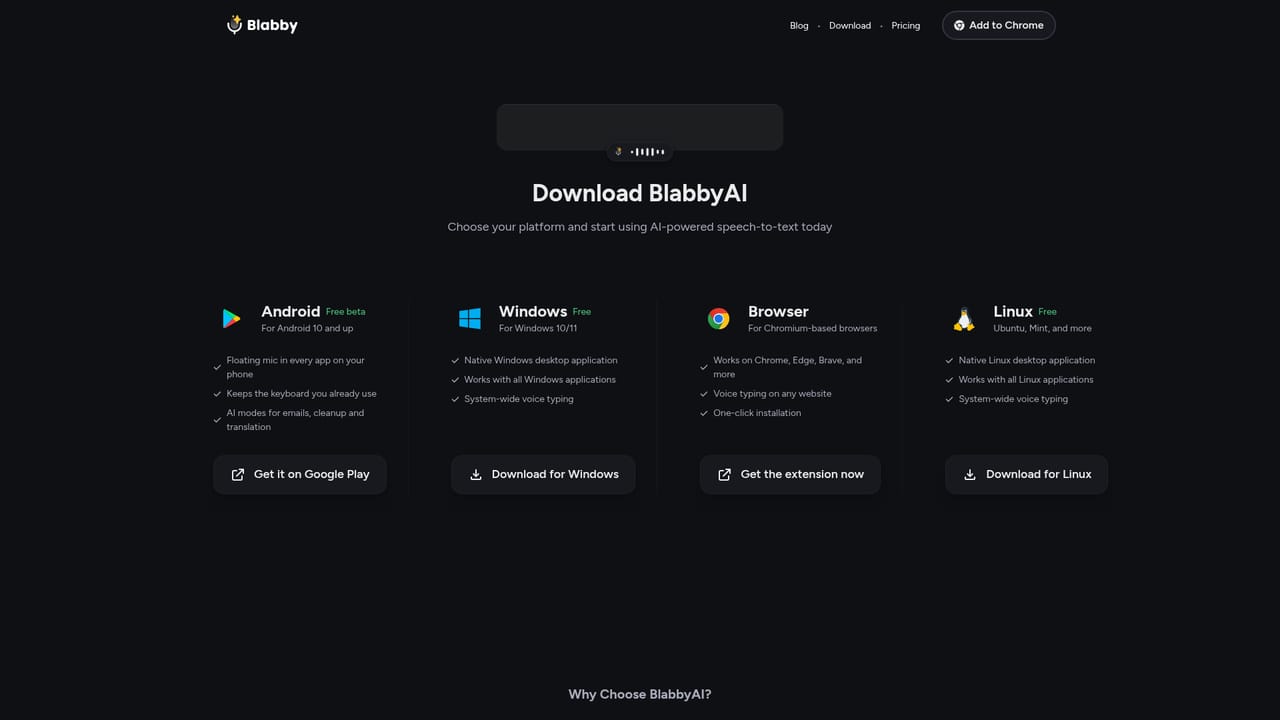
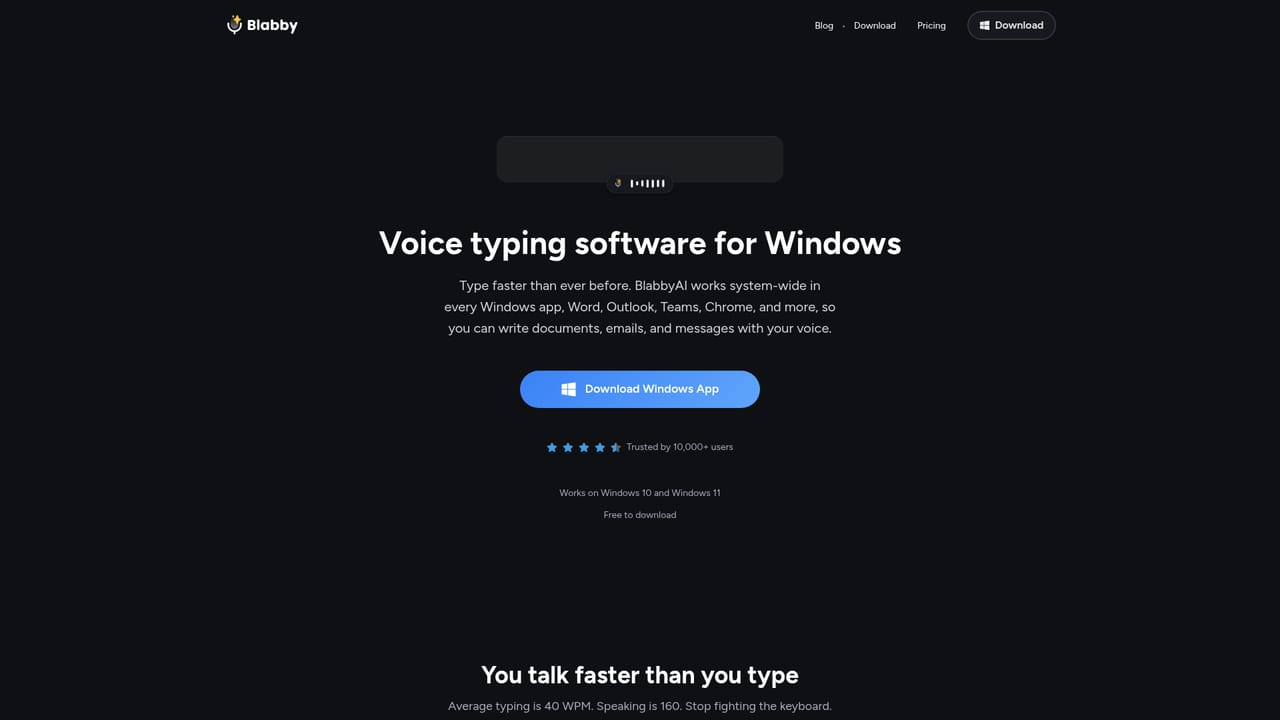
BlabbyAI is AI dictation software that turns speech into finished text inside the programs people already use. It ships as a Windows app, an Android app and a Chrome extension, and instead of trapping you in a single editor it types into whatever field currently has focus. On a PC that means pressing Ctrl+Space in Word, Outlook, a CRM or a browser form; on a phone it means tapping a floating mic that sits on top of Gboard, Samsung Keyboard or SwiftKey; in Chrome it means clicking a mic beside any text field on any website. The stated pitch is speed: average typing runs around 40 words per minute while speech runs near 160. The engine is OpenAI's Whisper v3 Turbo model, which the site credits with handling accents, fast speech and automatic punctuation. Above the raw transcript sits a layer the company calls AI Modes: plain English instructions that can fix grammar, rewrite dictation as a professional email, translate into English or expand abbreviations, each saved as a switchable preset. Custom spellings let users register names, acronyms and industry jargon so they come back correctly, and auto-detect covers more than 90 languages. Shortcuts are user-defined, so recording can start and stop without touching a mouse. The tool is aimed at people who write for a living or write constantly as part of another job: clinicians drafting patient notes, writers and bloggers, project managers, developers and anyone answering a heavy email load. Reviews on the site come from a doctor replacing Dragon Naturally Speaking, a user who wanted cross-platform coverage, and everyday Chrome extension users. BlabbyAI positions itself against Google Speech-to-Text and Microsoft Speech Recognition on formatting rather than raw recognition, arguing that those engines return unpunctuated strings that need manual cleanup. Dedicated transcription services that process uploaded audio files are a different category; BlabbyAI is live dictation into a cursor, not a batch transcription pipeline. Setup is deliberately shallow. There is no model training and no configuration beyond choosing a shortcut and optional modes. Accounts start with 60 free credits a week (roughly 2,000 words), no card required, and unlimited use is listed at $8.49 per month. Voice data is described as processed securely and not stored after transcription.
No separate trial is needed: every new account starts on a free weekly allowance of 60 credits (about 2,000 words) without entering payment details.
Learn moreFree accounts receive 60 credits each week, roughly 2,000 words of dictation, with no credit card required. Unlimited use is priced at $8.49 per month, and the site notes that cancellation is possible at any time. The Android app is free while in beta.
Learn moreWorks inside ChatGPT, Claude, Superhuman, Word, Outlook, Gmail, Google Docs, LinkedIn and WhatsApp, plus over 50,000 websites reached through the Chrome extension in Chrome, Brave, Opera, Edge and Vivaldi.
Learn moreWhisper v3 Turbo transcription with automatic punctuation and capitalisation, AI Modes that reformat or rewrite dictation from plain English instructions, custom spellings for names and jargon, auto language detection across 90+ languages, user-defined shortcuts, and system-wide input on Windows, Android and Chrome.
Learn more AI Angels400+ customizable AI girlfriends for NSFW chat, voice calls, and roleplay
 Candy AIExperience the future of companionship with AI friends who chat, role-play, and connect with you on a human level.
 ourdream.aiA vast AI roleplay platform with millions of characters for chat, images, video and voiceAI Angels400+ customizable AI girlfriends for NSFW chat, voice calls, and roleplayCandy AIExperience the future of companionship with AI friends who chat, role-play, and connect with you on a human level.ourdream.aiA vast AI roleplay platform with millions of characters for chat, images, video and voice


